Choosing between Webkul vs Dokan is one of the first big decisions when you build a WooCommerce marketplace. Both plugins turn a single store into a multi vendor platform, yet they price and package that power very differently.
This guide compares the two on cost, commission, vendor tools, and add-ons. So by the end, you will know which plugin fits your budget and your growth plans.
If you’re looking for a complete solution, the Webkul WooCommerce Marketplace plugin provides the tools you need to build and manage a multi-vendor marketplace with WooCommerce.
What each plugin actually does
Dokan and Webkul both extend WooCommerce so many sellers can list products under one roof. Each vendor gets a front-end dashboard, while the admin keeps control over approvals, commission, and payouts.
Dokan ships as a freemium plugin with paid tiers on top. Webkul sells a one-time license instead, so the pricing models differ from day one.
Both stay current with WooCommerce too. For example, the Webkul plugin now supports HPOS, the Cart and Checkout blocks, and Elementor.
Webkul vs Dokan pricing
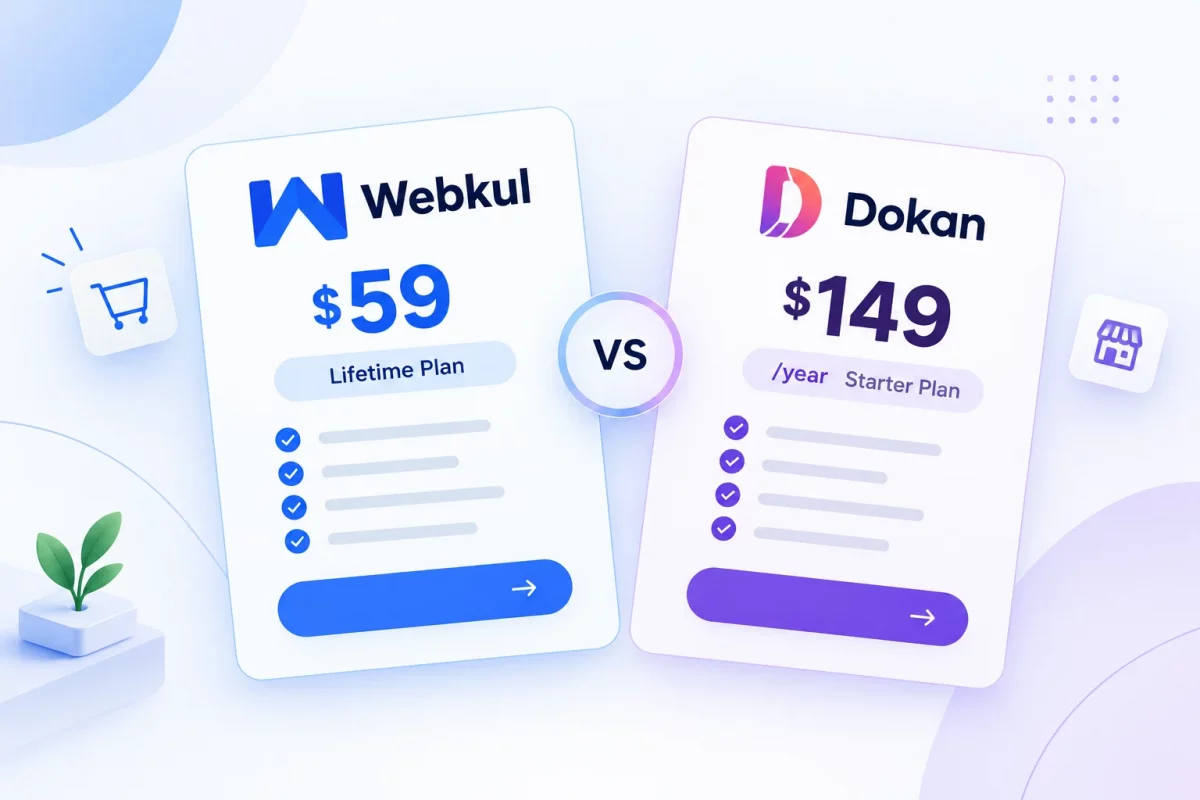
Pricing is where Webkul vs Dokan splits most clearly. Webkul charges a single fee of around $59 for its Multi Vendor Marketplace plugin, and updates stay free for life.
Dokan works on yearly subscriptions instead. Its paid plans start near $149 a year and renew every year you keep the site running.
Vendor limits matter here too. Dokan caps the Starter plan at 10 vendors and the Professional plan at 25, so you must reach the roughly $499 Business tier for unlimited sellers.
Webkul sets no vendor cap on its license. So a store with 5 vendors and a store with 500 pay the same one-time price.
Dokan does ship a free Lite version with unlimited vendors. But it locks most marketplace modules behind the paid tiers.
How commission and payouts work
Commission sits at the core of any marketplace. Webkul lets the admin set a global rate first, then override it per vendor.
Its Advance Commission add-on goes further than that. With it, you can set commission by vendor category or even by a single product.
Dokan also supports flexible commission, including percentage and flat combinations. Then vendors request withdrawals through methods like PayPal, bank transfer, or Stripe.
Dokan adds reverse withdrawal for cash-on-delivery orders. Webkul handles payouts through its withdrawal, payout, and vendor invoicing settings.
Vendor and store features
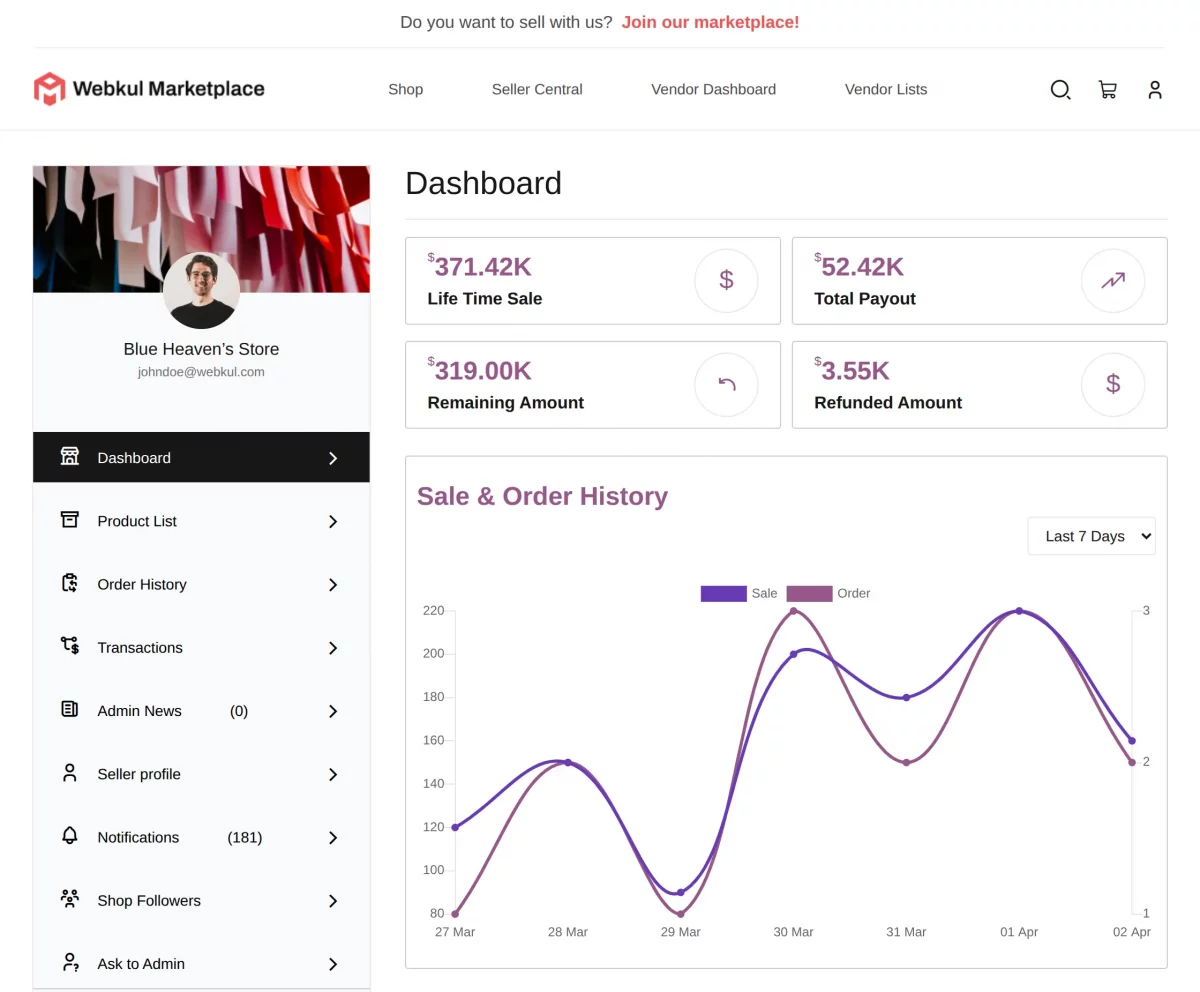
Both plugins give vendors a genuine storefront. Webkul includes KYC verification, staff accounts, vacation mode, and custom shipping zones inside the core plugin.
Vendors can also print invoices, watch shop stats, and message the admin directly. So most daily tasks stay inside one dashboard.
Dokan matches many of these with store hours, store SEO, and a setup wizard for new sellers. It also handles grouped, variable, and digital product types.
Add-ons and extra modules
Add-ons decide how far each platform can stretch. Webkul offers modules for multi-currency, auctions, table rate shipping, and a price comparison feature where several vendors sell the same product.
It also sells bigger extensions like B2B Multi Vendor, a point of sale system, and a Flutter mobile app for vendor and customer. So you can grow the marketplace without switching platforms later.
Dokan keeps a mature module library too. For instance, it covers Stripe Connect, PayPal Marketplace, subscriptions, and a delivery driver app.
Where Webkul pulls ahead
Webkul bundles more into the core and never charges again for updates. For growing stores, that means the cost stays flat as vendor numbers climb.
The price comparison module is a real edge here. It lets your marketplace behave like Amazon, where many sellers compete on one product page.
Webkul vs Dokan at a glance
The table below sums up the main differences so you can scan them fast.
| Feature | Webkul Marketplace | Dokan |
|---|---|---|
| Pricing model | One-time license | Yearly subscription |
| Entry price | Around $59 once | Around $149 per year |
| Vendor limit | Unlimited on every license | 10 or 25 until Business tier |
| Free updates | Lifetime | While subscription is active |
| Commission control | Global, per vendor, category, product | Global, per vendor, per product |
| B2B and POS add-ons | Yes | Limited |
| Native payment split | Via add-ons | Built into modules |
Setup and daily support
Both plugins install like any WooCommerce extension, so setup stays familiar. Dokan runs a step-by-step wizard that walks new admins through commission and payout basics.
Webkul groups its settings into clear panels for products, endpoints, and payouts. So you configure the marketplace once, then leave vendors to run their own shops.
Support also differs by model. Dokan bundles priority help into higher tiers, while Webkul offers ticket support and free lifetime updates with the one-time license.
Which plugin should you choose
Pick Dokan if you want a free start and native payment splitting through its Stripe or PayPal marketplace modules. Its yearly model suits teams that like support bundled with each renewal.
Pick Webkul if you want a one-time cost, unlimited vendors, and add-ons like B2B and point of sale. So a marketplace that plans to scale usually pays less with Webkul over the long run.
You can study the full feature list on the Webkul Multi Vendor Marketplace page. For more plugin picks, the best WooCommerce multi vendor plugins guide helps too.
Final verdict
The Webkul vs Dokan choice comes down to how you want to pay and how far you plan to grow. Dokan is a strong freemium route, while Webkul rewards stores that scale with a flat, one-time price and no vendor cap.
So test both demos with your own product data before you buy. Then match the plugin to your vendor count, your budget, and the payment methods your sellers need. You can also read the official Webkul WooCommerce Marketplace Doumentaion and Dokan documentation to confirm each tier.

Be the first to comment.