
Health, United States
Check how Webkul helped HeartWellMed medical supplies company to achieve their goal for the product information management and more.

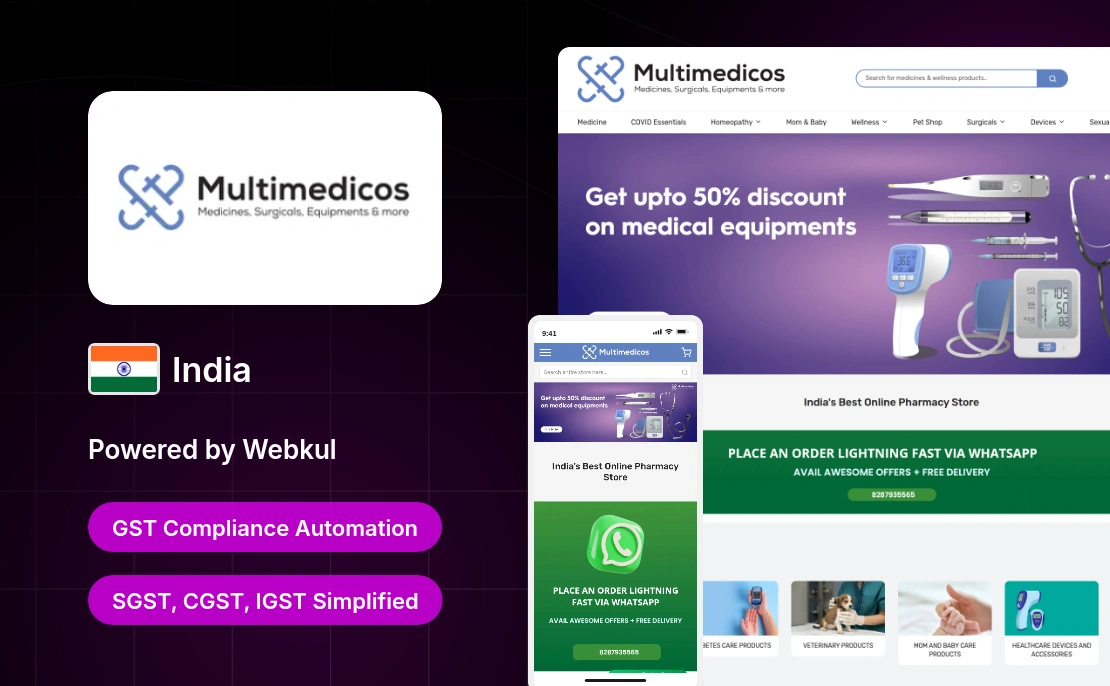
Multimedicos is an India-based online pharmacy retailer, serving customers through its digital platform and physical stores.
The platform offers a wide range of pharmaceutical products including prescription medicines, OTC drugs, healthcare items, and wellness products.

With a focus on accessibility and affordability, Multimedicos ensures genuine products through trusted pharmaceutical partnerships.
It enables customers to conveniently purchase medicines while also offering expert guidance through its network of pharmacists.
With GST requirements in place, Multimedicos needed a system for automatic tax calculation and clear GST breakdown display.
To achieve this, they partnered with a professional Magento Development Agency to implement the Adobe Commerce solution.
Multimedicos needed a reliable system to handle automated GST calculation and ensure accurate tax breakdowns across its online store.
The business required proper implementation of SGST, CGST, and IGST based on customer location, along with HSN code management for products.
Without a structured system, maintaining consistent tax application across cart, checkout, and invoices became difficult.
The brand required a solution that could automate GST compliance and ensure clear tax visibility for customers throughout the purchase journey.
This case study explains how the company addressed GST compliance challenges with Webkul’s tax automation solution.
GST Extension for Magento 2 helped Multimedicos comply with GST regulations by automatically applying tax on product pages and in the shopping cart.
Admin can enable/disable the module, set GST rates for each product, add HSN codes, and update multiple products using CSV files.
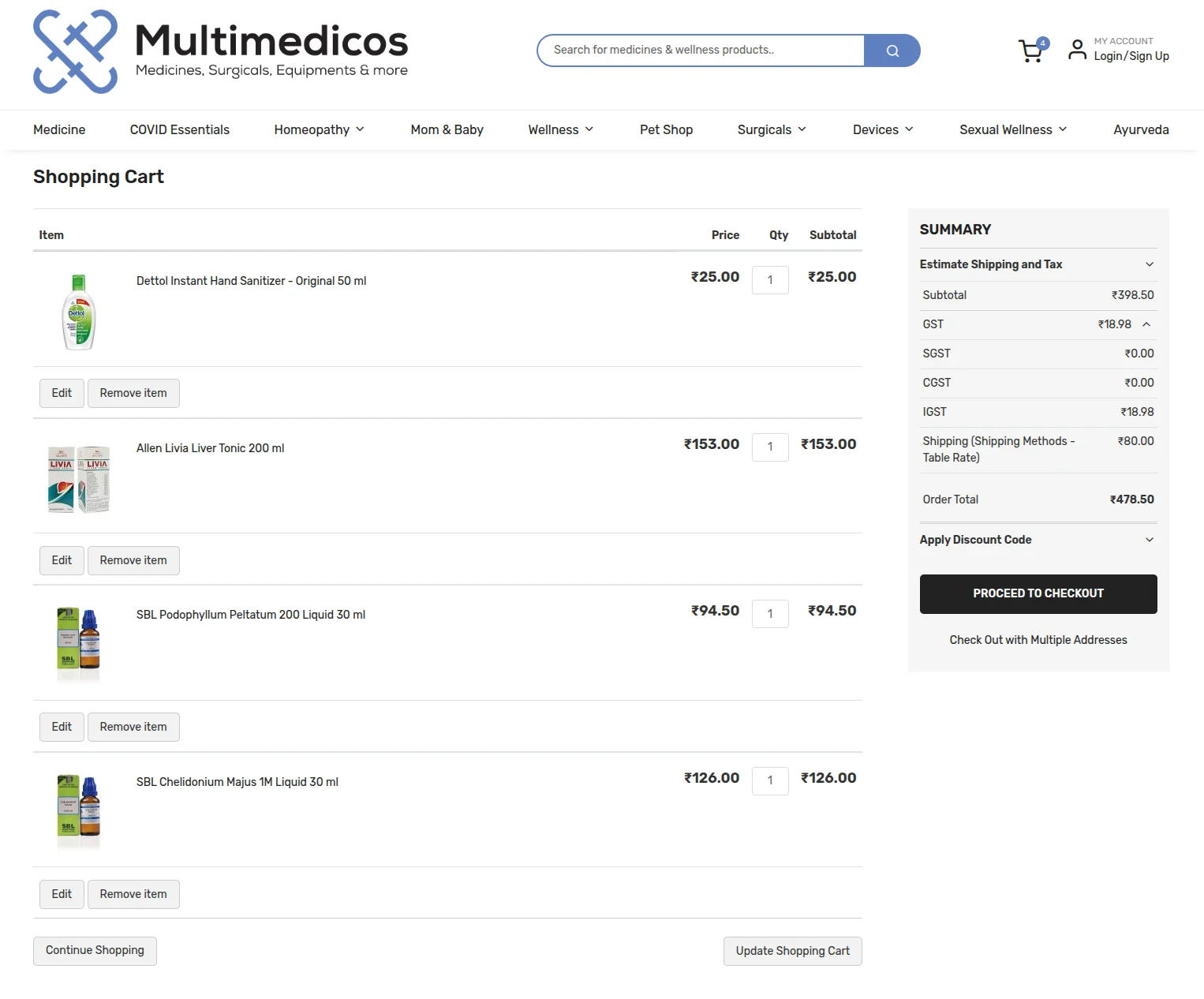
Customers can add their GSTIN during registration or account edit and view detailed GST breakdown across cart, checkout, and invoice.
The system automatically splits GST into SGST, CGST, and IGST based on location, ensuring real-time tax calculation and seamless compliance.
This helps Multimedicos maintain GST compliance while improving clarity and trust through transparent tax display.
With the Magento 2 GST Extension implemented, Multimedicos achieved accurate and automated GST calculation across its Magento 2 store.
Customers could view clear GST breakdowns including SGST, CGST, and IGST, improving transparency during checkout.
This structured tax display reduced confusion and helped customers easily understand the final payable amount.
Store admin saved effort as tax rules, HSN codes, and calculations were automatically managed without manual intervention.
Webkul’s Magento 2 Extensions helped the firm maintain GST compliance while ensuring smooth and transparent shopping experiences.

Check how Webkul helped HeartWellMed medical supplies company to achieve their goal for the product information management and more.

Proteor USA done the Synchronization Of Salesforce Shopify Data using "eShopSync For Shopify" connector under the guidance of certified Salesforce Consultants.
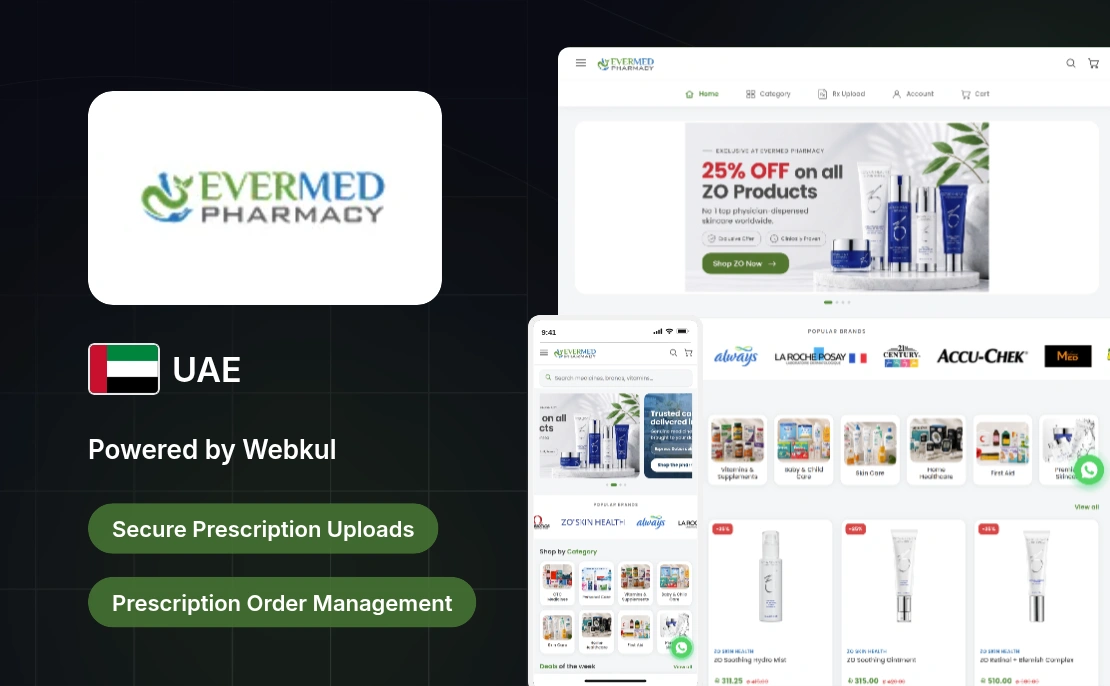
EverMed Pharmacy, a UAE firm, integrated WooCommerce Medical Prescription Attachment to manage prescription uploads on its WooCommerce store.
Start a Project

Message Sent!
If you have more details or questions, you can reply to the received confirmation email.
Back to Home