
Health, Japan
Yakult multiple Shopify store integration with Salesforce gives the company an edge in its operations efficiency by using Shopify Salesforce Connector.


Vet Trade is a France-based company with a very specific and demanding market.
They source, refurbish, and sell high-precision flexible endoscopes and ultrasound equipment to healthcare institutions worldwide.
Every product they handle carries significant value and requires careful attention. Their PrestaShop store managed: product listings, customer accounts, and incoming orders.
And, Salesforce CRM handled: tracking leads, managing follow-ups, and keeping the sales team aligned.
On paper, the setup looked complete. In practice, neither platform knew what the other was doing.
Running a B2B operation in the medical equipment space means the stakes around data accuracy are higher than in most industries.
An order that does not appear in the CRM until someone manually enters it is a gap in visibility that the sales team simply cannot afford.
Vet Trade was working with that reality, and the business felt the consequences across its operations.
The manual workload was constant, and the risk of error only increased as transaction volume grew.
Vet Trade came to Webkul with a clear picture of what they needed. They wanted data sync between their two platforms with specific conditions attached to each flow.
Vet Trade was looking for a prebuilt solution that could handle the exact combination they were running. And a team that understood the nuances of both.
The Webkul PrestaShop Salesforce Connector was purpose-built for this setup.
More importantly, the Webkul team had the experience to configure it around Vet Trade’s specific business logic.
The Webkul team configured the connector with careful attention to each requirement.
Conditional Product Sync
A custom checkbox was added to product records in Salesforce. In this way, products sync to PrestaShop when the checkbox is enabled.
New Customer Registration as Lead
Every new registration on the PrestaShop store automatically creates a Lead in Salesforce. An email is used to check for an existing record before creating one, preventing duplicates.
Abandoned Cart Capture
Abandoned carts now generate a Lead record in Salesforce, with each item from the cart stored in a custom related object.
Smart Lead Conversion on Order
After confirming payment for placing an order, the system triggers a structured conversion process – creating a new record only when no match exists, keeping CRM data clean and consistent.
The change was immediate and tangible. Once the connector went live, Vet Trade’s Salesforce CRM began reflecting what was actually happening in the store.
Vet Trade had two capable platforms. What they lacked was the connection between them.
Webkul provided that connection. The PrestaShop Salesforce Connector brought the two systems together in a clean, consistent, and long-lasting way.
Is your PrestaShop store and Salesforce CRM still running as two separate systems?
Reach out to the Webkul team at [email protected] or raise a ticket. We will take you through the right configuration — step by step.

Yakult multiple Shopify store integration with Salesforce gives the company an edge in its operations efficiency by using Shopify Salesforce Connector.

Kimberly Clark Corporation leverages the Adobe Commerce platform with Webkul Marketplace to build a comprehensive B2B platform.
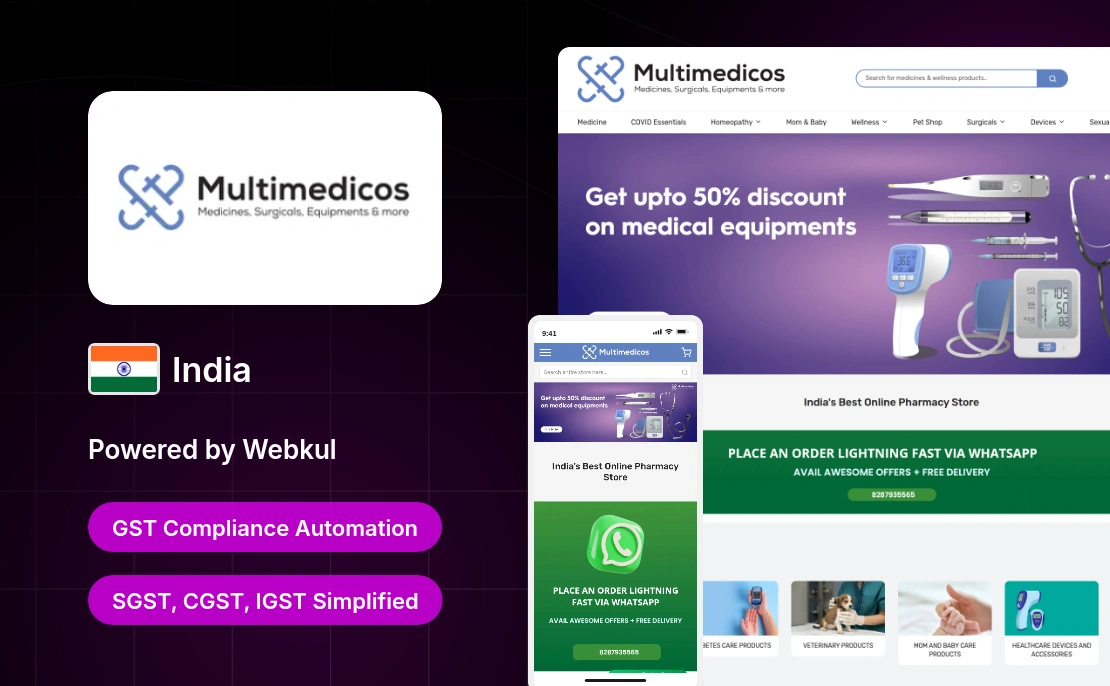
This India-based online pharmacy retailer adopted GST Extension by Webkul to ensure compliance with GST regulations across its Magento 2 store.
Start a Project
Request Personalized Demo

Message Sent!
If you have more details or questions, you can reply to the received confirmation email.
Back to Home