Laravel eCommerce Show Price After Login– Laravel eCommerce Show Price After Login module allows the customer to show the price of the product once they will sign in the website.
This module will provide full control on the visibility of prices and Add to cart button for the store owner.
This extension is allowed to show the price only for registered customer. Admin can enable or disable this module from the bagisto admin.
Now this will be helpful for the admin if they don’t want to show the price for the unregistered customer.
Check a brief overview of the plugin –
Feature of Laravel eCommerce Show Price After Login
- Admin can enable or disable show price after log in
- The price will not be shown for non-logged customer
- Customer cannot add product in the cart without login
- Add to cart will not be shown for non-logged customer
- Login to View Price button will be visible instead of Add to cart
- The admin can set the Show Price After Login for Bagisto module status as Yes or No.
- The admin can select multiple customer groups who can view the prices and add to the cart button from the configuration.
- Admin can select the categories for which the product price should display in the store.
- The admin can set a customized title for “Add to Cart” button & redirecting URL for the users who can’t view the price and Add to Cart button.
- Show price after login can also configure according to the product configuration/general configuration.
Installation of Laravel eCommerce Show Price After Login
After you have successfully downloaded the zip file of Laravel ShowPriceAfterLogin, unzip the zip folder and then merge “packages” folders into the project root directory.
Goto *config/app.php* from the project’s root:
Under the *providers* array, add this line at the end:
Webkul\ShowPriceAfterLogin\Providers\ShowPriceAfterLoginServiceProvider::class,
 Goto composer.json file inside the Bagisto root directory and add the following line under ‘psr-4’
"Webkul\\ShowPriceAfterLogin\\”: “packages/Webkul/ShowPriceAfterLogin/src"

Go to *config/bagisto-vite.php* add the following line under the ‘viters’ section
'showpriceafterlogin' => [
    'hot_file'                 => 'show-price-after-login-vite.hot',
    'build_directory'          => 'themes/show-price-after-login/default/build',
    'package_assets_directory' => 'src/Resources/assets',
],
Next, Run these commands below to complete the setup in the bagisto root directory.
composer dump-autoload
php artisan migrate
php artisan vendor:publish --provider="Webkul\ShowPriceAfterLogin\Providers\ShowPriceAfterLoginServiceProvider" --force
Then press enter to publish all assets and configurations. or Press the number showing ShowPriceAfterLoginProvider and then press enter to publish assets and configurations.
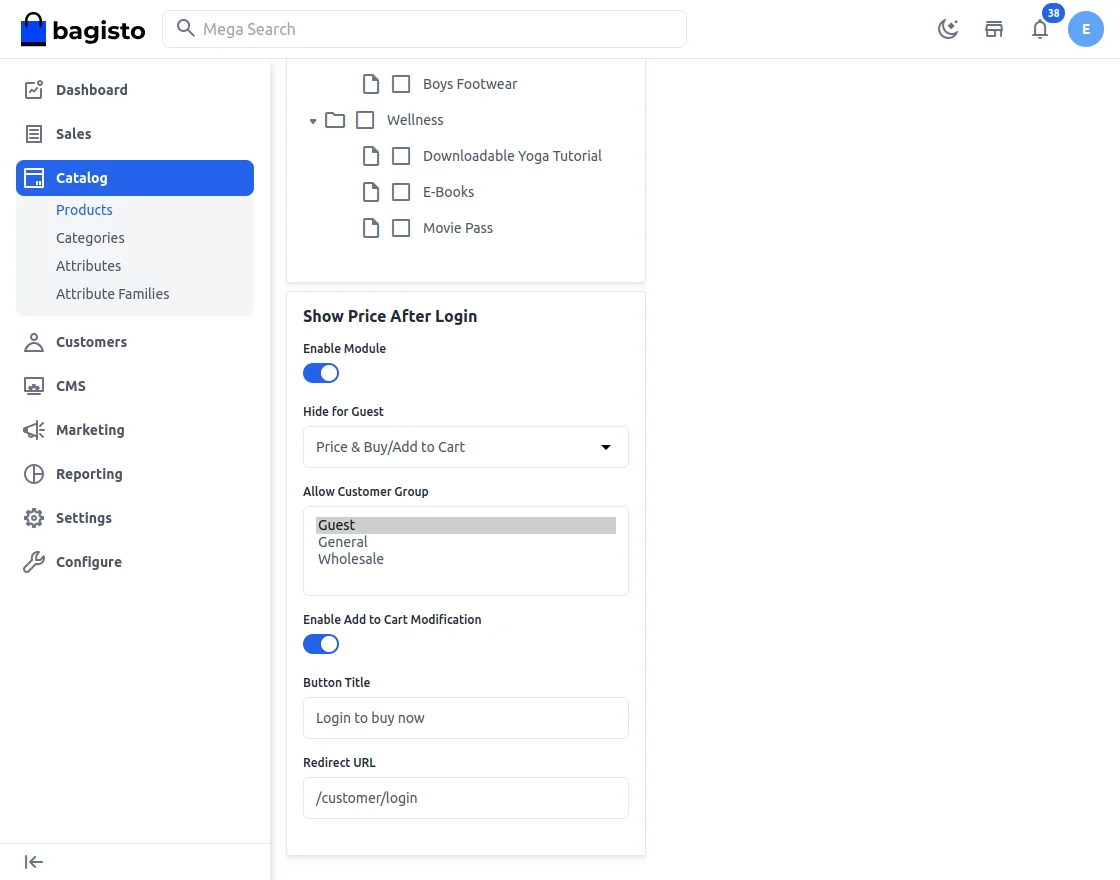
Show Price After Login Configuration
Once you successfully execute the command, you will see the Show Price After Login under the Configuration>>Show Price After Login.
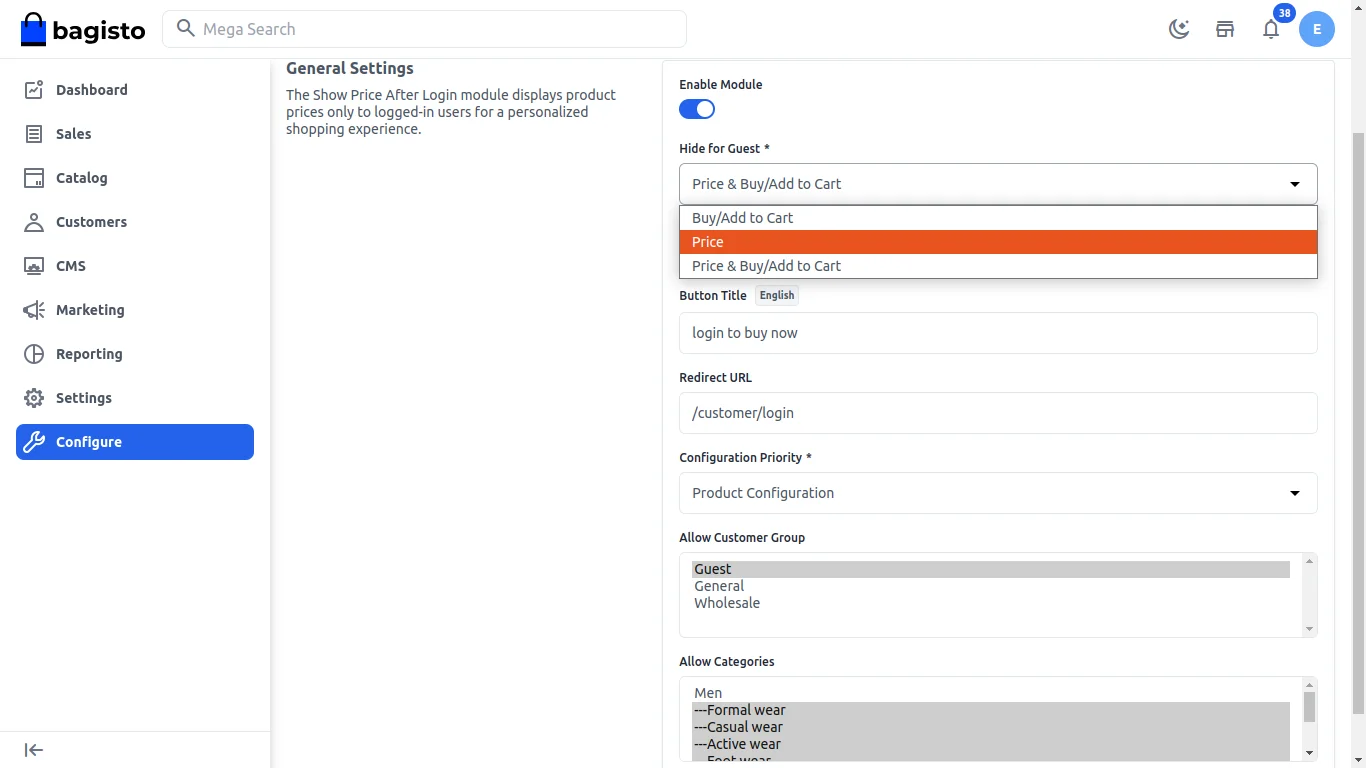
- Admin can enable or disable this module
- Hide for guest: Admin can select the option from the drop-down menu which is specific for the visualization on the customer end.
- Button title: The title of the button is set by the admin which is reflected on the customer end.
- Redirect URL: Redirected to the given path.
- Configuration Priority: The admin can choose a priority-based option, either “General Configuration” or “Product Configuration.”
- Allow customer Group: Admin can set the particular setting form here for the particular customer group.
- Allow Categories: Categories of the product which is visible to the customer end.
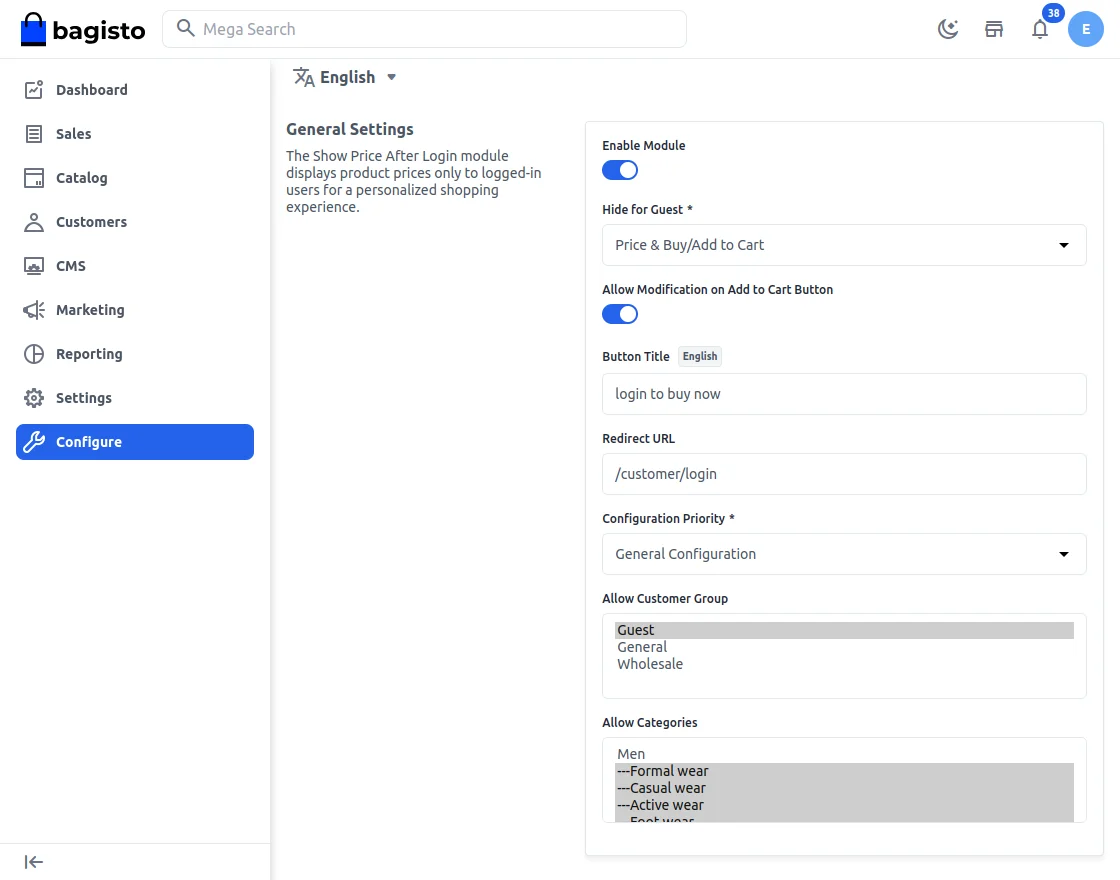
Configuration>>Configuration Priority>>General Configuration.
Admin enables the General configuration it will be reflected on the customer end. This feature is for the show price after login.
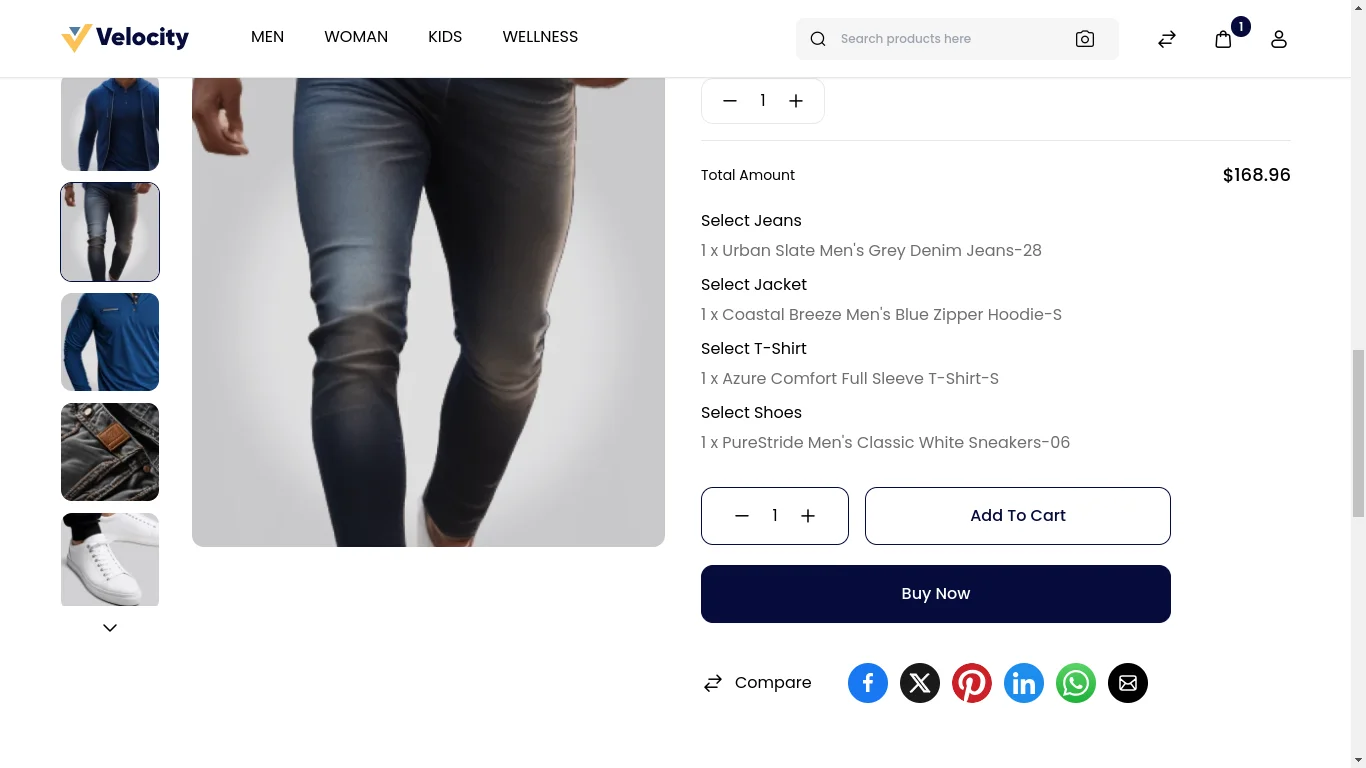
After Login, the product price will be visible to the customer only after adding the product to the cart. To proceed with the purchase, the customer can click the “Buy Now” button.
Configuration >> Configuration priority>>Product Configuration
To configure the product, the admin needs to set the basic settings as illustrated in the images below.
configuration>>general setting>>configuration priority >> product configuration >>save configuration.
As part of the product configuration process, the admin should focus on configuring aspects such as:
- The module must be enabled.
- Options hidden from guests should be selected from the dropdown menu.
- The button title displayed on the product button must be configured.
After completing these steps, the admin must save all the configurations.
If the admin wants to add a specific feature for a particular product, they should navigate to:-
Product Configuration >> Catalog >> Products>>edit.
Then, select the desired product by clicking on the specific product button, as shown in the image below.
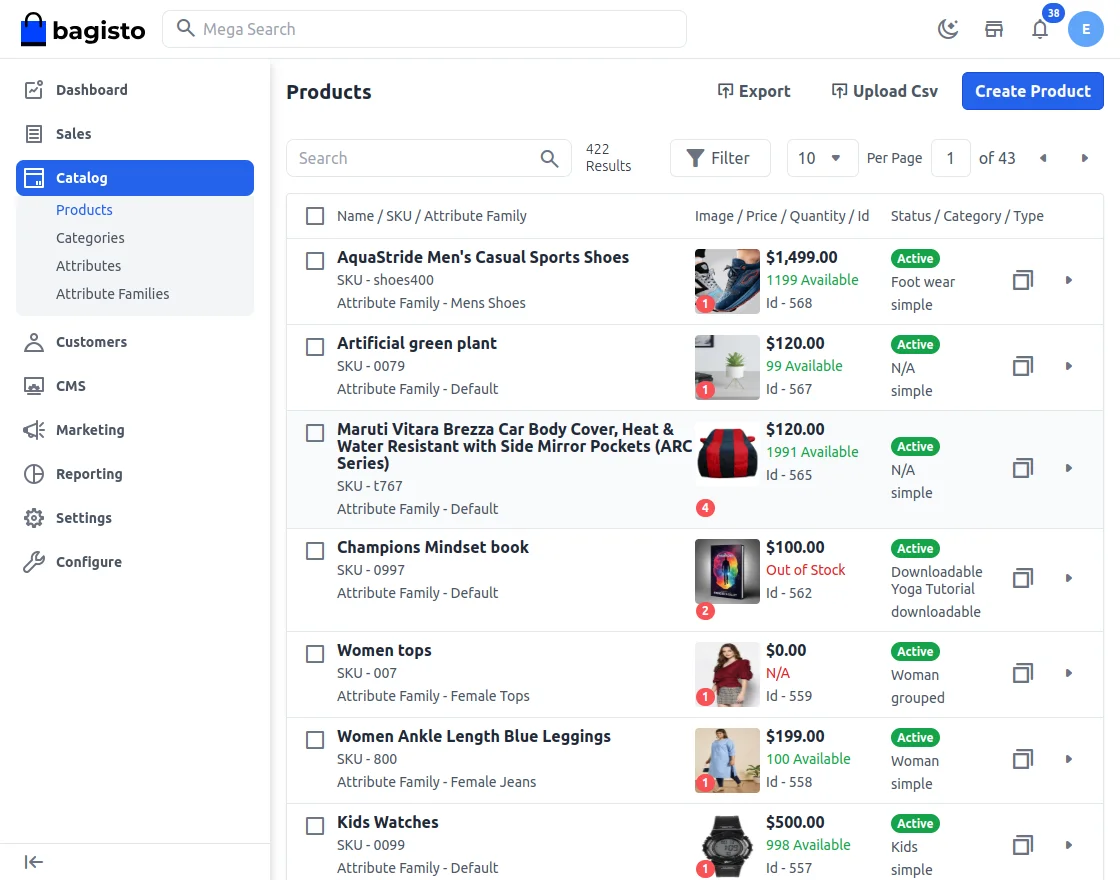
To enable the “Show Price After Login” setting, follow the steps in the images below. Once configured, click the “Save” button to save all the changes.
Laravel Show Price After Login At Front End
After completing the product configuration, navigate to the customer end and open the specific product that was configured.
Only logged-in customers can view the product price. For customers who are not logged in, the price will remain hidden. Customers must log in to purchase the product.
The applied configuration will be visible on the product, as shown in the image below.
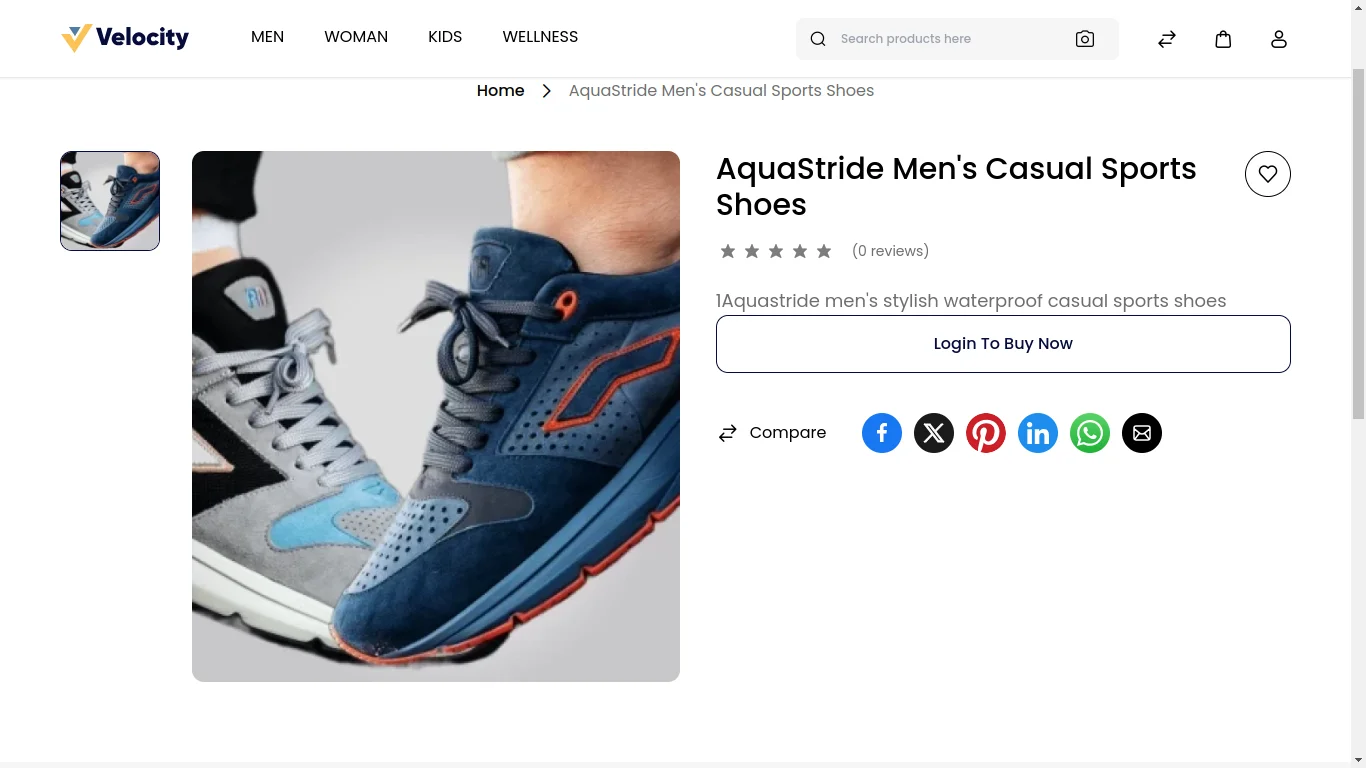
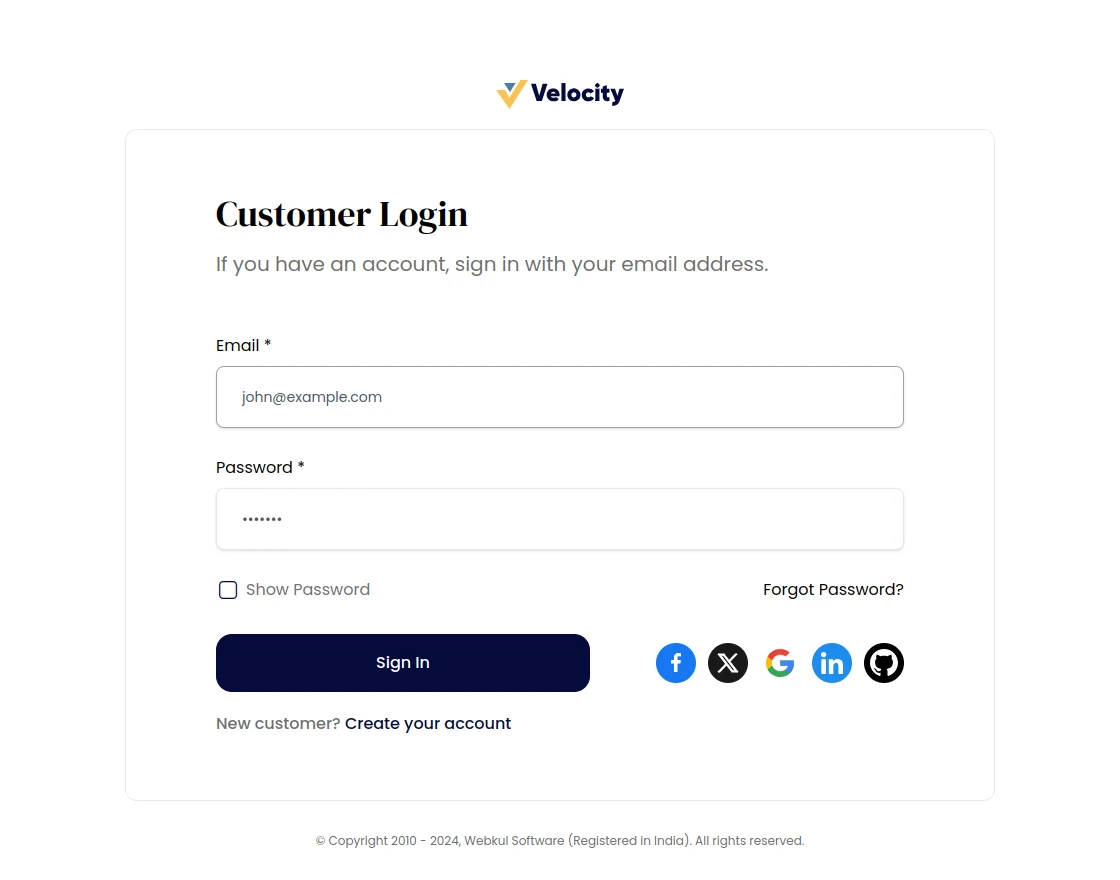
The “Login to Buy Now” button will redirect the customer to the login page to display the price after logging in.
Search Page:-
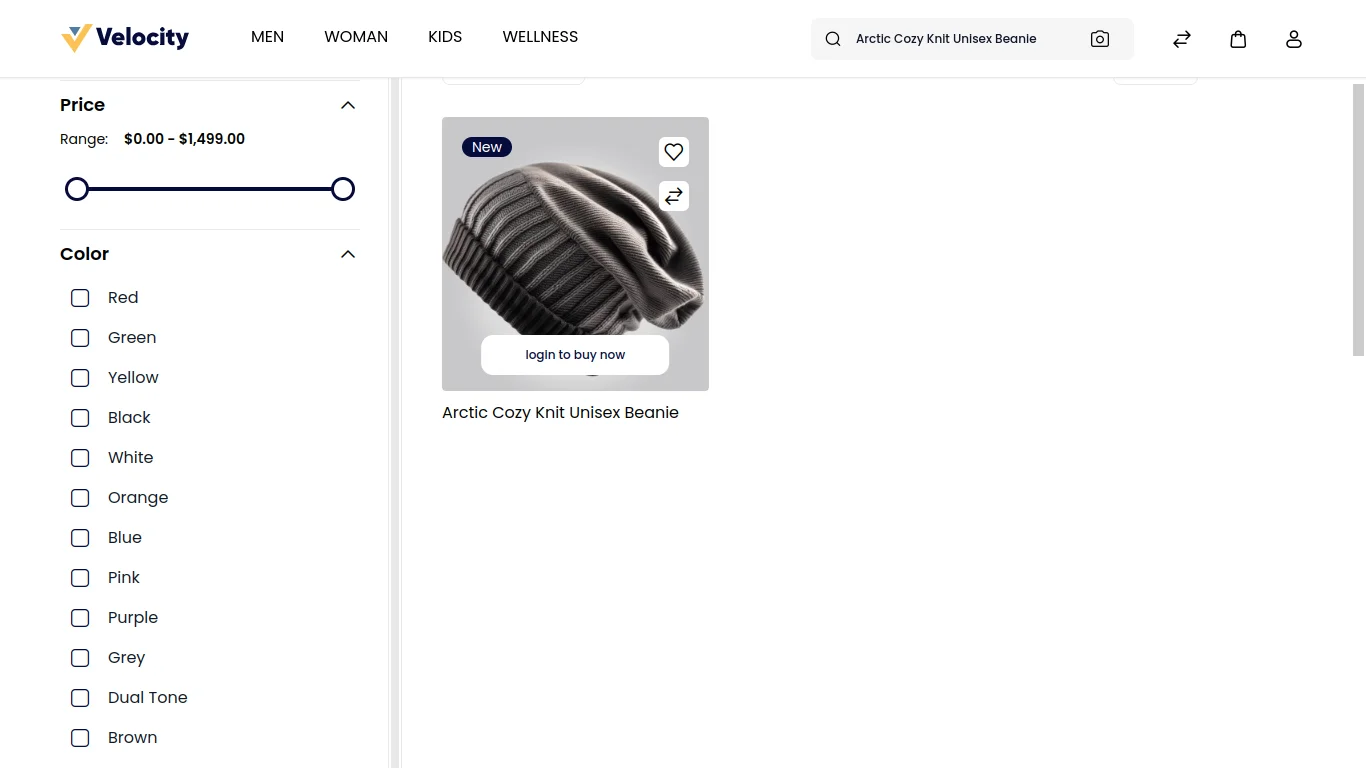
This module will be applicable to the search page also where the user can type the product name and search.
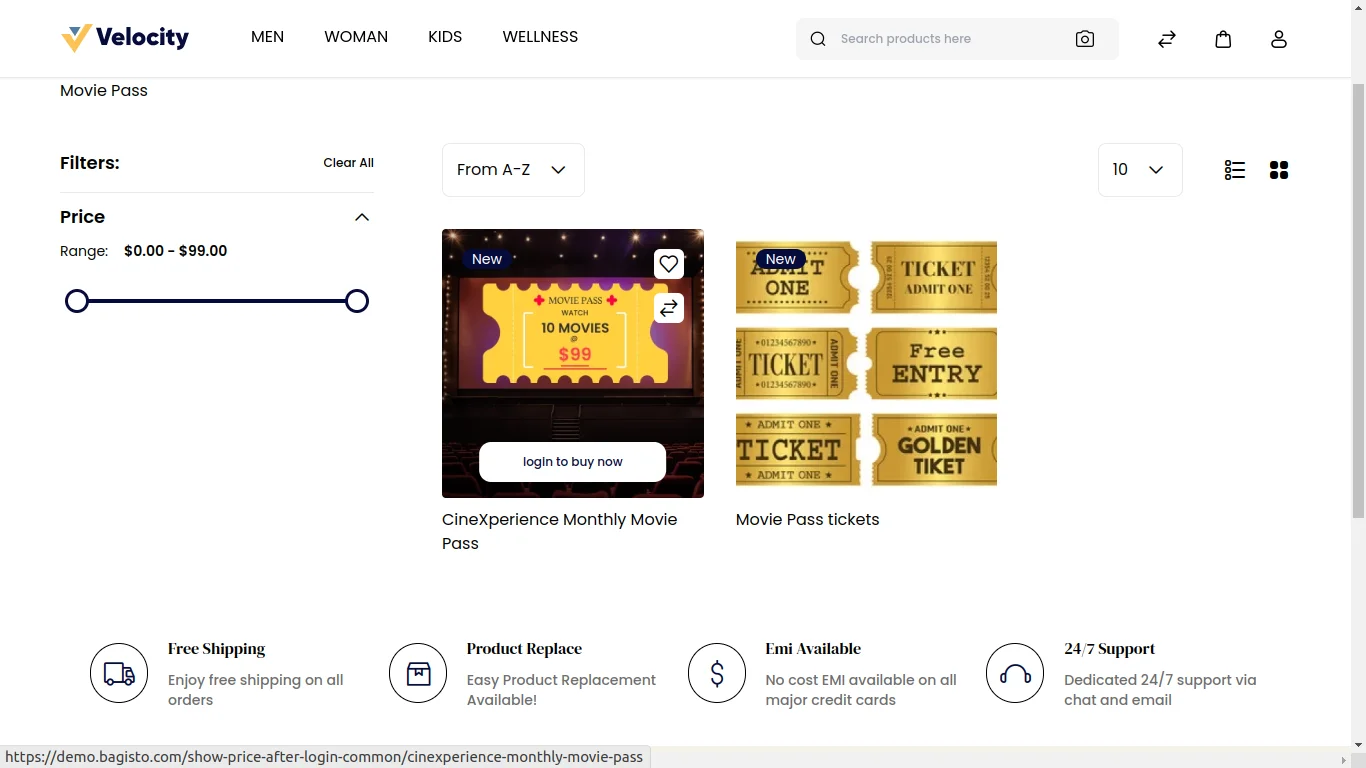
Then the product will be visible but price and add to cart is not visible. Login to view price button will be visible on the product.
Category Page
This module will be applicable on the category page. The category is a structure of your catalog.
By using category customers can easily find the specific product amongst the lot on your e-commerce website.
Customer can view product images only. Once they click on the product they can view all the detail except prices and add to cart.
That’s all for the Laravel Show Price After Login still, have any issue feel free to add a ticket here
Current Product Version - 2.1.2
Supported Framework Version - Bagisto v2.1.2

Be the first to comment.