Database efficiency in WooCommerce is more critical than ever, making query optimization essential for modern high-traffic stores.
An N+1 query issue occurs when a script executes one database query to fetch products and then separate queries for each product.
This guide covers practical strategies to diagnose, resolve, and prevent N+1 query loops on your product pages.
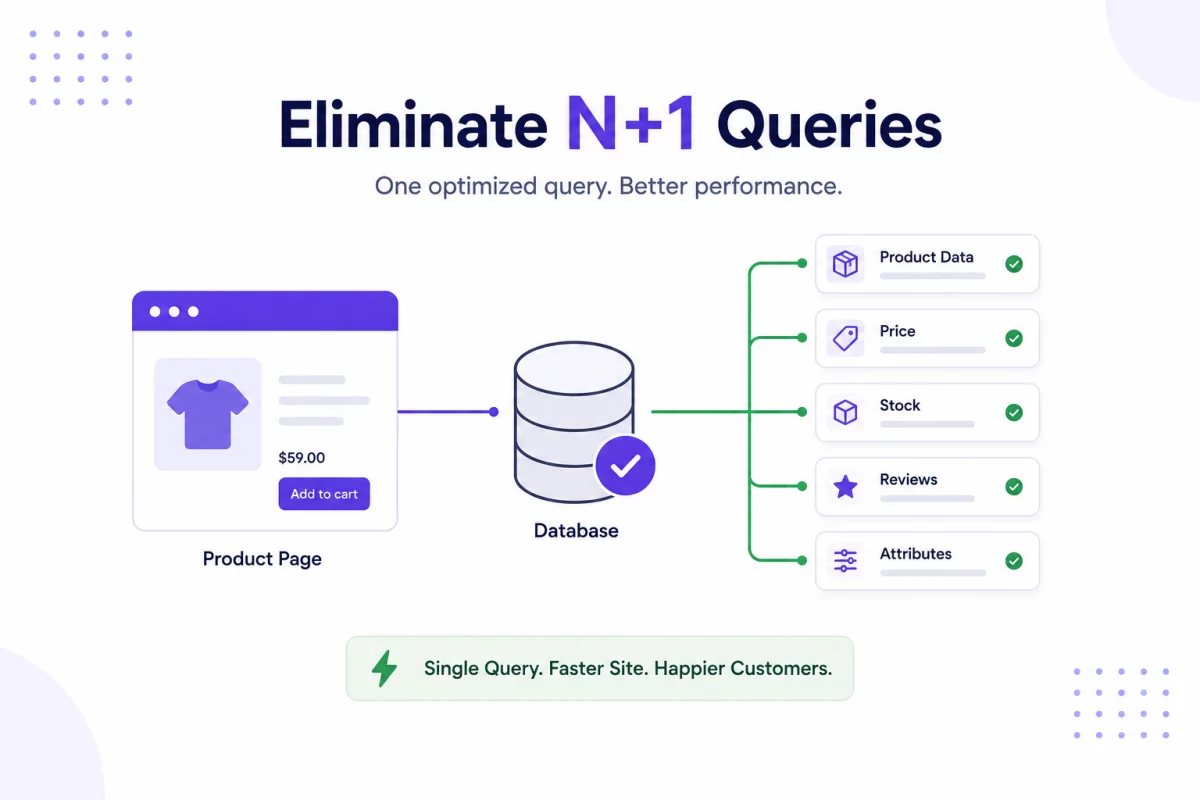
Why N+1 Queries Hurt WooCommerce Performance
Each database query requires server processing time and network roundtrips.
When displaying twenty products, executing twenty-one queries instead of one slows down your page load.
This behavior quickly exhausts database resources and leads to slow response times under load.
Diagnosing N+1 Queries
You can use profiling tools to capture database activity on your WooCommerce store.
The Query Monitor plugin displays a list of duplicate database queries executed on a page.
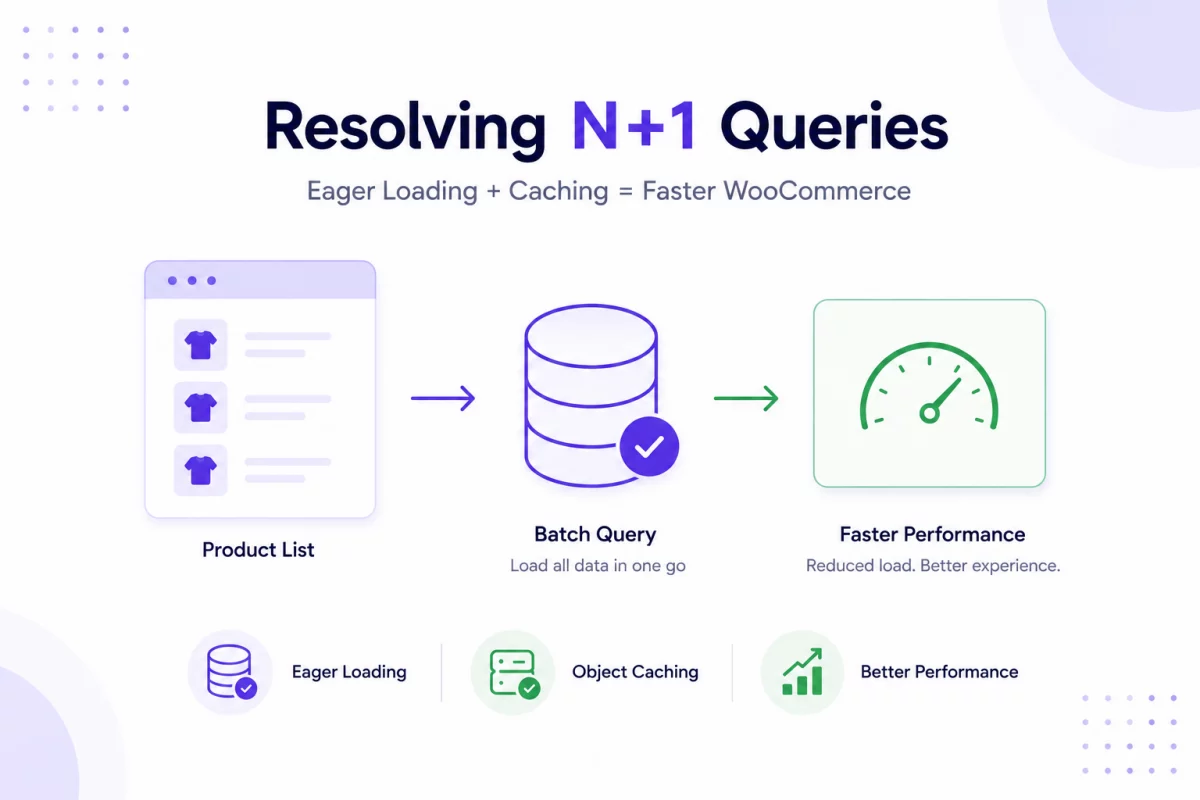
Resolving N+1 Queries with Eager Loading
Using WooCommerce Built-in Methods
WooCommerce provides helper methods to load related product data in a single batch.
Avoid calling database get methods inside a loop that iterates over products.
$product_ids = [ 101, 102, 103 ];
$products = WC()->custom_data_store->get_products( $product_ids );
This code fetches multiple WooCommerce product objects in a single batch query.
Caching Product Meta Data
You can cache metadata in the WordPress object cache to prevent redundant database lookups.
Eager load all metadata for your product list before rendering the frontend template.
update_meta_cache( 'post', $product_ids );
This function preloads and caches all post metadata for the specified product IDs.
Conclusion
Eliminating N+1 queries drastically reduces the load on your database server.
Batching queries and utilizing object caching results in fast page load times.

Be the first to comment.