Effectively manage the stock of products using a barcode reader with PrestaShop Barcode Stock Management. Search the products by scanning the barcode and update their stock.
Updating product stock automatically using a barcode scanner will help you save time and improve inventory management.
NOTE: PrestaShop Barcode Stock Management is compatible with the PrestaShop Multi-store feature.
Features of PrestaShop Barcode Stock Management
- Automatically update the product stock using a barcode reader.
- Scan the barcode and manually enter the new stock quantity.
- Search products for which you need to update the quantity by scanning the barcode.
- Supports EAN-13/JAN, ISBN, UPC, and MPN barcode types.
- Save your time.
How to Install PrestaShop Barcode Stock Management
- Firstly, go to the module manager in the back office and click on ‘upload a module’.
- After that, drag and drop the module file or select the file from the system.
- In this way, the module installation will be successful.
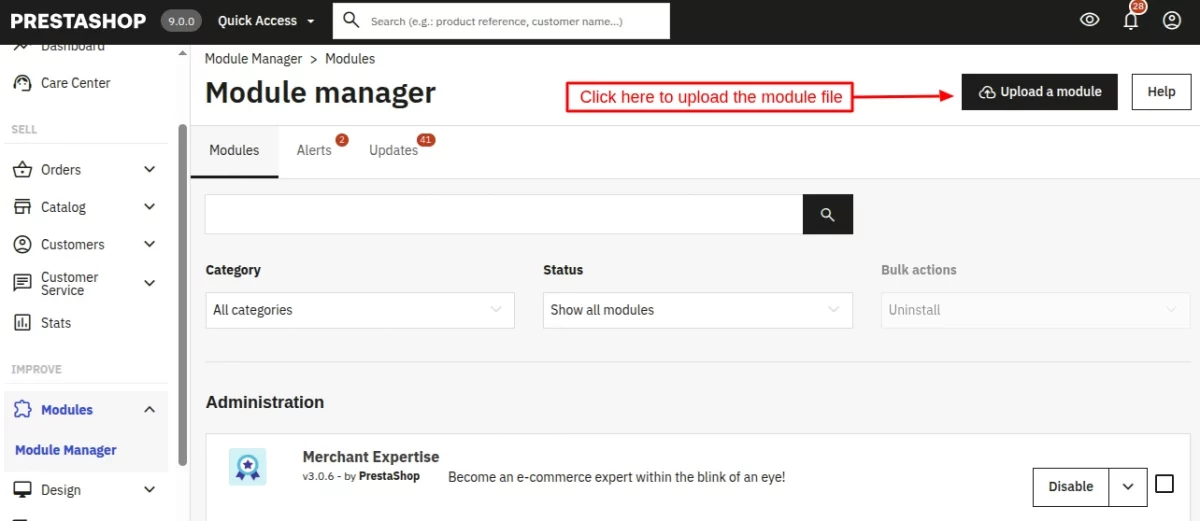
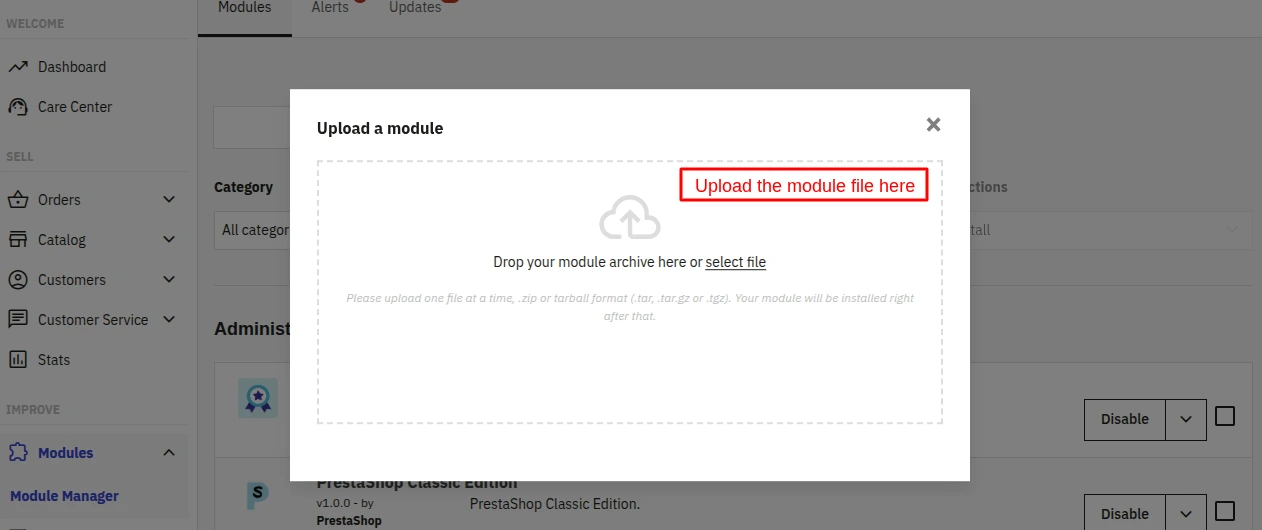
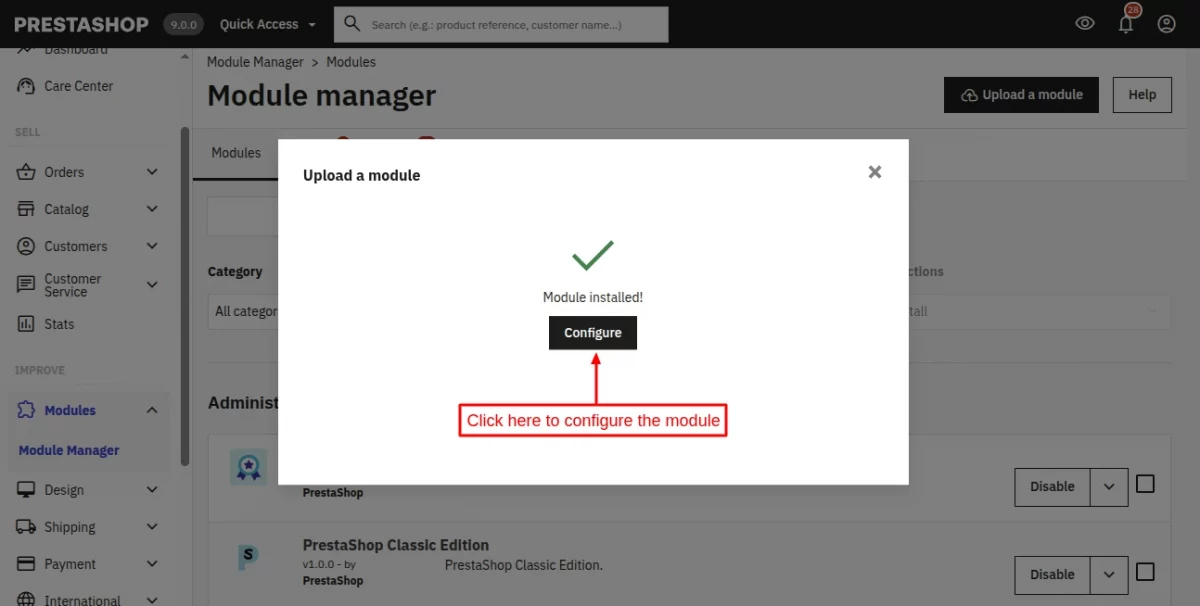
Module Configuration
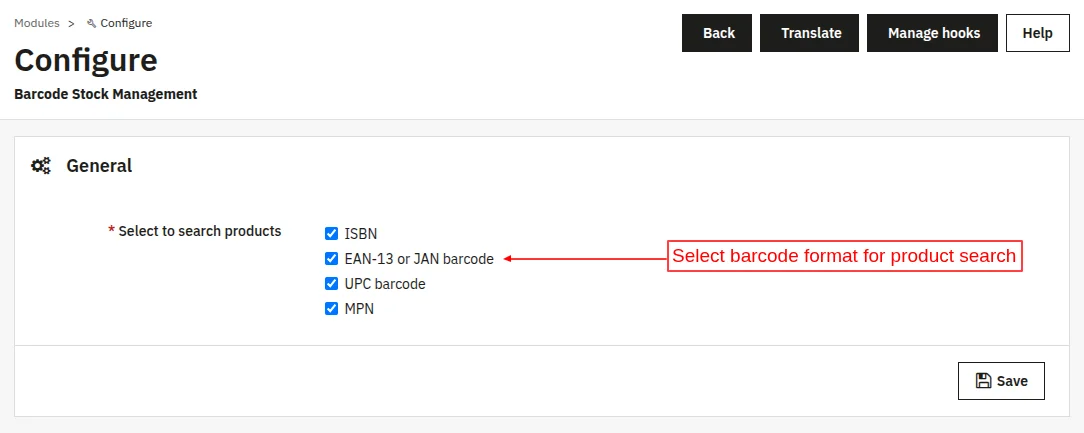
Under Barcode setting, you can select barcode type using which you can search products. The module supports 4 barcode standards namely ISBN, EAN-13 or JAN, UPC, and MPN.
Module Workflow
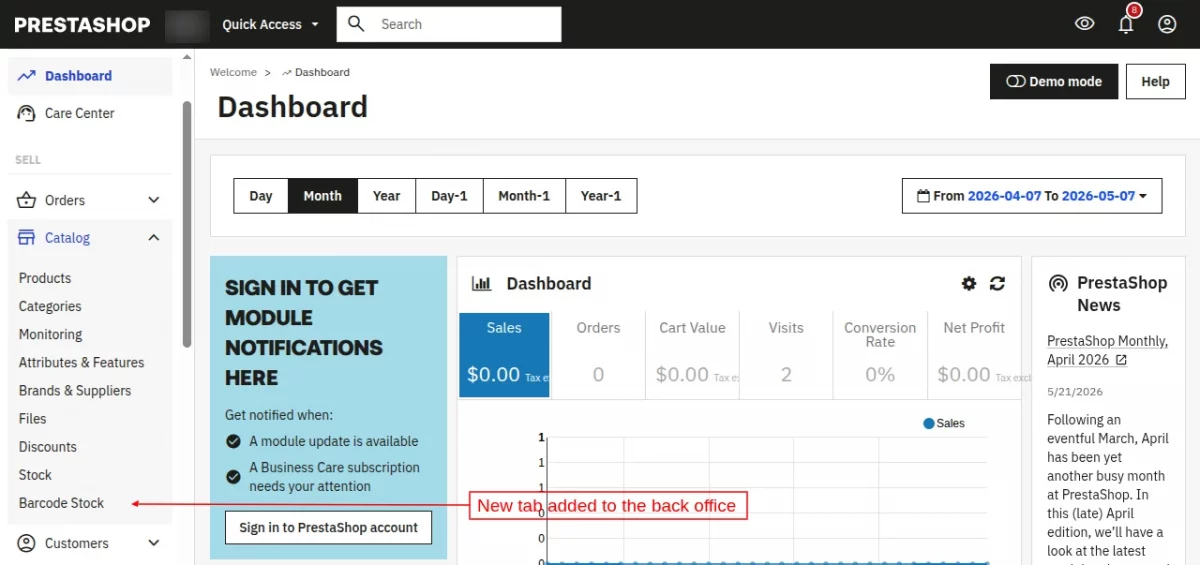
After the successful installation of the module, a new tab, ‘Barcode Stock’ gets available in the back office. From this tab, you can manage the product quantity using a barcode reader.
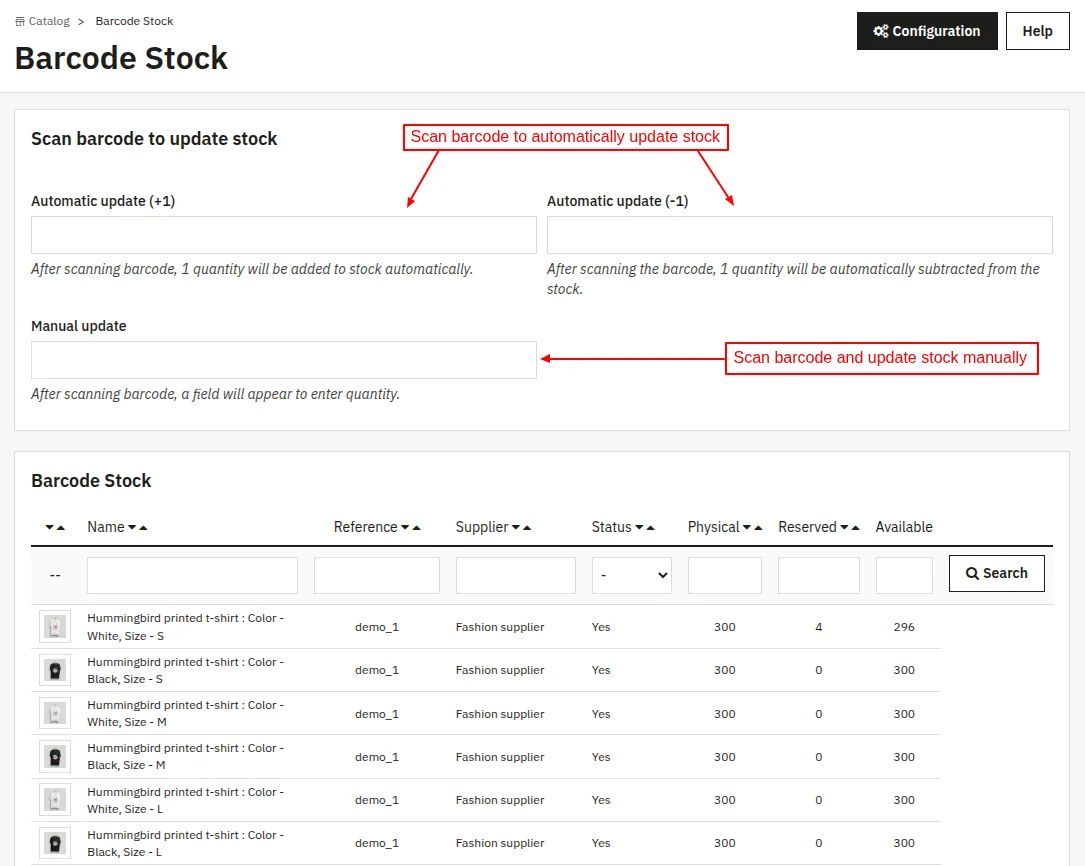
From the Barcode Stock tab, the admin can automatically increase or decrease the product quantity by 1 or manually enter the required quantity to update the stock.
Automatic update
When you scan the barcode of a product, the quantity gets automatically updated. The admin can choose to automatically update the product quantity by +1 or -1.
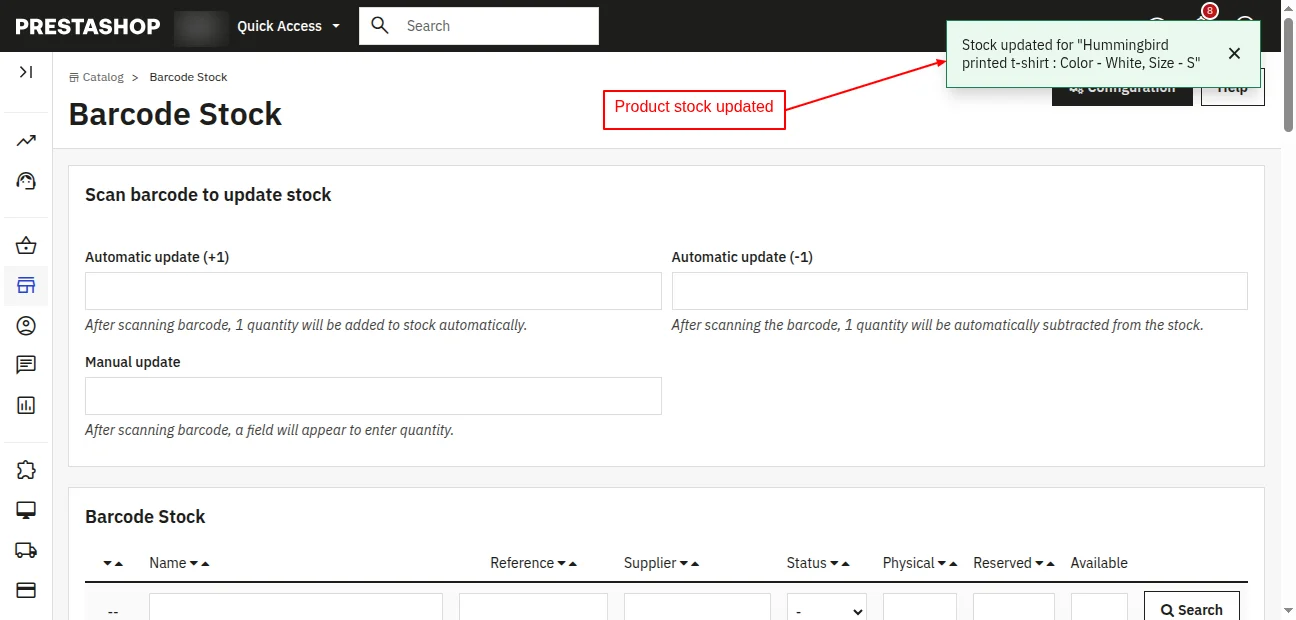
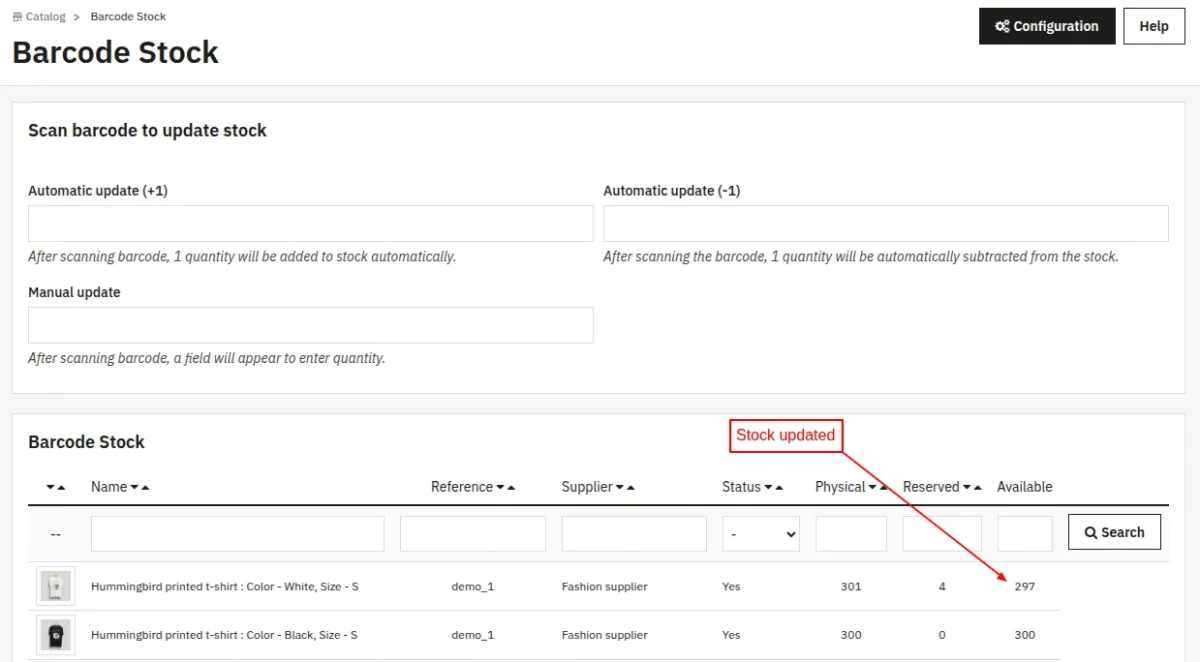
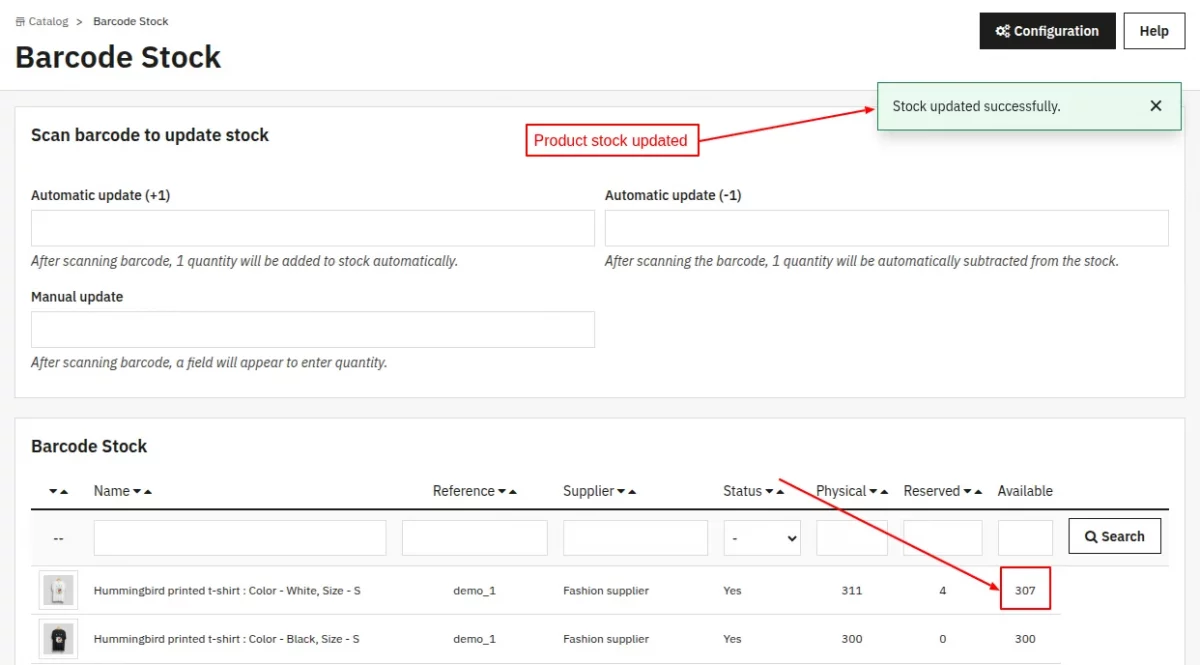
In the following screenshot, it can be seen that the product quantity has been updated.
Manual Update
When you scan the barcode of a product, a field appears on the page where you can enter the quantity.
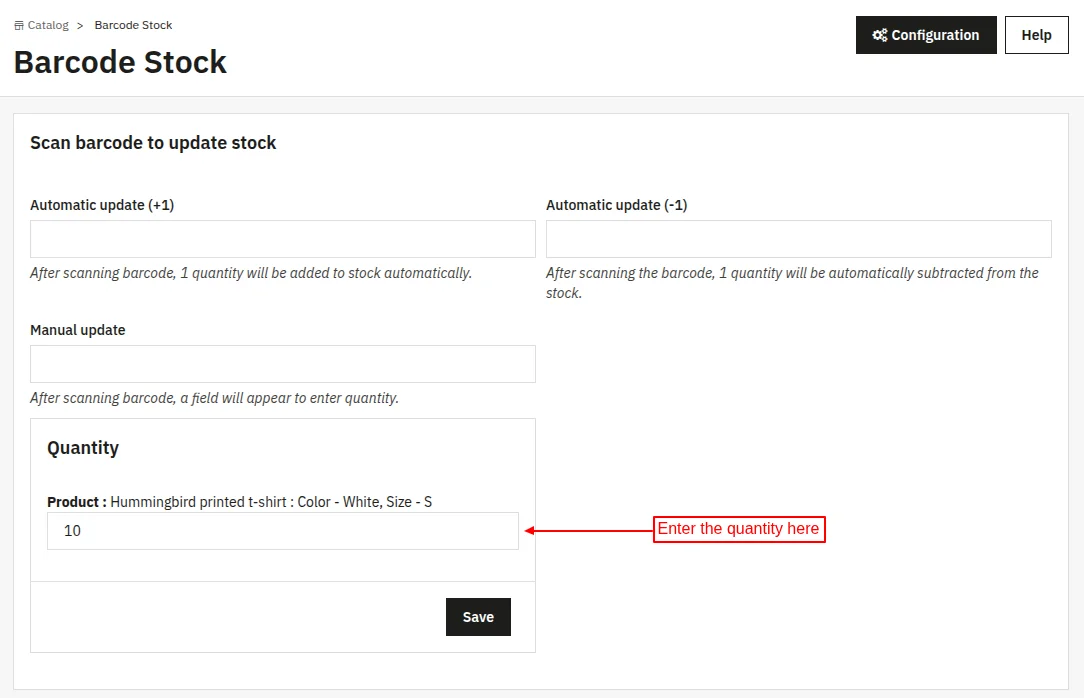
On clicking the save button, the stock gets updated.
This was all about the PrestaShop Barcode Stock Management Module. I hope this document will help you in checking the functionality of the module in a better way.
Also, do let us know about your views in the comments.
Support
For any kind of technical assistance or query, please raise a ticket or send us a mail at [email protected]
Also, please explore our Prestashop development services and a vast range of quality Prestashop addons.
Current Product Version - 1.1.0
Supported Framework Version - 9.x.x, 8.x.x, 1.7.x.x

Be the first to comment.