


















AI shopping agents now visit stores, read product data, and start checkout for real buyers. Odoo AI agent readiness is how well your store answers these machines.
Most Odoo merchants build for human eyes only. But an agent reads raw code, not your theme, so small gaps in the markup cost you sales. This guide walks through the practical steps to fix that.
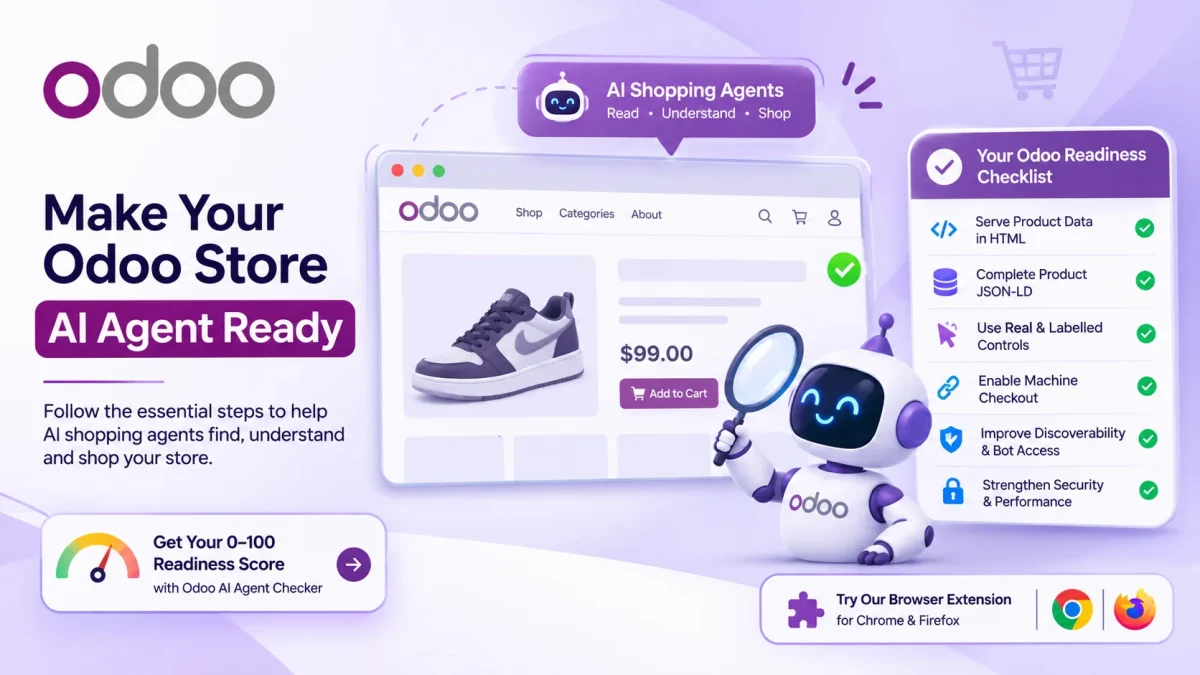
What AI-agent friendly really means
An AI-agent friendly store sends clean, complete data in the HTML it returns. The agent can then read your products and act without running your JavaScript.
Think of two jobs. First, the agent must understand the product. Then, it must be able to drive an action, such as adding to a cart.
So the goal is clarity, not decoration. Plain, correct markup beats a fancy layout that only a browser can render. A clean page also helps shoppers and search engines, so the work pays off twice.
AI shopping agents and Odoo
Odoo gives you a solid base for this work. It ships product JSON-LD by default and renders product pages at clean URLs such as /shop/<product>-<id>.
But the defaults stop short of full AI commerce compatibility. Many stores miss identifiers, machine checkout paths, and clear bot access rules.

So Odoo store AI optimization is mostly about filling those gaps. The platform does the heavy lifting, and you tune the signals agents care about.
Step 1: serve product data in the HTML
Open any product page and view the raw source, not the rendered view. The name, price, and stock should all appear in that first response.
If a value only shows after JavaScript runs, many agents miss it. So move the core product fields into the server HTML wherever you can.
This one change lifts your Odoo AI agent readiness more than any other. An agent that cannot read the price will not recommend the product.
Step 2: complete your product JSON-LD
Odoo adds product JSON-LD, but it often leaves out the fields agents compare on. Add brand, sku, gtin, and aggregateRating to every product.
These properties let an agent match your item against others. For example, a gtin ties your listing to the same product on other sites.
Validate the markup after you edit it. A schema with errors can be ignored, which wastes the effort you just put in.
Step 3: make controls real and labelled
Agents drive your store through buttons and forms, so those controls must be clear. The add-to-cart action should be a real labelled button, not an image or a bare icon.
Do the same for search and variant pickers. Give each control a plain text label that states what it does.
As a result, an agent can select a size, add the item, and move toward checkout. Hidden or unlabelled controls stop that flow cold.
Step 4: open machine checkout paths
Reading a product is only half the job. An agent also needs a way to buy, which means a cart permalink it can build and open.
Publish a /.well-known/ucp profile to declare your checkout and cart endpoints. This tells agents how to transact instead of guessing.
So this step turns a readable store into a buyable one. It is often the single biggest gap on an Odoo store today.
Step 5: fix discoverability and bot access
An agent cannot grade a page it never reaches. Keep your robots.txt open to honest crawlers, and list product URLs in your XML sitemap.
Also check for login gates and bot-challenge walls on key pages. A challenge wall that blocks a non-JS agent hides your whole catalog.
Then confirm your canonical URLs are clean and consistent. Clear canonicals stop agents from treating duplicates as separate products.
Step 6: harden security and speed
Agents favor stores that respond fast and safely. Serve the site over HTTPS, and add baseline headers such as HSTS and a sane CORS policy.
Watch your page weight too. A heavy page slows the fetch, and a slow fetch can time out before the agent reads it.
So speed is a readiness signal, not just a ranking one. Lighter pages get read in full more often. Run a quick speed test, and fix the slowest product pages first.
Check your Odoo AI agent readiness
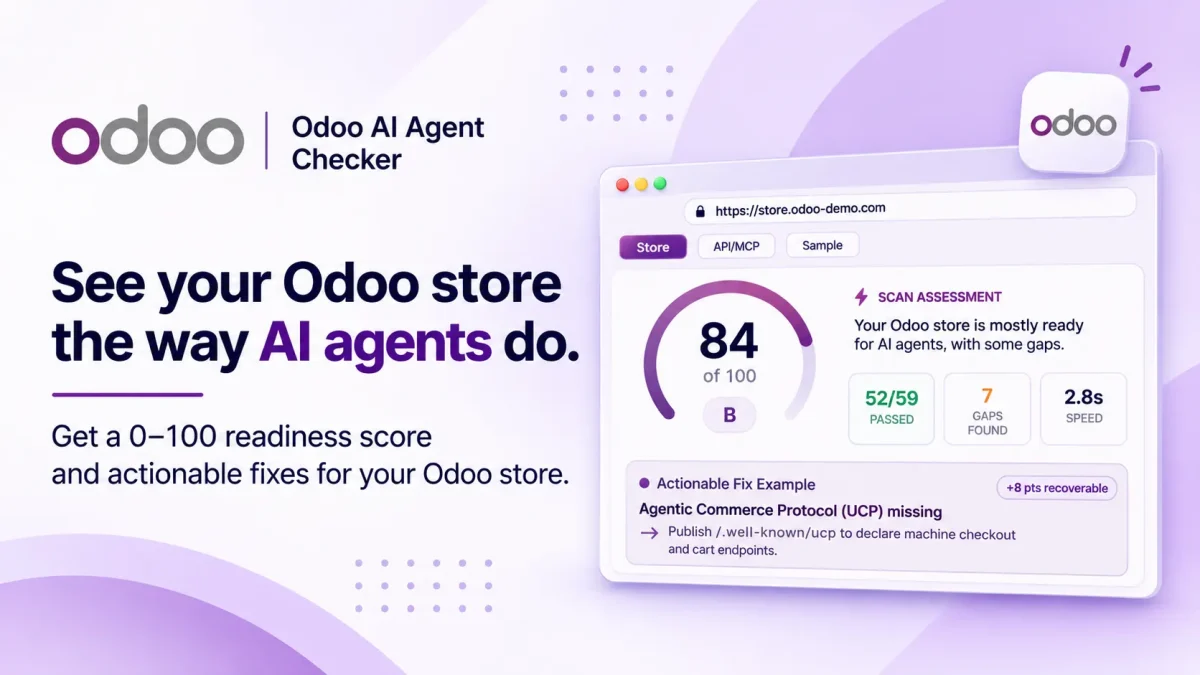
You do not have to test all of this by hand. You can check it for free with the Odoo AI Agent Checker, an Odoo agent checker that reads the real bytes your server sends.
Paste your store URL, and it returns a 0 to 100 readiness score with an A to F grade. Each gap comes with the exact evidence and a clear fix, so you know what to do next.
Your Odoo readiness checklist
Run through this list before you call your store agent-ready:
- Confirm product name, price, and stock sit in the raw HTML.
- Add brand, sku, gtin, and aggregateRating to product JSON-LD.
- Label add-to-cart, search, and variant controls in plain text.
- Publish a cart permalink and a
/.well-known/ucpprofile. - Keep robots.txt, the sitemap, and canonical URLs clean.
AI shopping agents are reading stores right now and skipping the ones with thin data. Strong Odoo AI agent readiness keeps your products in the running.
So start with step one today, then work down the list.

Be the first to comment.