Magento frontend performance decides how fast your store feels to every shopper. A slow store quietly loses sales, search rankings, and customer trust.
The default Luma theme relies on old, heavy JavaScript. Hyvä Themes and Magewire fix this with a lighter and more modern setup.
In this blog, we will see how both tools work together to make Magento fast again.
Why the Default Magento Frontend Feels Slow
The Luma theme was built on web technology from the early 2010s.
It loads RequireJS, Knockout.js, and jQuery on almost every page.
The browser must download, parse, and run all of this before the page feels ready.
This pushes the page weight to around 1 MB, with 300 KB or more of JavaScript.
The result is slow pages, weak mobile speed, and failing Core Web Vitals.
How Hyvä Themes Improve Magento Frontend Performance
Hyvä rebuilds the Magento frontend completely from scratch.
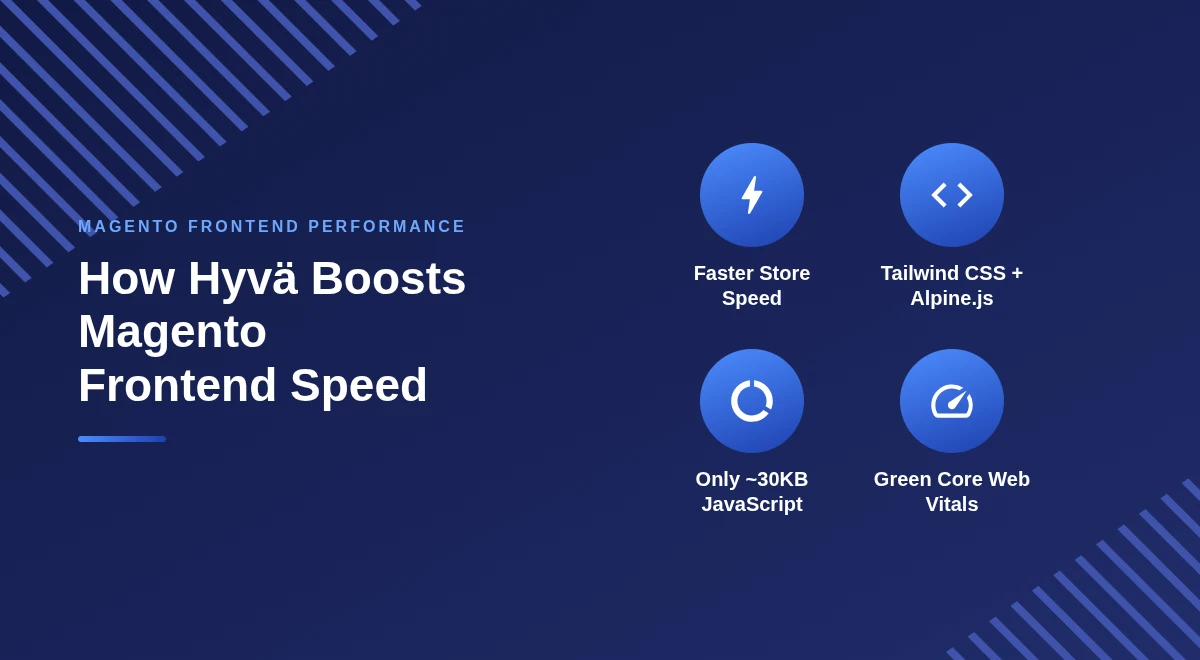
It replaces over 200 libraries with just two modern tools: Tailwind CSS and Alpine.js.
A Much Lighter Page
Hyvä cuts the total page weight from about 1 MB down to 0.2 MB.
The JavaScript payload drops from 300 KB+ to roughly 30 KB.
Cleaner CSS With Tailwind
The heavy compiled LESS files are gone for good.
Tailwind ships purged, utility-first CSS that stays under 700 KB.
Lightweight Interactions With Alpine.js
Alpine.js handles small interactions directly inside the HTML.
There is no bulky framework doing heavy DOM work in the background.
Stronger Core Web Vitals
Fewer render-blocking scripts mean the page renders faster.
This improves LCP and INP, two metrics Google cares about the most.
How Magewire Improves Checkout and Dynamic Pages
Simple content pages are easy to keep fast.
The real challenge is interactive pages like cart, forms, and checkout.
These normally need heavy JavaScript to stay in sync with the backend.
Magewire solves this on the server, using plain PHP. It is a server-driven UI framework inspired by Laravel Livewire.

Server-Driven Interactivity
Magewire keeps your logic and data on the server in PHP.
The browser only sends events and receives updated HTML fragments.
Here is a small Magewire component written in PHP:
class ShippingMethod extends Component
{
    public $selectedMethod;

    public function updatedSelectedMethod($value)
    {
        $this->quote->setShippingMethod($value)->save();
    }
}
This runs on the server whenever a shopper picks a shipping method.
Smart DOM Diffing
When a shopper changes the address, Magewire processes it in PHP.
It then updates only the HTML that changed, with no full page reload.
Two-Way Data Binding
Magewire links data both ways using a concept called entanglement.
Alpine.js interactions and PHP properties always stay in sync. A single attribute connects the input to the server:
<input type="text" wire:model="email" x-model="email">
The wire:model attribute binds this field to a PHP property in real time.
Much Faster Checkout
Magewire powers the standalone Hyvä Checkout module.
On mobile, it can load up to 13x faster than the Luma checkout.
Luma vs Hyvä + Magewire: Quick Comparison
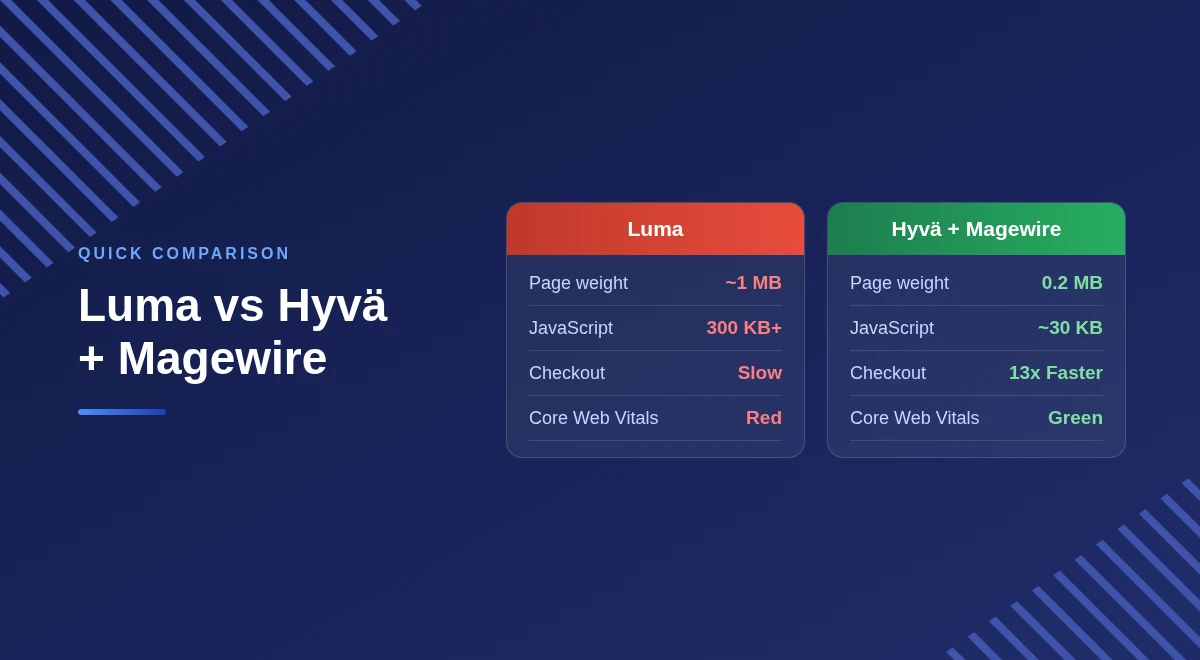
| Performance Vector | Legacy Magento (Luma) | Hyvä + Magewire |
|---|---|---|
| Core JS stack | RequireJS, Knockout.js, jQuery | Alpine.js, Magewire (PHP) |
| Total CSS/JS footprint | ~1.0 MB+ | ~0.2 MB |
| Typical JS weight | 300 KB+ | ~30 KB |
| Interaction model | Client-heavy API and JSON parsing | Server-driven HTML fragments |
| Mobile checkout speed | Slow and sluggish | Up to 13x faster |
| Core Web Vitals | Often failing (amber/red) | Green, 90 to 100 |
Final Thoughts
Hyvä and Magewire modernize the whole Magento frontend performance stack.
They remove bloat, boost speed, and deliver green Core Web Vitals.
For store owners, that means happier shoppers and better search rankings.
You can learn more on the official Hyvä website and the Magewire project.
For more guides, explore our other Magento 2 articles.

Be the first to comment.