Core Web Vitals are Google’s key performance metrics for measuring how fast, responsive, and visually stable a web page feels to real users.
For eCommerce websites, performance matters even more. Slow product pages, delayed interactions, or shifting layouts can create friction during browsing and checkout.
Before optimizing Core Web Vitals, you can also explore our guide on Optimize Next.js Performance for broader Next.js performance techniques.
In this guide, we’ll explore the three Core Web Vitals and practical ways to improve them in a Next.js application.
The Three Core Web Vitals
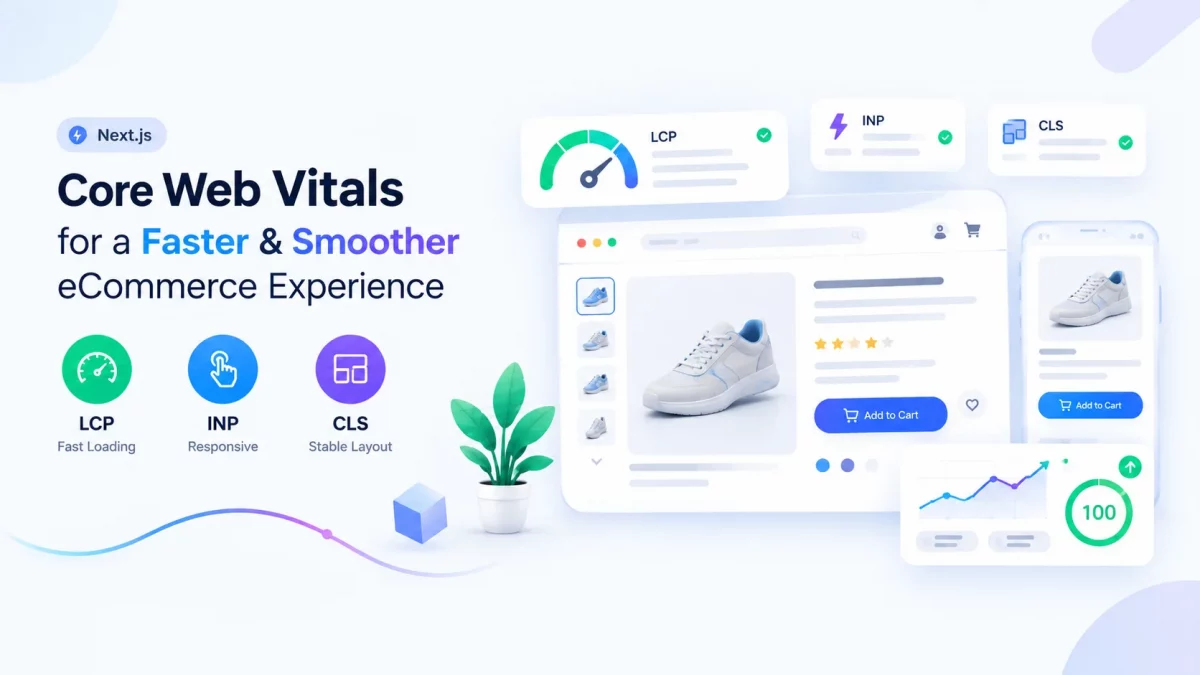
Google uses three primary metrics to evaluate the loading experience and responsiveness of a page:
- Largest Contentful Paint (LCP) – Measures how quickly the largest visible content element loads.
- Interaction to Next Paint (INP) – Measures how quickly a page responds to user interactions.
- Cumulative Layout Shift (CLS) – Measures how much the page layout unexpectedly shifts while loading remains while loading.
Each metric focuses on a different part of the user experience. Let’s look at how you can improve them in a Next.js application.
1. Largest Contentful Paint (LCP)
Largest Contentful Paint measures the time it takes for the largest visible content element to appear on the screen.
On an eCommerce website, this could be a hero banner, product image, or large heading.
A slow LCP usually means that the browser is waiting too long for an important resource. Here are some practical ways to improve it.
- Use the Next.js Image Component
Large images are often one of the biggest contributors to slow page loads.
Next.js provides the built-in Image component to optimize images, generate responsive sizes, and serve modern image formats.
import Image from "next/image";

<Image
  src={product.thumbnail}
  alt={product.name}
  width={600}
  height={600}
  priority
/>;
For an above-the-fold image that is likely to become the LCP element, priority can tell Next.js to prioritize loading it.
However, avoid using priority on every image. Images below the fold should generally remain lazy-loaded.
- Preload Critical Resources
Some resources are required to render the first screen of your page.
For example, a hero image or an important font may be needed immediately. Preloading genuinely critical resources can help the browser fetch them earlier.
Use preloading carefully. Preloading too many resources can compete for bandwidth and make performance worse.
- Serve Images Through a CDN
Large product catalogs can contain thousands of images. Serving those images directly from a distant origin can increase loading time, especially for users in different geographic regions.
A CDN stores and serves content from locations closer to users, reducing network latency.
For eCommerce applications, combining responsive image sizes, modern formats, caching, and a CDN can significantly improve image delivery.
2. Interaction to Next Paint (INP)
Interaction to Next Paint measures how quickly a page responds after a user interacts with it. Example include :- Clicking an Add to Cart button , Opening a navigation menu etc.
Heavy JavaScript and long-running tasks can block the browser’s main thread and delay these interactions.
- Ship Less JavaScript
One of the simplest ways to improve responsiveness is to avoid sending unnecessary JavaScript to the browser.
Next.js Server Components are useful for content that does not require client-side interaction.
export default async function CategoryPage() {
  const products = await getProducts();
  return <ProductGrid products={products} />;
}
Keep interactive functionality in Client Components and leave static or server-rendered content on the server whenever possible.
This is particularly useful for large eCommerce pages containing product grids, navigation, recommendations, and content sections.
- Break Up Long Tasks
Long-running JavaScript tasks can block the main thread.
For example, processing a large product dataset, performing expensive calculations, or executing a large event handler can delay the browser from responding to user input.
Break expensive work into smaller tasks where possible and avoid unnecessary computations during interactions.
- Lazy Load Below-the-Fold Code
Not every component needs to be loaded when the page initially renders.
Filters, review widgets, recommendation sections, and some modal components may only be needed after the user interacts with the page.
You can load such components dynamically:
import dynamic from "next/dynamic";

const Filters = dynamic(() => import("./Filters"));
This reduces the amount of JavaScript that needs to be processed during the initial page load.
3. Cumulative Layout Shift (CLS)
Cumulative Layout Shift measures unexpected movement of content while a page is loading.
For example, imagine a user is about to click an Add to Cart button, but an image or promotional banner loads and pushes the button downward.
These unexpected movements create a frustrating experience.
- Define Image Dimensions
The browser needs to know how much space an image will occupy before the image finishes loading.
Specify both width and height so the browser knows how much space to allocate before the image loads.
For responsive images, use the appropriate aspect ratio and sizing strategy so the layout remains stable across screen sizes.
- Reserve Space for Dynamic Content
Content such as promotional banners, recommendations, or advertisements often loads after the initial page render.
Reserve space for these sections so they don’t push existing content downward.
.banner-slot {
  min-height: 200px;
}
- Load Fonts Correctly
Web fonts can sometimes cause text to change size or appearance after the initial render.
Next.js provides built-in font optimization through next/font, which helps control font loading and reduces layout-related issues.
Measure Your Improvements
Optimization should always be based on measurements rather than assumptions.
A page that performs well in development may behave differently for real users on slower devices and networks.
- Use Lighthouse and PageSpeed Insights
Lighthouse can help identify performance problems and provide recommendations for improving a page.
Use it during development to establish a baseline and compare results after making changes.
However, a single Lighthouse run should not be treated as the complete picture. Lab results can vary depending on the testing environment.
- Monitor Real User Data
Real User Monitoring (RUM) provides insight into how your website performs for actual visitors.
Real users may have different devices, network conditions, geographic locations, and browsing patterns than your development environment.
For production eCommerce websites, monitoring real-user Core Web Vitals can help identify problems that may not appear during local testing.
Conclusion
Improving Core Web Vitals in Next.js does not necessarily require rebuilding your application.
Start by identifying the biggest performance bottlenecks. Optimize critical images and server responses for LCP, reduce unnecessary JavaScript and long tasks for INP, and reserve space for images and dynamic content to improve CLS.
The most important step is to measure before and after every significant optimization. This helps you understand which changes actually improve the experience instead of optimizing based on assumptions.
For eCommerce websites, these small improvements can make product discovery, filtering, cart interactions, and checkout feel faster and more stable for users.

Be the first to comment.