


















Open source ERP software helps businesses manage sales, inventory, accounting, purchasing, and other operations in one connected system.
Choosing the right ERP can be difficult because features, licenses, deployment options, customization, and implementation needs vary.
This guide compares seven open source ERP solutions by features, licensing, deployment, customization, business fit, pros, and cons.
Last reviewed: September 2026, and editions and licenses change often, so confirm anything critical against official documentation first.
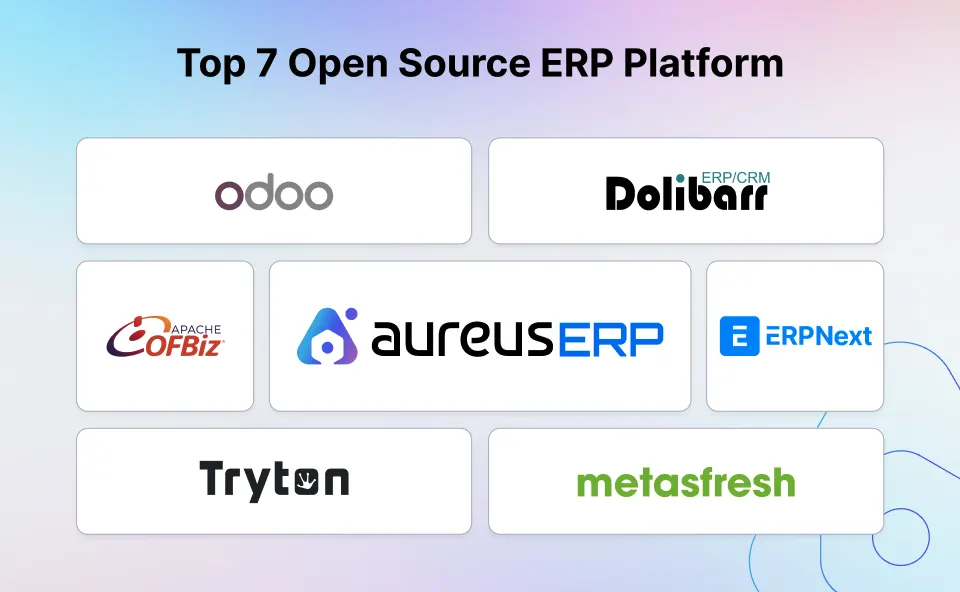
Best Open Source ERP Software at a Glance
Odoo Community leads on ecosystem size, mostly because so much of its customization already exists as an app.
Aureus ERP suits growing multi-industry firms, while ERPNext gives smaller companies a mature all-in-one suite.
Your own workflows and local accounting rules will decide far more than any feature count does.
Use the table below to cut that down to two or three platforms worth testing properly.
| ERP Software | Best For | Open-Source License | Deployment | Main Consideration |
|---|---|---|---|---|
| Odoo Community | App ecosystem and customization | LGPLv3 | Self-hosted or partner-hosted | Several advanced services and features differ from Enterprise |
| Aureus ERP | Growing, multi-industry businesses | MIT | Self-hosted; validate managed options | Newer ecosystem with fewer third-party extensions |
| ERPNext | Small and medium businesses | GPLv3 | Self-hosted or managed hosting | Complex changes may need Frappe expertise |
| Dolibarr | Startups and smaller teams | GPLv3+ | On-premise or cloud hosting | Less suited to highly complex enterprise processes |
| Apache OFBiz | Developer-led enterprise projects | Apache 2.0 | Self-hosted | Requires Java and implementation skills |
| Tryton | Modular operations and manufacturing | GPLv3 | Self-hosted or service-provider hosting | Smaller partner and extension ecosystem |
| metasfresh | Distribution and supply-chain operations | GPLv2 | Self-hosted or hosted service | Implementation can be demanding for small teams |
How We Chose These Open Source ERP Platforms
Every platform here was judged against the same criteria, and the ranking reflects business fit rather than one universal winner.
Webkul builds and implements ERP systems for a living, and that is the lens applied throughout this comparison.
That work covers proprietary platforms too, and Webkul is a listed SAP Build partner as well as an open-source ERP implementer.
Core Business Features
We checked accounting, CRM, sales, purchasing, inventory, manufacturing, projects, HR, reporting, and warehouse management.
License and Edition Limits
We read each project license, then checked whether the headline features actually ship in the open-source edition.
Several of them turn out to need a paid edition or a third-party module instead.
Deployment and Technical Effort
We looked at what each system needs after launch, because backups and upgrades do not run themselves.
Self-hosted ERP software and a cloud ERP deployment ask for quite different skills from your team.
Customization and Integrations
We reviewed how far each platform bends through configuration, plugins and documented APIs.
Heavy custom work is the part that hurts later, since every upgrade has to be retested against it.
Business Fit and Project Maturity
We also compared documentation quality and how long each project has been publicly maintained.
None of that replaces your own proof of concept, which is where the real surprises appear.
7 Best Open Source ERP Software Solutions in 2026
1. Odoo Community — Best for Customization and App Ecosystem
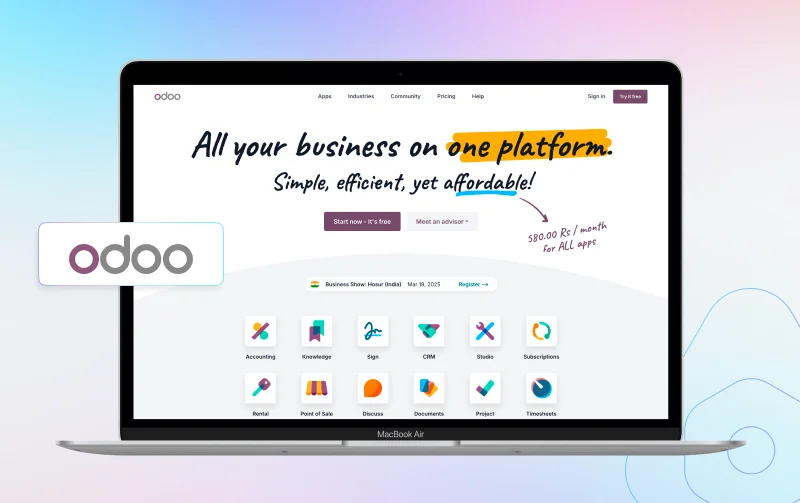
Odoo Community is the open-source base that the wider Odoo product family is built on.
Its modular design lets you start with two or three apps and add more as processes grow.
The ecosystem is the real strength here, because someone has usually solved your problem already.
That might arrive as a community module, a partner service or a piece of custom development.
Compare the two editions carefully before committing, since Community and Enterprise are not the same product.
Odoo states that hosting, upgrades, support and several advanced features all differ by edition.
Key Features
- CRM and sales management
- Inventory and warehouse operations
- Purchasing and manufacturing
- Project management
- Website and e-commerce tools
- Point of sale and marketing apps
Pros
- Large app and extension ecosystem
- Strong fit for custom business workflows
- Wide developer and partner network
- Useful across many industries
Cons
- Community and Enterprise features are not identical
- Some needs depend on paid or third-party modules
- Heavy customization can raise upgrade and maintenance costs
Best For
Organizations that want a large app ecosystem and easy access to experienced Odoo developers or implementation partners.
Companies replacing SAP Business One or ECC with Odoo can use Webkul’s SAP to Odoo migration services.
2. Aureus ERP — Best for Growing, Multi-Industry Businesses
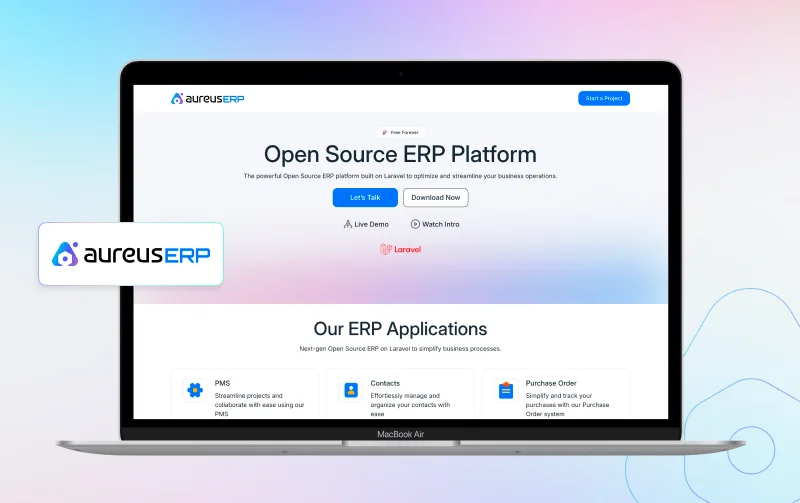
Aureus ERP is a free and open-source ERP built for businesses that want several operational modules in one extensible system.
Its official repository shows an MIT license, a Laravel and FilamentPHP stack, and a plugin system that lets teams install the functions they need.
The modules cover finance, stock, sales, purchasing, CRM, manufacturing, HR, recruitment, projects, and timesheets across connected teams.
Teams can reshape plugins, dashboards and permission rules without having to touch the core code.
A documented install command gives a clear starting point for a self-hosted setup.
Maturity is the trade-off, since the partner and extension ecosystem is smaller than Odoo or ERPNext.
Test your local accounting rules and key integrations before you commit to it.
Key Features
- Inventory Management
- Accounting, invoicing, and payment workflows
- CRM, contacts, and sales management
- Purchase Management
- Manufacturing, bills of material, and work centers
- Employee Management
- Project Management and timesheets
- HR Management System workflows
- Custom dashboards, forms, roles, permissions, and plugins
Pros
- Broad module coverage for several departments
- Permissive MIT license
- Modular setup with documented customization options
- Suitable for retail, wholesale, services, distribution, and manufacturing
Cons
- Smaller extension and partner ecosystem than Odoo
- Shorter public track record than older ERP projects
- Country-specific accounting and integrations need validation
Best For
Growing SMBs that need connected operations and a modular ERP that technical teams can extend as processes change.
3. ERPNext — Best Established All-in-One ERP for SMBs
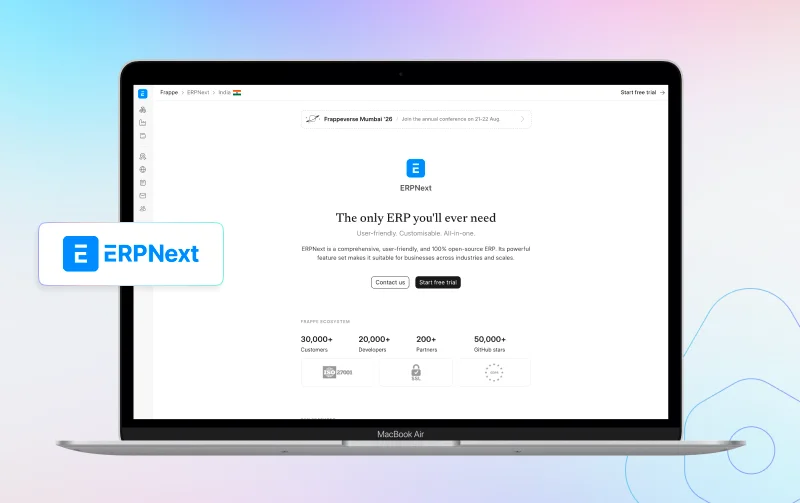
ERPNext is a GPLv3 platform built on the Frappe Framework, reaching from finance through to production.
It suits SMBs that would rather have broad standard features in one product than assemble several.
You can self-host it or buy managed hosting from Frappe or another provider.
Documentation is detailed and the user community is large enough to answer most questions.
Migration and localization work still tends to need an experienced Frappe developer.
Key Features
- Accounting and financial management
- CRM, sales, and purchasing
- Inventory, assets, and manufacturing
- Projects, tasks, and timesheets
- Human resources and payroll options
- Reports, dashboards, and workflows
Pros
- Broad integrated feature set
- Established documentation and community
- Core ERP is not split into Community and Enterprise editions
- Self-hosted and managed deployment options
Cons
- Advanced customization may need Frappe expertise
- Server management and implementation still add cost
- Localization should be checked for each country
Best For
Small and medium businesses that need a mature open source ERP for accounting, inventory, sales, purchasing, manufacturing, and projects.
4. Dolibarr — Best for Startups and Smaller Teams
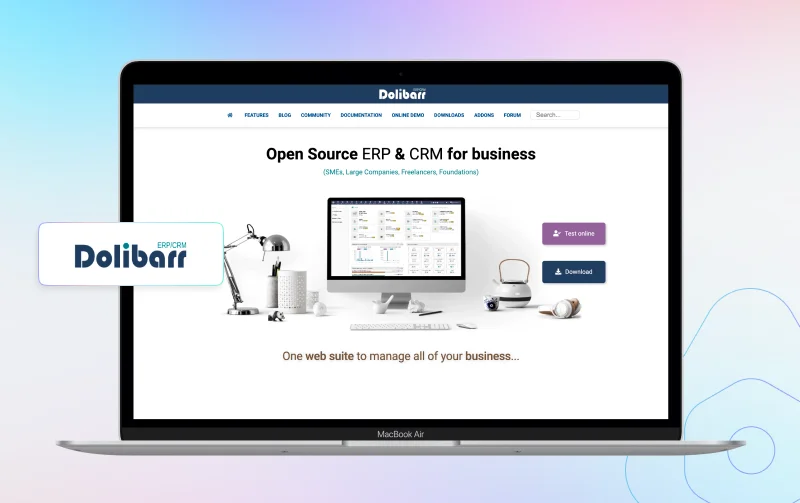
Dolibarr is a modular ERP and CRM aimed at smaller organizations and freelancers.
Administrators switch on only the functions their team uses, which keeps the interface small.
The standard project already reaches double-entry accounting, which is unusual at this end of the market.
It runs on-premise or in the cloud, so hosting is not forced on you either way.
For a team leaving spreadsheets or a basic invoicing tool behind, this is a comfortable first step.
Complex planning or a group company structure is where you should test it hardest.
Key Features
- CRM and contact management
- Quotes, orders, invoices, and payments
- Stock and warehouse management
- Purchasing and supplier records
- Projects and timesheets
- BOM, manufacturing orders, and accounting modules
Pros
- Modular setup for smaller teams
- Packaged installation options
- Covers core sales and stock workflows
- Active open-source project and extension store
Cons
- Complex enterprise processes may need extra modules
- Some advanced needs depend on add-ons
- Large implementations require careful testing and governance
Best For
Startups, small businesses, freelancers, and associations that want a modular ERP and CRM without enabling a large enterprise feature set at once.
5. Apache OFBiz — Best for Developer-Led Enterprise Customization
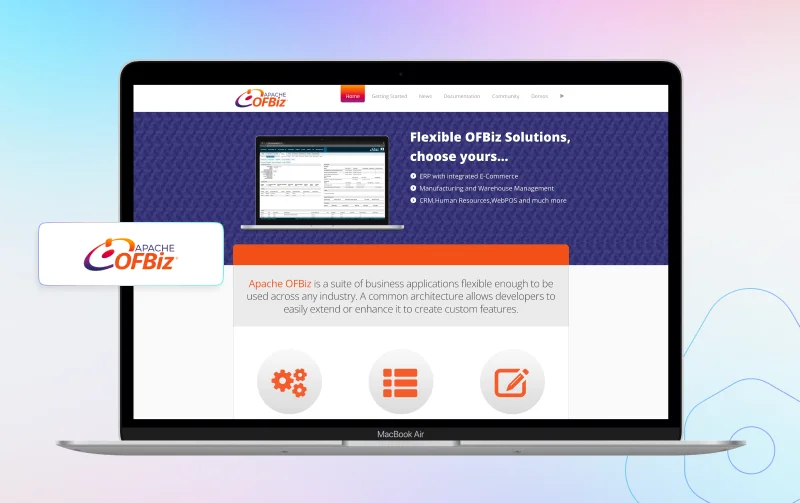
Apache OFBiz is an Apache 2.0 business application suite and Java framework. It is designed for teams that need deep control over business logic.
Official modules stretch from accounting and CRM through to MRP and supply-chain fulfillment.
For developers building a custom enterprise system, OFBiz is a solid foundation to start from.
It is the wrong pick if you expect a polished ERP to work after a business-user setup.
Key Features
- General ledger, receivables, payables, and assets
- CRM, order management, and e-commerce
- Warehousing and inventory
- Manufacturing and MRP
- Product, catalog, pricing, and promotions
- Payments, billing, and supply-chain processes
Pros
- Flexible Java framework
- Apache 2.0 license
- Wide set of core business components
- Good base for custom enterprise applications
Cons
- Requires strong technical resources
- Implementation is more framework-led than turnkey
- User experience and workflows often need project-specific work
Best For
Enterprises and software teams that want an open-source ERP framework and already have Java skills in house.
6. Tryton — Best for Modular Operations and Manufacturing
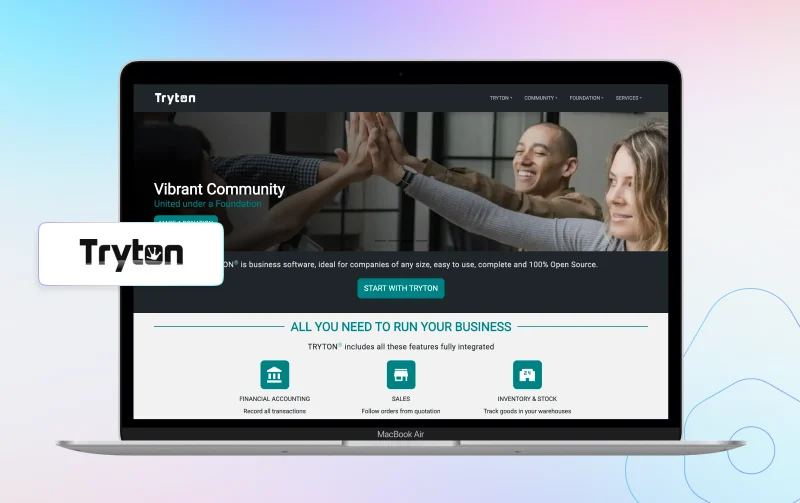
Tryton is a modular business platform with separate packages for accounting, sales, purchasing, stock, production, projects, and other functions.
Its production modules go right down to routing steps, work centers and cycle tracking.
That level of detail is what a structured factory workflow actually needs to run.
Tryton rewards teams that like a clean modular model and have an implementation provider lined up.
Its community and extension market are noticeably smaller than Odoo or ERPNext.
Key Features
- Accounting and financial modules
- Sales and purchasing
- Inventory and stock locations
- Bills of material and production orders
- Work centers, work orders, and costs
- Modular business process design
Pros
- Clear modular architecture
- Detailed production and work-order features
- Open-source code and active releases
- Suitable for controlled, process-led implementations
Cons
- Smaller community than Odoo or ERPNext
- Setup may feel technical for business-only teams
- Local support and integrations vary by market
Best For
Manufacturers and process-led companies that need modular open source manufacturing ERP features and have access to technical or partner support.
7. metasfresh — Best for Distribution and Supply-Chain Operations
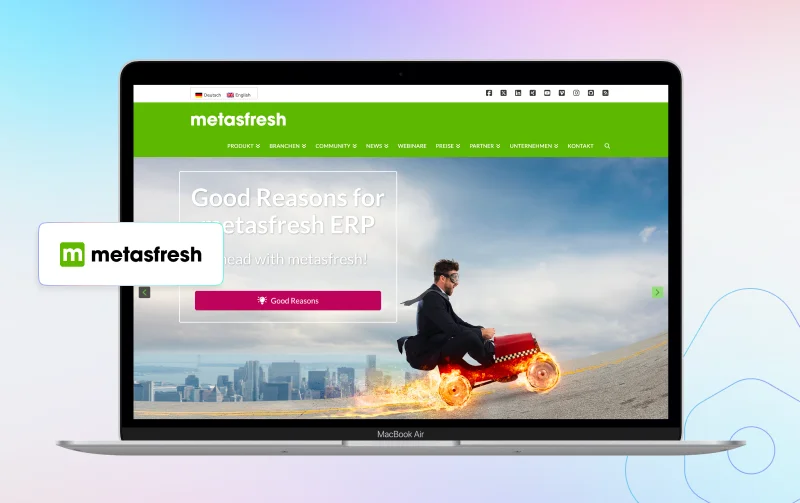
metasfresh is an open-source ERP focused on products, procurement, warehousing, logistics, manufacturing, and supply-chain execution.
Documented modules run from product data and MRP II through to order picking and EDI.
Distributors and manufacturers with detailed product flows are the natural fit for this one.
Smaller teams should weigh the setup effort against what they can realistically support daily.
Key Features
- CRM, sales, and purchasing
- Product data and bills of material
- Manufacturing and production planning
- Warehouse and inventory management
- Traceability, logistics, and order picking
- Billing, payments, and EDI workflows
Pros
- Strong distribution and warehouse coverage
- Detailed product and supply-chain workflows
- Manufacturing and planning features
- Useful for wholesalers and product-led businesses
Cons
- Implementation may be heavy for small teams
- Business users may need structured training
- Support and hosting needs should be reviewed early
Best For
Distributors and wholesalers that need deep warehouse, logistics and traceability processes in one system.
Open Source ERP Feature Comparison
This table shows whether a module exists, not how deep it goes in practice.
A listed module can still need localization or custom work to match your process.
| Feature | Aureus ERP | ERPNext | Odoo Community | Dolibarr | OFBiz | Tryton | metasfresh |
|---|---|---|---|---|---|---|---|
| CRM | Included | Included | Included | Included | Included | Module-based | Included |
| Inventory | Included | Included | Included | Included | Included | Included | Included |
| Accounting | Included | Included | Limited vs Enterprise | Included | Included | Included | Included |
| Manufacturing | Included | Included | Included | Included | Included | Included | Included |
| Purchasing | Included | Included | Included | Included | Included | Included | Included |
| Warehouse Management | Included | Included | Included | Included | Included | Included | Included |
| Projects | Included | Included | Included | Included | Available | Available by module | Workflow-dependent |
| Customization Model | Plugins and source code | Frappe apps and workflows | Apps, add-ons, and source code | Modules, hooks, and source code | Java framework | Modular packages | Java and source code |
Costs Beyond the Open-Source License
Open-source ERP removes some license fees, but it does not remove the cost of the project itself.
A realistic budget covers the whole implementation and the years of running that follow.
Infrastructure and Security
Servers, backups and monitoring all cost money whether you run on-premise or in the cloud.
Disaster recovery is the line most first-time budgets forget until they badly need it.
Implementation and Data Migration
Requirements gathering and configuration take real time, and someone internal has to own them.
Opening balances and historical transactions are slower to move than most teams expect.
Customization and Integrations
Payment, shipping and tax systems usually need an API or a custom connector built.
Every one of those has to be retested after an ERP upgrade, which is ongoing work.
Training and Ongoing Support
Users need role-based training and real help in the weeks straight after go-live.
Budget for an administrator, security patches and the improvements people ask for later.
Compare total cost of ownership over three to five years rather than the download price.
A cheaper platform gets expensive quickly once it needs heavy custom development.
How to Choose the Right Open Source ERP Software
Map Your Real Workflows
Write down the processes you need on day one and the ones you will need later.
Lead-to-order and procure-to-pay are the two flows that expose most gaps early.
Check the Open-Source Edition
Confirm exactly what ships inside the open-source package before you shortlist anything.
Note where a paid edition or an external add-on is needed for finance or reporting.
Review Hosting and Technical Skills
Self-hosting buys you control, but someone still has to run backups, updates and servers.
Managed hosting takes that work away, though hosting and support remain paid services.
Validate Accounting and Local Rules
Test your tax rules, chart of accounts and audit trail against real transactions.
An accounting module rarely covers every local legal requirement out of the box.
Measure Customization Risk
Stay inside configuration, documented APIs and modular extensions wherever you possibly can.
Editing core code makes every future upgrade slower, costlier and harder to test.
Run a Proof of Concept
Run the proof of concept on your real products, taxes and warehouses, not on demo data.
Give each shortlisted ERP the same tasks, then compare the effort each one took.
When Aureus ERP Is a Good Fit
Aureus ERP earns a look when a growing company wants finance, operations and HR inside one modular open-source platform.
The MIT license and plugin architecture leave plenty of room for custom work.
Teams already working in Laravel or FilamentPHP will find the stack familiar straight away.
Before rollout, check local accounting, your integrations and the upgrade path in detail.
That same proof-of-concept discipline should apply to every ERP on your shortlist.
Open Source ERP vs Free ERP Software
Open source ERP gives you source-code access under a defined license, and that is the real difference.
Free ERP software is often a limited proprietary plan capped by users or modules.
An open-source system can still be sold to you as a managed cloud service.
Compare code rights and data export terms, not only the monthly price you are quoted.
Frequently Asked Questions
What is the best open source ERP software?
No single platform wins for everyone, which is why the ranking here is split by business type.
Odoo Community leads on ecosystem size, while ERPNext is the mature all-in-one choice for SMBs.
Is open source ERP software free?
The source code is free of per-user fees, but hosting, setup and support still cost real money.
Which open source ERP is best for small businesses?
For open source ERP for small businesses, ERPNext and Dolibarr are the usual starting points, with Aureus ERP close behind.
Which open source ERP is best for manufacturing?
The best open source manufacturing ERP depends on how deep your production planning really goes.
Test real work orders and costing scenarios before choosing between Tryton and metasfresh.
Can open source ERP run in the cloud?
Yes, a cloud ERP deployment runs the same open-source software with a provider handling infrastructure.
Hosting, maintenance and support are still paid services in that arrangement.
What features should an ERP system include?
Most businesses need accounting, CRM, sales, purchasing, sales management, inventory, reporting, APIs, roles, backups, and audit controls.
How long does ERP implementation take?
Timelines swing on data quality and on how many modules and locations are in scope.
Set the schedule after the scope is defined and the proof of concept is done.
Conclusion
The best open source ERP is the one that fits your real workflows and your budget over the long run.
Odoo Community takes first place here on the depth of its ecosystem alone.
Aureus ERP follows for growing multi-industry businesses that want an MIT license and plugin-based customization.
ERPNext stays the strongest established choice for small and medium businesses.
Dolibarr suits the simplest setups, while OFBiz and metasfresh answer far heavier process complexity.
Shortlist two or three platforms and put the same real data and tasks through each one.
That single exercise tells you more than any feature checklist ever will.

Be the first to comment.