You can translate the module into any language by following below steps:
1.) Download and install Poedit. You can download Poedit from here.
2.) Open “.pot” file in Poedit. You can find this file under the language folder of the plugin.
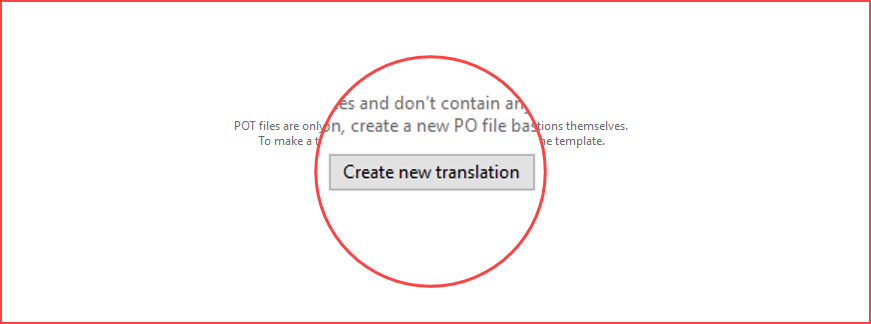
3.) Click “Create new translation”.
4.) Select the desired language with the country from the dropdown list.

4.) Translate all the keywords in the selected language as below snapshot.

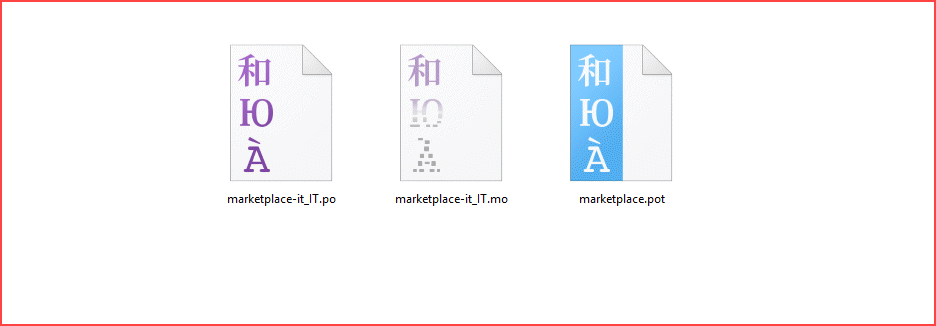
5.) Save the file in the “Plugin’s language folder” or “Language folder of WordPress”.
6.) Change the language in WordPress under “Settings > General > Site Language” as below snapshot then changes will appear on the front-end.

That’s all for the WordPress WooCommerce Multi Language Translation, still, have any issue, feel free to add a ticket and let us know your views to make the user guide better at webkul.uvdesk.com
Supported Framework Version - WooCommerce 3.0.x

Be the first to comment.