
Fashion, United Kingdom
UK Textile Brand used Sample Product extension to help customers to make informed decisions on their online e-commerce platform before making an actual purchase.

URL: https://maijon.shop/
Country: Israel
Industry Vertical: Fashion and Apparel
Platform: WooCommerce
Solution Provided: Custom WooCommerce POS integration with the Tranzila payment terminal
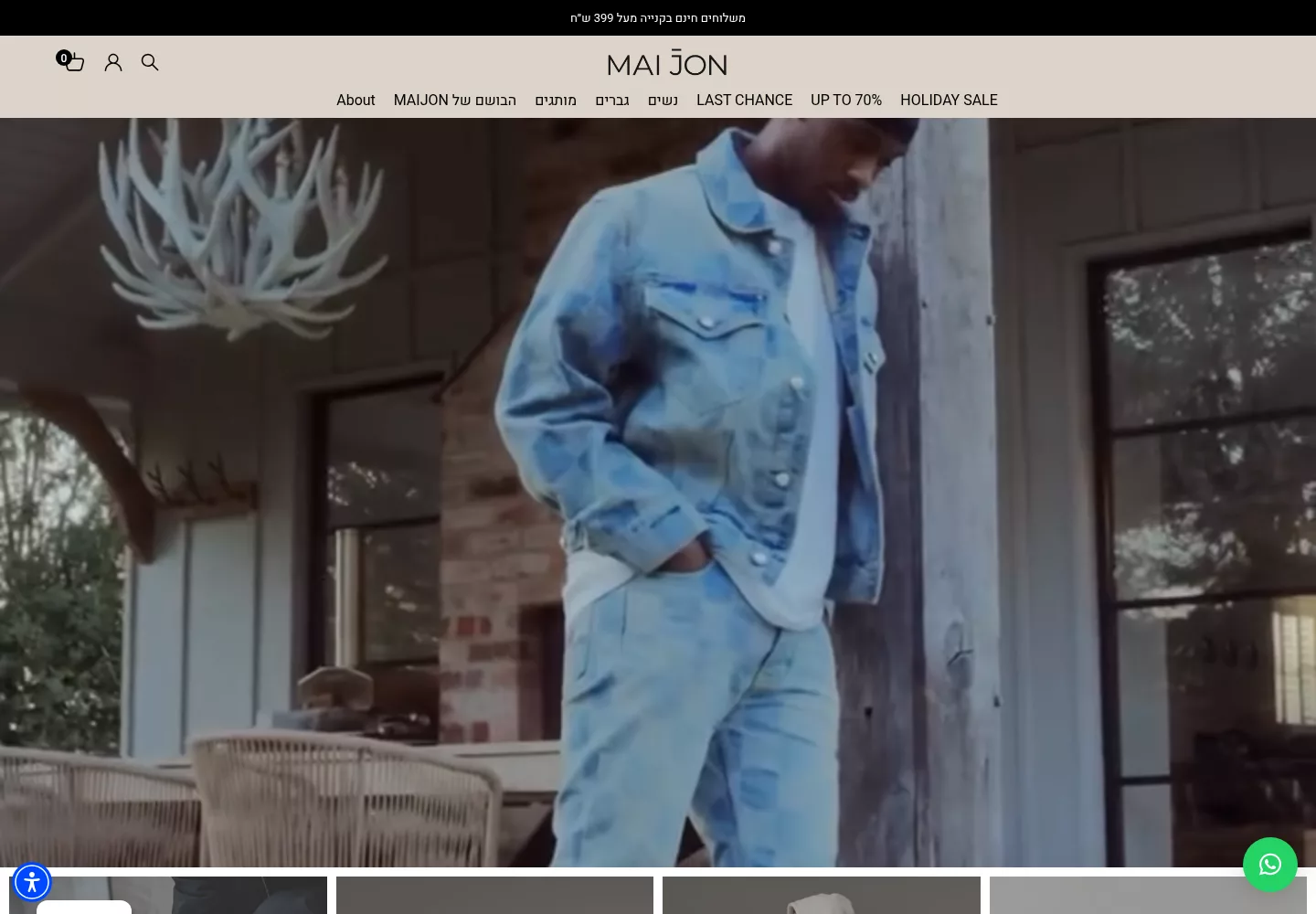
Maijon is a family-run fashion boutique based at Katznelson Street in Givatayim, Israel.
The shop sells fine clothes, shoes, bags, and other items for women, men, and unisex wardrobes.
Its range combines global labels with work from Israeli designers, selected around lasting style, comfort, and quality.
Buyers can browse the range on Maijon’s WooCommerce store or visit its shop in Givatayim.
Maijon needed its in-store point of sale to link with a Tranzila payment terminal at checkout.
Without this link, the cashier would handle card requests and results outside the main till flow.
The project also had to preserve cash sales while supporting card payments, installments, and cash-plus-card orders.
Each card request needed a clear response inside the POS, so the order could follow the right path.
Maijon also needed settings that admins could update without asking a developer to change the code.
Webkul built a custom add-on that linked the WooCommerce POS checkout with Maijon’s Tranzila terminal.
The work kept cash payments and normal order steps in place for staff at the till.
This custom payment setup fits Webkul’s wider work on WooCommerce POS payment solutions for shops.
When a cashier picks Tranzila, WooCommerce POS sends the amount due to the card terminal.
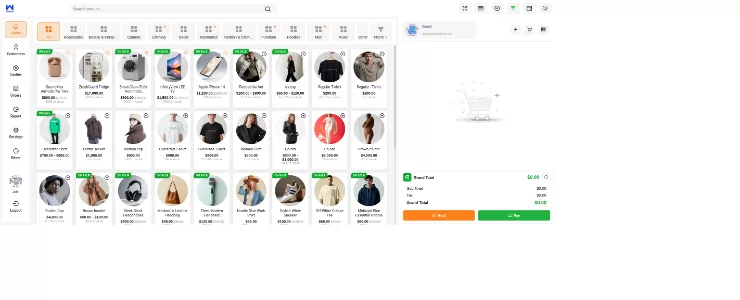
The add-on then gets the payment response and updates the order inside the POS checkout.
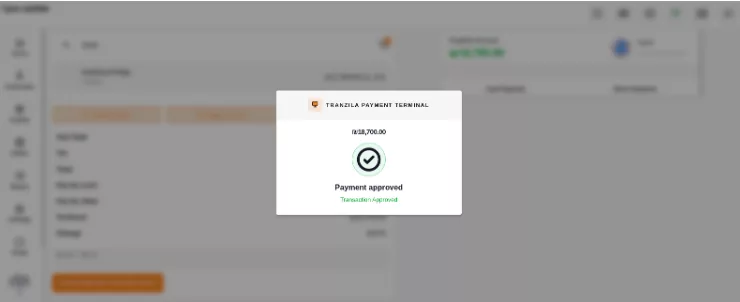
An approved card request marks the order as paid and starts the normal receipt flow.
Cash stays in the same POS flow, so staff can finish cash-only sales without the card device.
For installment payments, the cashier can choose from one to twelve installments before sending the request.
The Tranzila reader gets both the amount and count, then sends its result back to checkout.
Split payments let the cashier record the cash received while the POS calculates the remaining card balance.
Only that balance goes to Tranzila, which keeps both parts within one order flow.
The payment response keeps an order unpaid when the card request is declined, cancelled, timed out, or failed.
Instead of completing the sale, the POS displays a suitable error message and leaves the cashier in control.
Staff can retry the payment, choose another method, or cancel the order based on the customer’s decision.
This stops a failed card response from turning into a paid WooCommerce order.
Webkul added an admin configuration area for the Terminal ID, POS ID, Pairing ID, and API keys.
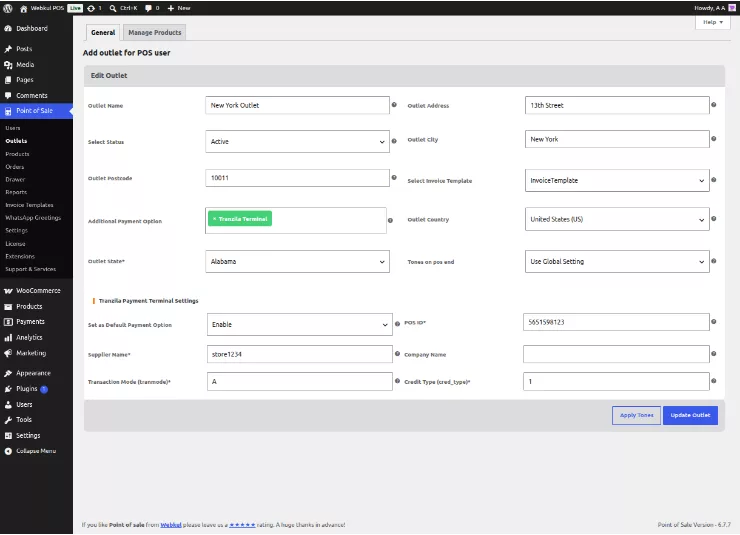
Admins can also manage link settings and other needed Tranzila fields from the WooCommerce panel.
As a result, approved staff can change the reader details without editing the custom add-on.
Successful payments can move to receipt printing after the POS marks the linked order as paid.
Receipt printing needs an active Node.js service and a public server port that can take print requests.
Webkul delivered the add-on outside the core product and gave one month of support for the set scope.
That support covers faults in the agreed work, but not new features or later third-party API changes.
Maijon’s till can now link supported Tranzila payments and WooCommerce orders through one checkout flow.
Cashiers can offer full card payments, up to twelve installments, or a cash-and-card split based on each sale.
Clear response handling gives staff a set next step when the card device does not approve a sale.
Meanwhile, the admin settings keep device IDs and link details easy to change as the setup grows.
Disclaimer: All company names, product names, and trademarks are the property of their respective owners.

UK Textile Brand used Sample Product extension to help customers to make informed decisions on their online e-commerce platform before making an actual purchase.

Grossiste Orient offers the possibility of selling perfumes in dropshipping, in a simple and advantageous system.

Through Odoo POS Development, we provided Deer&Dear with ready-to-use plugins like store pick-up and gift cards, while Ciervo Cafe benefited from the POS Gen-X theme and tailored features such as sales commissions and WhatsApp integration.
Start a Project

Message Sent!
If you have more details or questions, you can reply to the received confirmation email.
Back to Home