
Electronics, United States
How Webkul helped a fast-growing camera gear brand synced its Shopify store with Salesforce in real time. Read the full story.

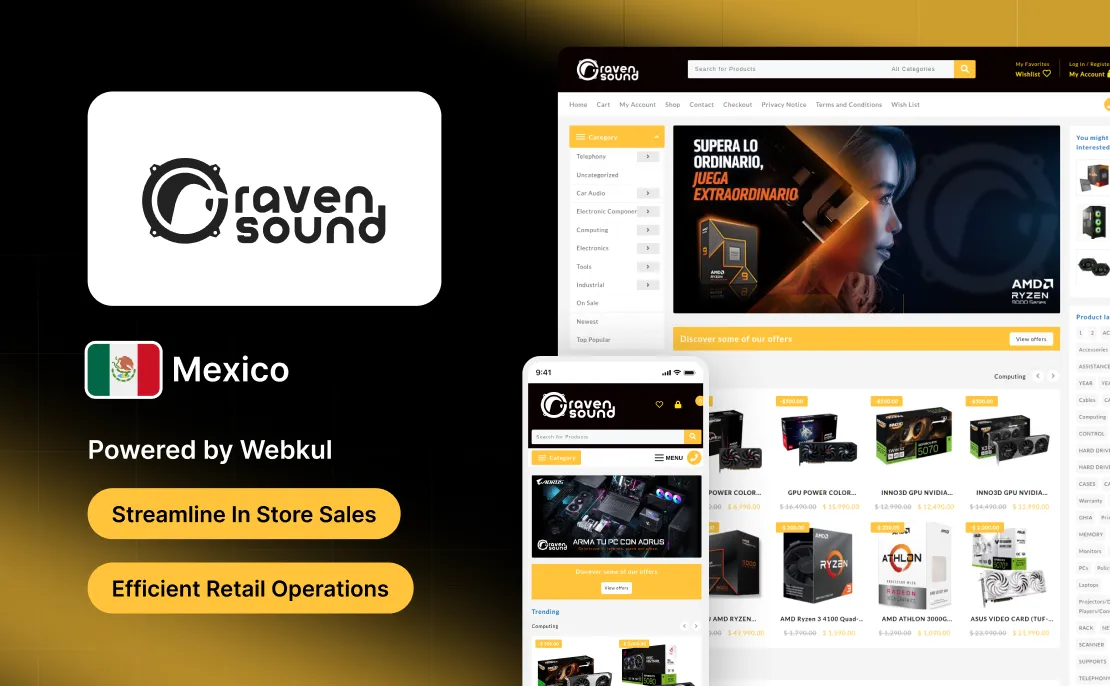
Raven Sound is a Mexican retailer offering musical instruments, audio equipment, studio gear, and accessories for both hobbyists and professionals.
The store features a wide range of guitars, keyboards, microphones, mixers, speakers, and recording equipment sourced from well-known brands.
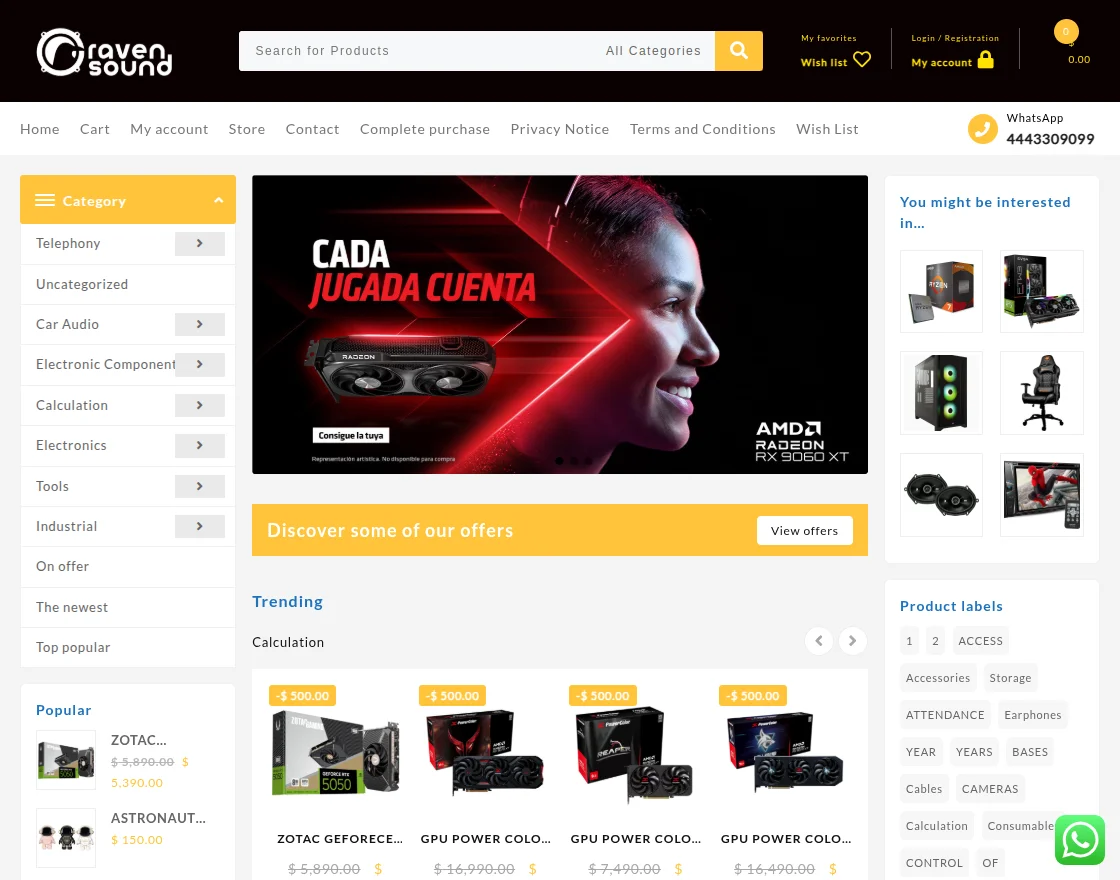
With a physical store and an online platform, Raven Sound focuses on helping customers shop for reliable audio and music products with convenience.
The business wanted to manage in-store orders together with online sales while keeping stock levels and pricing aligned between both channels.
Handling orders manually made it harder to keep track of inventory and slowed down day-to-day retail operations.
To solve this, the company worked with a trusted WooCommerce Development Company to implement a solution tailored for their setup.
Raven Sound sells musical instruments and audio equipment through both physical store visits and online orders, which made sales handling more complex.
Managing invoices, payments, and stock updates separately for in-store and online sales increased manual tasks and slowed down daily work.
Without a connected Point of Sale system, it was harder to keep inventory steady and monitor product availability across both sales streams.
To solve this, the company partnered with Webkul to implement a unified point of sale solution for its WooCommerce store.
This case study shows how retail operations became smoother and how the customer buying experience improved both in-store and online.
Point of Sale for WooCommerce plugin helped Raven Sound handle in-store retail orders from the same system used for online sales.
With this setup, staff can create walk-in orders, take payments, and issue receipts without switching tools.

The POS syncs products, stock, and pricing automatically with WooCommerce, so both store and online sales pull from the same catalog.
From the dashboard, the team can review sales, manage inventory, and keep track of orders across both channels.
This setup reduced manual tasks, sped up checkout at the store, and made sales handling simpler for the staff.
With the WooCommerce POS system in place, Raven Sound made its in-store retail sales process more organized.
Store staff could handle walk-in purchases, take payments, and print receipts directly from WooCommerce.
Real-time sync between in-store sales and online orders helped prevent stock mismatches and reduced manual edits.
The POS setup made checkout quicker and gave the team clearer insight into store performance and daily sales.
The WooCommerce plugin supported smoother order handling and a better in-store shopping experience for customers.

How Webkul helped a fast-growing camera gear brand synced its Shopify store with Salesforce in real time. Read the full story.

Protake is an electric store providing products built for every business or household need. They deal in computers and software, network and servers, Pro AV and Multimedia, etc. Read the whole story of how we solve their problems.

Chefman was losing business visibility across two stores. That's when Webkul's integration brought both stores into a single, real-time CRM view.
Start a Project

Message Sent!
If you have more details or questions, you can reply to the received confirmation email.
Back to Home