


















Shoppers now send AI agents to find and buy products for them. So your CS-Cart store needs to be readable by machines, not just by people. CS-Cart AI agent readiness measures how well those agents can reach, read, and act on your catalog.
Most store owners have never tested this once. In this guide, you will learn what agent readiness means, which checks matter, and how to scan your own store in about 30 seconds.
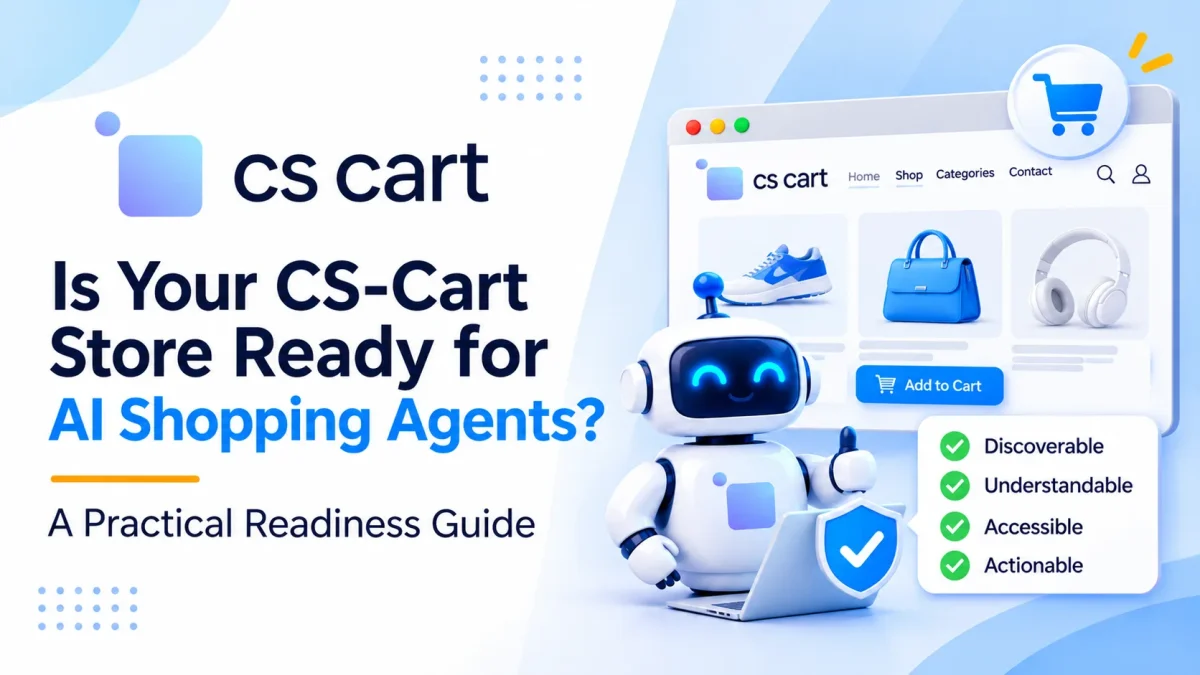
What is AI agent readiness?
AI agent readiness is your store’s ability to be found, understood, and used by autonomous AI systems. These agents search, compare, and sometimes buy on behalf of a real shopper.
Agents do not browse like people. They skip your design and read the raw HTML, your robots.txt, and your structured data instead.
So readiness is not about looks. Instead, it is about whether an agent can pull your price, stock, and product facts without a human in the loop.
Why CS-Cart stores should care now
AI shopping journeys often start with a search or a chatbot query. If an agent cannot read your products, it simply recommends a competitor instead.
CS-Cart ships solid SEO basics, yet a stock install misses parts of the schema that agents expect. So most stores leave gaps that block AI buyers without the owner ever knowing.
This is a sales problem, not a tech detail. An agent that trusts your data is one step away from placing a real order.
What AI agents check on your store
Agents look for a small set of signals. Here are the main categories a readiness scan tests, grouped the way an agent thinks.
- Discoverability covers robots.txt, sitemaps, and an optional llms.txt guide.
- Content means product facts that load without JavaScript.
- Structured data means valid Product and Offer JSON-LD.
- Bot access means crawl rules that allow real AI agents.
- Agent capabilities means machine endpoints such as MCP or OpenAPI.
- Security covers TLS, HSTS, and safe response headers.
A store scan then adds three commerce checks on top. These cover product data quality, operability, and agentic commerce protocols for checkout.

How agent readiness differs from SEO
Classic SEO and agent readiness overlap, yet they aim at different readers. SEO helps a person find you in search, while readiness helps a machine act on your store.
Both want clean sitemaps, fast pages, and Product markup with real prices. So the work you do for one often lifts the other.
But readiness goes further than ranking. It asks whether an agent can finish a purchase, not just whether a person can read the page.
Meet AgentScan, the AI agent readiness checker
Webkul built a free tool for exactly this test. AgentScan, the agent readiness checker at ai-agentchecker.webkul.com, mimics how an AI reads and acts on your site.
You paste one public URL, and no account is needed. Then the tool fetches your pages the way an agent would and returns a result in about 30 seconds.
Each report gives you a score from 0 to 100, a letter grade, and a tier. It also runs multiple or more checks and shows the exact HTML, header, or file it found as proof.
Every failed check also comes with a fix. For example, you get manual steps, a ready-made prompt, and a downloadable file to drop into your store.
How to check your CS-Cart AI agent readiness step by step
Running the scan takes a minute. So follow this sequence to get a clean, useful result.
First, open the checker and paste your store homepage URL. Then click scan and wait while it fetches your pages over HTTP.
Next, read the headline score and grade at the top. After that, scroll to the category breakdown to see which of the seven areas passed.
Then open each failed check one by one. The tool shows the evidence it pulled, so you can confirm the gap is real before you touch any code.
Finally, export the fix for each gap. You can hand the prompt and file to a developer, or apply the change yourself inside CS-Cart.
Scan a product page too
Do not stop at the homepage. Also run a second scan on a real product URL, because that page carries your price and stock schema.
A product page exposes the data an agent needs to buy. So a clean product scan matters more than a clean homepage for real sales.
Fix the gaps a scan finds in CS-Cart
Most CS-Cart stores fail on the same few checks. Luckily, each one has a clear fix inside the platform or an add-on.
Start with structured data, since it is the universal interface for agents. Next, add Product, Offer, and AggregateRating JSON-LD that matches your visible price and stock, following the schema.org Product spec.
Then confirm your content is server rendered. Your price and description must sit in the raw HTML, not appear only after JavaScript runs.
After that, review your robots.txt and CDN bot rules. You should allow retrieval agents such as GPTBot and PerplexityBot, because blocking them drops you from AI buying lists.
For generating the llms.txt in your cs-cart store, webkul provide cs-cart llms.txt genertor module
Readiness checklist before you launch
Run through this list once your fixes are live. Then rescan to confirm the score moved.
- Product JSON-LD is present and matches the page.
- Price, stock, and titles load without JavaScript.
- Your robots.txt allows the main AI agents.
- Your sitemap lists every product.
- TLS and security headers pass.
A strong CS-Cart AI agent readiness score means agents can find, trust, and buy your products. So start with one scan today, fix the top three gaps, then rescan next week to track your progress.

Be the first to comment.