
Retail, United States
Pre-Order Inventory Management for World's Best Model Train Store - Trainworld

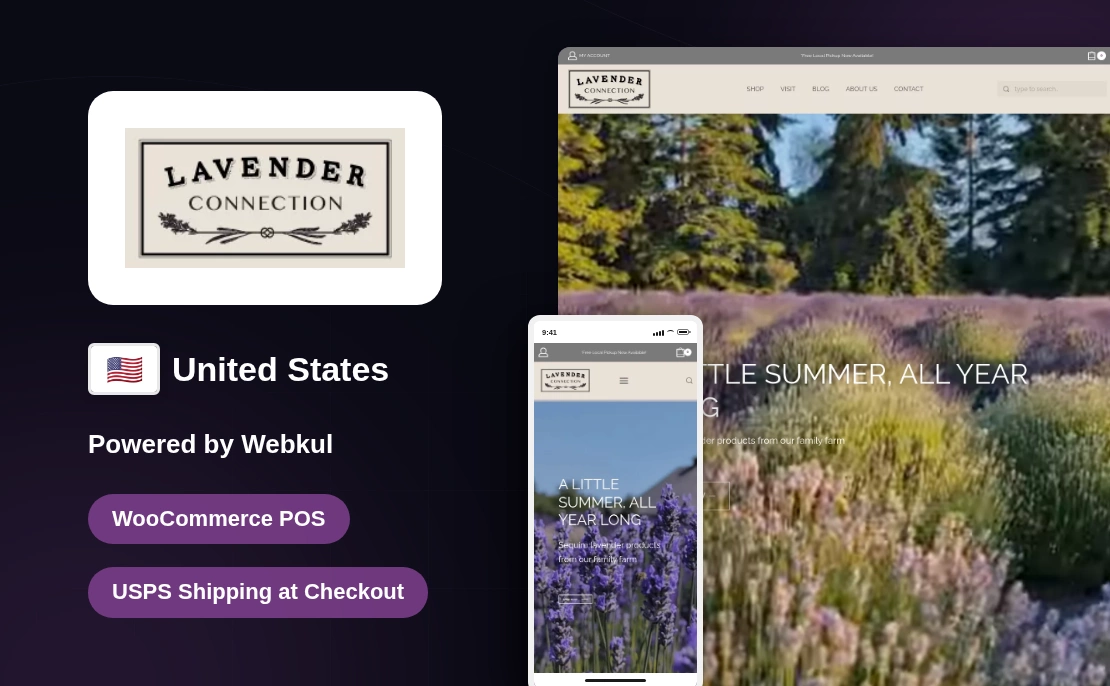
URL: https://www.lavenderconnection.com/
Country: United States
Industry Vertical: Farm and Retail
Platform: WooCommerce
Solution Provided: Custom WooCommerce POS implementation with Stripe Terminal payments and USPS shipping at checkout
Lavender Connection is an Olson family farm in Sequim, Washington, which first welcomed guests in 2004.
Across the farm, more than 60 types of lavender grow for guests to see and cut in summer.
Its team also makes oils, buds, bath goods, home goods, food items, gifts, and more.
People can shop online, visit the summer farm store, or find the team at Seattle markets.

Lavender Connection needed one checkout for goods bought at the counter and goods sent by mail.
For mailed goods, the point of sale (POS) agent had to select or create a customer first.
For those sales, the agent also needed a choice to add a shipping address.
Saved address fields had to stay ready for the next order but safe from edits on other screens.
A fixed fee would not work because the shop needed live USPS rates based only on package weight.
Agents also needed to choose Ground Advantage, Priority Mail, or Priority Mail Express during the sale.
Last, mailed orders had to stay open because the shop still needed to pack and send them.
Webkul joined its POS base, Stripe Terminal support, and custom shipping work in one sales flow.
For card sales, the project used Webkul’s Stripe Terminal for WooCommerce POS to take payments in person.
Webkul then changed checkout so mailed goods would not look like a finished counter sale.
This WooCommerce POS development linked the counter sales flow with the shop’s current WooCommerce store.
POS agents could build an order, add a customer, and take payment through a supported Stripe reader.
As a result, card and order details stayed in the same shop used for online sales.
Stripe handled the in-person payment, while the custom checkout added the right shipping fee to the same order.
The image below is an illustrative Webkul POS reference and does not show Lavender Connection’s live store data.
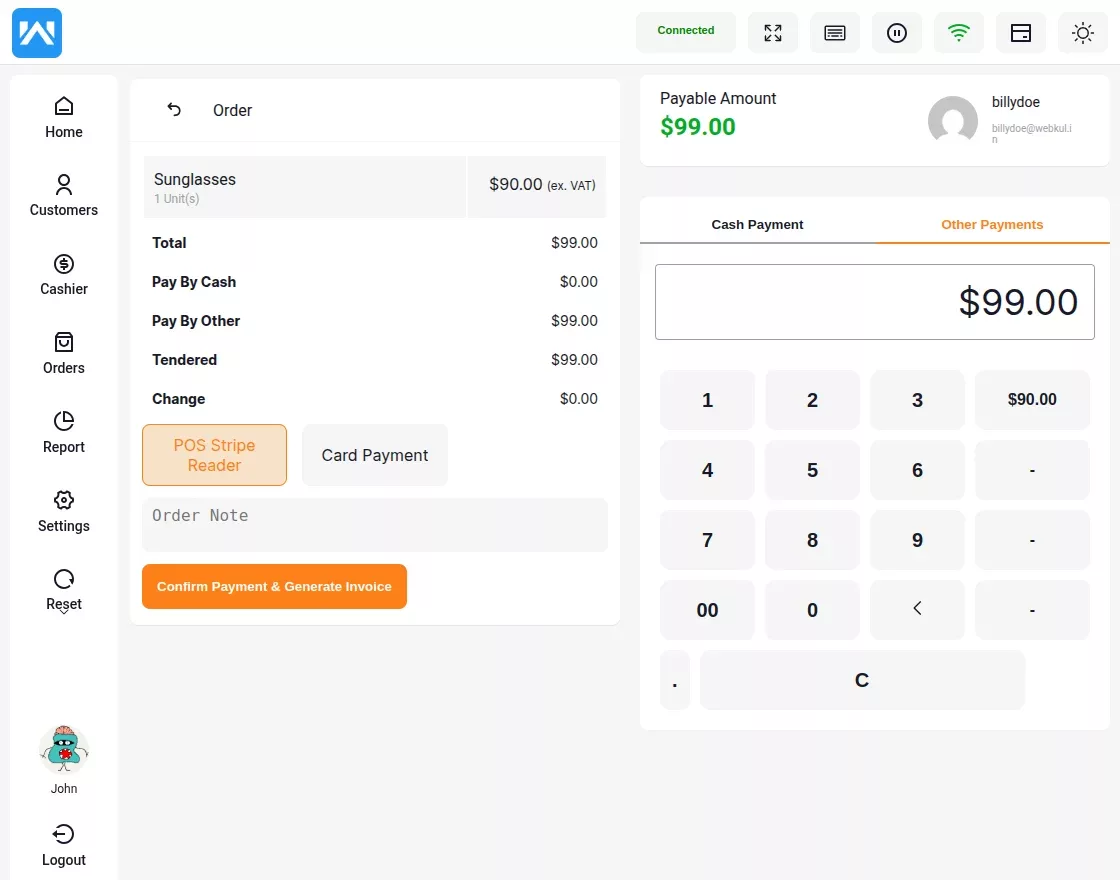
Webkul added a Ship Product choice for orders that had to be sent after checkout.
When selected, a Shipping Address section appeared as an optional part of the new customer form.
Once saved, agents could change those fields only from the customer’s profile edit page.
For current WooCommerce accounts, the POS also synced each saved shipping address.
With a saved address, staff could start later mail orders without adding the same fields at each sale.
Custom checkout used the chosen address and the current WooCommerce USPS setup to ask for live rates.
Agents saw weight-based Ground Advantage, Priority Mail, and Priority Mail Express rates for US shipments.
Each quote used the saved destination and order weight, so staff did not enter a flat shipping fee.
After the agent chose a service, the POS added the returned fee to the order total.
Next, the order status changed to Processing instead of Completed, showing that packing and shipping were still due.
Lavender Connection gained one checkout for counter sales and paid orders that still had to be sent.
Agents can use saved customer details, compare the three USPS services, and add one rate before checkout.
Since mailed orders stay in Processing, staff can tell them apart from sales finished at the counter.

Pre-Order Inventory Management for World's Best Model Train Store - Trainworld
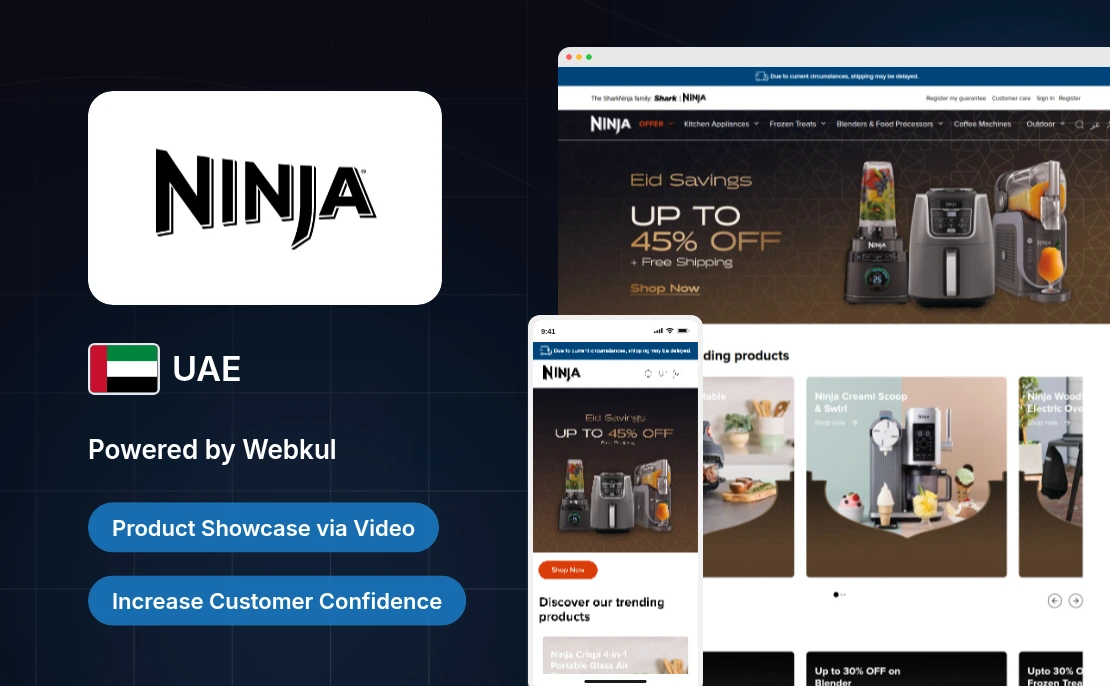
Ninja Kitchen, a UAE firm uses Webkul's Magento 2 Video Player to showcase engaging product videos on its Magento store.

Discover how Mercaporta, a Spanish door supplier, boosts engagement and merchandising with Magento 2 Product User Activity.
Start a Project

Message Sent!
If you have more details or questions, you can reply to the received confirmation email.
Back to Home