


















AI shopping agents are reshaping how consumers discover and purchase products online.
Instead of browsing traditional search results, shoppers now ask AI assistants to find specific products and compare real-time deals.
An autonomous agent can analyze product catalogs, check live stock, and complete checkout steps on behalf of a human buyer.
When a store exposes incomplete data, automated shopping agents struggle to interpret product variations or finalize orders.
Using a dedicated WordPress AI checker ensures your catalog and content are completely visible to autonomous bots.
What Is the WordPress AI Agent Checker?
The WordPress AI Agent Checker is a specialized auditing tool built by Webkul.
It acts as a comprehensive WordPress checker that inspects public website responses for autonomous AI agent readability.
Unlike standard website auditors, this WordPress AI checker tests beyond conventional keywords, metadata, and page speed.
The tool directly evaluates whether your store exposes the structured data, public endpoints, and controls that AI agents need.
You can run a complete evaluation without creating an account or installing any third-party WordPress plugin.
The checker inspects your public pages, provides real HTTP evidence, and calculates an overall readiness score from 0 to 100.
Why You Need a WordPress AI Checker for WooCommerce
A store may look visually flawless to a human shopper while remaining completely unreadable to an AI shopping agent.
Consider a shopper who asks an AI assistant to order a pair of black running shoes in size 10 for under seventy dollars.
If your product page relies entirely on client-side JavaScript, the agent may see a blank page or missing prices.
When product prices differ between your visible page and your public endpoints, AI agents cannot verify the actual cost.
These discrepancies lead AI assistants to skip your catalog and recommend products from competing stores instead.
Running regular scans with a WordPress AI checker ensures automated shopping assistants can discover your products.
How to Audit Your Store with the WordPress AI Agent Checker
Auditing your website requires only a few moments and involves five simple steps.
Step 1: Open the WordPress AI Checker
Navigate directly to the WordPress AI Agent Checker.
This free WordPress checker supports any public site and automatically detects active WooCommerce components.
Step 2: Enter Your Public Store URL
Enter your complete store domain into the scanner URL input field.
You can select the full audit covering all 86 checks or choose customized check categories for your store.
Step 3: Run the 86-Check Scan
Complete the quick verification step and click the Scan button to launch the analysis.
The engine fetches real public responses across discoverability, structured data, API endpoints, and security layers.
Step 4: Review Your AI Readiness Score and Grade
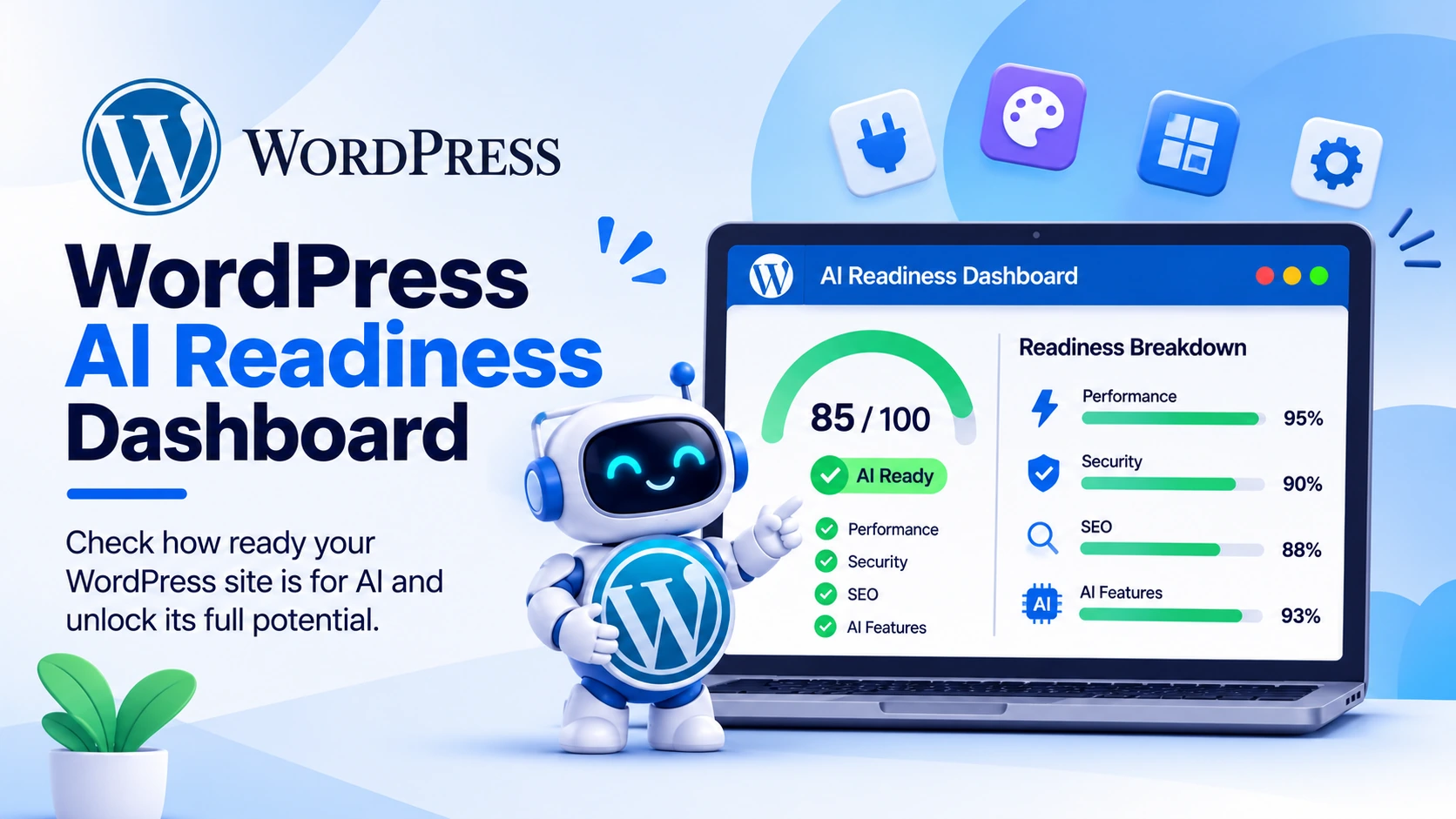
Once the analysis finishes, the dashboard presents a clear readiness score alongside an A–F tier grade.
You receive a transparent summary showing passed checks, detected gaps, and overall server response times.
Every reported finding includes recoverable score points, direct HTTP evidence, and copy-ready remediation guides.
Step 5: Fix Discovered Gaps and Re-Scan
Review the actionable recommendations and apply the necessary fixes to your theme or server settings.
Once your updates are deployed, run another scan immediately to verify that your readiness score has improved.
What Does the WordPress AI Checker Test?
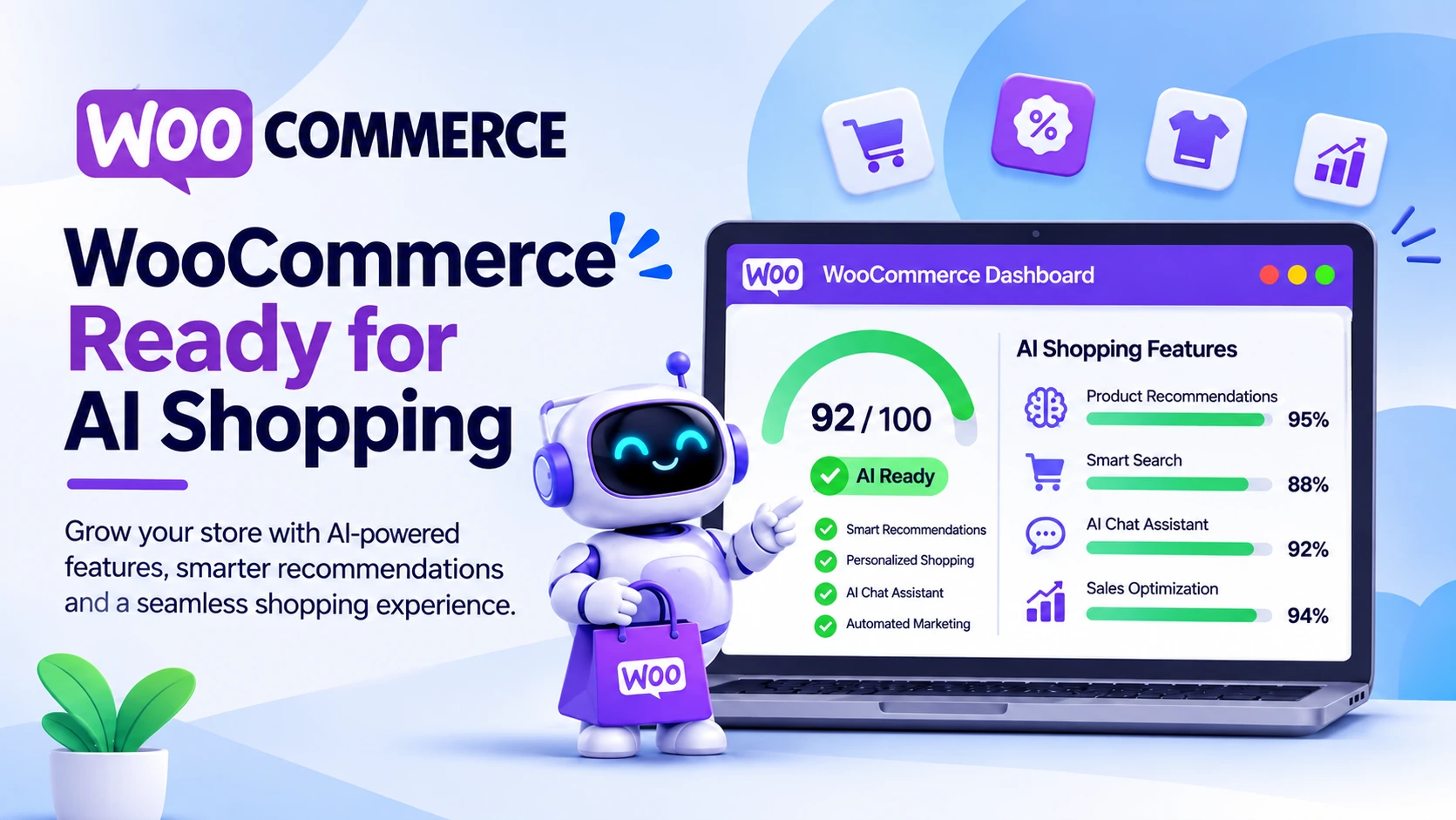
The scanner evaluates 86 individual checks across 12 distinct categories to provide a 360-degree readiness assessment.
1. WooCommerce Product Data and Variations
This WordPress checker verifies that product names, prices, stock statuses, and variation options exist in server HTML.
When variation attributes are hidden behind complex client-side scripts, AI agents cannot determine product availability.
2. WooCommerce Store API Accessibility
The audit tests whether your public WooCommerce Store API endpoints respond correctly to anonymous requests.
These endpoints allow AI agents to inspect product catalogs, check variation details, and calculate accurate cart totals.
3. Structured Data and Schema Validation
The tool inspects JSON-LD markup to ensure your store follows current schema standards for products and offers.
It validates nested variation offers, price currencies, merchant return policies, and aggregate product ratings.
4. Bot Access and Discoverability Directives
The scanner evaluates your robots file, XML sitemaps, and machine-readable agent declarations like llms.txt.
It confirms that beneficial AI search crawlers can index your catalog without hitting restrictive challenge screens.
5. Operability and Add-to-Cart Controls
Automated buyers need semantic, accessible buttons and forms to select attributes and add items to a cart.
The scanner checks that your store uses properly labelled controls rather than inaccessible script triggers.
6. Agentic Commerce and Protocol Discovery
The engine looks for emerging agentic standards, including cart permalinks, UCP profiles, and OpenAPI descriptions.
These modern protocols allow next-generation shopping agents to pass items directly to human checkout sessions.
Practical Fixes and Code Snippets
Resolving common agent readiness gaps often takes only a few small adjustments in your store configuration.
1. Testing Store API Product Responses
AI shopping assistants query the Store API to retrieve accurate product data and real-time inventory counts.
You can verify your store endpoint by sending a standard GET request from your terminal.
Ensure this endpoint returns valid JSON rather than redirecting to a login page or blocking automated requests.
2. Adding Synchronized JSON-LD Offer Schema
AI crawlers read structured schema markup to compare variation prices against the visible storefront.
Add clean JSON-LD markup inside your product template header to declare your product offers clearly.
Make certain the price in your Offer block matches the exact figure displayed on your storefront and Store API.
3. Creating an llms.txt File for Agent Discovery
An llms.txt file acts as a structured roadmap guiding AI agents directly to your primary catalog resources.
Place this plain text file in your website root directory to outline your store layout and API routes.
This text file outlines essential product feeds and store policies in a clean markdown format designed for AI agents.
AI search engines parse this file to find relevant product pages without crawling unnecessary administrative scripts.
4. Updating robots.txt for AI Shopping Crawlers
Aggressive bot-blocking rules frequently prevent legitimate AI shopping assistants from indexing your products.
Update your robots.txt file to grant explicit read access to recognized AI shopping crawlers.
This robots directive allows verified AI assistants to inspect your product pages and public Store API endpoints.
Permitting these agents allows your products to appear directly inside conversational AI recommendations.
WordPress AI Checker vs Traditional SEO Checker
Traditional SEO checkers focus on human search rankings, whereas an AI agent checker evaluates machine interoperability.
| Audit Feature | Traditional SEO Checker | WordPress AI Agent Checker |
|---|---|---|
| Primary Audience | Human search engine users | Autonomous AI shopping agents |
| Content Evaluation | Keywords, titles, and meta descriptions | Server-rendered HTML and Gutenberg blocks |
| Catalog Validation | Page URL indexing status | Variation mapping, prices, and stock counts |
| API Inspection | None or basic sitemap checks | WooCommerce Store API (wc/store/v1) |
| Shopping Operability | Not tested | Add-to-cart buttons and variant pickers |
| Agent Protocols | Not evaluated | llms.txt, UCP profiles, and OpenAPI specs |
| Remediation Guides | General keyword suggestions | Copy-ready prompt templates and HTTP evidence |
Both audits provide value, but a WordPress AI checker is essential for capturing conversational search traffic.
Who Should Use a WordPress AI Checker?
Every team managing a content site or online store can benefit from auditing their machine readability.
WooCommerce store owners can verify that their products and variation prices are represented accurately across AI platforms.
WordPress developers can diagnose REST API issues, validate JSON-LD schemas, and ensure reliable server rendering.
eCommerce agencies can incorporate AI readiness audits into client maintenance packages to deliver measurable improvements.
Marketing managers can ensure that emerging conversational search engines cite accurate prices and current stock levels.
Best Practices to Improve Your WordPress AI Readiness Score
Applying a few foundational optimizations will significantly raise your store readiness score.
Keep product prices and inventory counts consistent across your visible page, schema markup, and public APIs.
Serve critical product descriptions and attribute lists directly in initial HTML rather than relying on dynamic JavaScript.
Provide accessible, semantic HTML buttons for variant pickers and add-to-cart interactions across all product templates.
Publish explicit shipping, return, and privacy policies in discoverable locations with clear semantic headings.
Verify that your web application firewall does not subject friendly search bots to impossible JavaScript challenges.
Provide clean llms.txt and agents.json files to give conversational engines direct paths to your best content.
Re-scan your site with this WordPress checker after major updates to ensure no regressions have been introduced.
Conclusion
The shift toward AI-powered conversational shopping is transforming digital commerce into an automated, agentic ecosystem.
Sites that present structured, verified, and accessible catalog data will win prime placement inside AI recommendations.
The WordPress AI Agent Checker provides the insights needed to prepare your store.
Run your free scan today, uncover hidden accessibility gaps, and get your WordPress and WooCommerce site ready for AI agents.

Be the first to comment.