CS-Cart User Activation By Mail extension provides the feature of activation of vendor and customer’s account via mail.
Users are required to activate their newly created account via a confirmation link sent to the email address provided while registering.
Moreover verification of email address helps to reduce spam and also make sure that the registered id belongs to that member.
Note:
- All the existing versions of CS-Cart, before the CS-Cart 4.11.x comprises the email templates in the design section.
- Before installing the add-on, extract the downloaded package.
- Install the License Manager add-on first.
- Then install the required add-on.
- Follow the license activation steps to generate your license key.
Check the workflow of the module –
Features
- Well integrated with CS-Cart Multi-Vendor, CS-Cart Multi-Vendor Plus, and CS-Cart Multi-Vendor Ultimate.
- Provides functionality to require users to confirm the registration email to verify their email address and activate their account.
- Allows vendor account activation through email.
- Provides a login option directly from the confirmation email.
- Allows users to log in using the account activation link.
- Enables administrators to set the expiry time for inactive accounts.
- Automatically removes inactive accounts after the configured expiry time.
- Easy to configure and manage from the admin panel.
- Supports sending reminder emails to customers and vendors through a cron job.
Installation – CS-Cart User Activation By Mail
When you’ll download the CS-Cart User Activation By Mail you’ll get a zip file and install.txt file. Read it carefully and follow it
Navigate to Add-ons → Manage Add-ons from the CS-Cart administration panel and click on Manual Installation.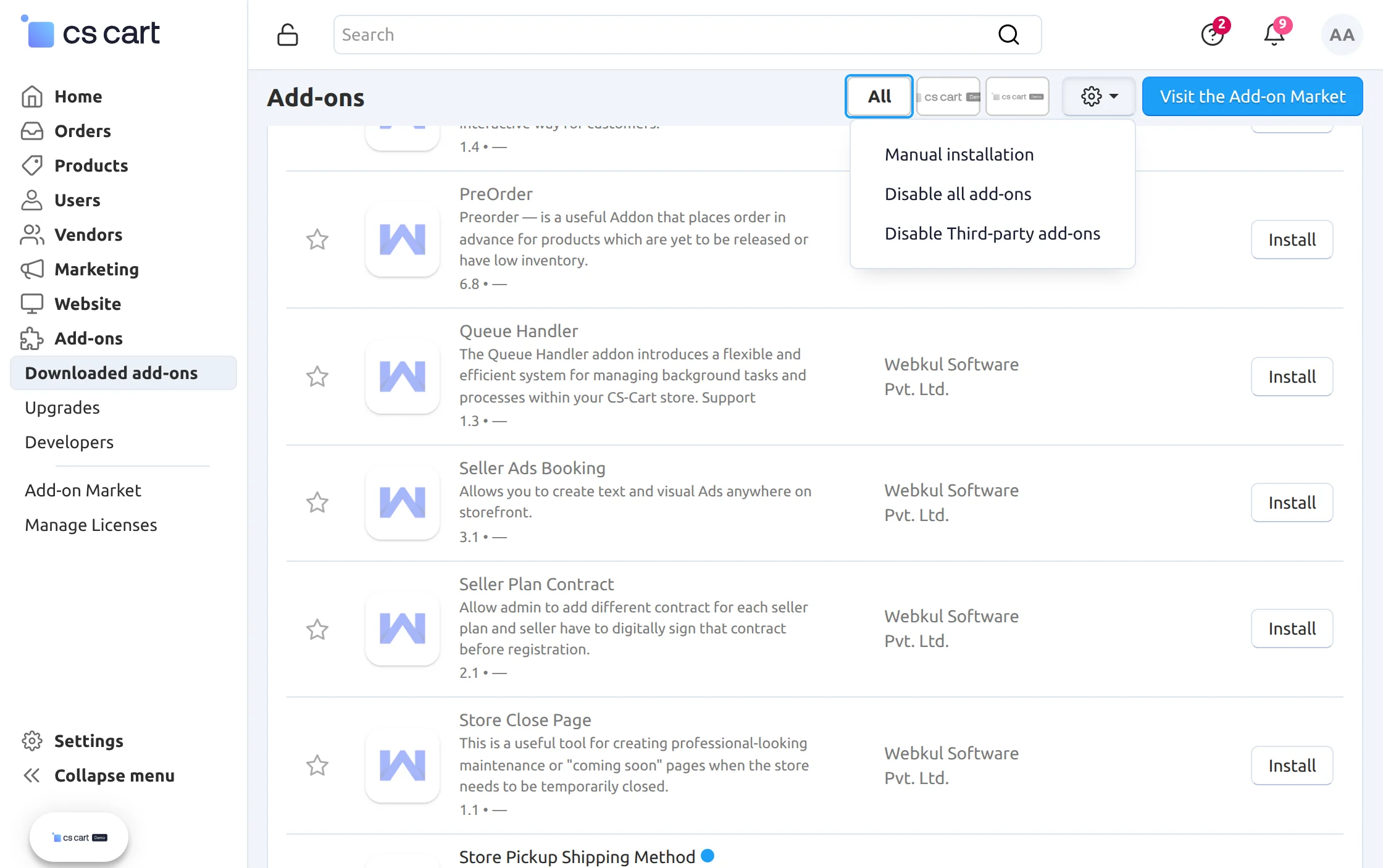
Now, tap the cog icon and select Manual installation.
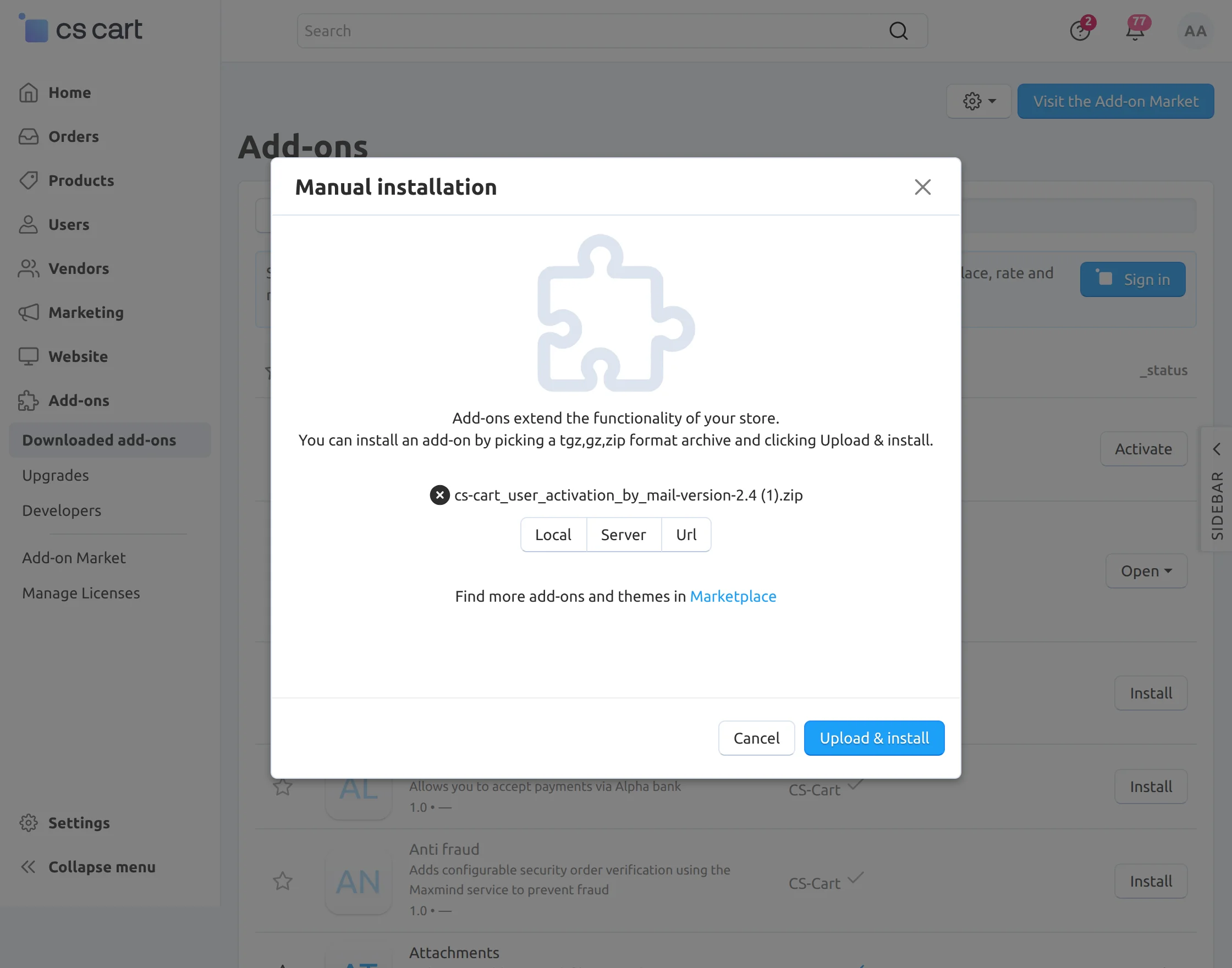
After that, browse and upload the zip file. Click on “Upload & install” to install the zip file as shown below in snapshot.
Lastly, you can see the installed plugin and can check the settings for the same.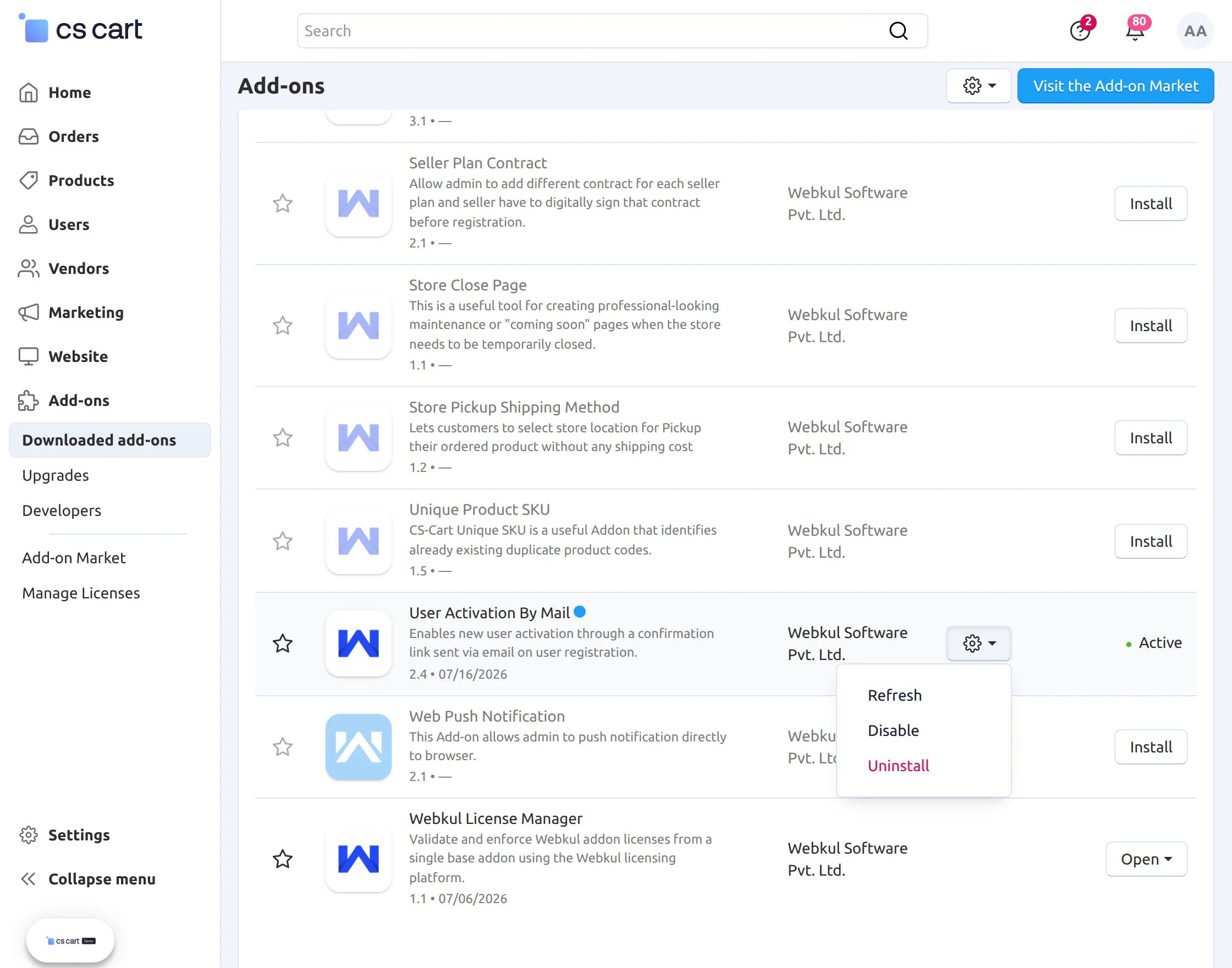
Initial Configuration
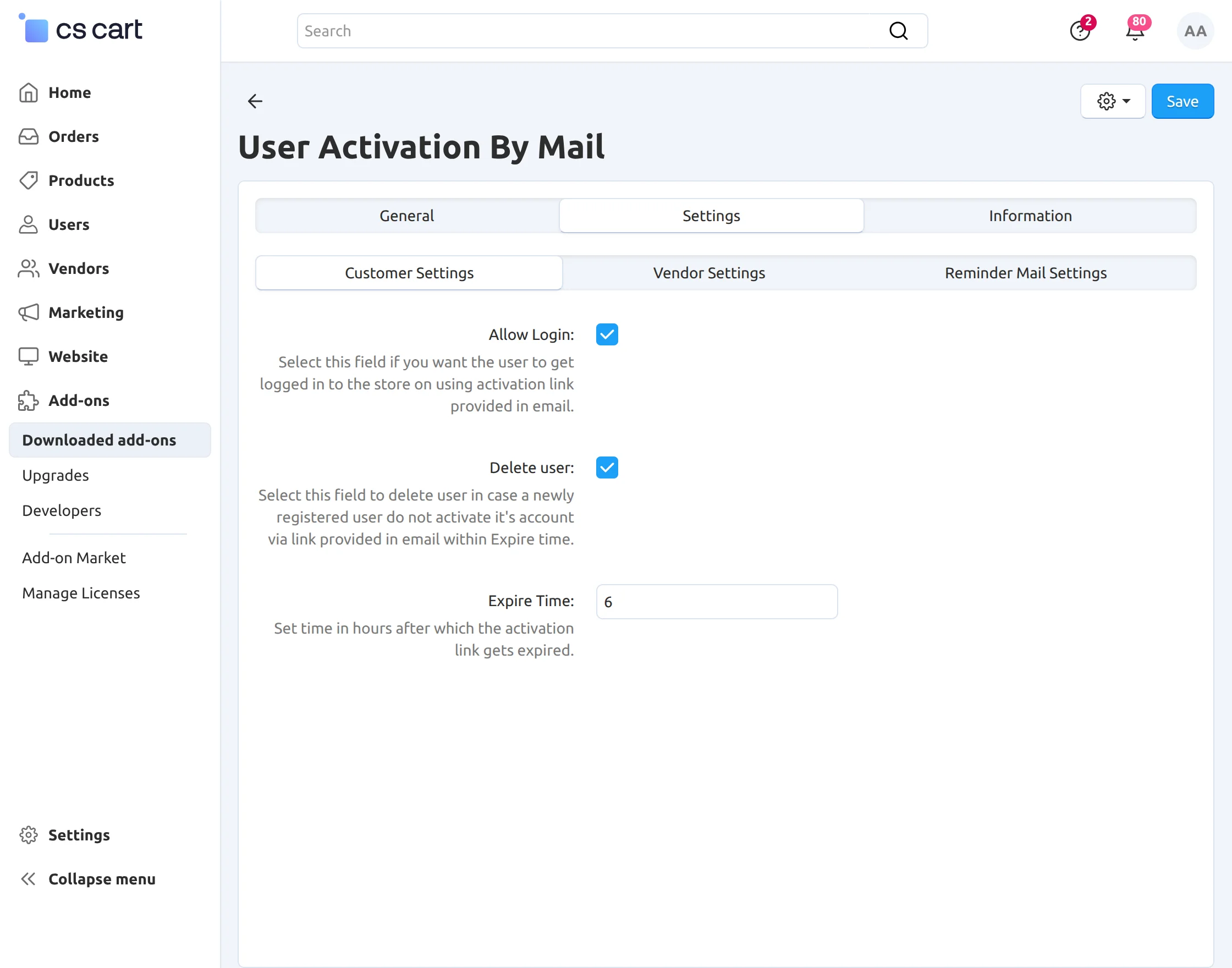
Set parameters for customer activation as mentioned below in the snapshot.
- Click to allow a user to get logged on by using the activation link.
- Click to allow automatic deletion of the inactive user.
- Enter expiry time of activation link.
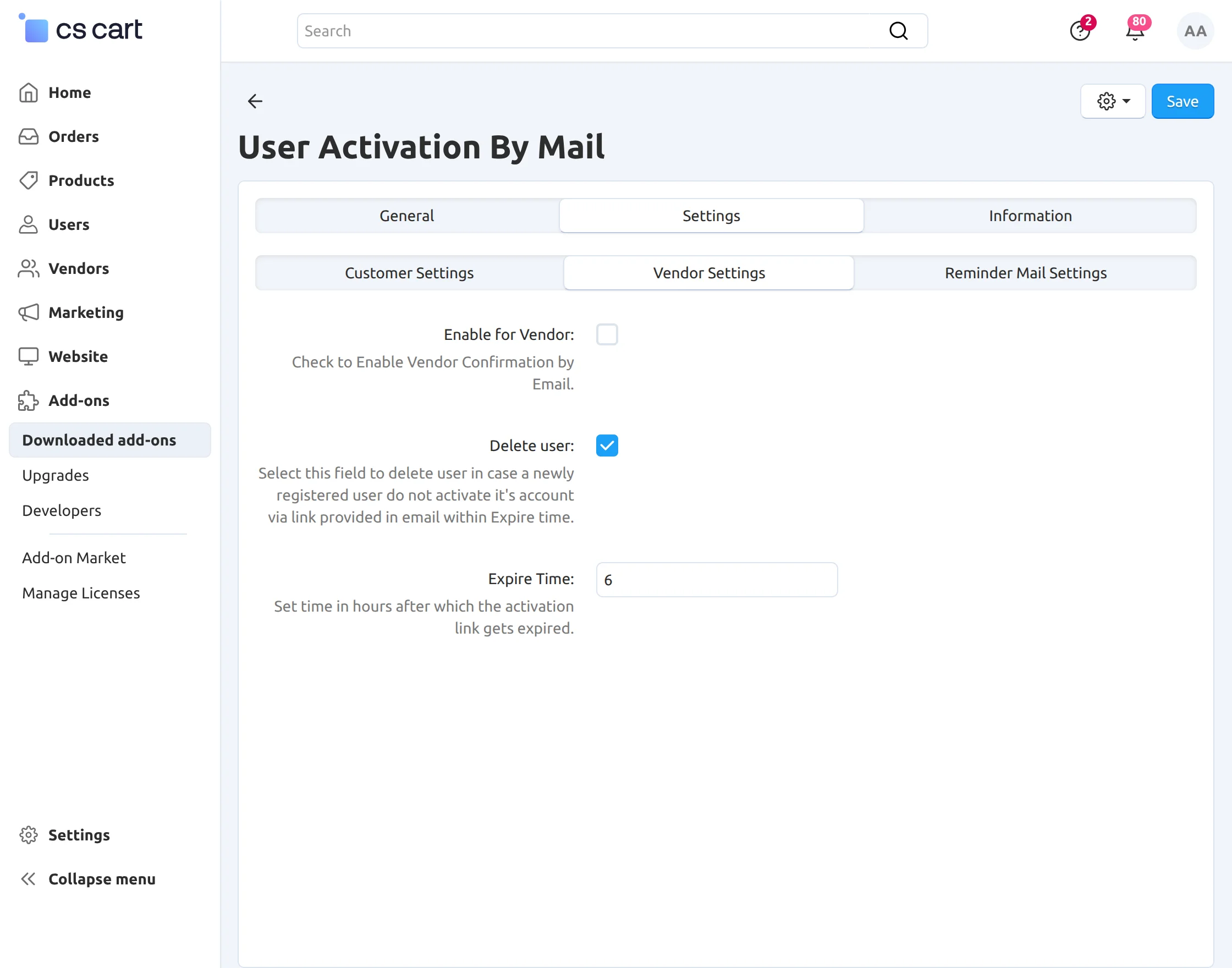
Click on Vendor Settings tab and set the parameters provided for vendor’s activation as per the below snapshot.
- Check the box to allow vendor activation by mail.
- Click to allow automatic deletion of the inactive user.
- Enter expiry time of activation link.
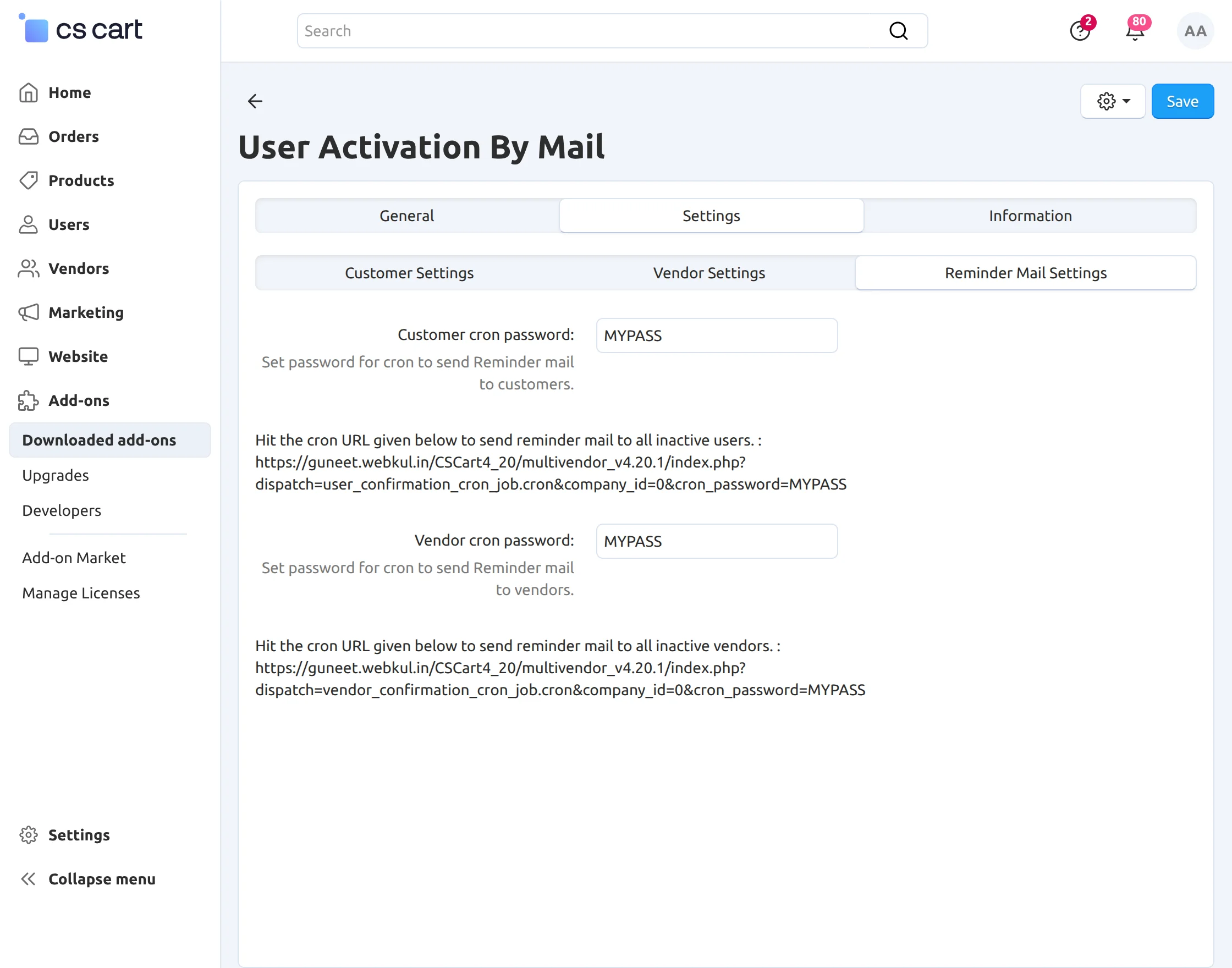
Click on Reminder Mail Settings tab and set the password for cron to send Reminder mails to customers and vendors as shown below in the snapshot.
- Enter the password for cron to send reminder mail to customers.
- Enter the password for cron to send reminder mail to vendors.
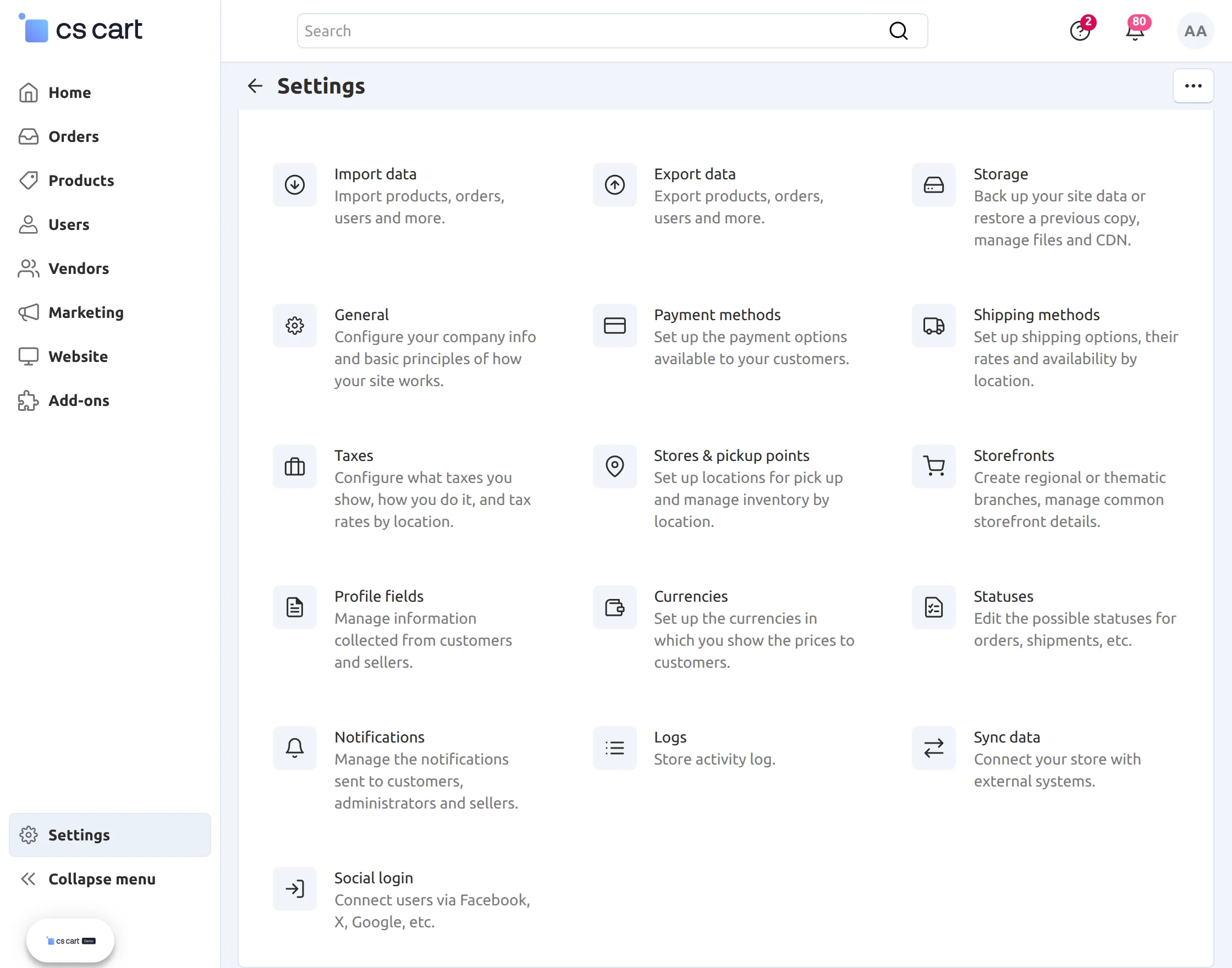
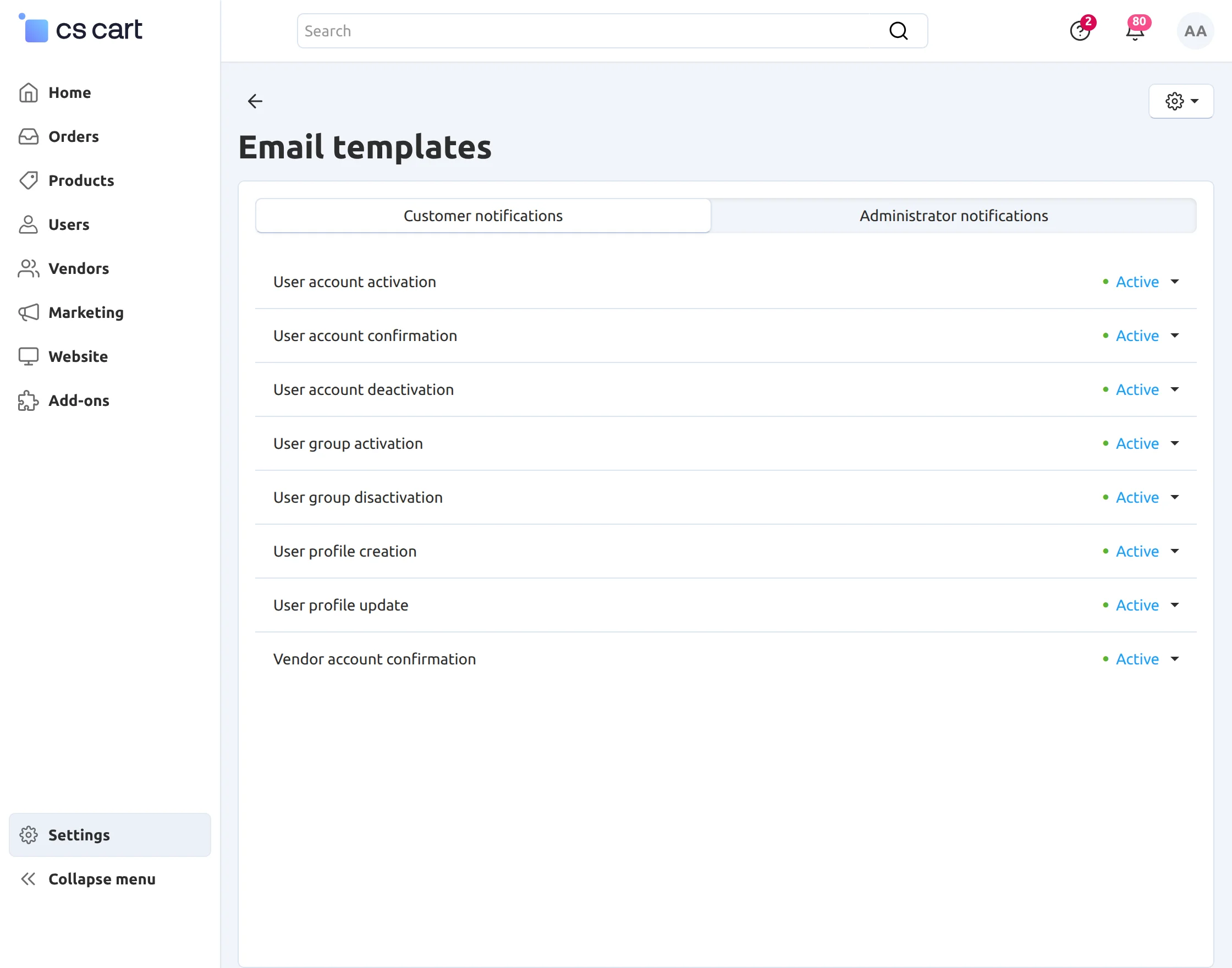
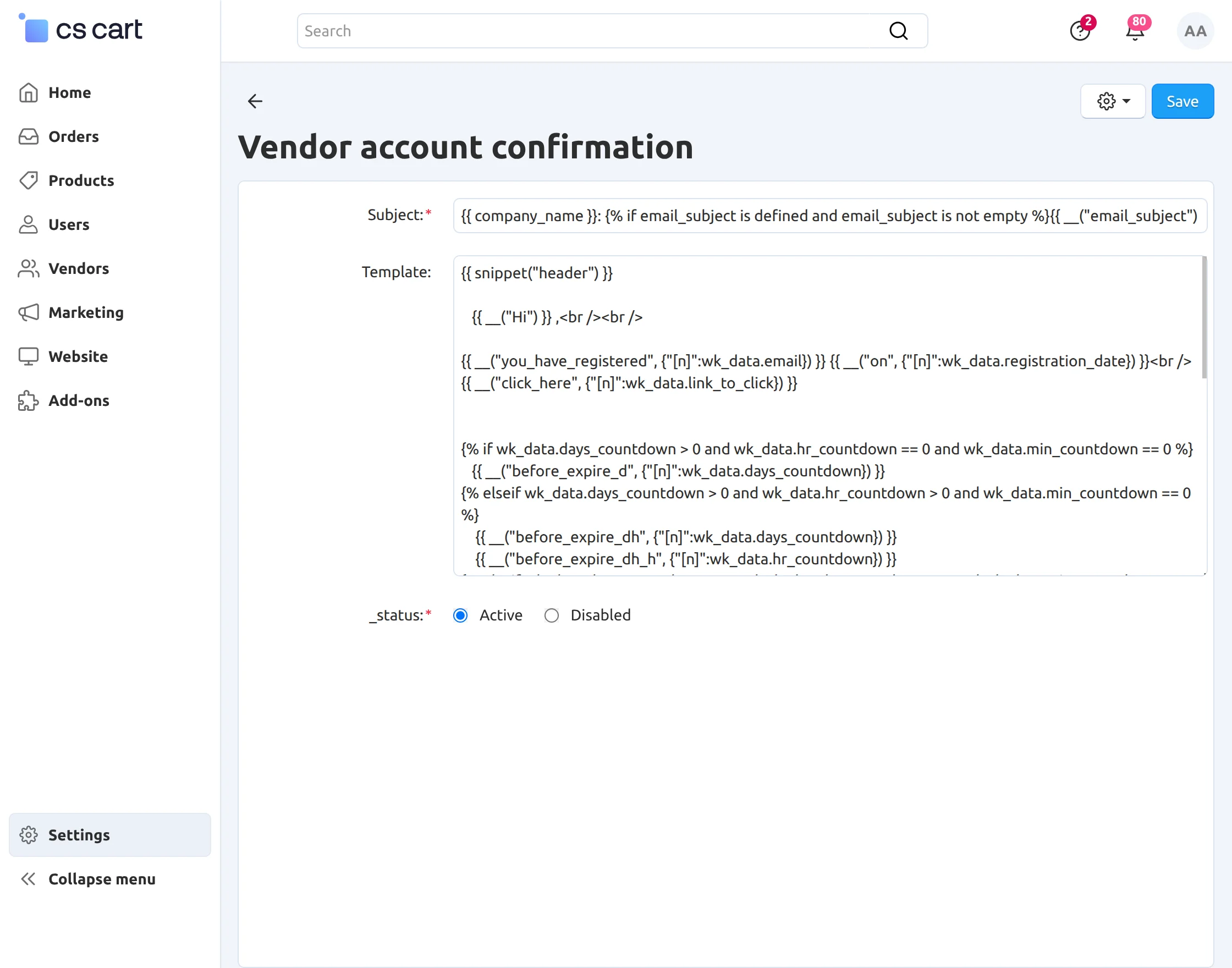
Set Email templates for the confirmation mail.For email templates you need to go to administration then notifications.
In notifications you will find the email template of the confirmation mail for the “customer” and “vendor”.
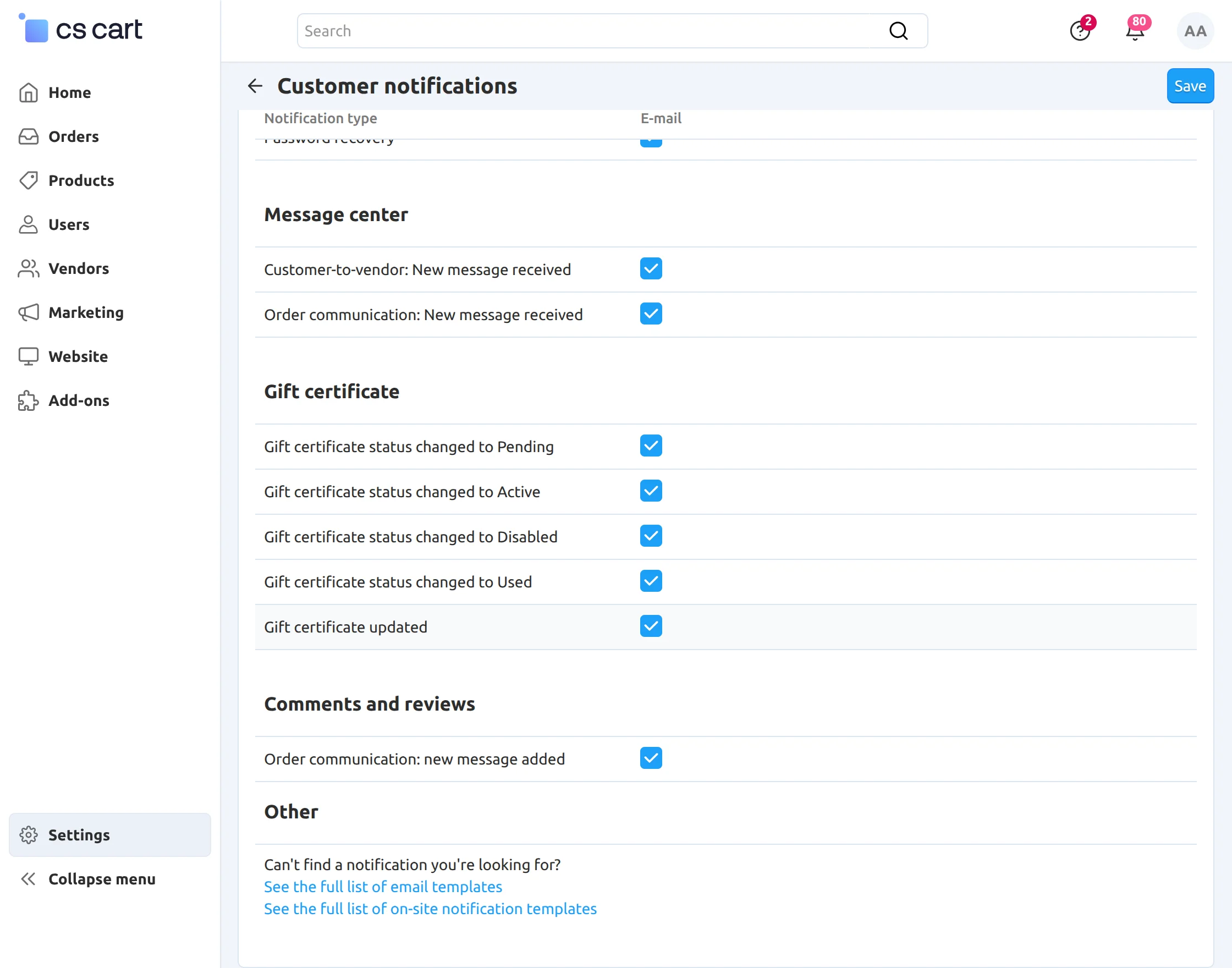
Edit an email template.
User Receives Email – At Registration Time
Customer’s Registration via mail :
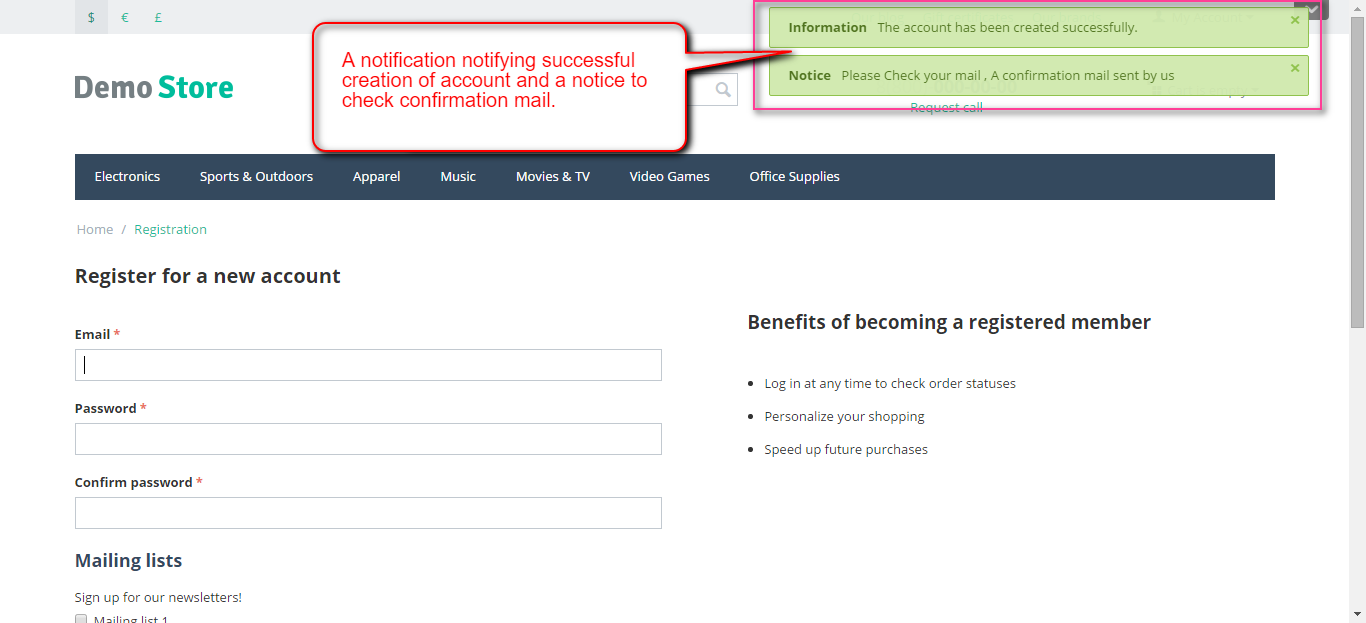
Go to the registration page at the front end and create a new account by filling the required details.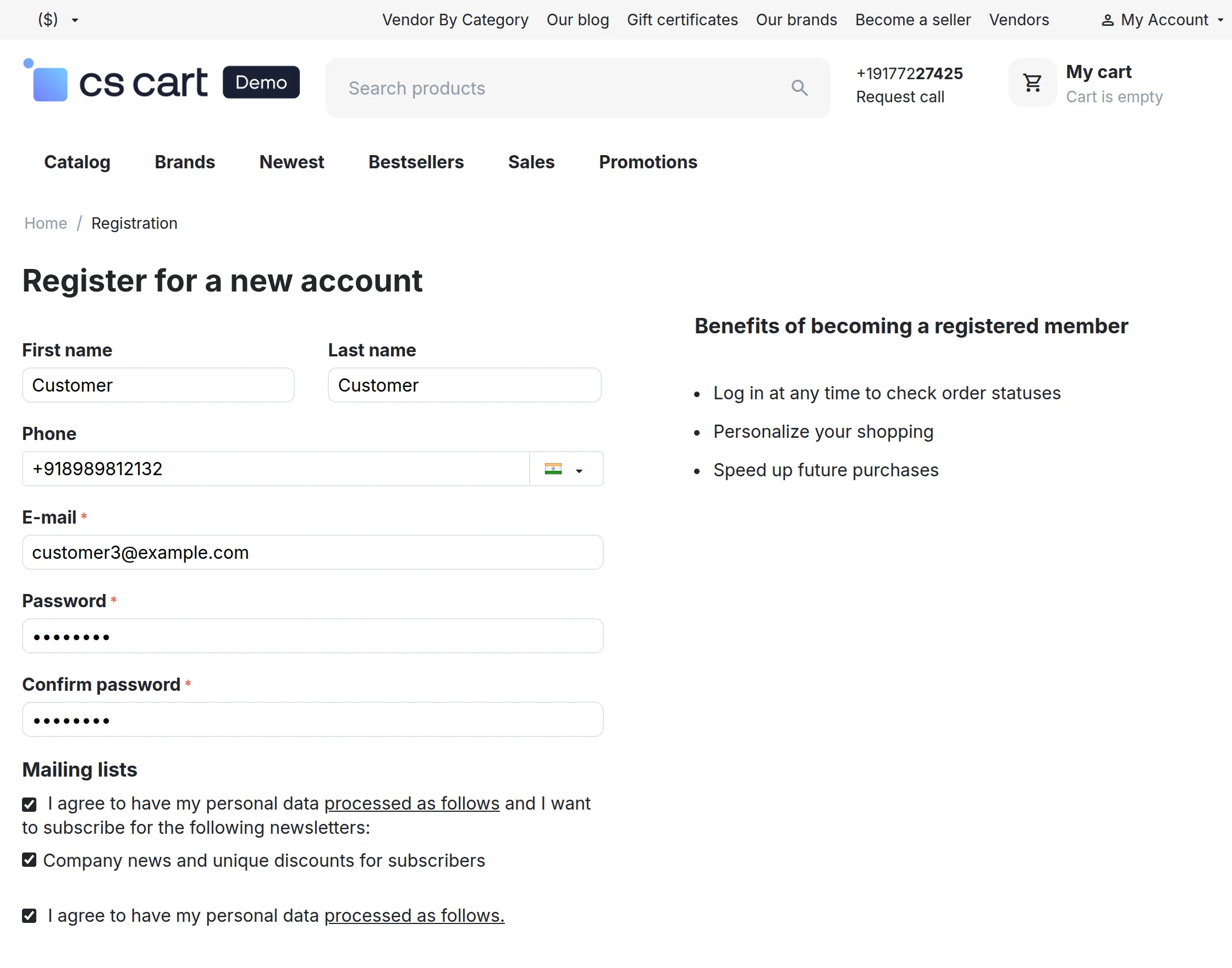
View of the confirmation mail at user end: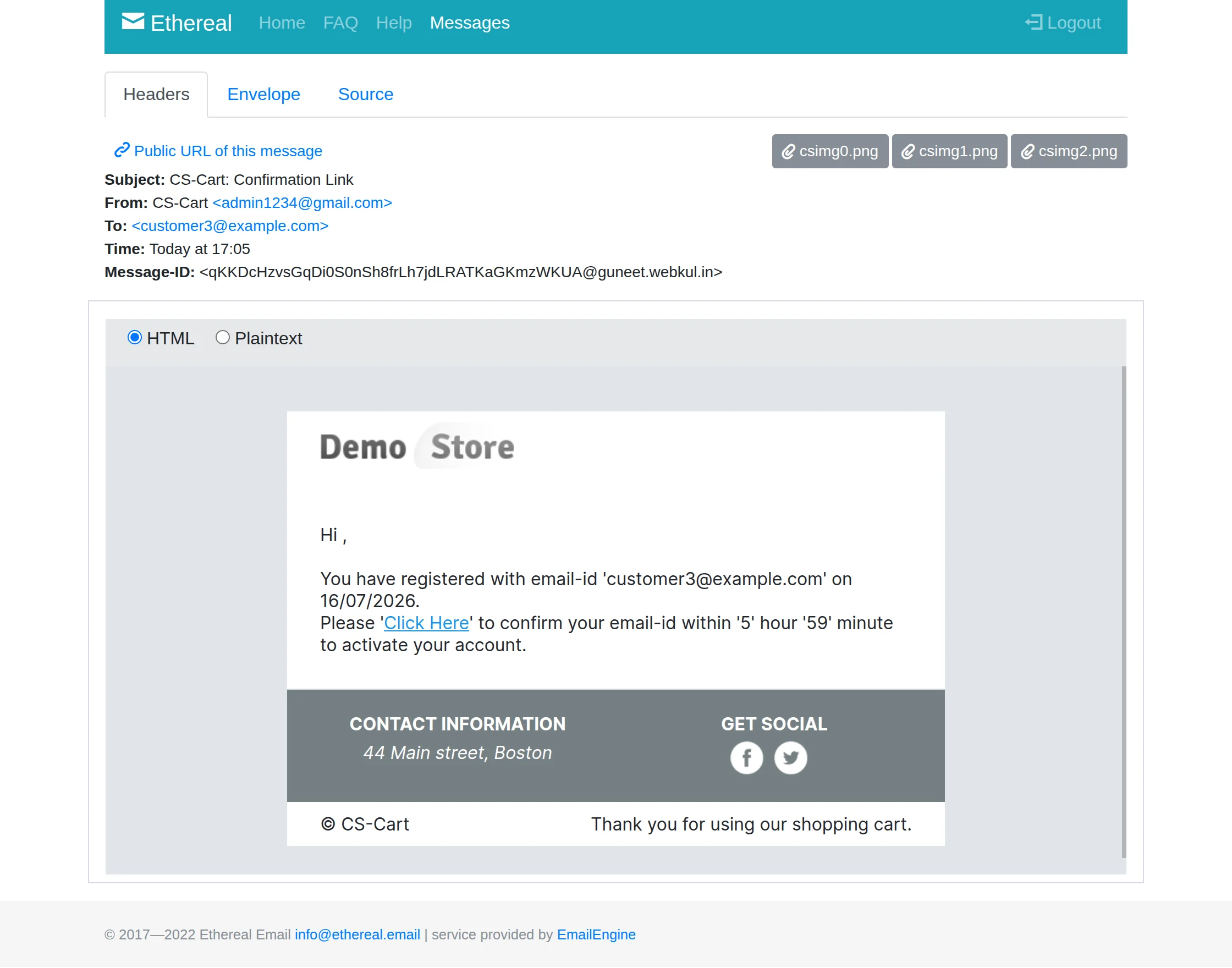
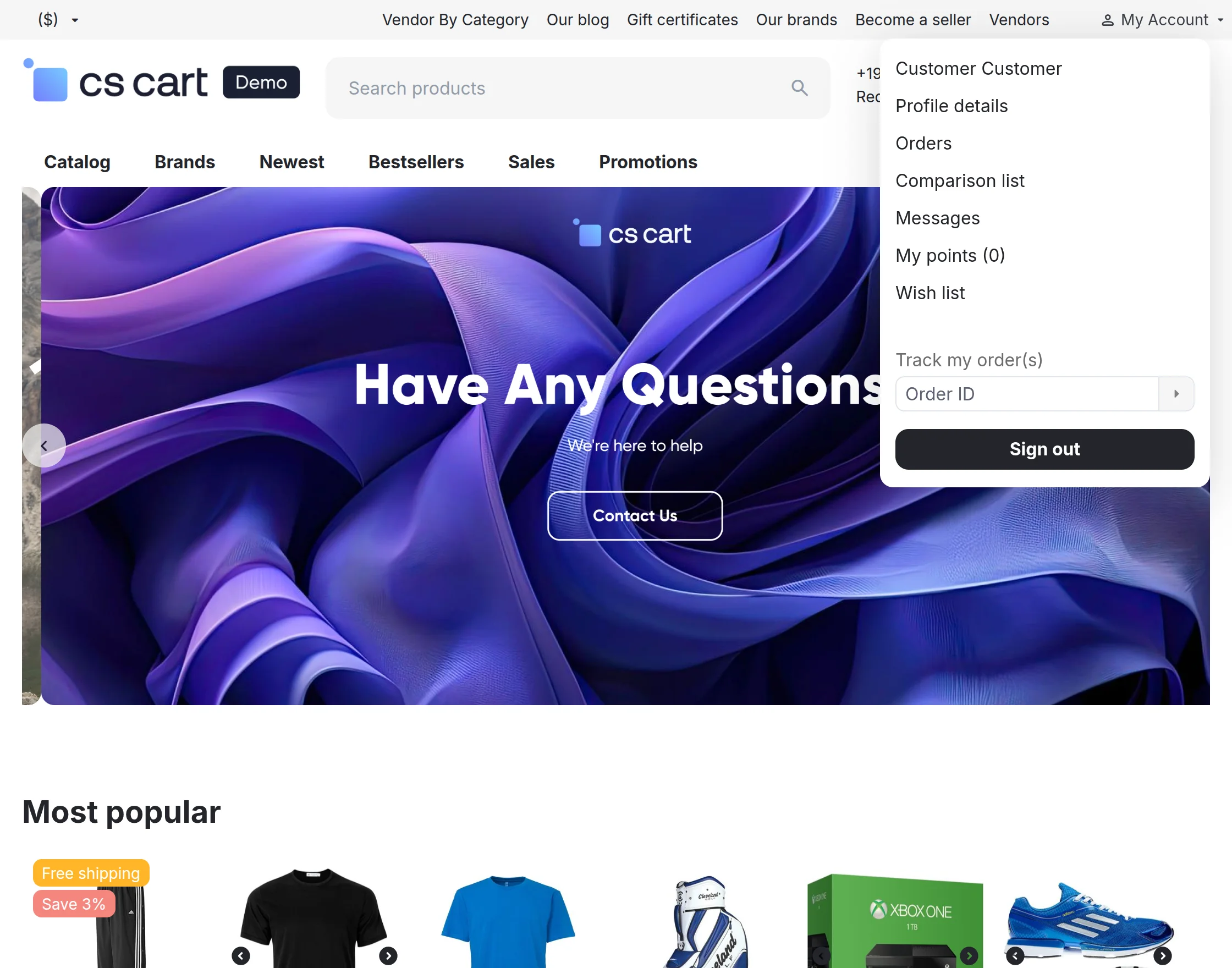
After tapping the link to confirm email id the user is redirected and logged into the store front.
Vendor Registration via Email
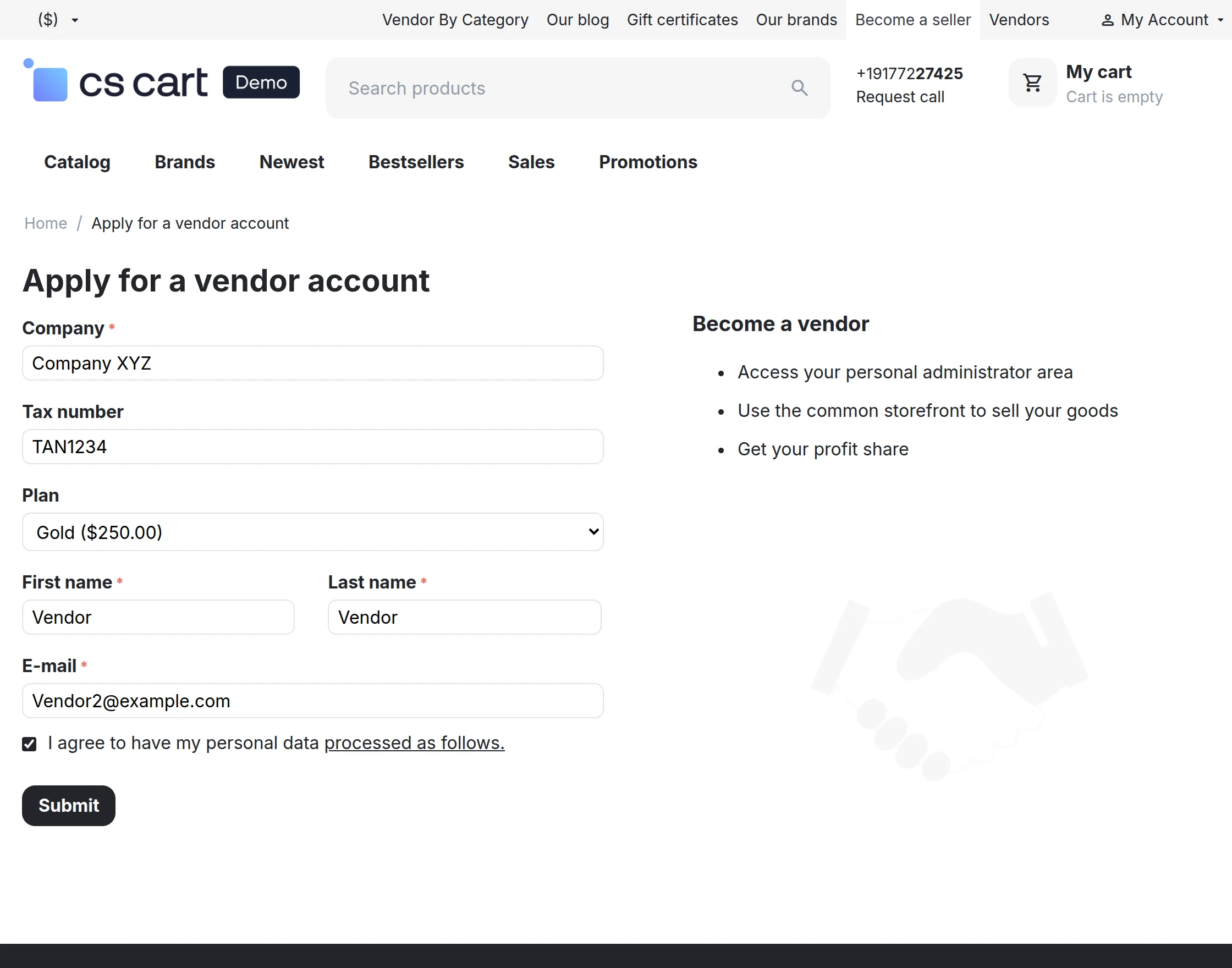
Go to the seller registration page at the front end and create a new account by filling the details.
Notification for the activation of account :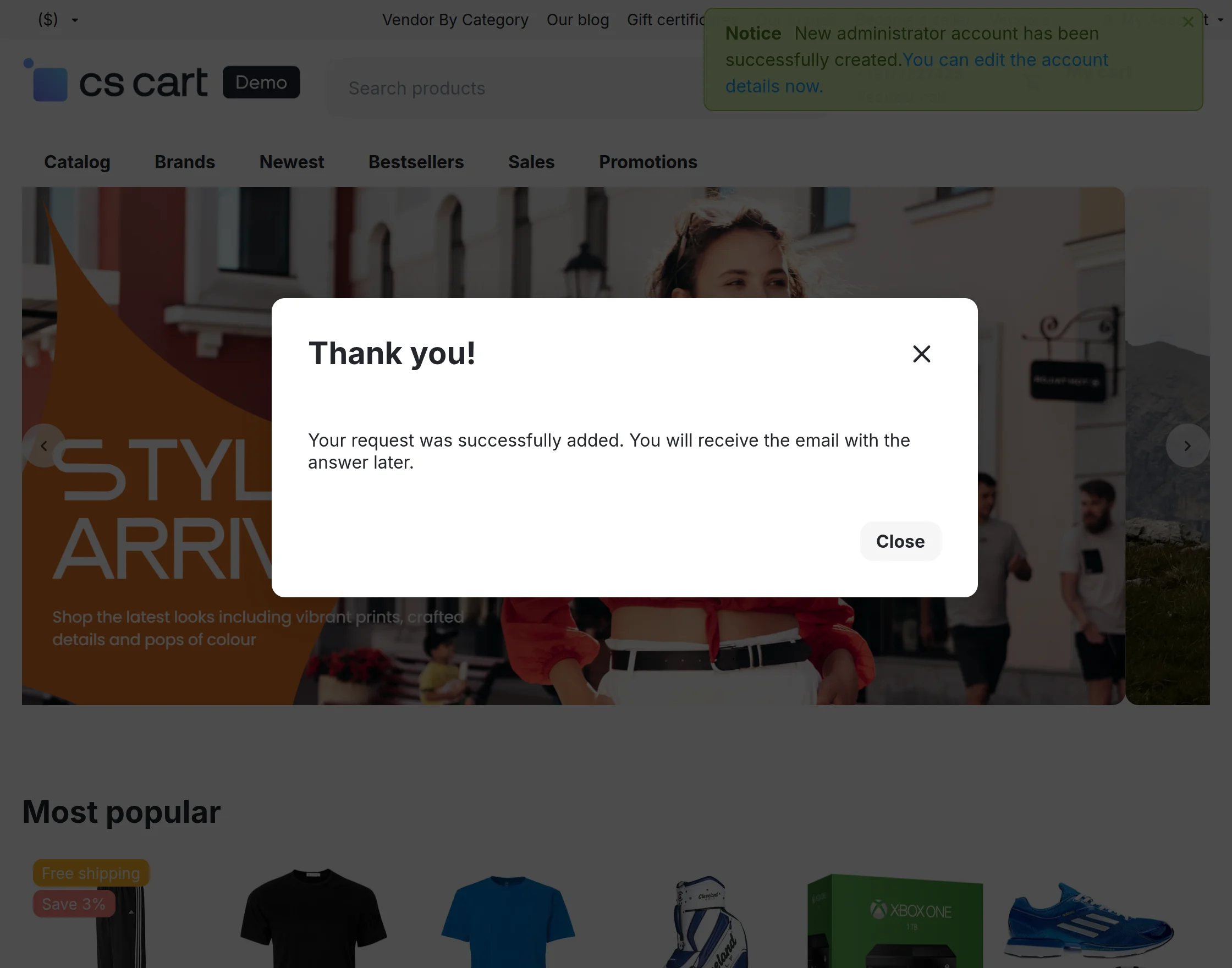
Mail for the activation of the account at admin 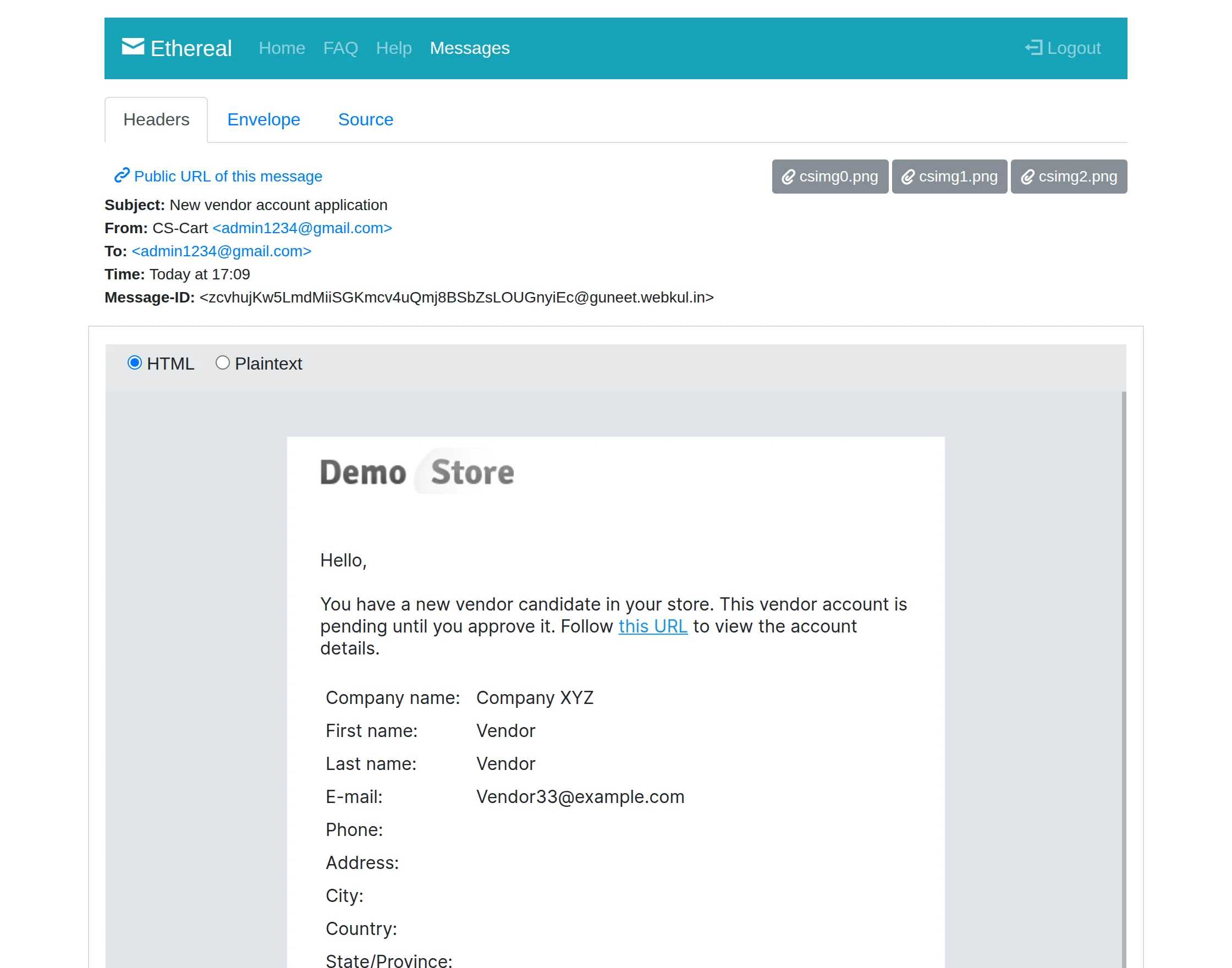
After clicking on the activation link the user is logged into his account panel.
Support
If you have any questions, suggestions, or customization requests, feel free to contact us at [email protected] or submit a ticket at webkul.uvdesk.com.
Explore our premium-quality CS Cart Extensions to enhance your store functionality.
You can also explore our CS-Cart Development Services and Quality CS-Cart add-ons.
Current Product Version - 2.4
Supported Framework Version - 4.20

Be the first to comment.