Introduction
This blog helps you to export the Tax class and Visibility attribute value from the Akeneo PIM to Magento2 by using Magento2 Akeneo Connector.
You must follow a few simple steps to export the attribute value from the Magento 2 Akeneo Connector.
For Tax class attribute
First, you have to create a simple select type attribute for the Tax class.
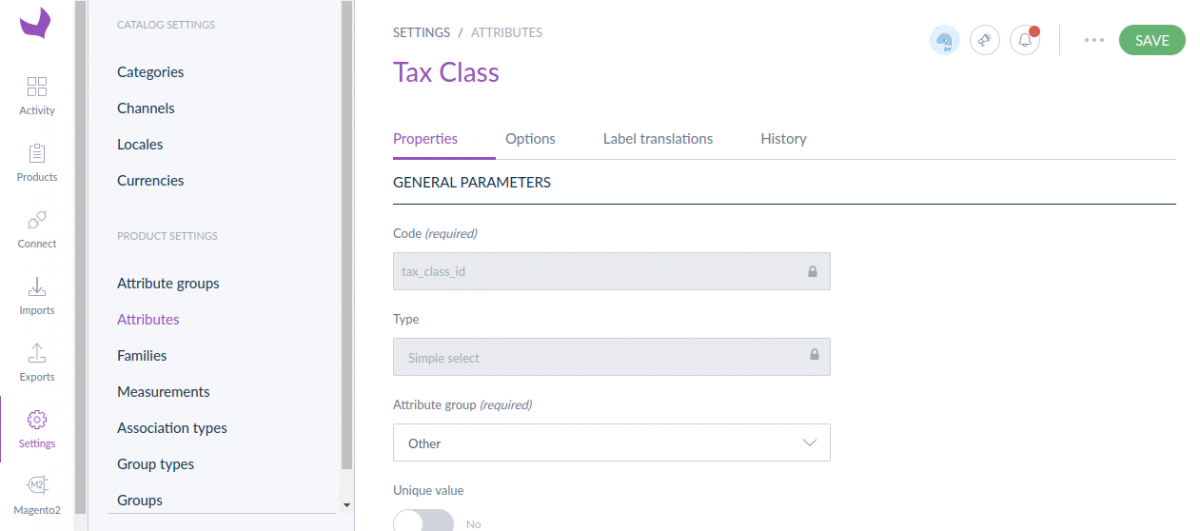
After that, create the attribute option. The attribute option code must be as in the given image.

For Visibility attribute
First, you have to create a simple select type attribute for the Visibility.
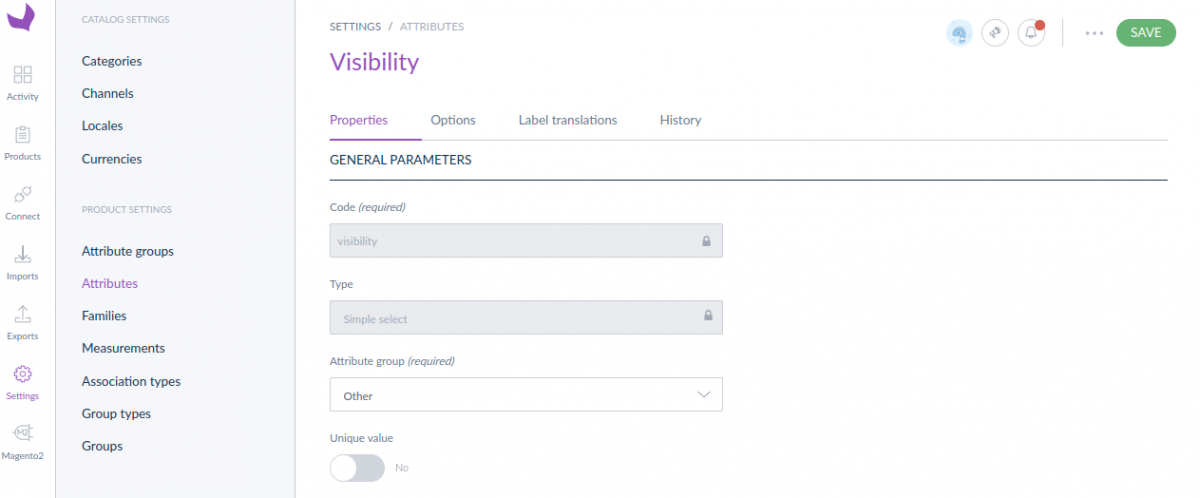
After that, create the attribute option. The attribute option code must be as in the given image.

Note: You can find the attribute option code to inspect the attribute at Magento2.

Setup Attribute Mapping
For the attribute mapping, please navigate to Magento2 > Attribute Mapping.

Here, along with all the mandatory fields, you also need to do the mapping for the fields Tax class and Visibility.
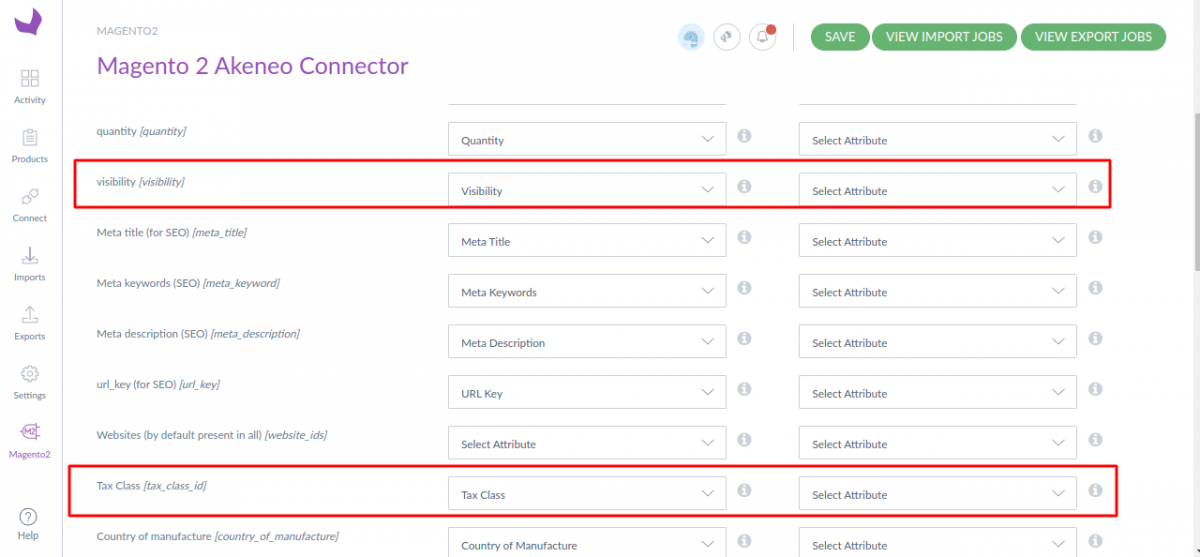
Export the Tax class & Visibility in magento2.
1. First, you must add the attribute to the related product family.
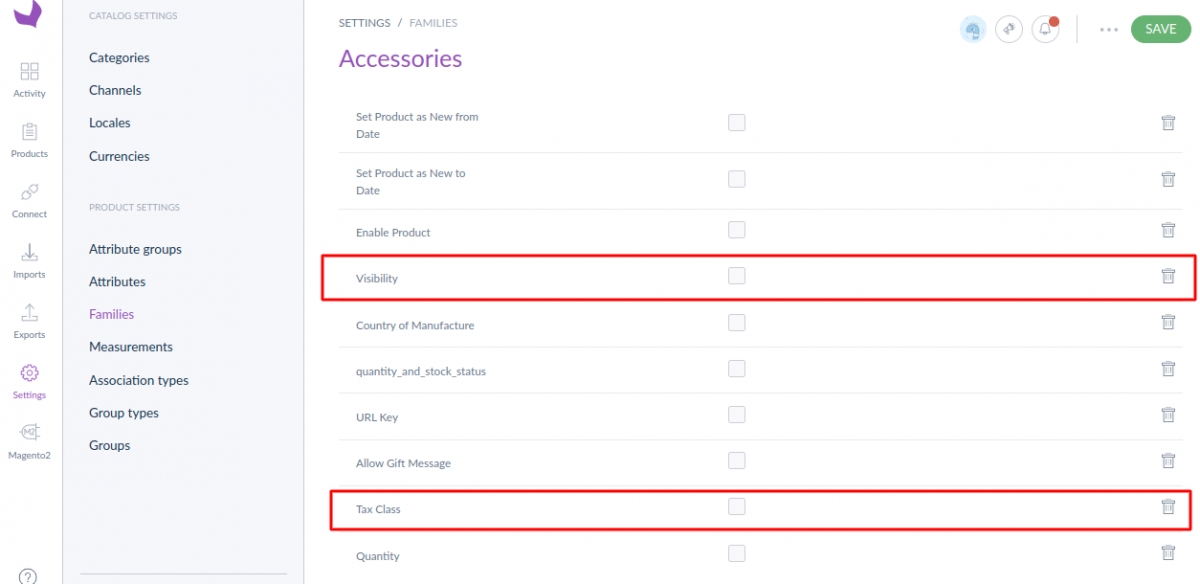
2. Go to Products, open any Simple product or Model product to edit the tax class and visibility value, then save.

3. Now to export your product data, you need to create a job profile. Firstly, go to Exports>Create Export Profile, then enter a unique code, and the label, then select a job profile and execute.
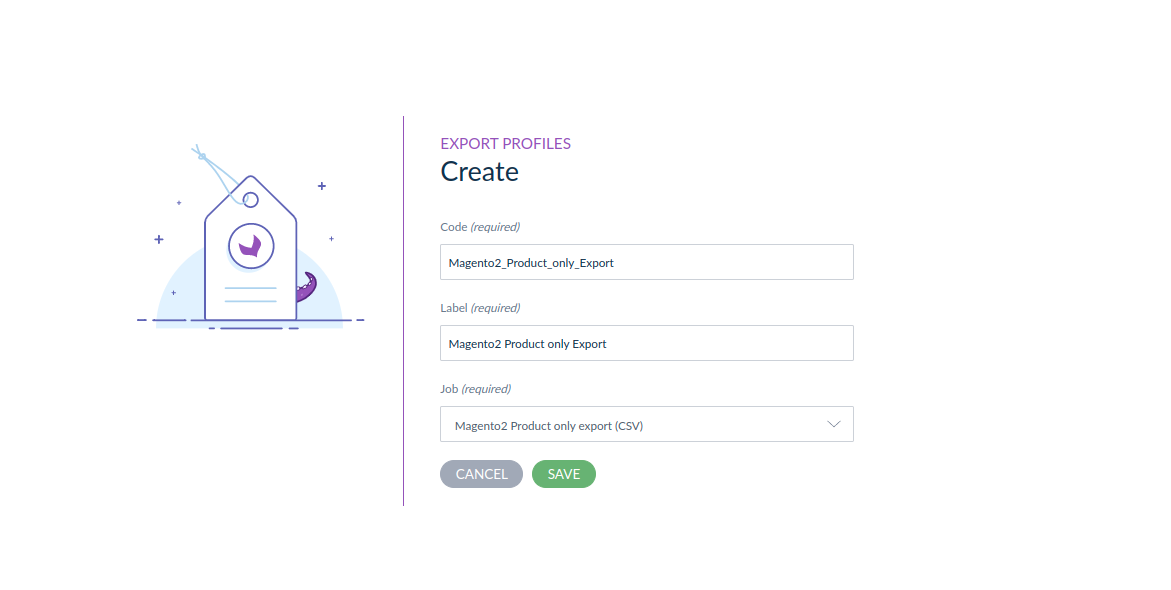
To know more about the Export profile, you have to follow our Magento 2 Akeneo Connector user guide.
Execution process
After that wait for the execution process to complete then check the errors. Then after the completion of the export job, the Tax class and Visibility will appear in Magento2.
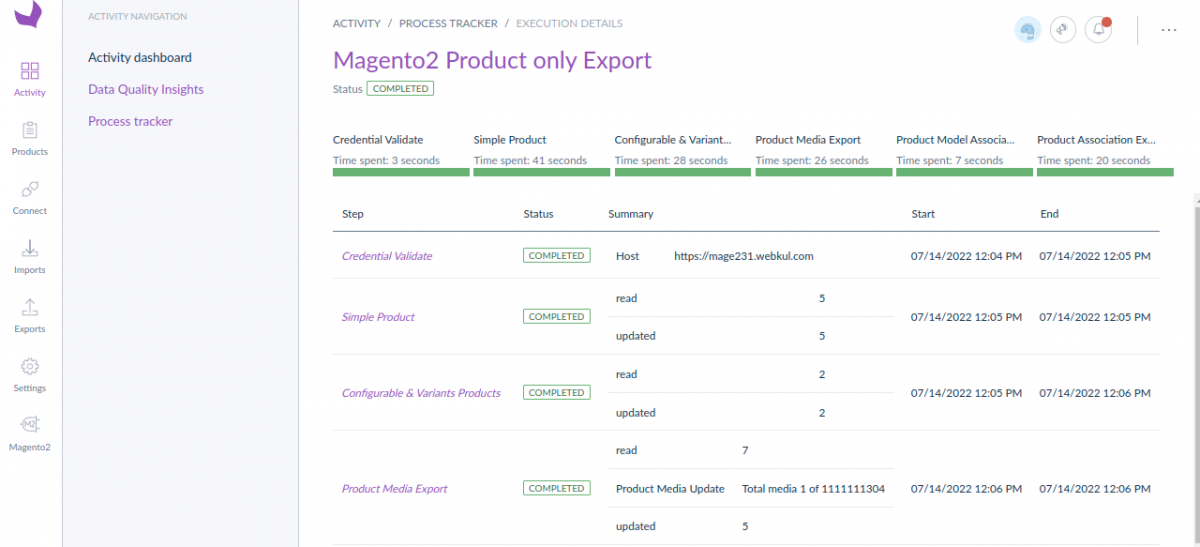
4. Check the exported value in magento2.


Be the first to comment.