


















A slow website doesn’t just frustrate users. It also affects conversions, SEO rankings, and customer retention.
Next.js includes several built-in performance features. With a few additional optimizations, you can build applications that load faster and provide a smoother user experience.
In this guide, you’ll learn practical Next.js performance optimization techniques, when to use them, and common mistakes to avoid.
Before you continue, read our guide on How to Reduce JavaScript for Better Next.js Speed to understand how shipping less JavaScript improves application performance.
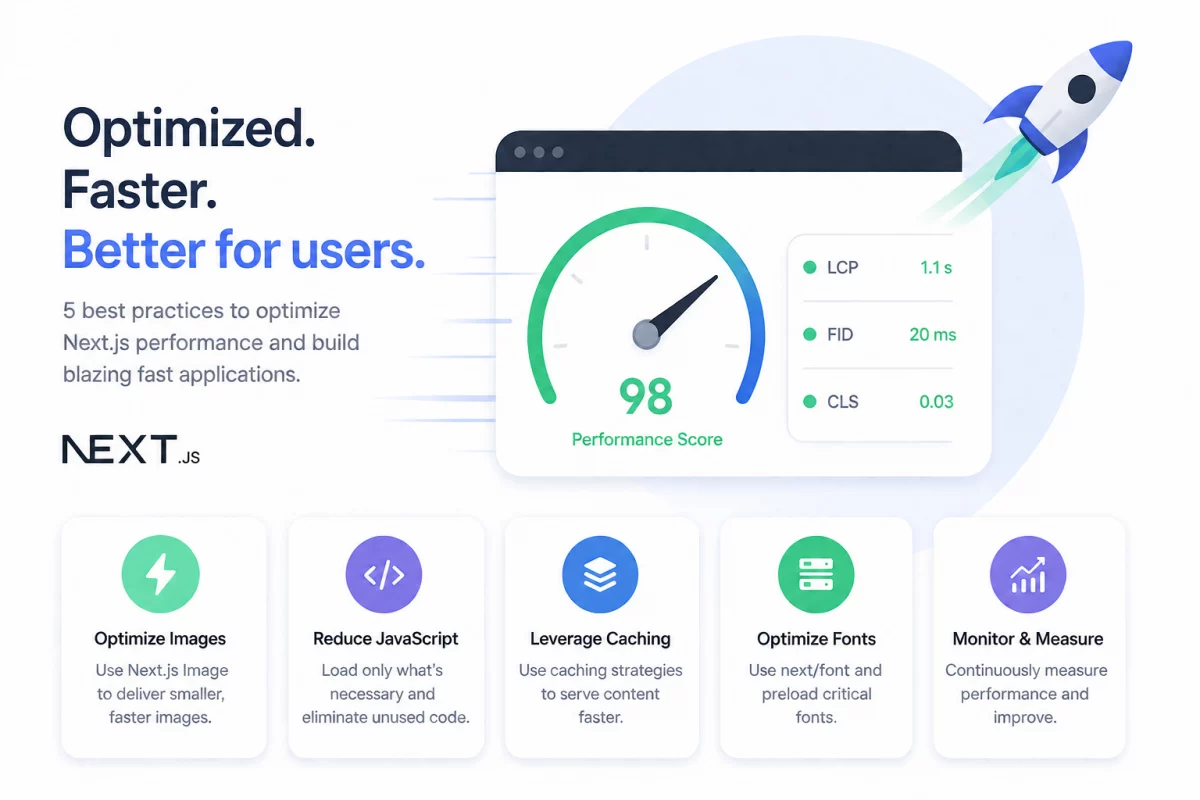
Why Next.js Performance Optimization Matters
Website speed directly impacts user experience.
A page that loads quickly encourages visitors to stay longer, browse more pages, and complete purchases.
Performance also plays an important role in SEO. Google uses Core Web Vitals as ranking signals, making faster websites more likely to appear higher in search results.
Even small improvements matter. Reducing load time by a few hundred milliseconds can increase conversions and lower bounce rates.
Measure Performance Before Optimizing
Always identify the bottleneck before making changes.
Measuring first helps you spend time fixing issues that actually affect users.
Here are the tools worth keeping close:
| Tool | Purpose |
| Lighthouse | Performance, SEO, Accessibility |
| PageSpeed Insights | Real user Core Web Vitals |
| Chrome DevTools | Runtime and rendering analysis |
| @next/bundle-analyzer | JavaScript bundle inspection |
| WebPageTest | Network waterfalls and loading analysis |
1. Optimize Images
Images are often the largest assets on a page.
Serving properly optimized images significantly improves loading speed and Largest Contentful Paint (LCP).
Next.js automatically resizes images, lazy loads them, and serves modern formats like WebP and AVIF.
images: { formats: ["image/avif", "image/webp"] }
When to Use
Use image optimization for product images, banners, blog thumbnails, and marketing pages.
Only mark the hero image as priority.
Common Mistakes
- Using HTML
<img>instead of the Next.js Image component - Setting every image as
priority - Omitting image width and height shift
Learn more in our Image Optimization in Next.js guide.
2. Optimize Fonts
Fonts can delay page rendering if they are loaded incorrectly.
The next/font package automatically optimizes font loading and helps reduce layout shifts.
import { Inter } from "next/font/google";
const inter = Inter({ subsets: ["latin"], });
This removes unnecessary network requests and improves LCP.
3. Cache Data Carefully
Fetching the same data repeatedly wastes server resources.
Caching improves response time by storing data that rarely changes.
await fetch(url, {
  next: {
    revalidate: 60,
  },
});
When to Use
Cache:
- Product catalogs
- Blog posts
- Categories
- Public configuration
Avoid caching personalized or authenticated data.
4. Use Incremental Static Regeneration (ISR)
ISR combines static performance with fresh content.
Instead of rebuilding the entire website, only the requested page updates in the background.
export const revalidate = 3600;
Best For
- Product pages
- Blog articles
- Documentation
- Category pages
Avoid ISR for dashboards or real-time applications.
5. Use Server Components
Server Components reduce the amount of JavaScript sent to the browser.
Since rendering happens on the server, users download less client-side code.
Use Server Components for:
- Product descriptions
- Blog content
- Static layouts
Avoid adding "use client" unless interactivity is required.
Conclusion
Next.js already provides a strong performance foundation.
The biggest improvements come from using its features correctly.
Start by optimizing images, reducing JavaScript, caching shared data, and rendering pages statically whenever possible.
Measure your application regularly with Lighthouse and PageSpeed Insights.
Small improvements made consistently lead to a faster website, better Core Web Vitals, improved SEO, and a better user experience.
Frequently Asked Questions
Does Next.js optimize performance automatically ?
Yes. Next.js includes image optimization, code splitting, route prefetching, and several rendering strategies by default.
Is Next.js faster than React ?
For most production applications, yes.
It supports static generation, server rendering, and image optimization that aren’t available in plain React.
Should I use SSR or Static Rendering ?
Use static rendering whenever content is the same for every visitor.
Choose SSR only when pages depend on authentication or request-specific data.
How do I optimize images in Next.js ?
Use the built-in Image component, enable WebP or AVIF formats, and set priority only on the hero image.
Why is my Next.js application still slow ?
The most common reasons are large JavaScript bundles, oversized images, or unnecessary third-party libraries.
Use Lighthouse to identify the biggest bottleneck first.

2 comments