The appointment booking system allows businesses and professionals to manage their work appointments and bookings from customers.
From an online scheduling system, a customer can select a preferred date and time as per the convenience and availability of the booking slot.
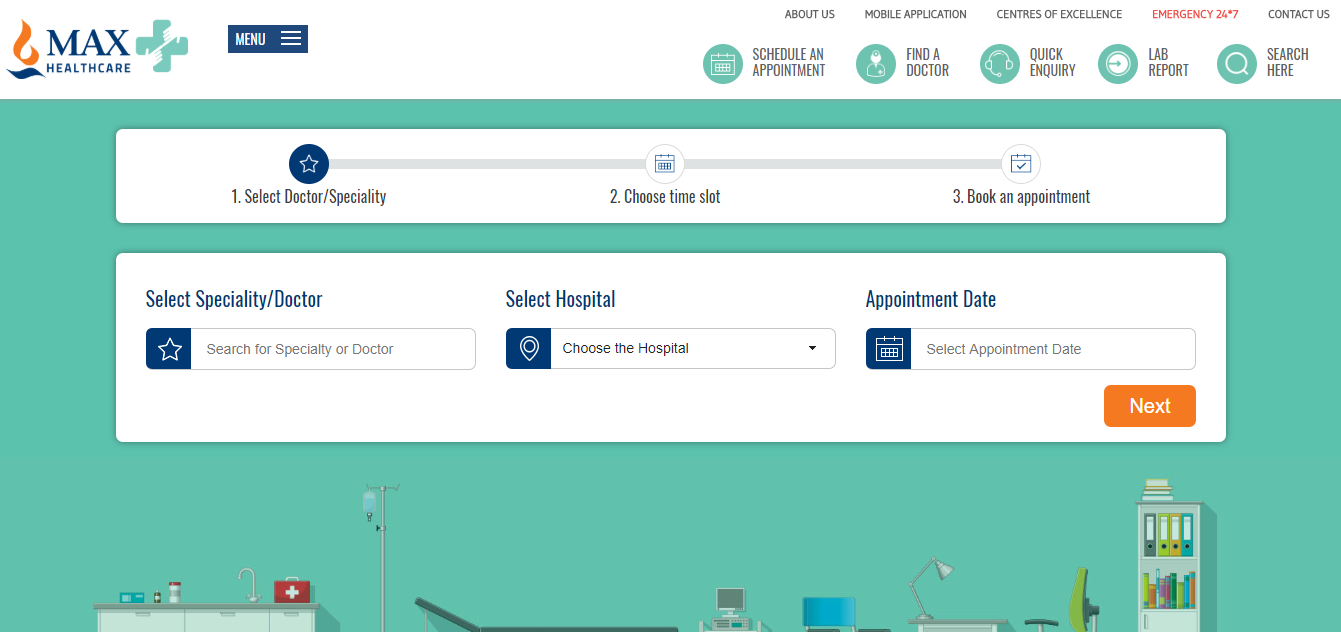
(Source – https://www.maxhealthcare.in/book-an-appointment)
Appointment Booking Product Type
In this blog article, I will show you how we can create an appointment booking website using Magento 2 platform. But, in order to add booking product types – you’ll need to use Webkul Advanced Booking & Reservation for Magento 2.
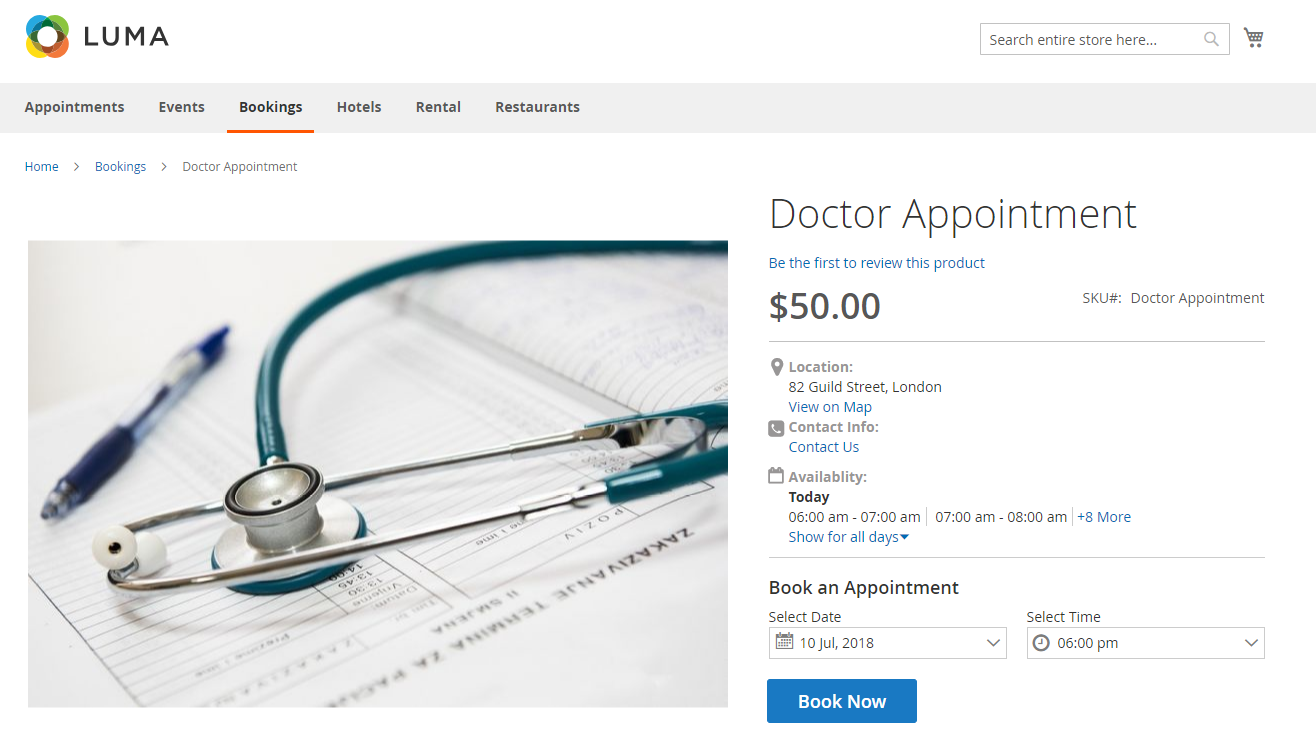 Although, you can create up to six different types (simple, configurable, virtual, bundle, downloadable, grouped) of product listings in the Magento store. But it does not have the functionality to create booking product types.
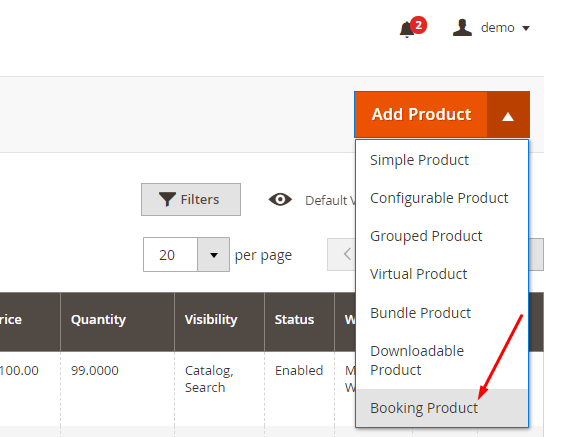
Using Magento 2 appointment extension, you can create the following types of bookings:-
- Default
- Appointment
- Event
- Rental
- Hotel
- Table
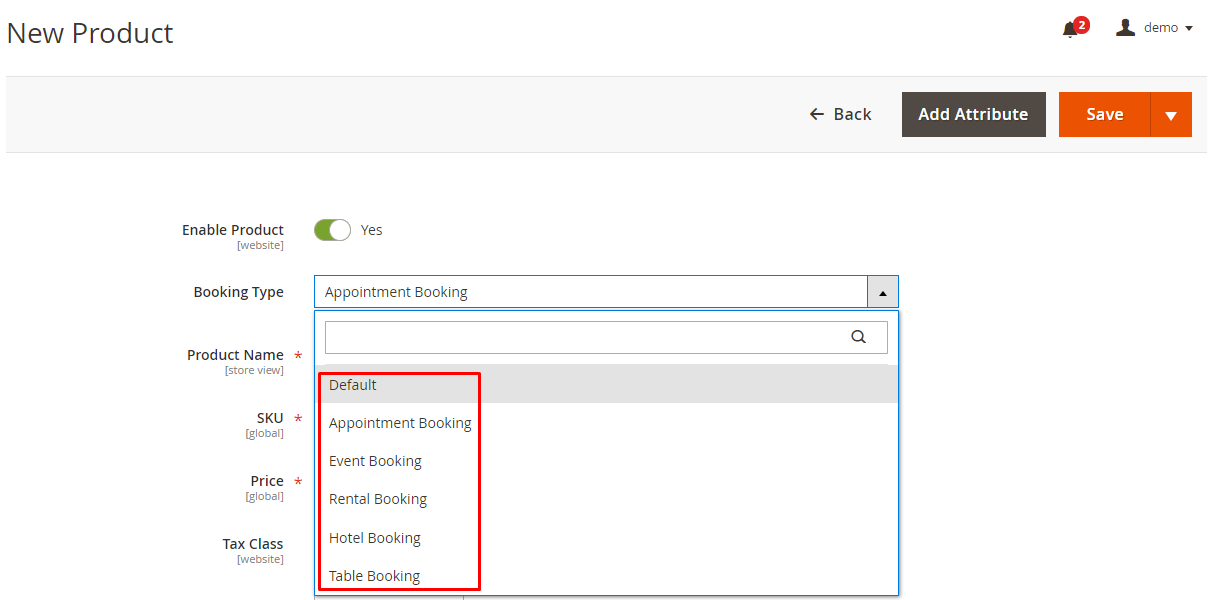
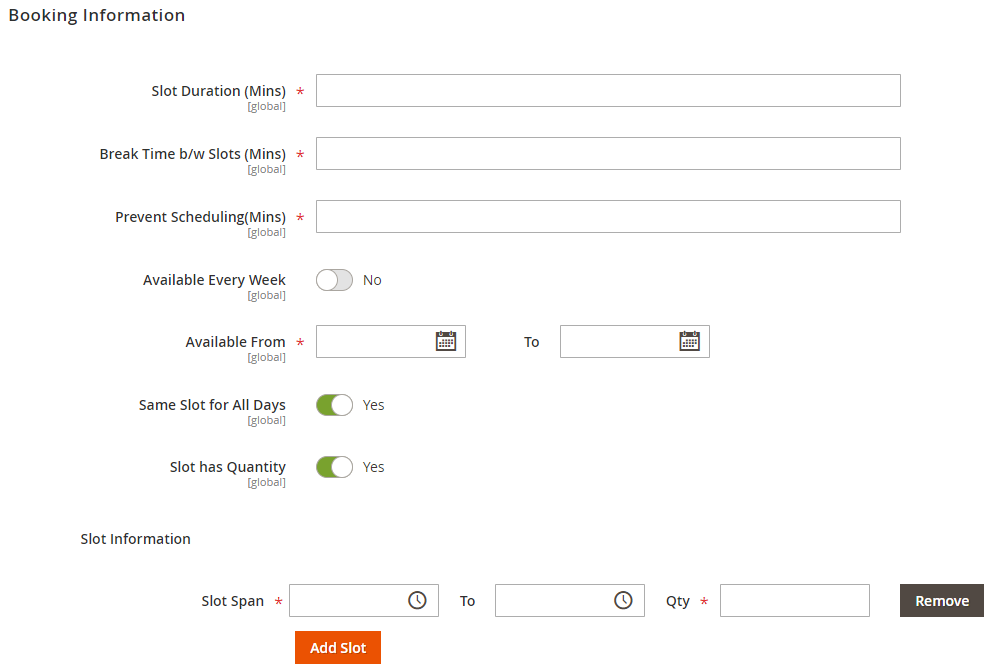
Detailed Slot Information
Apart from mentioning basic product information and images, you can mention detailed information about the booking appointment slots.
Such as – duration, break time, availability, slot starting time and ending time.
Responsive Design
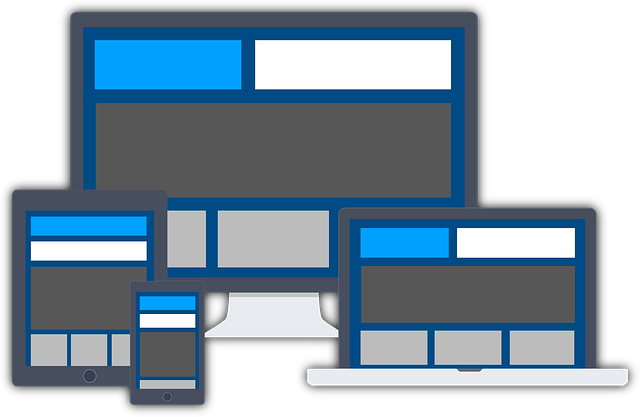
Advance Magento 2 appointment extension works on all device’s resolutions. Customers can check the available booking slots from a desktop pc, confirm it on the mobile, and complete the checkout process, making an online payment using the integrated payment gateway.
Intuitive UI
The design is easy to use and understand, any user can simply select the available date from the calendar and then choose a time from the slot option.

Integrating into Existing Store
You can find so many booking scheduling software available in the market for managing appointments in this service industry.
But, if want to integrate a booking appointment feature in your existing online store or looking to create a booking website, the Magento platform is the recommended choice.
Suitable for All Industries
Webkul Advanced Booking & Reservation extension is suitable for every type of booking appointment. You can use it for creating doctor appointment scheduling, car service booking, beauty & spa booking, household repair services, and other services too.

Magento 2 Booking Mobile App
Further, if you want to deliver a true mobile-app experience to your customers, you can even create a booking app as well. All the information will be synced with your online Magento store.
Customers can download fully native apps from the Google Play store and the Apple iOS store.

If you want to learn more about how to use the Magento 2 Booking Appointment extension, please read the Magento 2 booking extension documentation and check out the Magento 2 booking extension live demo.
For further queries and customization discussions, you can drop an email to [email protected]


2 comments
Thanks for the words. Kindly keep tuned in for more such content.
You can raise a query if required on [email protected].
Regards.