
Retail, Spain
Bike Ocasión start gaining their customer's trust with the help of Webkul's customisation services and extensions.

Taimekeskuse is an Estonia-based garden and plants retailer serving customers through its online store and physical nursery sales.
The company offers a diverse range of fruit trees, berry plants, shrubs, and seasonal garden plants suited for home gardens and landscaping needs.
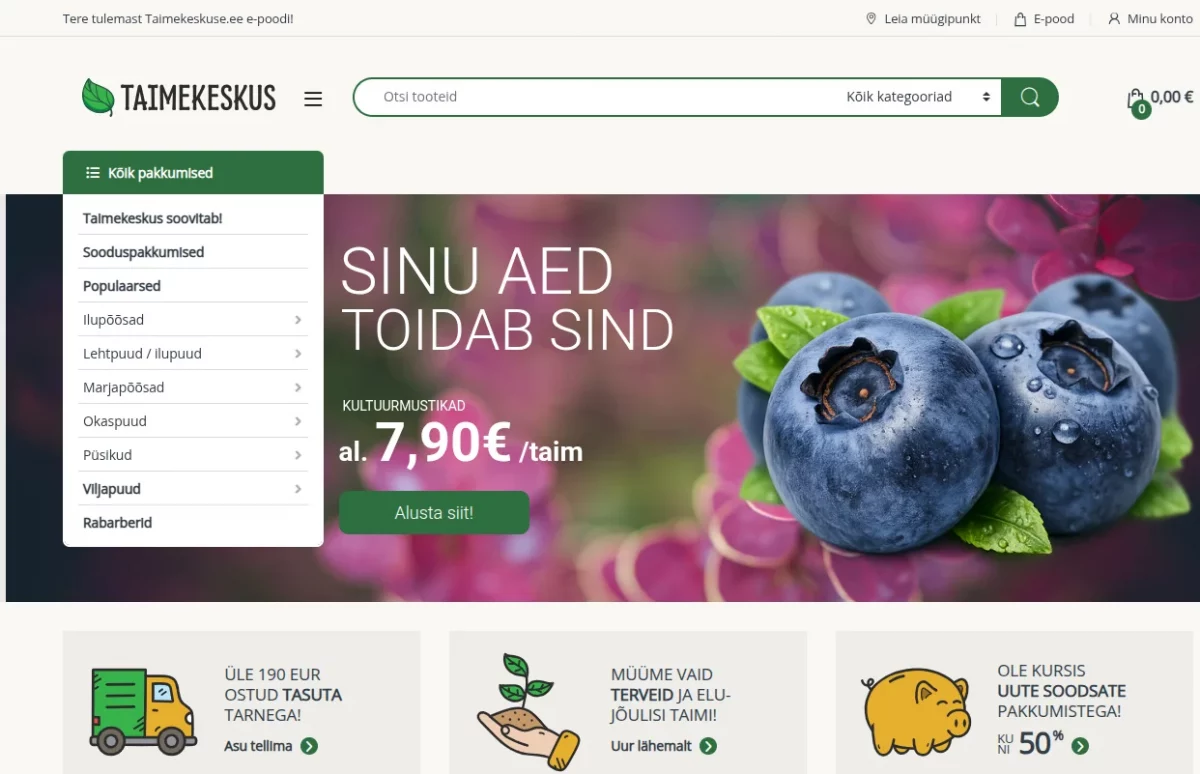
With a focus on plant quality and healthy cultivation, they provide carefully selected varieties for gardeners and plant enthusiasts.
Taimekeskuse delivers reliable plant products, curated selections, and a convenient shopping experience for customers across Estonia.
The brand aimed to optimize its in-store retail operations by implementing a POS solution on its WooCommerce store.
To accomplish this, they collaborated with Webkul, a trusted WooCommerce Development Company, to deploy the solution.
Managing garden and plant retail operations became challenging for Taimekeskuse as in-store sales and stock updates handled separately.
Without a unified POS system, checkout processing was slower, plant inventory levels were not always accurate, and overall store operations lacked proper coordination.
To address these challenges, Taimekeskuse partnered with Webkul to implement a customized in-store retail management solution.
With the POS system in place, the store achieved faster billing, real-time inventory tracking, and streamlined order management.
This case study demonstrates how they optimized store operations and improved the customer experience using Webkul’s e-commerce solutions.
Point of Sale for WooCommerce plugin unified Taimekeskuse’s online and in-store plant retail operations, enabling efficient management of all sales transactions.
With real-time inventory visibility and faster checkout processing, the system streamlined nursery store operations and improved the customer experience.
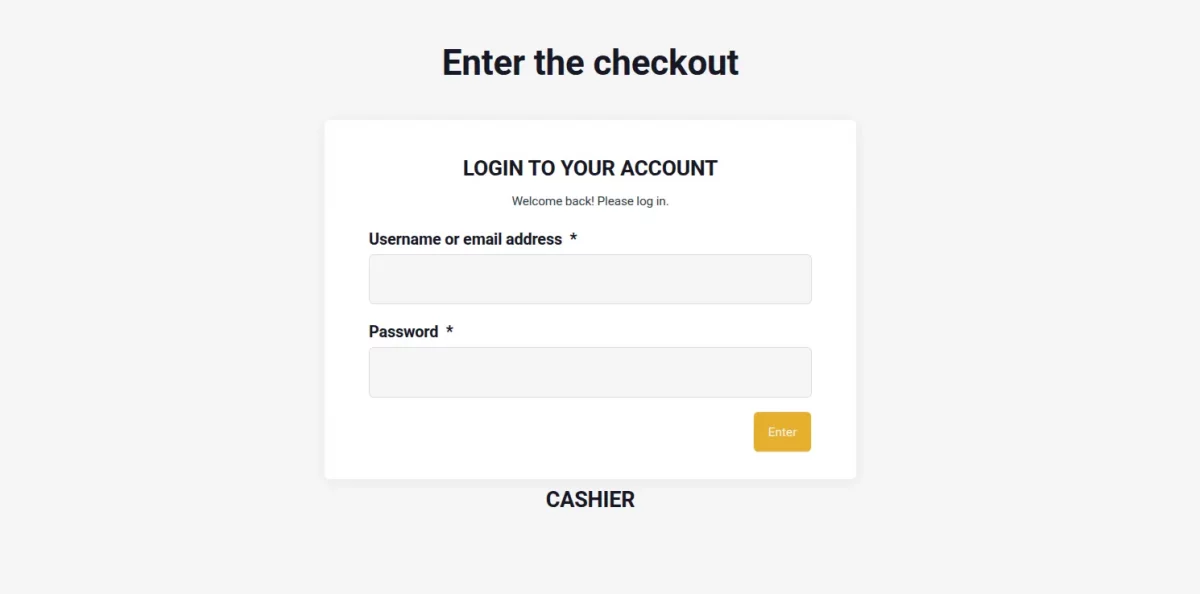
The team could manage plant orders more effectively, reducing delays and operational gaps.
This enabled quicker billing and order processing, ensuring customers enjoyed a smooth and convenient garden shopping journey.
Enhance your retail efficiency with POS Development by Webkul, designed to streamline operations and support sustainable growth.
With Webkul’s WooCommerce POS system, Taimekeskuse enabled its team to manage plant orders and in-store sales efficiently.
Real-time inventory updates and faster billing streamlined daily nursery store workflows, improving overall retail productivity.
The POS solution ensured accurate order handling, reduced manual errors, and accelerated checkout for customers purchasing garden plants and supplies.
This integration simplified transactions, improved stock control, and enhanced the overall garden shopping experience.
Explore Webkul’s WooCommerce extensions to optimize operations, boost efficiency, and support seamless business growth.

Bike Ocasión start gaining their customer's trust with the help of Webkul's customisation services and extensions.

Austin's Diving, a reputable e-commerce platform specializing in a wide range of high-quality diving equipment and accessories is now doe multi channel sales using Adobe Commerce Amazon connector.
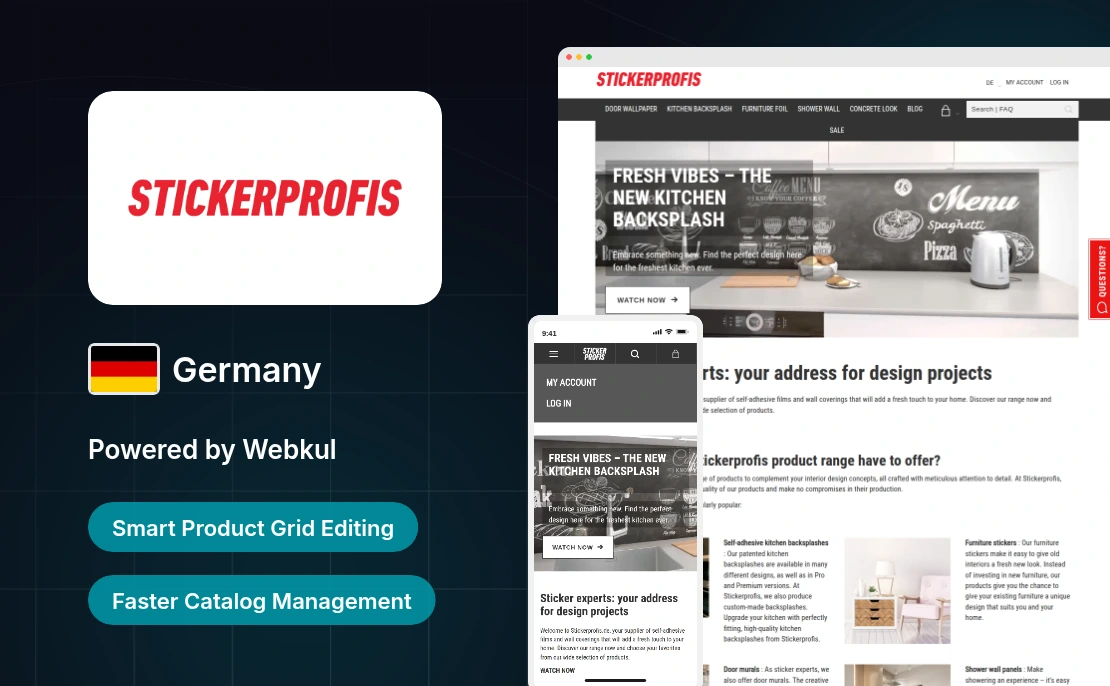
STICKERPROFIS streamlined catalog management in Germany using Webkul’s Magento 2 Product Grid Editor, improving product update efficiency.
Start a Project

Message Sent!
If you have more details or questions, you can reply to the received confirmation email.
Back to Home