Creating a WordPress theme can be done in various ways based on your skills and needs. This article explores WordPress Theme Development methods & use cases and when to use each.
How Many Types of Building a WordPress Theme?
WordPress powers over 43% of the web, and one of its biggest attractions is its flexibility in design and customization.
A WordPress theme defines the visual appearance and structure of your website, making it a critical aspect of web development.
If you’re planning to create a WordPress theme, there are several methods available to suit beginners, intermediate developers, and professionals alike.
Let’s dive into the various ways to build a WordPress theme.
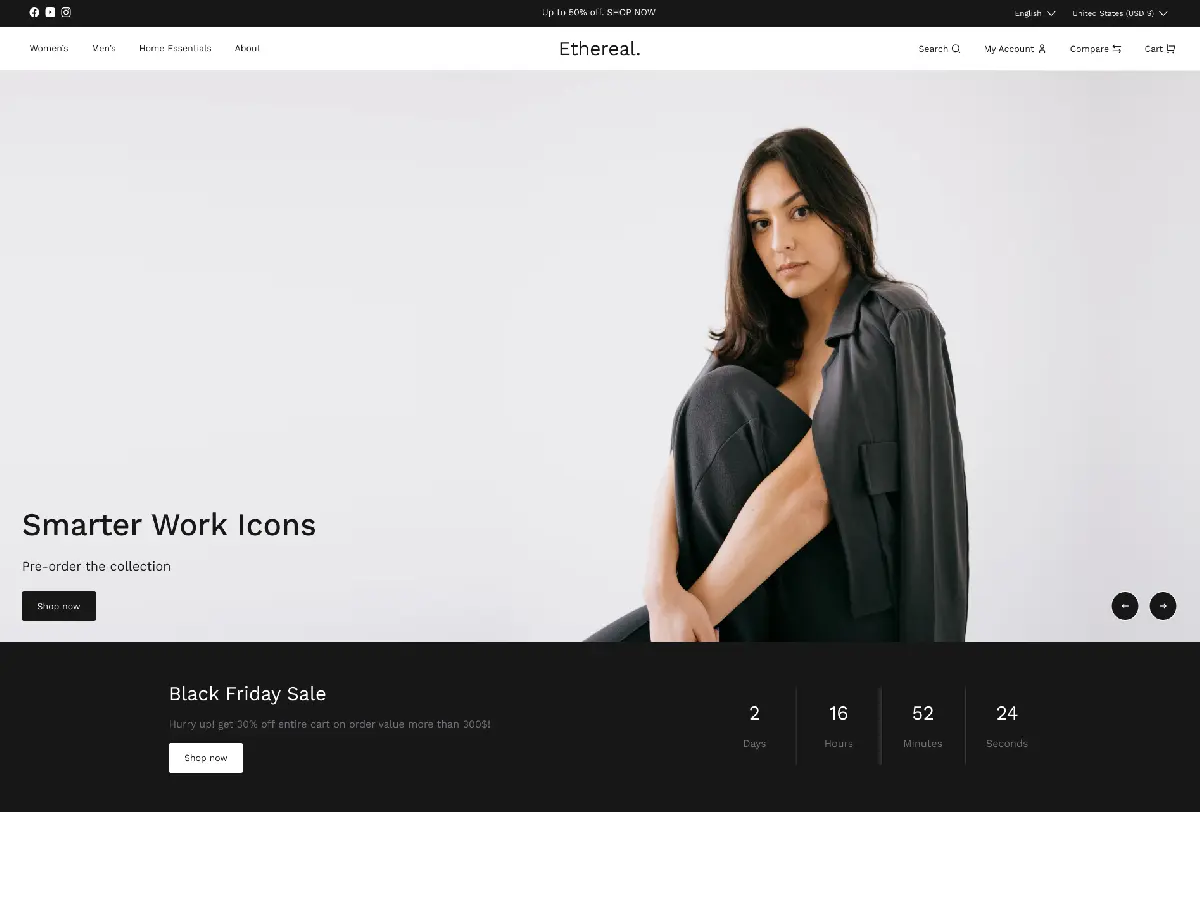
1. Using a Pre-Built Theme Builder
Overview:
Theme builders are user-friendly tools that allow you to create a WordPress theme using a drag-and-drop interface. They’re perfect for those with minimal coding knowledge.
Popular Tools:
- Elementor
- Divi Builder
- SeedProd
- Beaver Builder
Advantages:
- Ease of Use: No coding required; you can design themes visually.
- Speed: Get started quickly with pre-built templates and elements.
- Flexibility: Easily tweak and customize your theme without technical knowledge.
Limitations:
- Customization Constraints: Advanced developers may find these tools restrictive.
- Performance Issues: Over-reliance on plugins may slow down your website.
2. Modifying a Pre-Existing Theme (Child Theme)
Overview:
Creating a child theme involves taking an existing theme and modifying its design or functionality.
This is an ideal option if you want to retain the core features of a popular theme while adding custom elements.
Steps:
- Choose a parent theme (e.g., Astra, OceanWP, Twenty Twenty-Three).
- Create a new folder in the
wp-content/themesdirectory. - Add a
style.cssandfunctions.phpfile to your child theme. - Link your child theme to the parent theme using the
@importrule in the CSS file.
Advantages:
- Faster Development: Build upon an existing foundation.
- Safe Updates: Parent theme updates won’t overwrite customizations.
- Community Support: Popular parent themes often have documentation and support.
Limitations:
- Dependent on Parent Theme: If the parent theme is poorly coded or discontinued, it may create issues.
- Learning Curve: Requires some basic knowledge of HTML, CSS, and PHP.
3.Coding from Scratch (Custom Theme Development)
Overview:
For complete control and customization, you can build a WordPress theme entirely from scratch.
This requires knowledge of WordPress coding standards, PHP, HTML, CSS, and JavaScript.
Steps:
- Set up a local development environment using tools like XAMPP, Local by Flywheel, or Docker.
- Create a new theme folder in
wp-content/themes. - Add core files such as:
index.php(Main template)style.css(Theme stylesheet)functions.php(Theme functions)
- Use WordPress template hierarchy to add templates for pages, posts, archives, etc.
- Enqueue scripts and styles properly using
wp_enqueue_scripts.
Advantages:
- Full Control: Customize every aspect of your website’s design and functionality.
- Performance Optimization: Write lightweight code tailored to your needs.
- Scalability: Perfect for building complex or unique websites.
Limitations:
- Time-Consuming: Building a theme from scratch requires significant effort and expertise.
- Learning Curve: Beginners may find it challenging.
If you have any questions or need assistance with customizations, feel free to reach out. We invite you to leave your comments and feedback below.
Support
However, in case of any query or questions regarding the Woocommerce Extensions, you can create a ticket at webkul.uvdesk.com
Or contact us at store.webkul.com/contacts/ to let us know your views to make the plugin better.


Be the first to comment.