Sometimes, it is required in some system that they want an auto deduction system for commission, in case of multi vendor e-shop. Here is the solution if you are using paypal payment gateway.
There are two steps involved to achieve above functionality.
At the very first, you have to ask for an agreement to your vendor, that can be accomplish by below code snippet.

By above code, vendor will be redirected to PayPal login and pay page where he/she has to agree the agreement. After vendor approve the agreement, then it will be redirected to return url. On the return url, below code will be used to generate the Billing Agreement Id with the help of token returned by PayPal in return url.
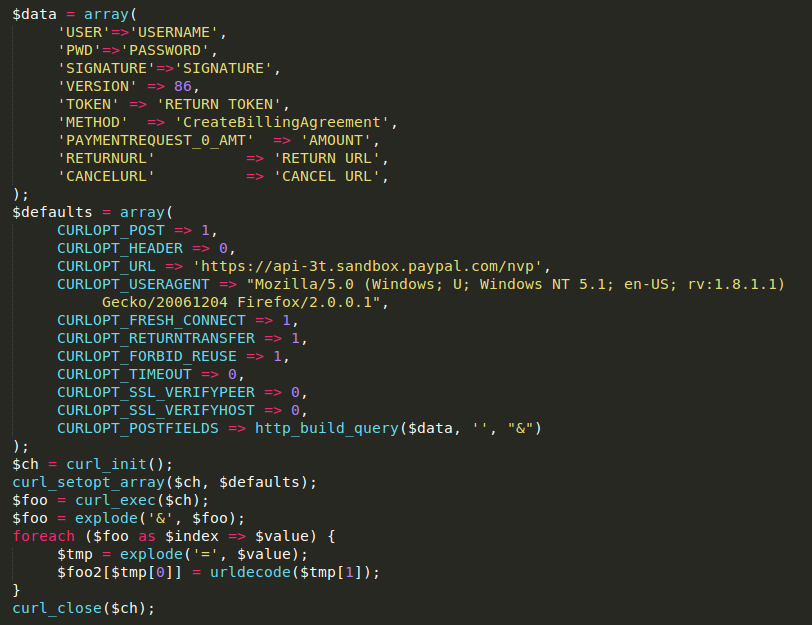
By above code, merchant will get the billing agreement id, if everything goes fine and id has to be saved for further use.
To do the transaction by using billing agreement id, please follow the below code snippet

The merchant can charge a variable amount from vendor account and vendor can cancel this agreement any time by logging into his/her account.
For live site, don’t forget to replace the sandbox url with the live site url.


Be the first to comment.