INTRODUCTION
Odoo Website BenefitPay Payment Acquirer helps Odoo websites in Bahrain process online payments securely through the BenefitPay Payment Gateway.
It’s tailored for Bahraini businesses, ensuring smooth transactions and customer satisfaction. The module ensures payments can be made in Bahraini Dinar (BHD), which simplifies the process for local customers.
Odoo Website BenefitPay Payment Acquirer is easy to set up on Odoo, supports various payment methods like credit cards, and meets all local regulatory standards for safety and legality.
You can also enhance your Odoo website with the Instamojo Payment Acquirer, a trusted payment gateway in India. Odoo Website Instamojo Payment Acquirer module offers seamless integration, allowing you to start accepting payments via Instamojo quickly.
FEATURES
- Odoo Website BenefitPay Payment Acquirer facilitates secure online payments through the BenefitPay Payment Gateway.
- Supports transactions in Bahraini Dinar (BHD), catering to local customer preferences.
- Odoo Website BenefitPay Payment Acquirer module ensures SSL-encrypted transactions for data security.
- Optimizes transaction processing speed for efficient payment handling.
- Odoo Website BenefitPay Payment Acquirer provides a user-friendly interface for seamless checkout experiences.
- Complies with Bahrain’s payment laws and regulations for legality and security.
- Odoo Website BenefitPay Payment Acquirer offers reliable customer support to promptly address any payment-related issues.
- Integrates smoothly with Odoo websites for easy setup and operation.
- Enables quick order fulfillment with faster transaction settlements.
- Odoo Website BenefitPay Payment Acquirer enhances operational efficiency by reducing payment delays.
Looking to implement ERP in your system? Check out Odoo Implementation! It’s your go-to solution for seamless integration and enhanced efficiency.
INSTALLATION
- Once you purchase the app from the Webkul store, you will receive the link to download the module zip file.
- Extract the file on your system after the download finishes. As a result, you will be able to see a folder named- ‘wk_payment_benefitpay’
- Copy and paste this folder inside your Odoo Add-Ons path.
- Now, open the Odoo App and click on the Settings menu. Here, click on Activate the Developer Mode.
- Then, open the Apps menu and click on ‘Update Modules List.’
- In the search bar, remove all the filters and search ‘wk_payment_benefitpay ’
- You will be able to see the module in the search results. Click on ‘Install’ to install it.
Before moving further, explore our Odoo development services & an extensive range of quality Odoo Apps.
WORKFLOW
- Firstly you are required to install the module in your Odoo backend.
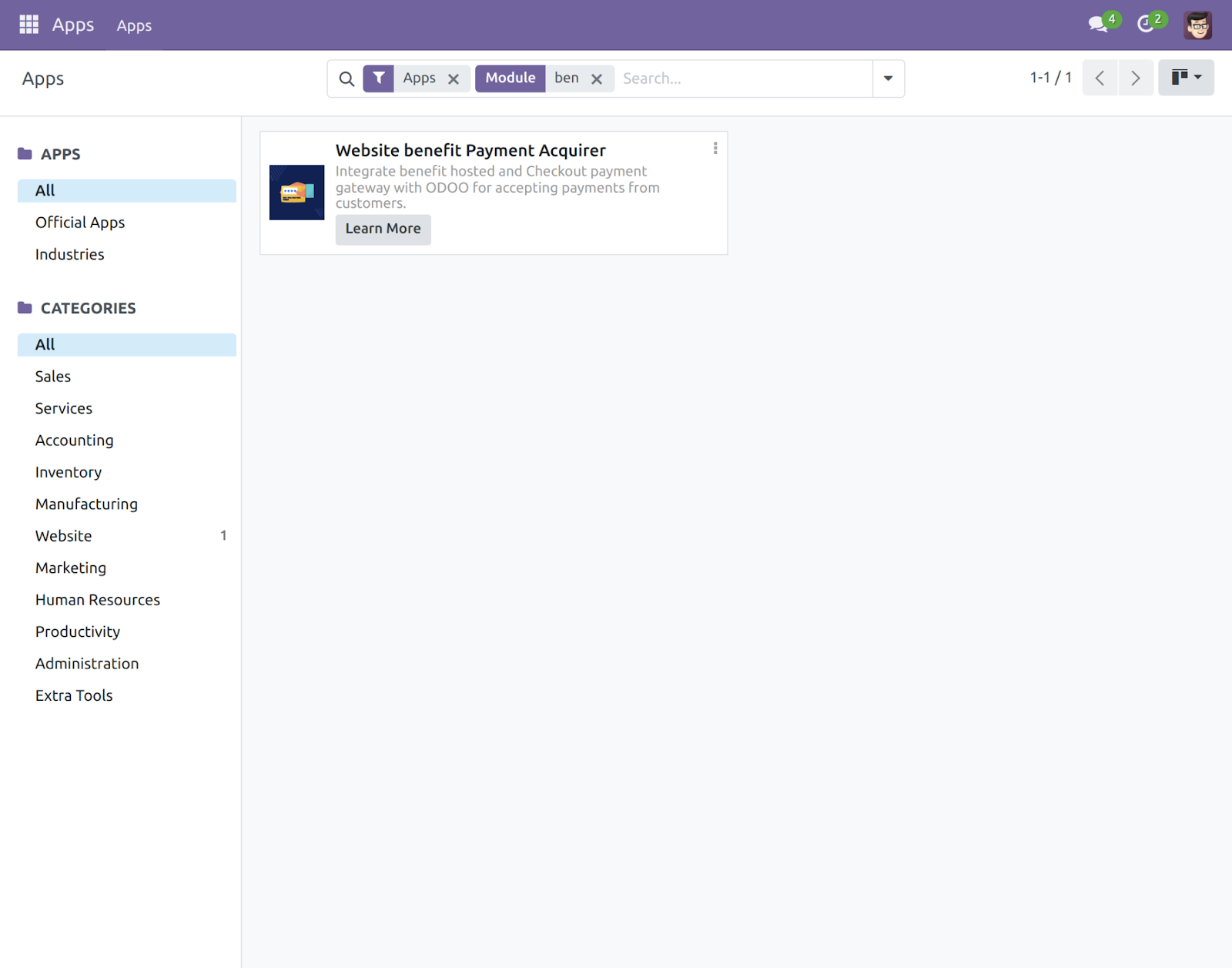
- In Odoo, open the website app then go into the configuration and click on “Payment Provider”. Now open “Benefit Payment” .
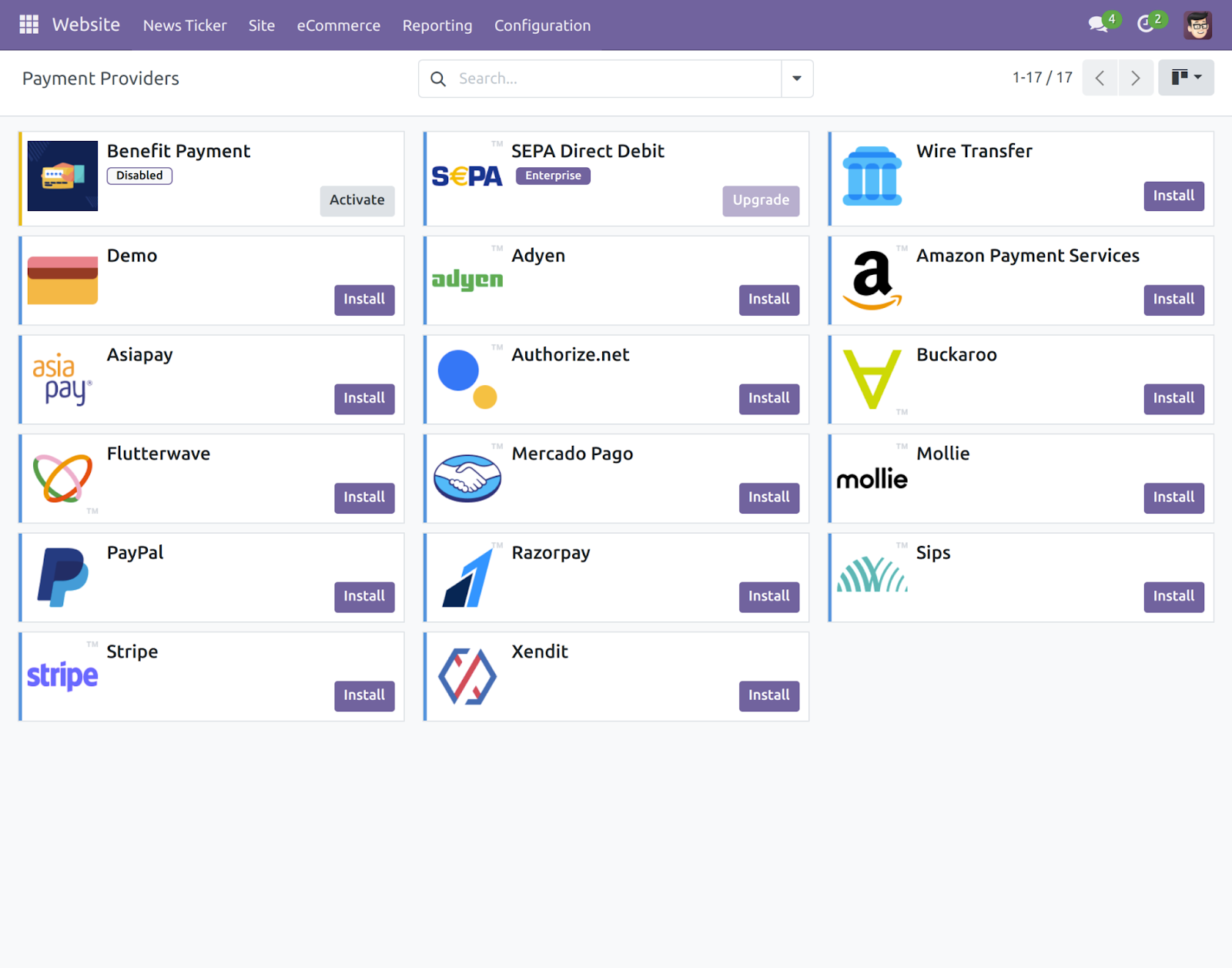
- Now you have to enter your credentials in the odoo backend for the payment gateway.
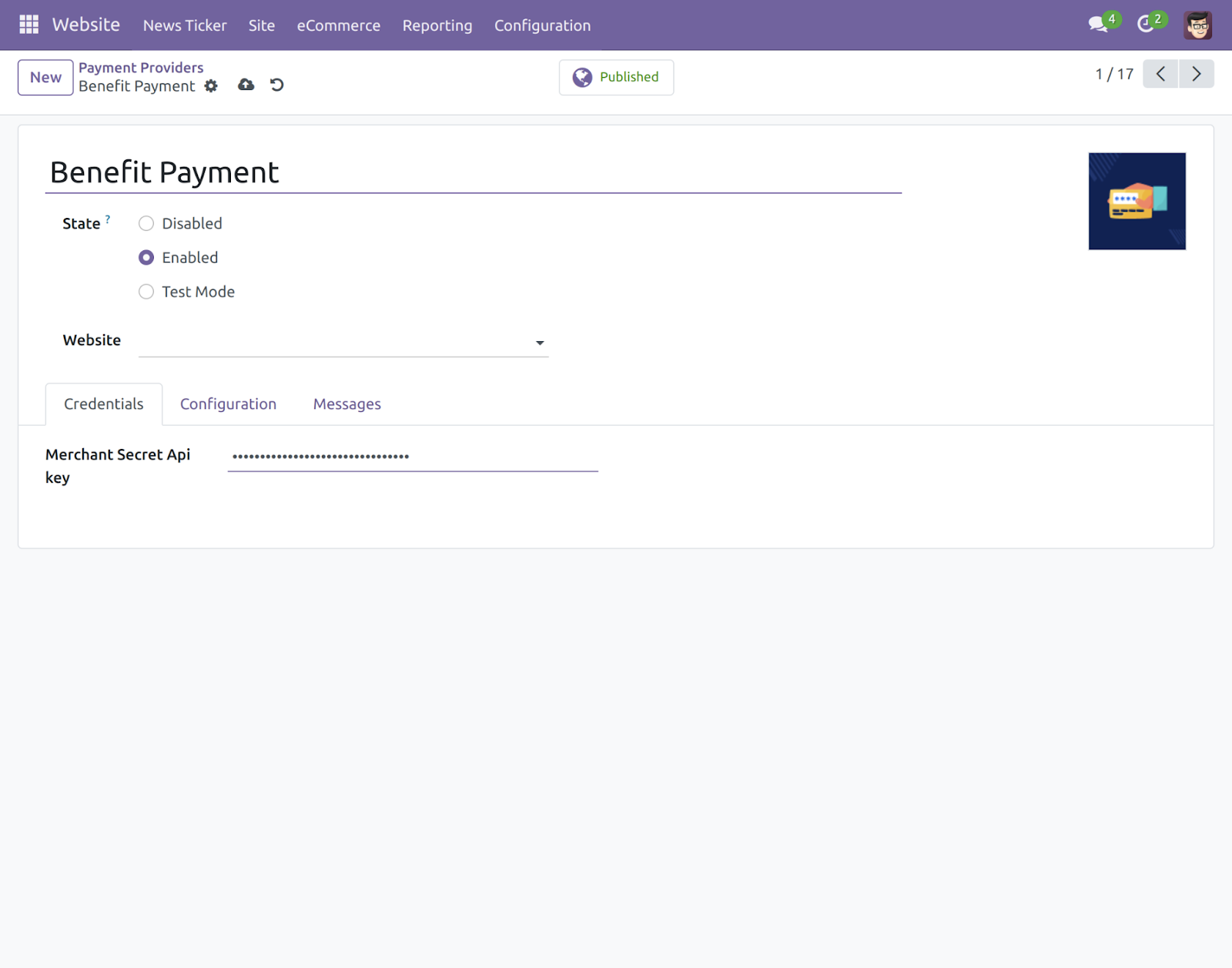
- You can configure settings like payment method, maximum amount, currencies, etc.
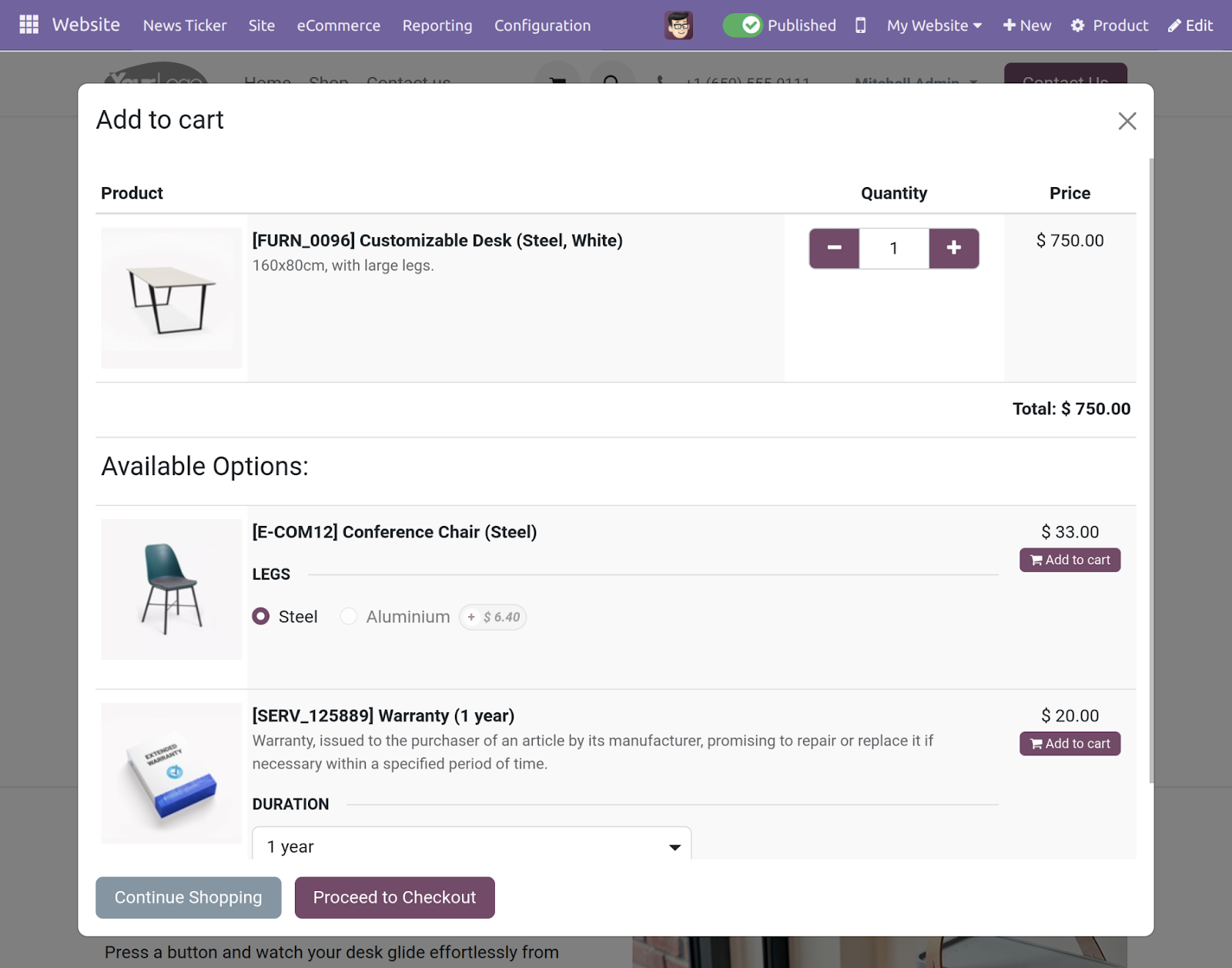
- Customers add any product to the card and click on “proceed to checkout”.
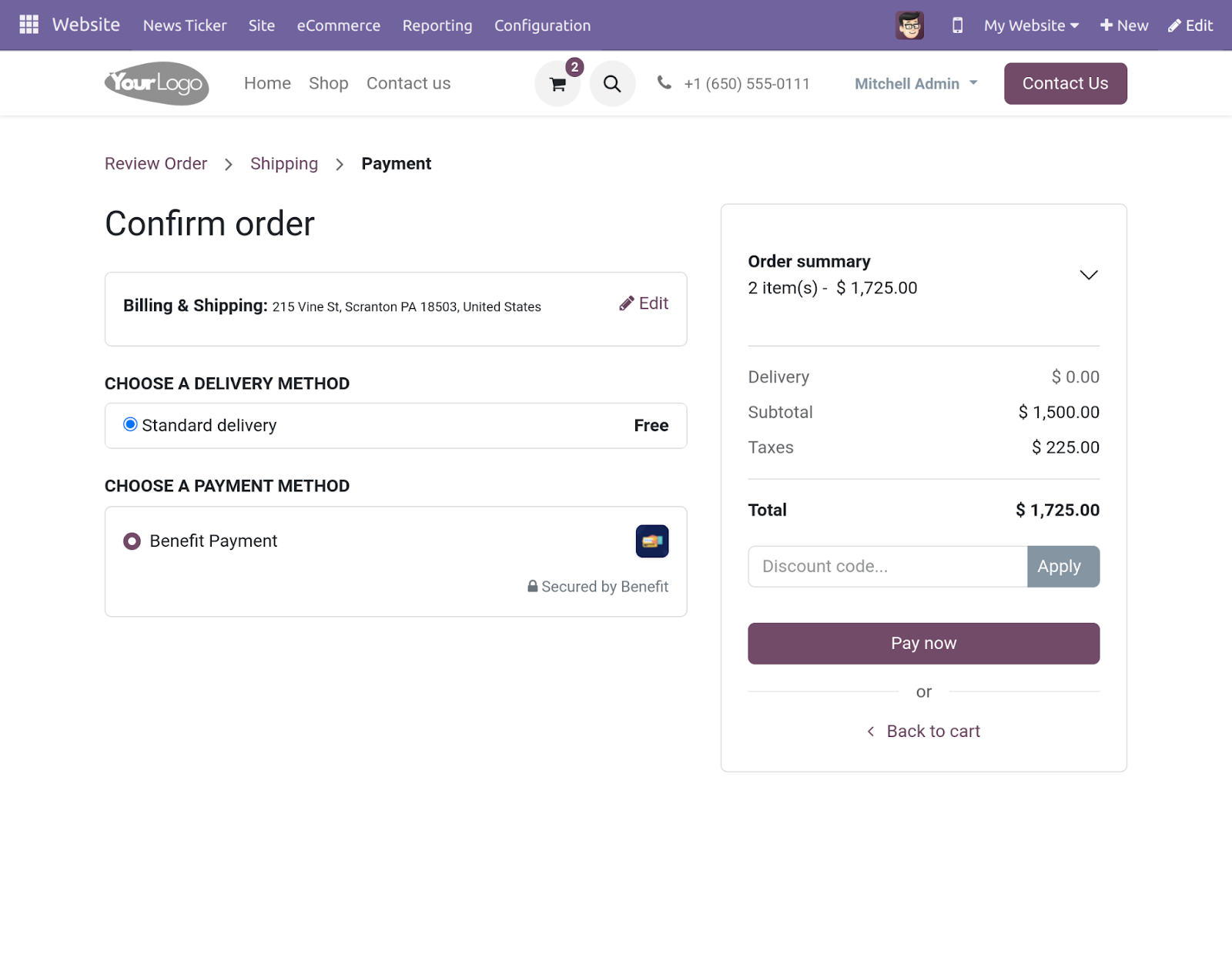
- Customers can choose Benefit Payment as a payment gateway and click on “Pay Now”.
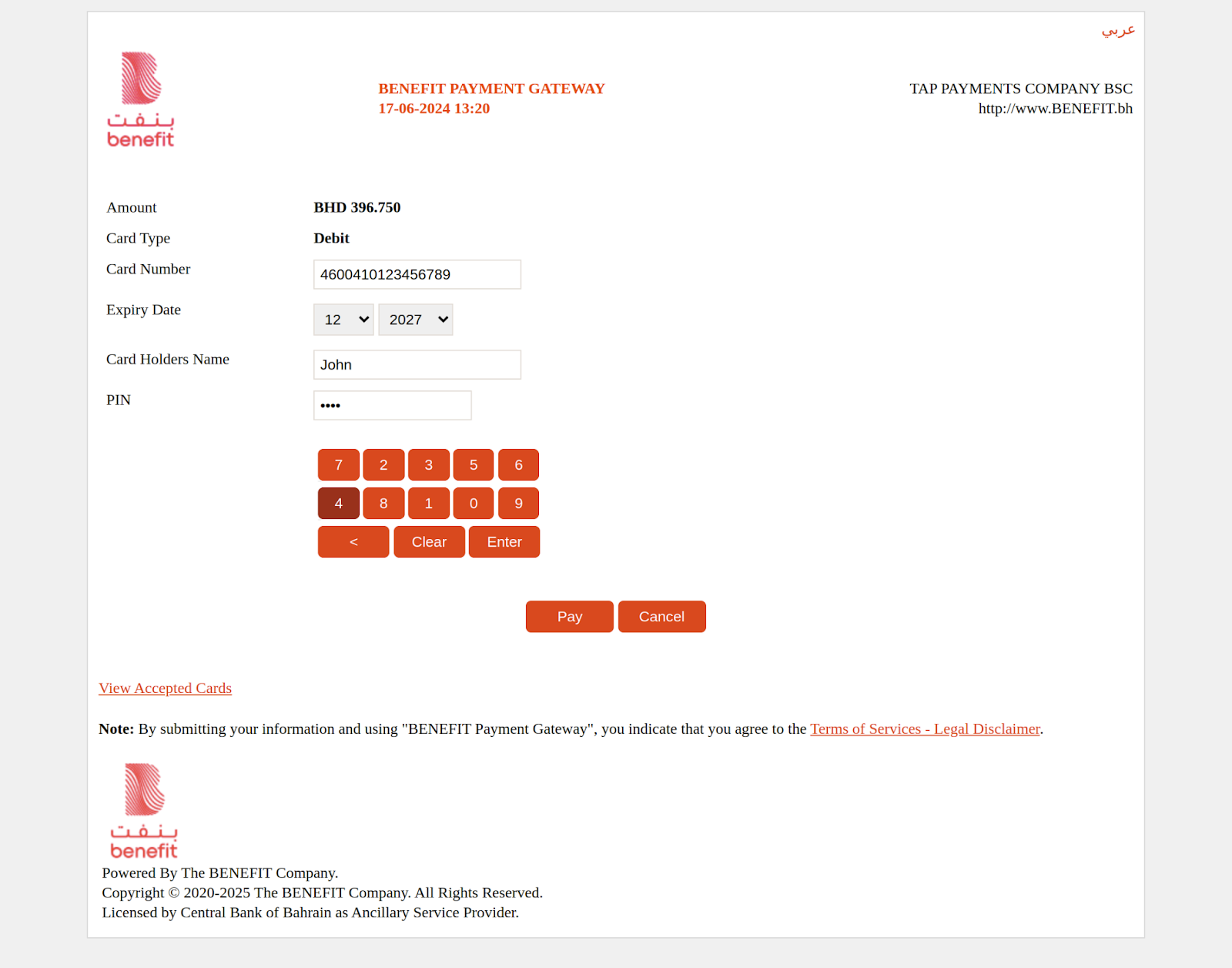
- Now the customer will redirected to the Benefit Payment portal for payment, the user will enter the details of his/her card and click on “pay”.
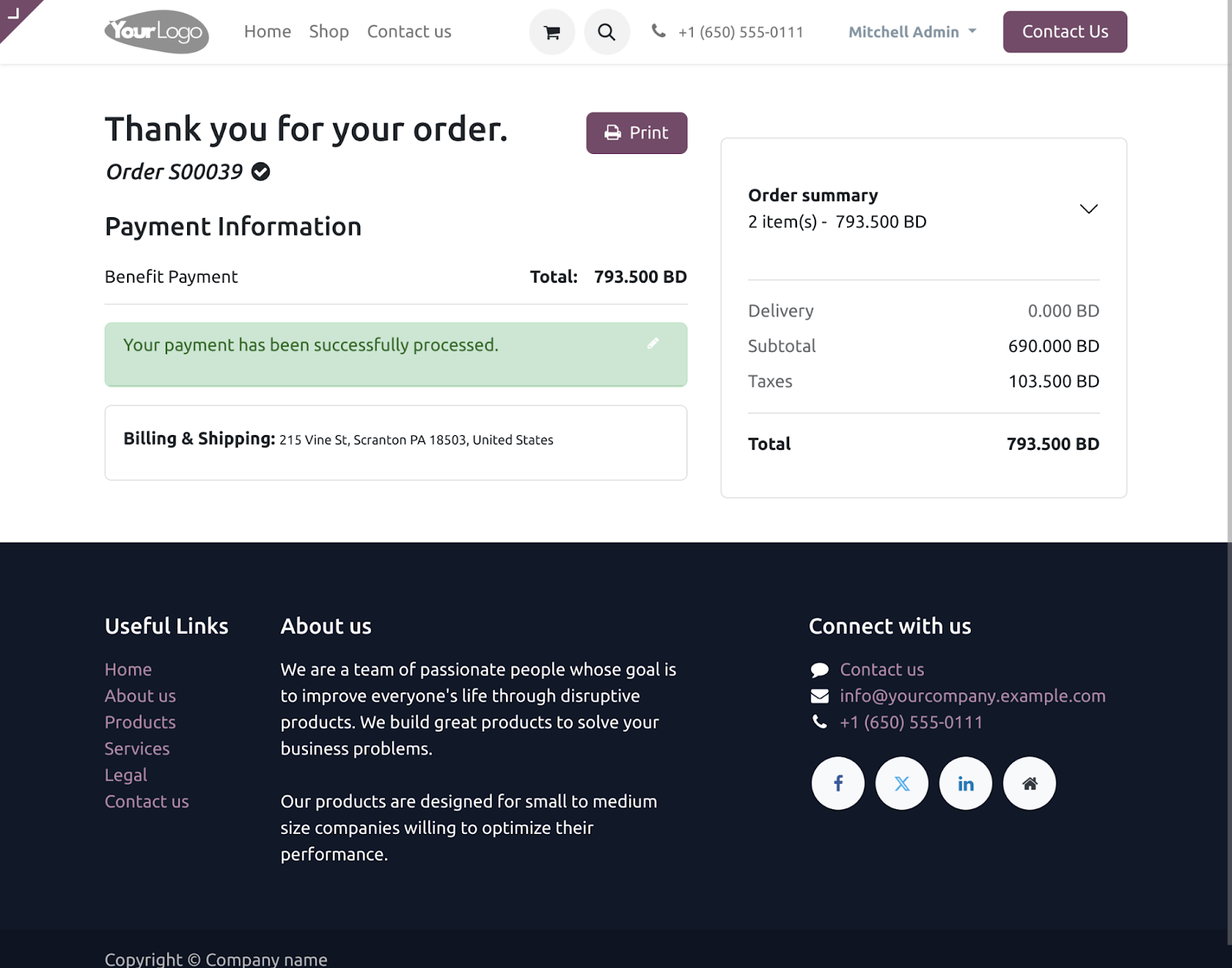
- After successful payment, the Customer is automatically redirected to the website with the order confirmation page.
If you want to integrate Paytm seamlessly with your Odoo website, then check out our Odoo Website Paytm Payment Acquirer module. Paytm, a leading choice for swift payments in India, now enables hassle-free online transactions through various methods on your Odoo platform.
NEED HELP?
Hope you find the guide helpful! Please feel free to share your feedback in the comments below.
If you still have any issues/queries regarding the same, please raise a ticket at the UV Desk.
I hope this helps. In case of any further queries, contact us at our support mail.
Thanks for paying attention!!
Current Product Version - 1.0.0
Supported Framework Version - V17, V16, V15, V14


Be the first to comment.