INTRODUCTION
Odoo Advance Product Sorting allows you to control the order of products displayed on your Odoo website.
You can manage product positions easily using the Odoo Advance Product Sorting module from the Webkul Store.
With Odoo Advance Product Sorting, you can decide which products appear first or last on the website.
This helps create a customized and clean product listing for better user experience.
The module supports drag-and-drop sorting and category-based product ordering.
Backend sorting is automatically reflected on the frontend without extra effort.
FEATURES
- Drag-and-drop product reordering
- Change product order anytime
- Sort product listing from backend
- Sort products category-wise
- Backend sorting follows frontend order
- Sync product order instantly
- Easy product management
INSTALLATION
- Once you have purchased the module from our Webkul store, you will receive a link to download the zip file of the module.
- Extract the file on your system after the download finishes. You will be able to see a folder named- ‘website_advance_product_sorting’.
- Copy and paste this folder inside your Odoo Add-Ons path.
- Now, open Odoo and click on the Settings menu. Here, click on Activate the Developer Mode. You can activate the developer mode by typing ‘debug=1’ after ‘web?’ in the URL as well.
- Now, open the Apps menu and click on ‘Update Modules List’.
- In the search bar, remove all the filters and search ‘website_advance_product_sorting’.
- You will be able to see the module in the search results. Click on ‘Install’ to install it.
WORKFLOW
1. Backend Sync Action
Sync backend and website product order using a single action.
This ensures both lists always follow the same sequence.

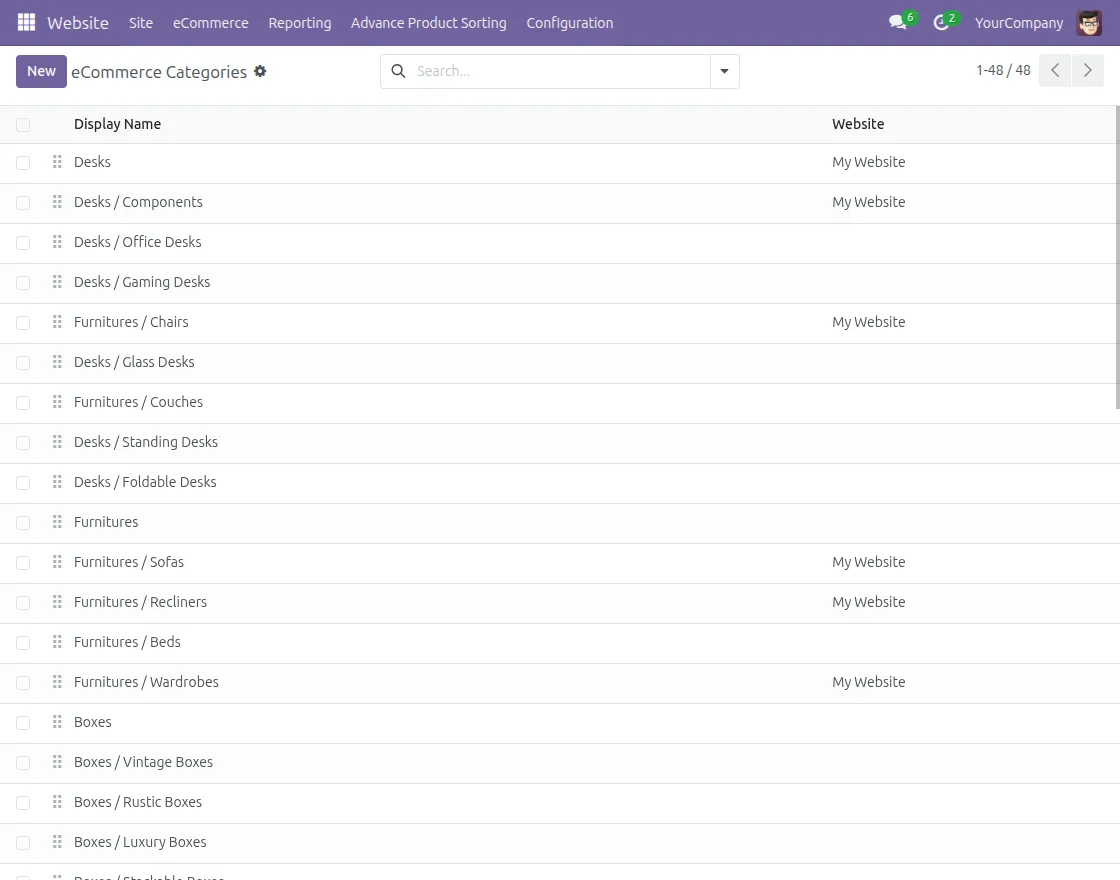
2. Sorting by Category
Each category can have its own product sequence.
This is helpful for managing large product catalogs.
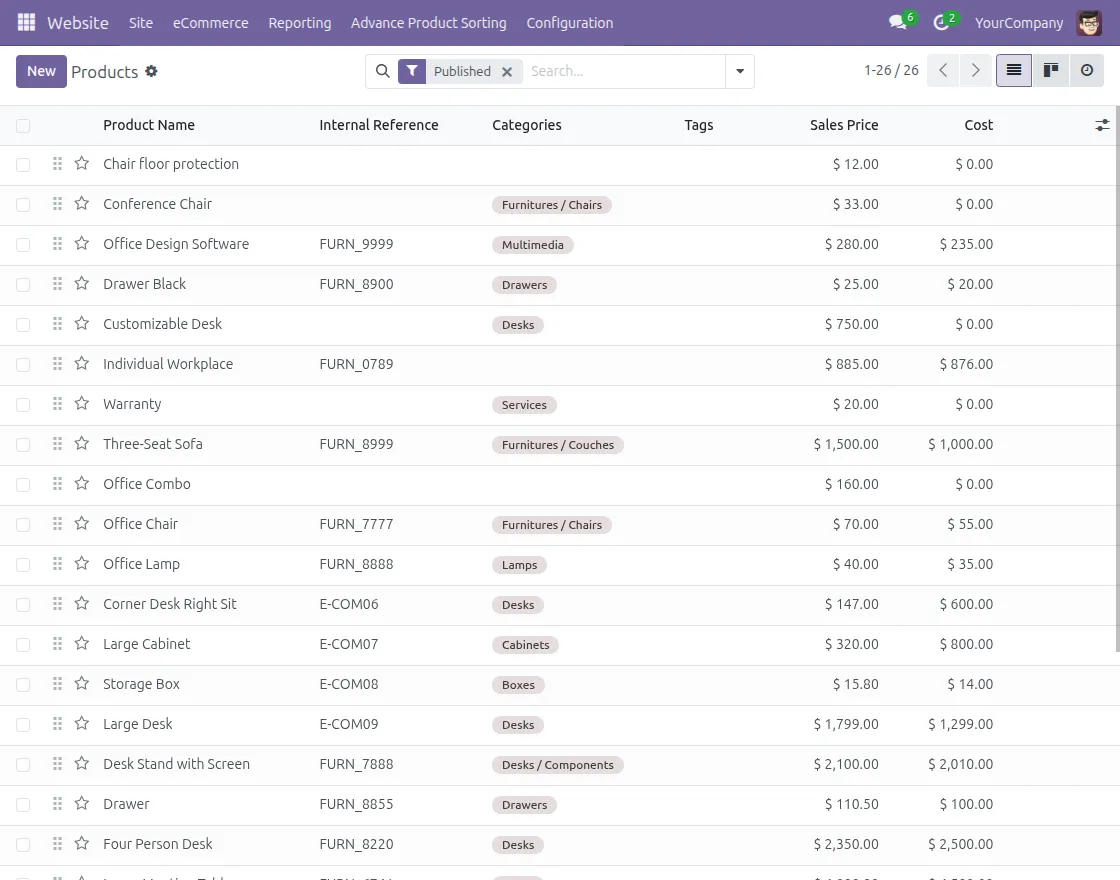
3. Product Sorting from Backend
All product listings can be managed from one backend screen.
You can sort products easily without any technical knowledge.
Current Product Version - 1.0.0
Supported Framework Version - 17, 18, 19


Be the first to comment.