Expected features of Odoo 18 POS: Odoo 18 is here, and it’s better than ever!
The new version of Odoo, Odoo 18, introduces exciting updates that make work management easier for businesses.
In this blog, we’ll explore what’s new with Odoo 18 upgrade and how these updates can help your business run more smoothly. Have a look at the features.”
Check these anticipated features of Odoo 18 Sales, Website, Manufacturing, Accounting, Inventory, & Other Apps.
To keep up with the system’s progress, you can also dive into the Odoo 19 upgrade highlights.
Expected Feature of POS
1) Create product
In previous versions, adding new products to your inventory had to be done through the backend system, which meant switching away from the Point of Sale (POS) interface.
With the expected features of Odoo 18 POS, you can now create products directly from the front end of the POS system.
This makes product creation much easier and quicker while handling sales.
Our module already existed for creating products from the POS front end. Check our module Odoo Create Product From POS.

2. Table and Floor Map
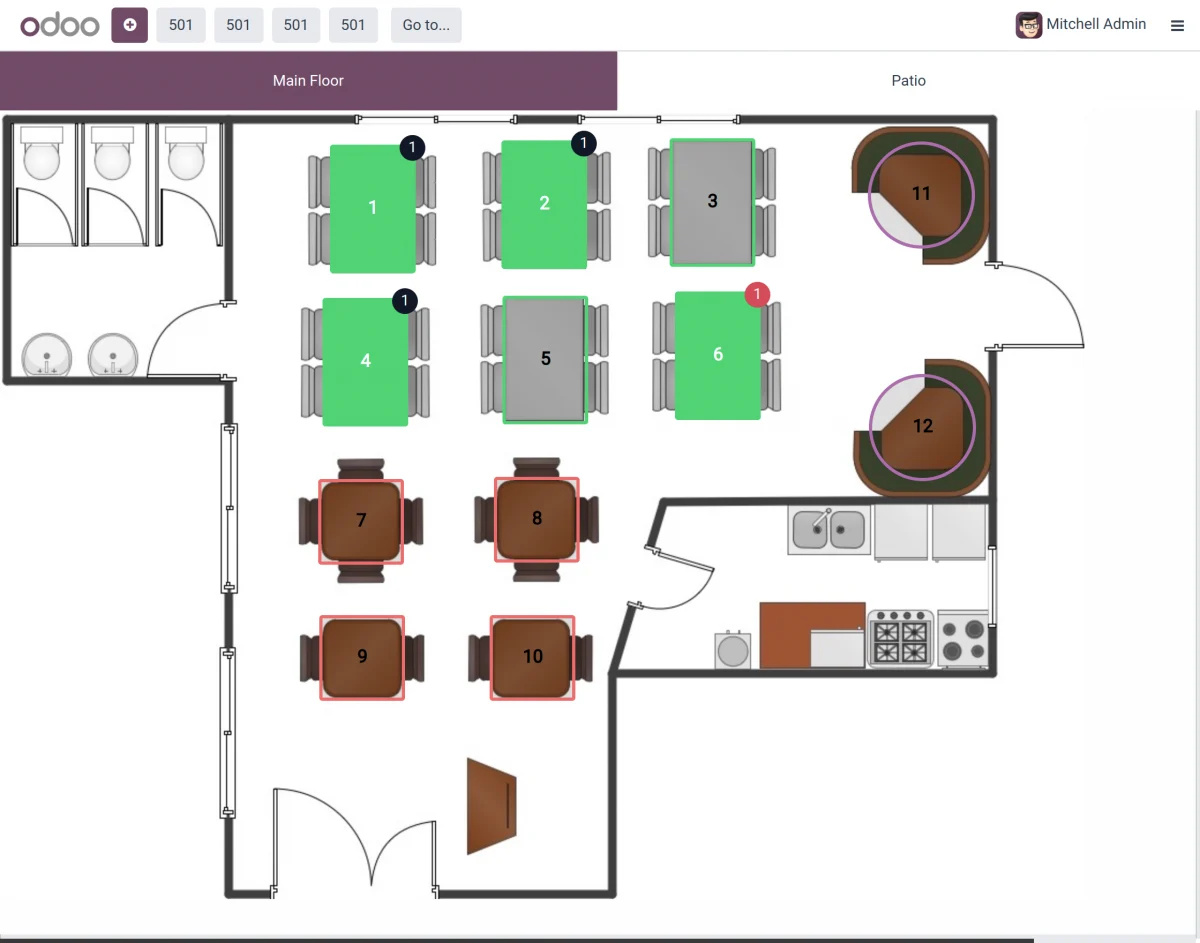
Odoo 18 introduces an improved restaurant view with a detailed table and floor map.
This feature makes it easier to see and manage your restaurant’s layout, helping you organize tables and optimize seating more effectively.
3). Dine-in / Take Away
Now adjust taxes based on whether an order is for dine-in or takeaway in restaurant mode.
This feature ensures that the correct tax rates are applied depending on the type of service, simplifying your billing process.

4). Track Order Edits
Edited orders are now tracked in the backend, making it easier. This feature helps you keep a clear record of changes and manage your orders more effectively.
Configuration settings
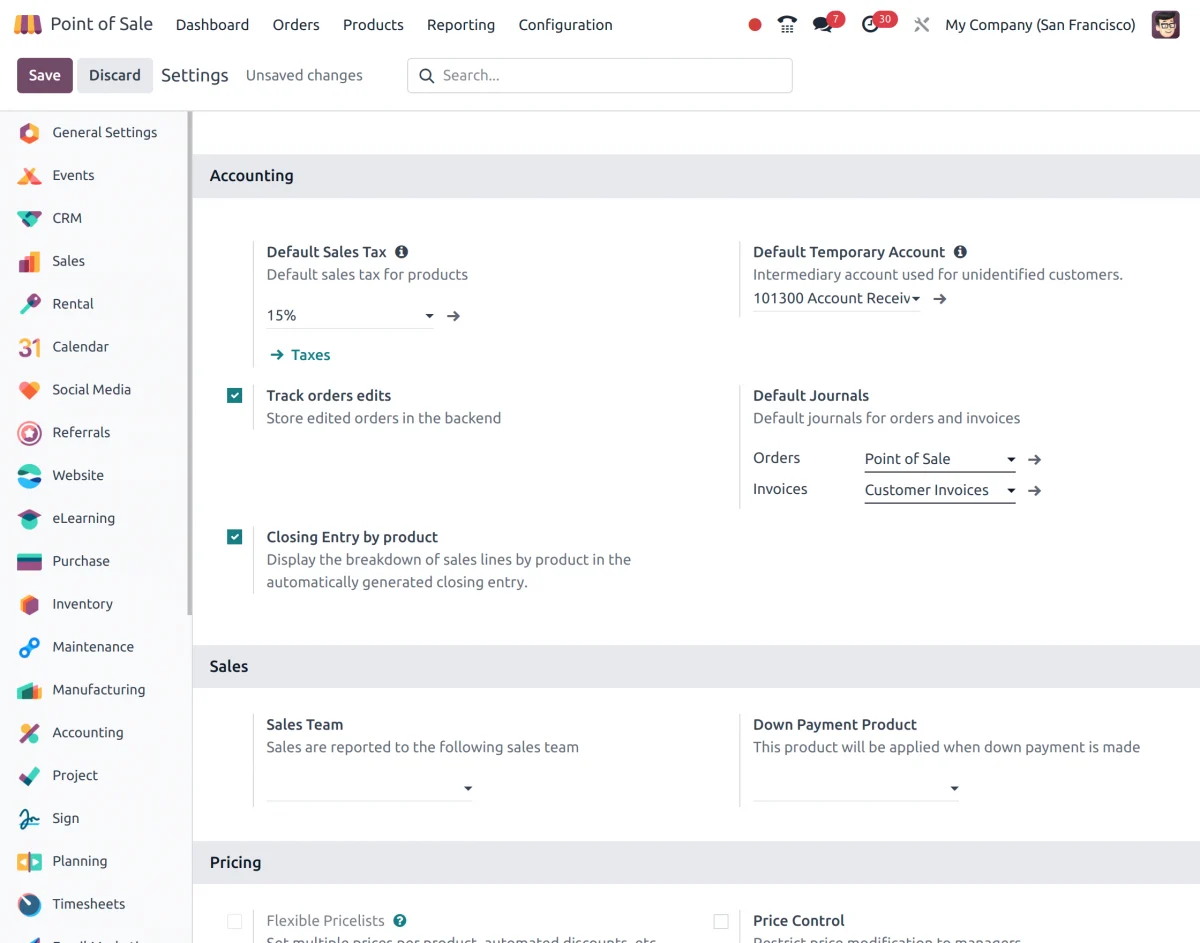
Order view of the having the ID of the edited orders.
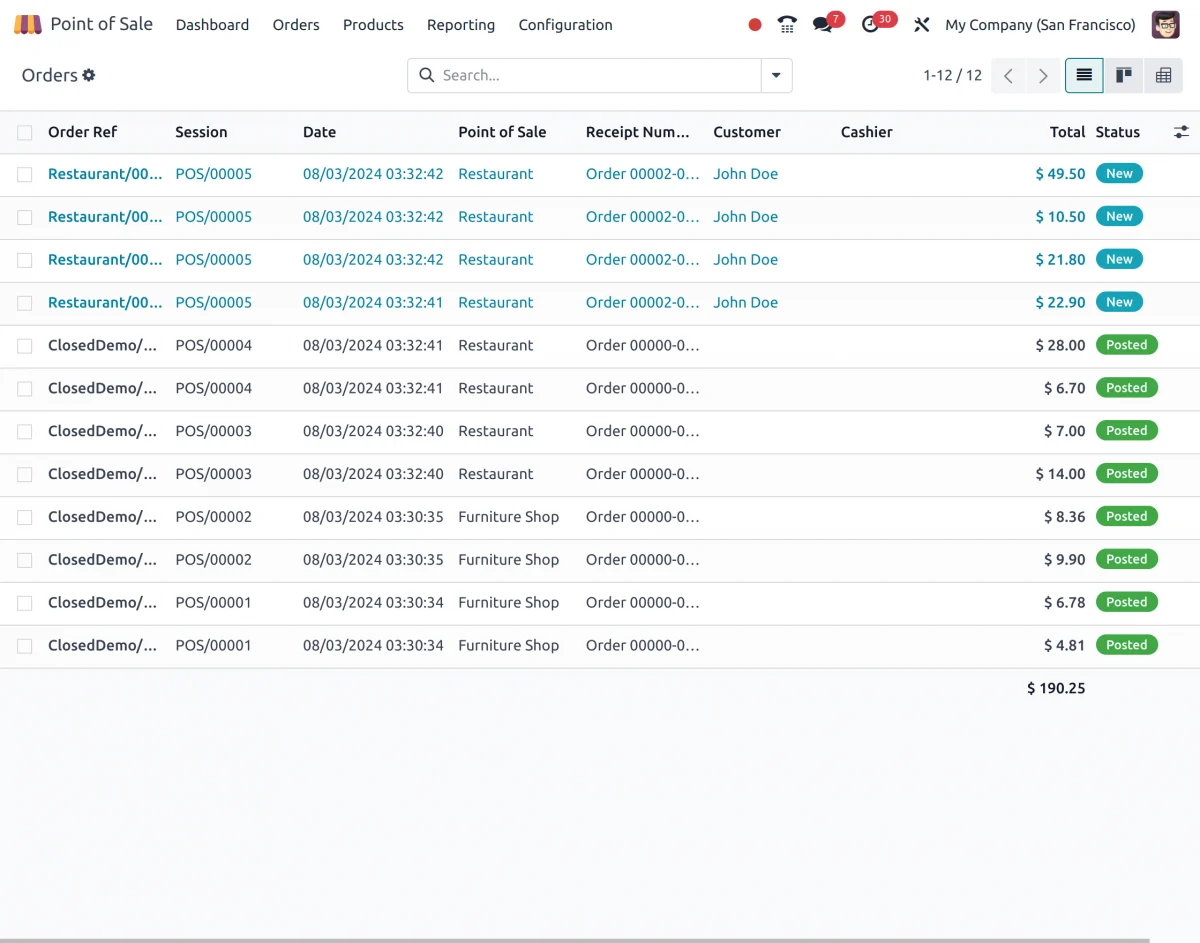
5). Closing Entry by Product
Expected features of Odoo 18 POS shows a detailed breakdown of sales lines by-product in the automatically generated closing entry.
This feature helps you see exactly how each product contributed to your sales, making it easier to review and analyze your financial data.
6). SMS Enabled
You can now send text receipts to customers via SMS. This feature makes it easy for customers to receive their receipts quickly and conveniently on their phones.

Use our module “Odoo POS SMS Notification” to send SMS notifications for POS orders to customers.
7). Self-Service Invoicing
Receipts now include details that let customers request invoices anytime through Odoo’s portal.
This makes it easy for customers to access their invoices whenever they need them.
Configure this from the backend settings as shown in the screenshot.

8). Expected features of Odoo 18 POS: Viva Wallet, Razorpay, and Mercado Pago Integration
Three new payment terminals have been added, offering more flexible payment options for your customers.

Check Webkul’s solution for POS Razorpay is essentially for the older Odoo version.
9). Background Image for Customer Display
You can now add a background image of your choice to the customer display.
This feature allows you to customize the look of the display to match your branding or create a more engaging experience for your customers.

10). Free Orders in PoS Restaurant
A new feature has been added to handle and track free orders in the restaurant setting, ensuring they are processed smoothly.
This makes it easier to manage complementary orders and keep accurate records.
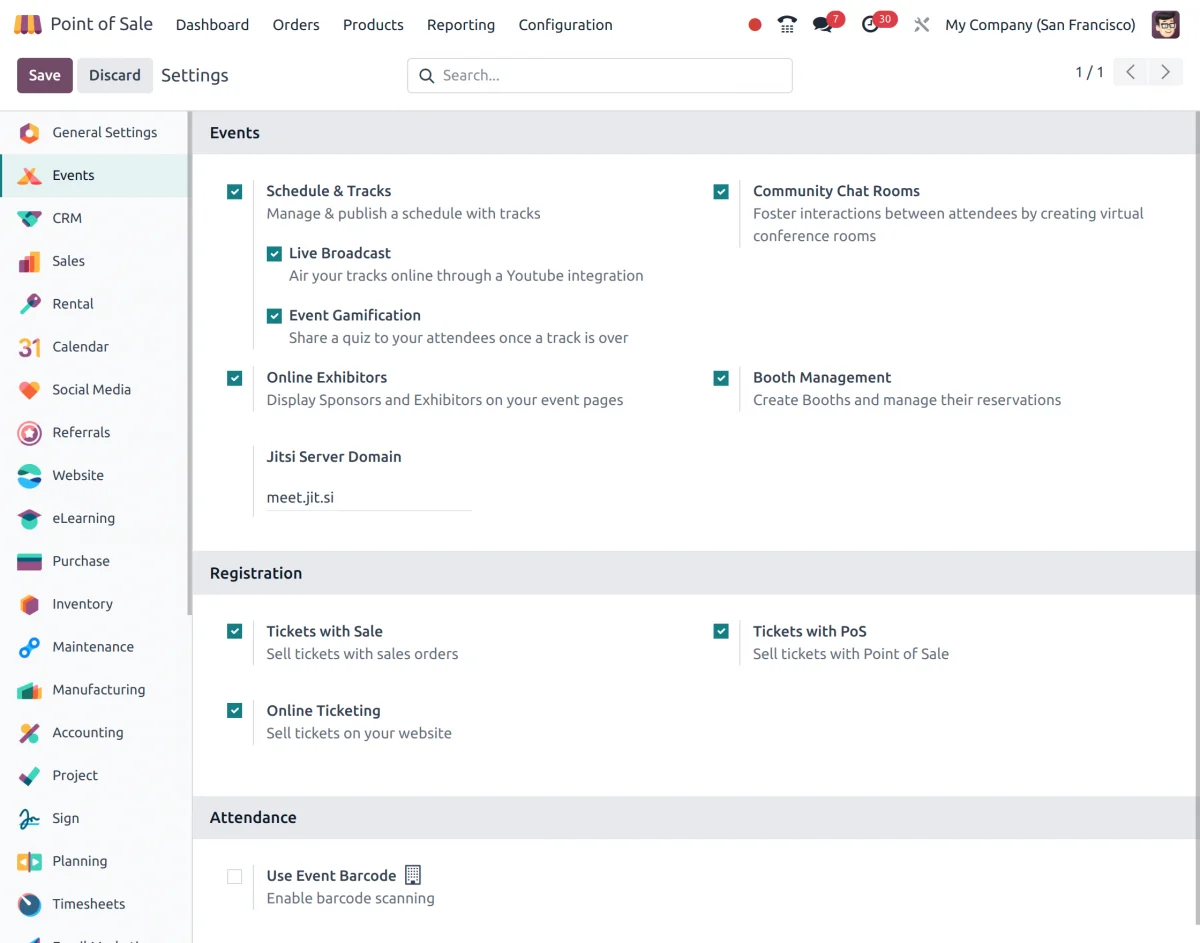
11). PoS Events
You can now support and manage special events within the Point of Sale system, including promotions, discounts, and themed events.
This feature of the Expected features of Odoo 18 POS helps you easily organize and track these events, enhancing your sales and marketing efforts.
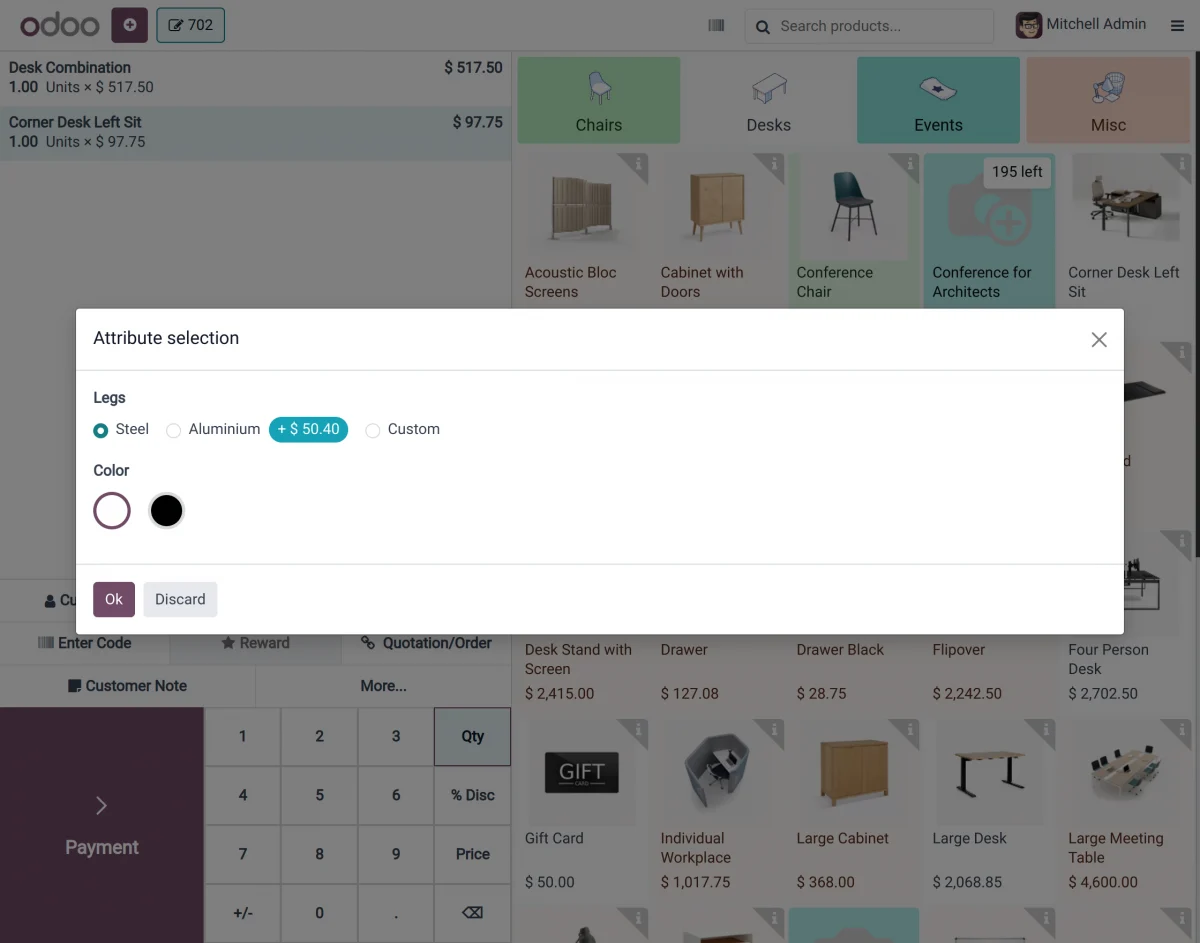
12). Product with Variants Displayed Like in E-commerce
Products with variants, like sizes or colors, are now displayed in a user-friendly way, similar to online stores. This makes it easier for customers to select the options they want.
In the previous Odoo version, Odoo POS by default, only product variants are shown instead of product templates in the product list.
For this, Webkul offers a feature using which, when you click on any product template on POS, a pop-up will appear showing all the variants associated with that product template.
13). New Designs for Better UX at Login and Payment Screen
The POS system now features an improved user experience with updated and intuitive designs for the login and payment screens.
These enhancements make it easier and more efficient for users to log in and process payments.
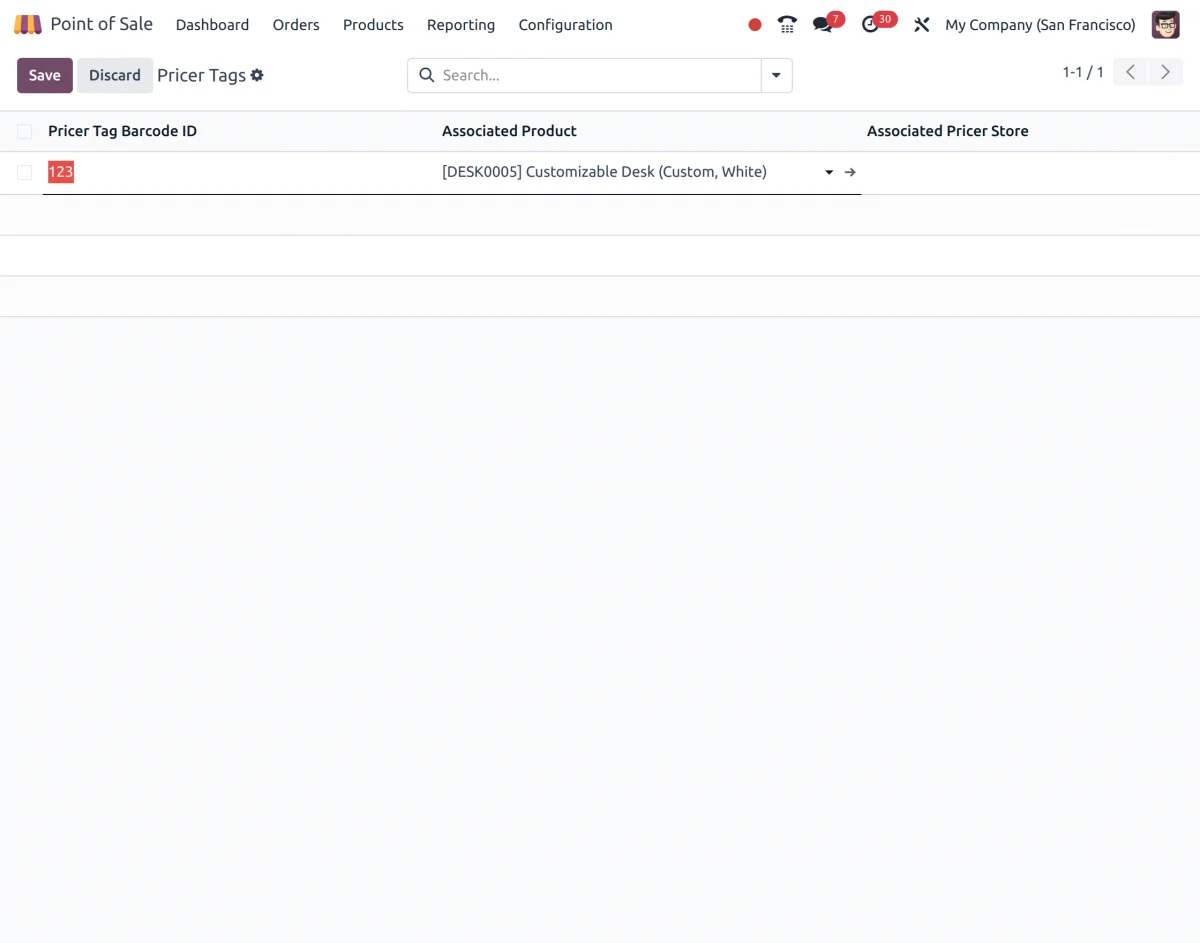
14). Pricer Tags
You can now manage and update product information using electronic price tags. This feature simplifies price management and makes updating prices quick and easy.
NEED HELP?
Hope you find the guide helpful! Please feel free to share your feedback in the comments below.
If you still have any issues/queries regarding the same, please raise a ticket at the UV Desk.
I hope this helps. In case of any further queries, contact us at our support mail:[email protected]
Thanks for paying attention!!
Current Product Version - Odoo V19,Odoo V18,Odoo V17


Be the first to comment.