Cs-Cart Twilio Sms Notification:- This add-on allows you to set up administrator SMS order notifications.
It also enables customer SMS notifications for shipping status, store registration, order information, and product low-stock alerts for vendors.
Features of Twilio Sms Notification
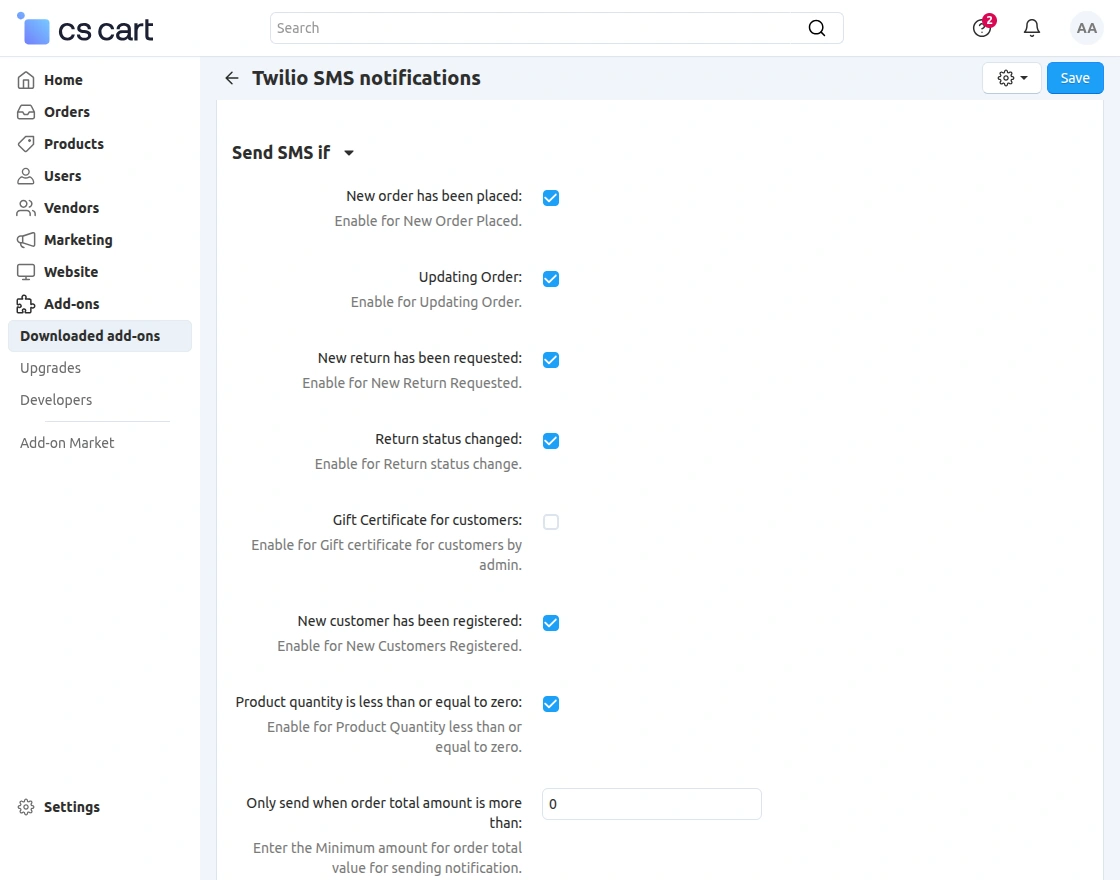
- Indeed Seller/vendor will receive an SMS notification for Product Low Stock Inventory.
- Customers will receive an SMS notification for registration on the store.
- Admin of store will get SMS notification of order status.
- Customers will get an SMS notification of the order status and product return status.
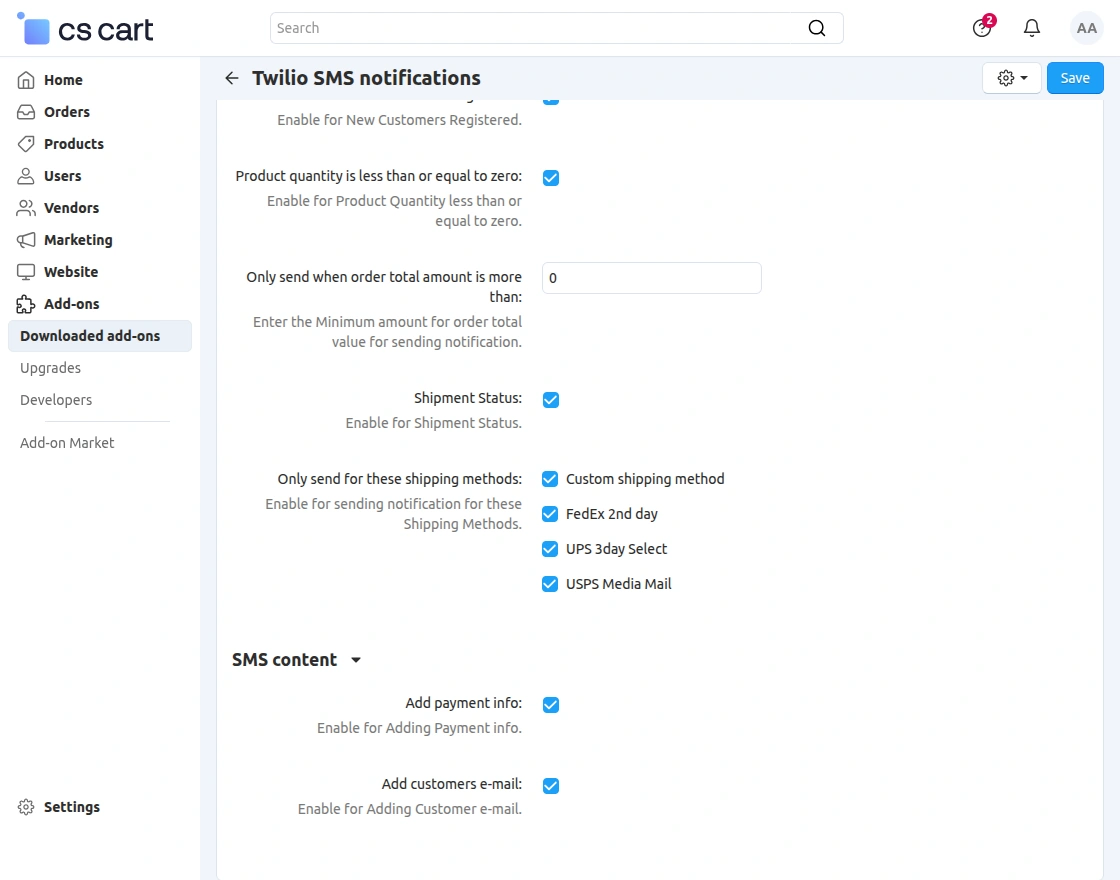
- Also, customers will get an SMS notification of the Shipping Status.
- Easy Configurable.
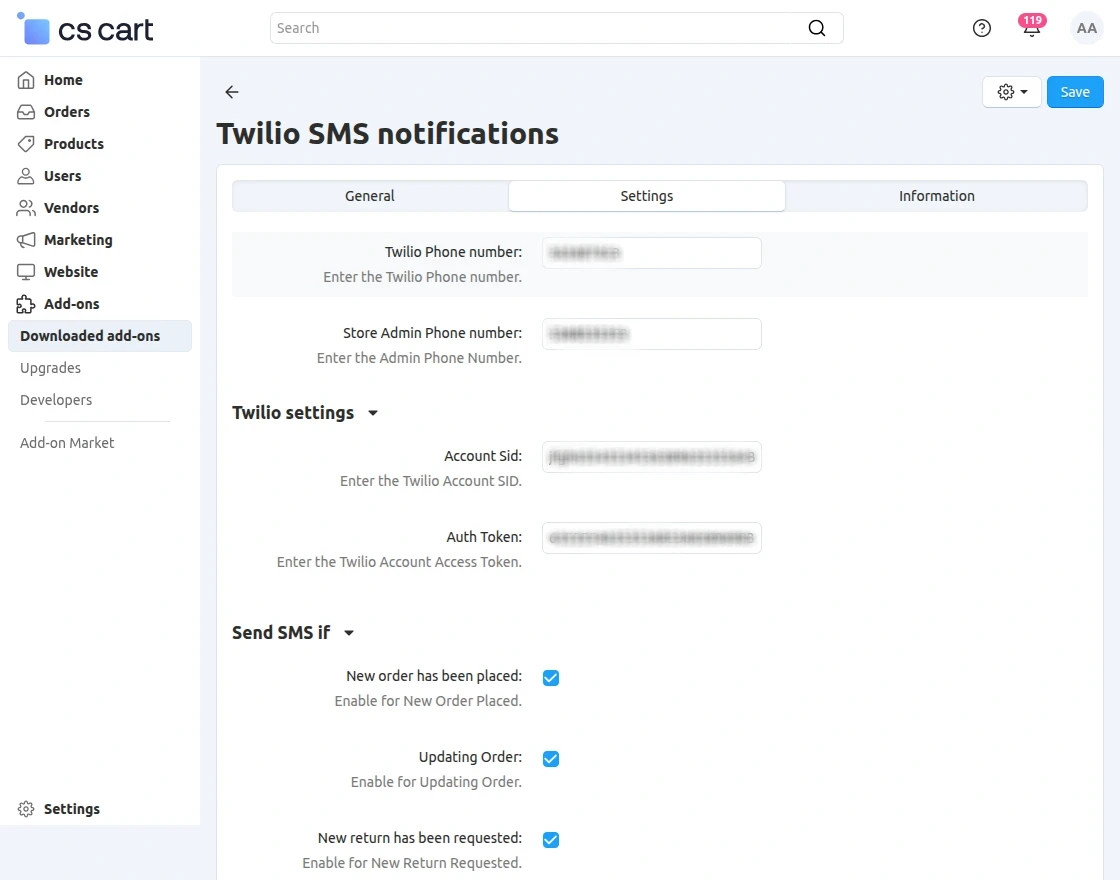
- Twilio API is Used for SMS configuration.
- The seller will receive a notification message right to their phone at the time of seller approval or disapproval.
- The seller will receive a notification message at the time of product approval/disapproval
- The seller will get a notification message if the order of its product gets placed.
- The admin can set multistore conditions.
- User-defined templates.
- The customer will receive an SMS if the seller/admin edits the order.
- Customers will receive a message if the admin will give gift certification.
- Help section for admin/seller describing the variables used in templates.
Video Tutorial
Cs-Cart Twilio Sms Notification Installation
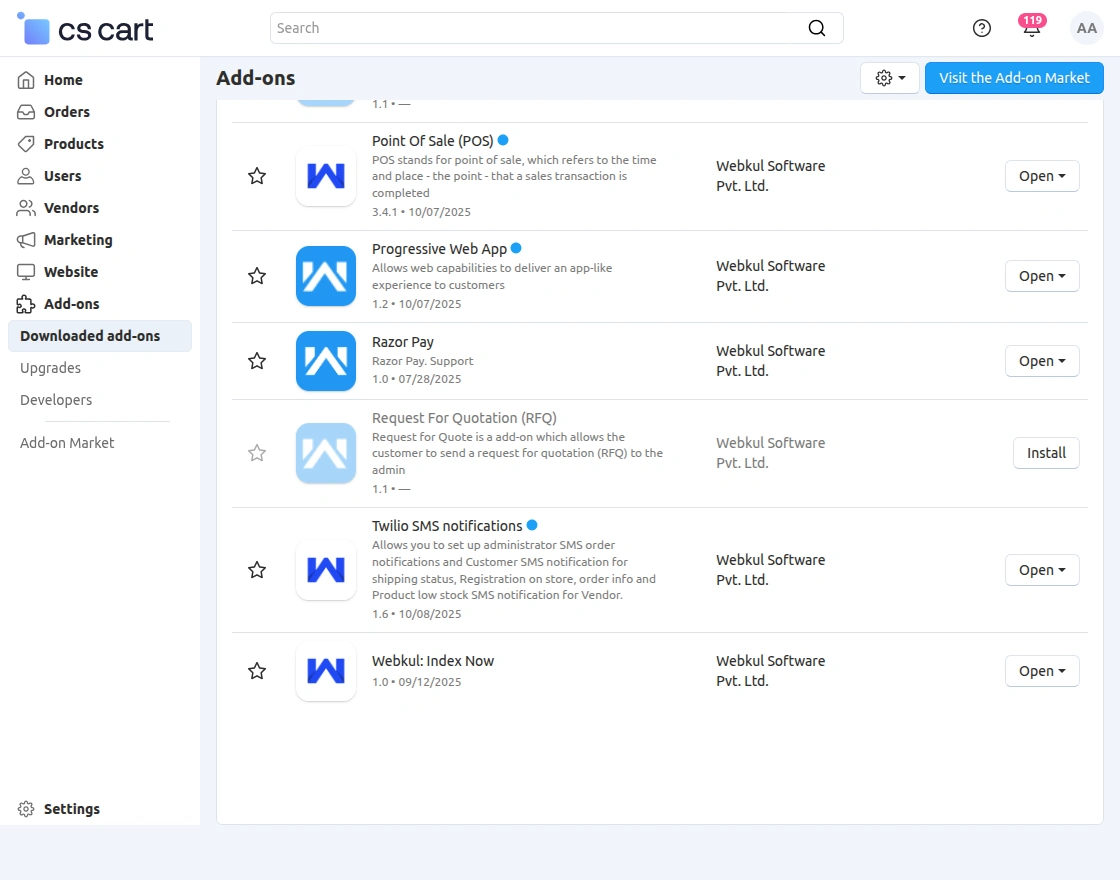
When you’ll download the Twilio Sms Notification you’ll get one zip file, unzip it. After unzipping you will get the install.txt file Read it carefully and follow it.
Twilio Templates
The admin can create templates for the sellers, it will share with the customers as per the required notification.
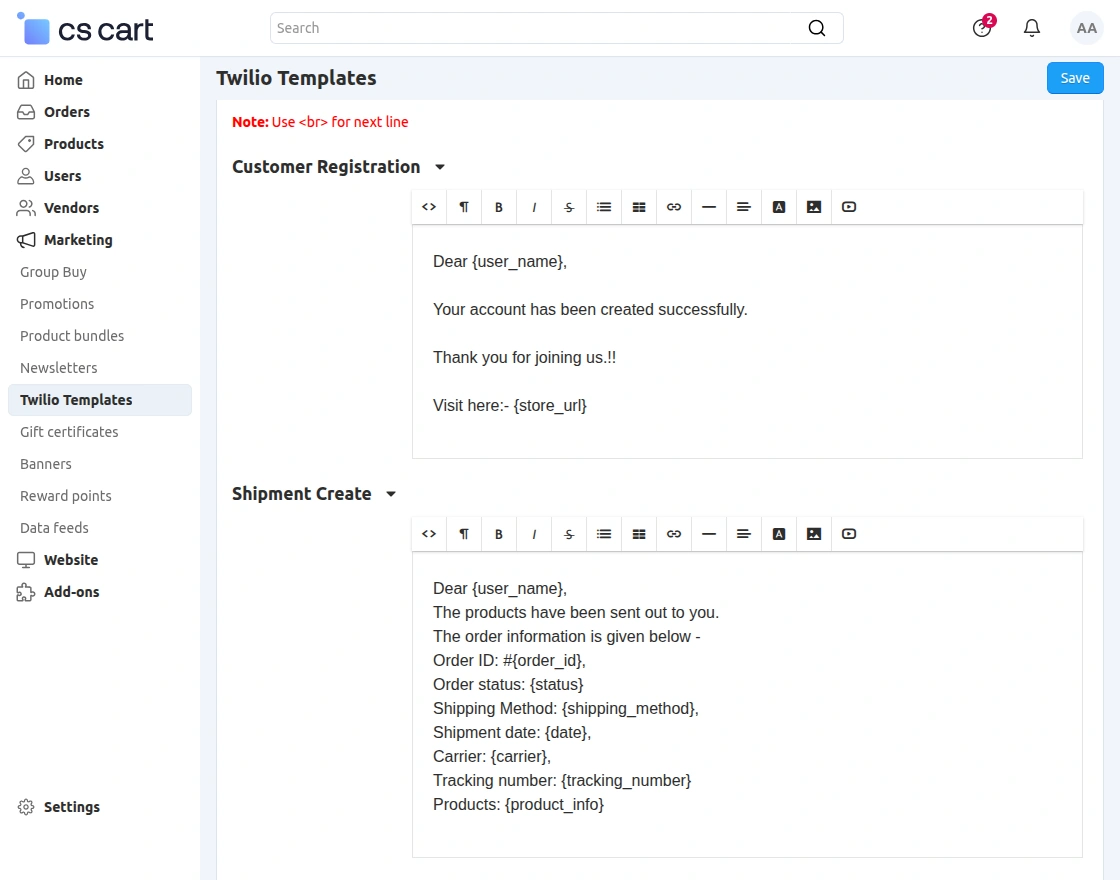
Different types of templates are there that which admin can use as per convenience.
Shipment Template
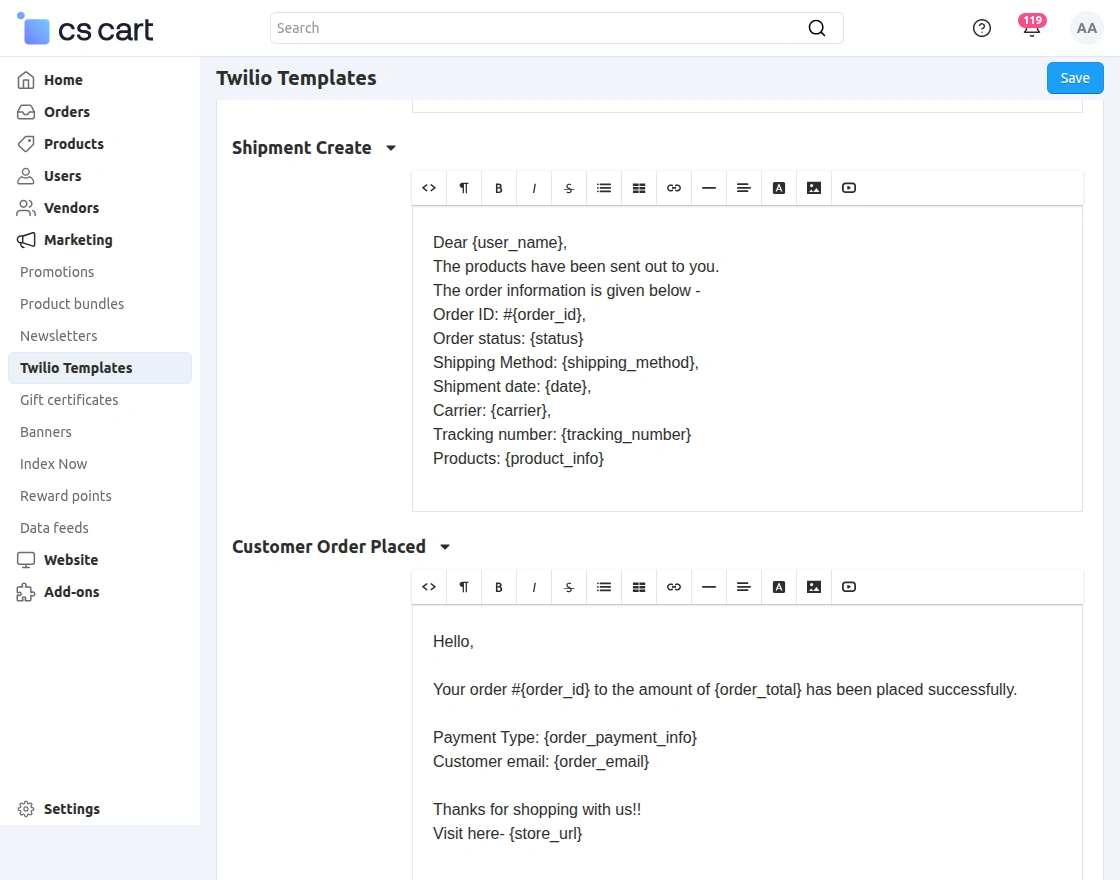
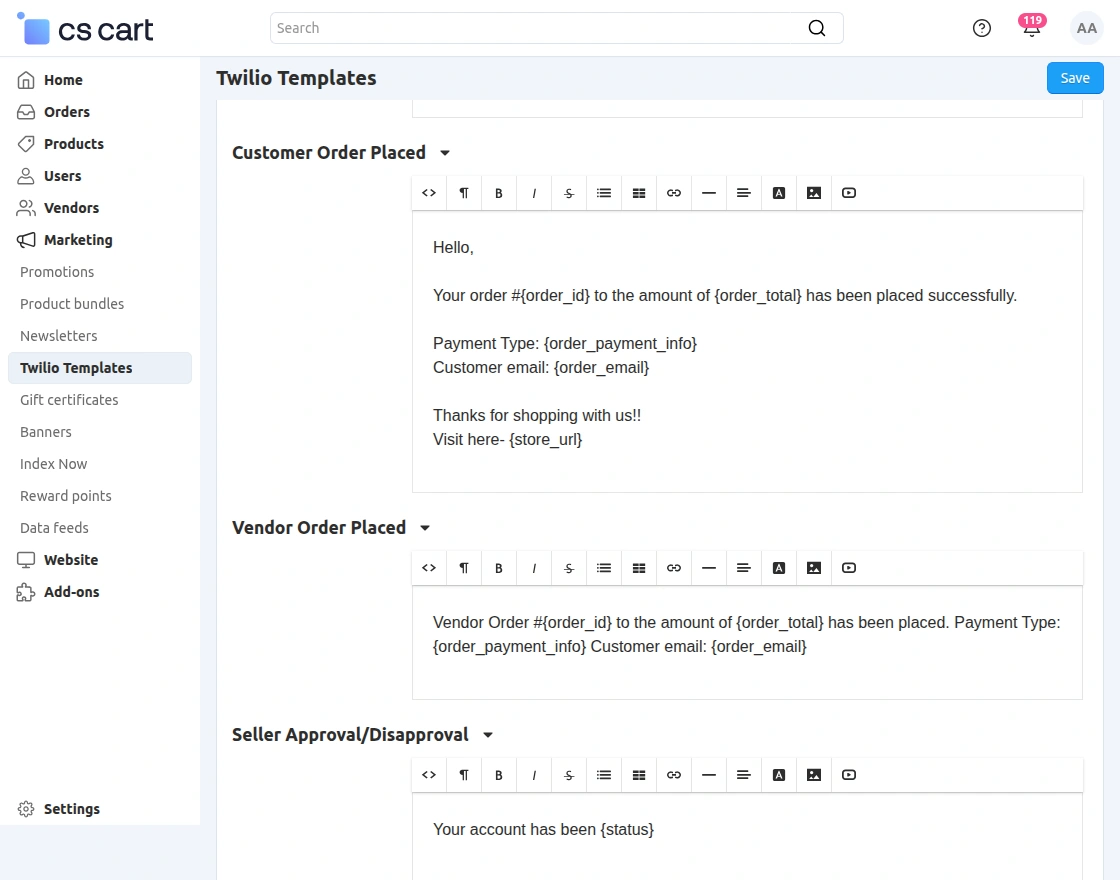
Customer and Vendor Order Placed
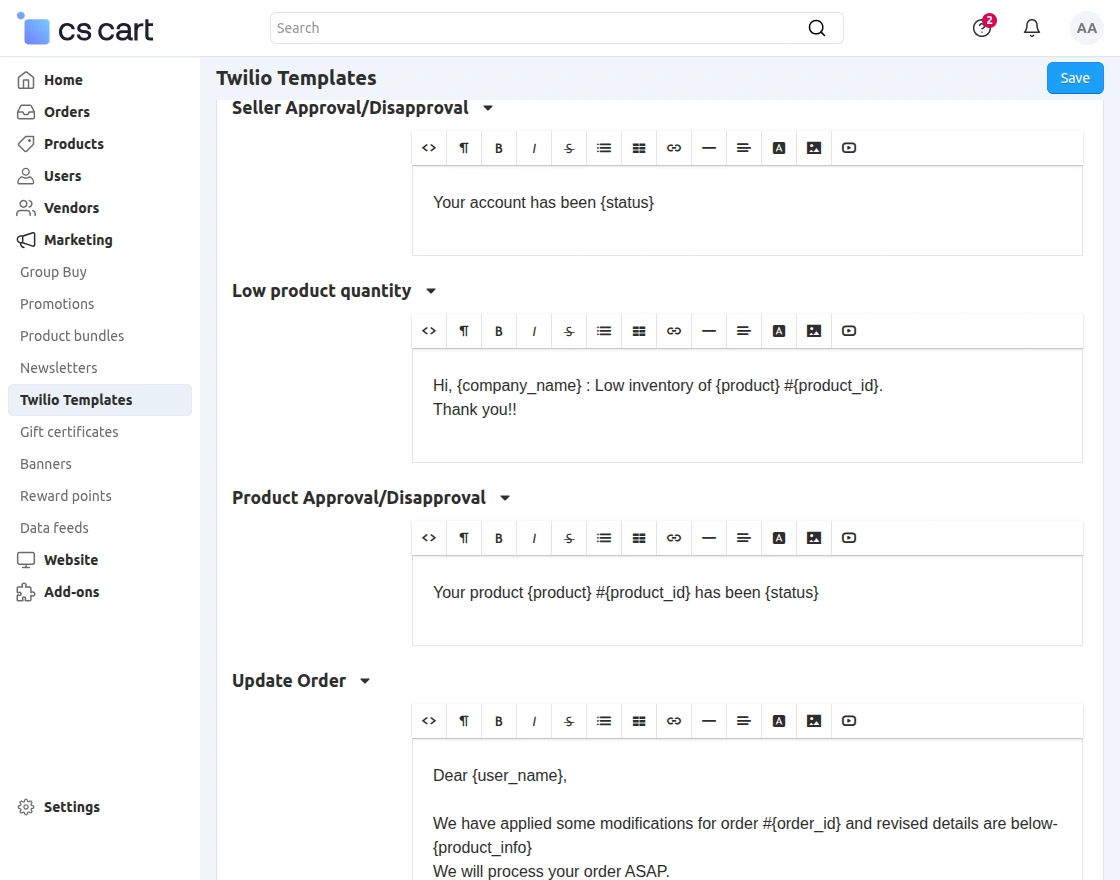
Seller and Product Approval/Disapproval, Low Product Quantity
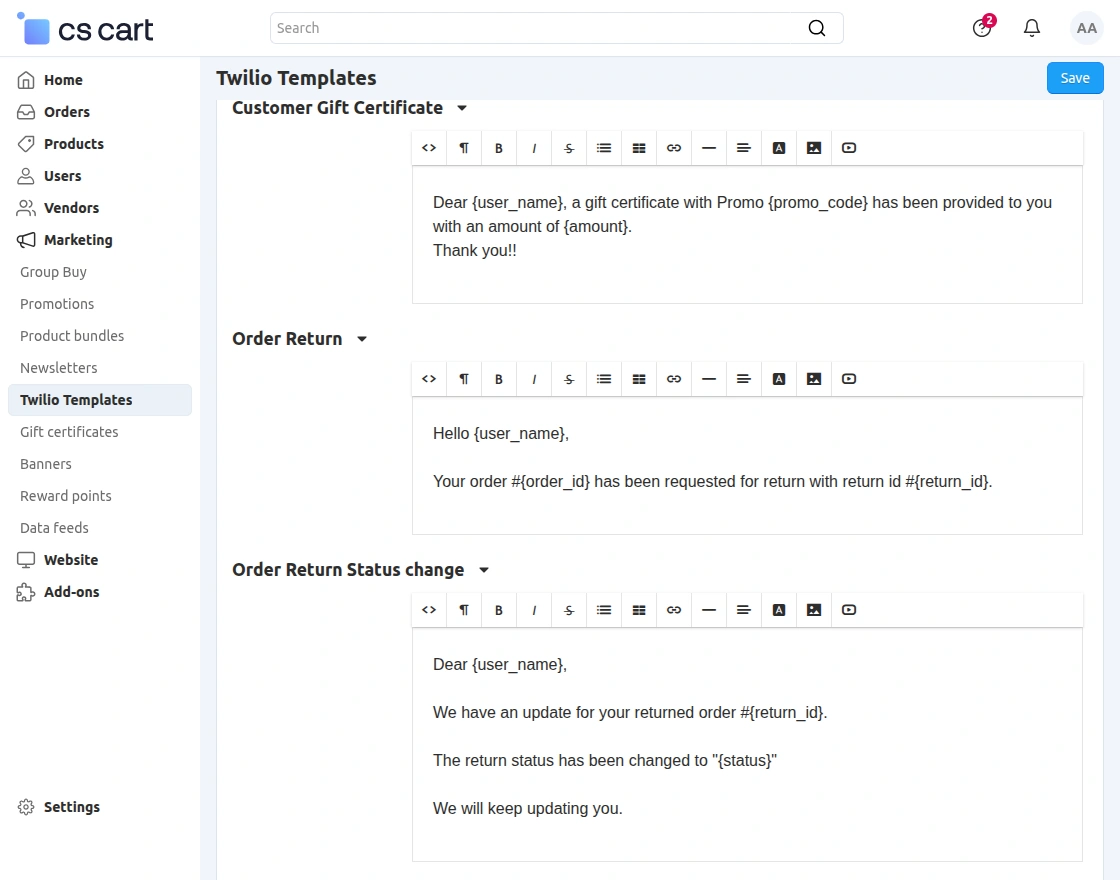
Customer Gift Certificate, Order Return, Order Return Status Change
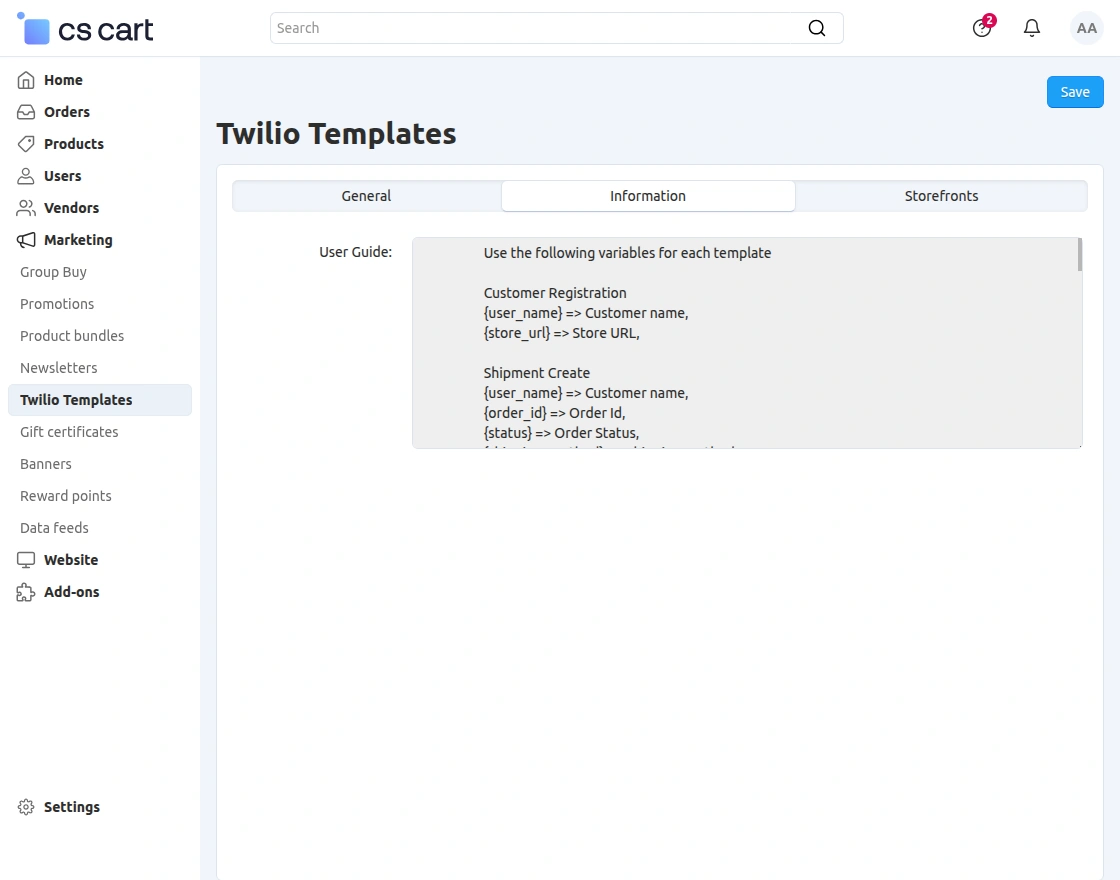
Help section
The admin and seller can check the variables used in templates.
Multiple Storefront
The admin can create new templates for each storefront available on their store.
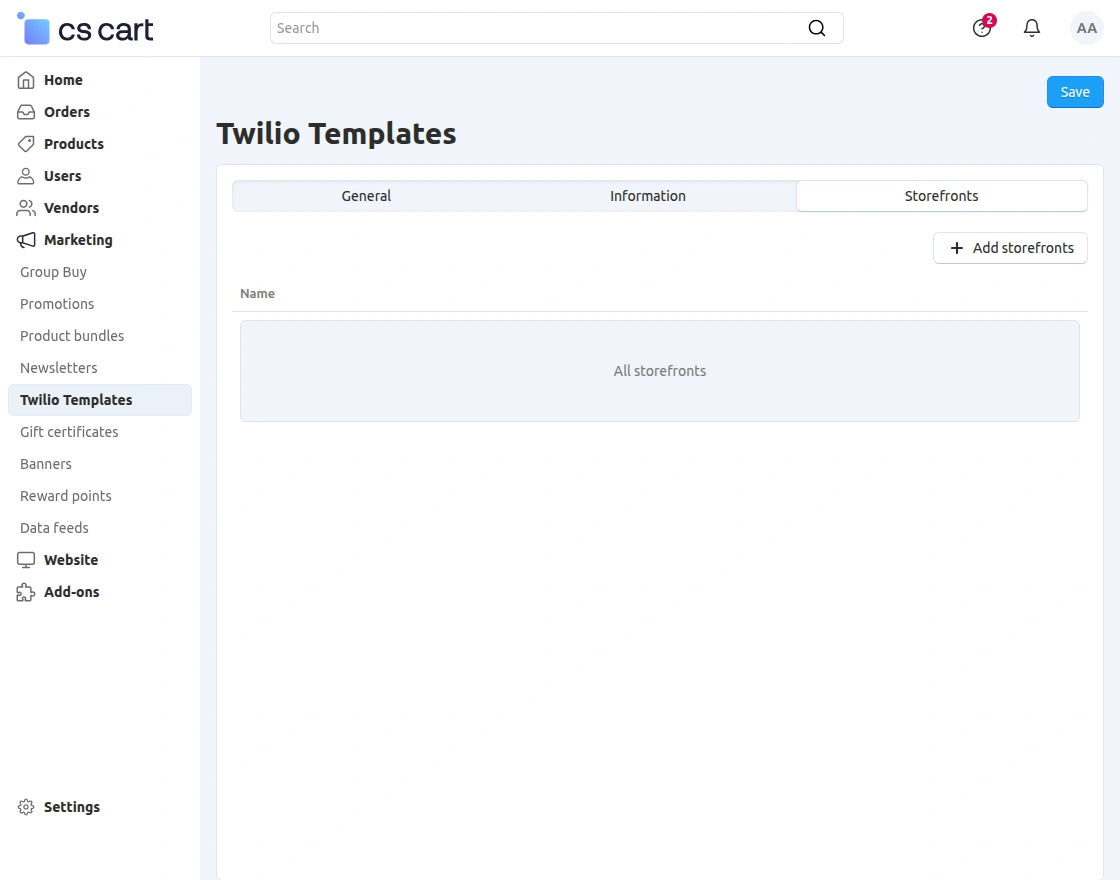
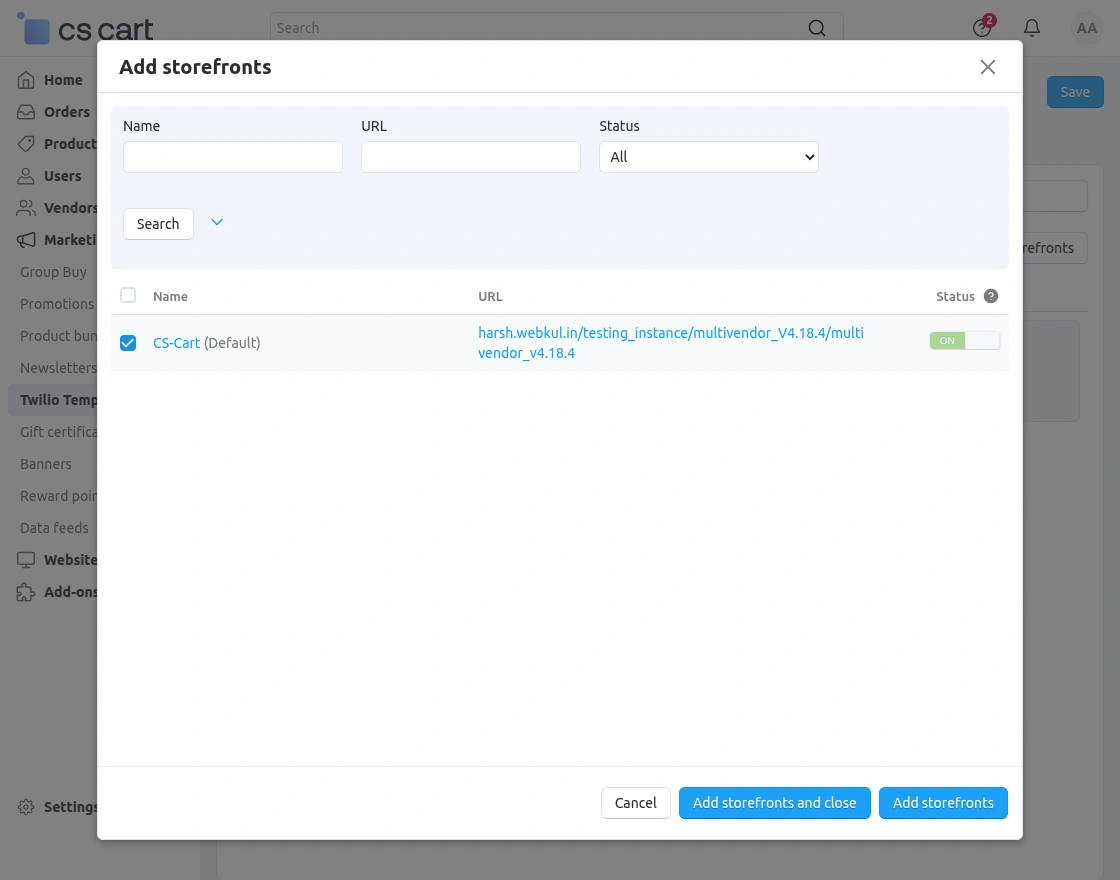
To add a new storefront admin can click on add storefront option and create a new one.
Admin-View: Twilio Sms Notification
Ensure that when registering an account, the user’s phone number is correct and includes the appropriate country code, for example, (+1) PHONE NUMBER, where +1 is the USA country code.
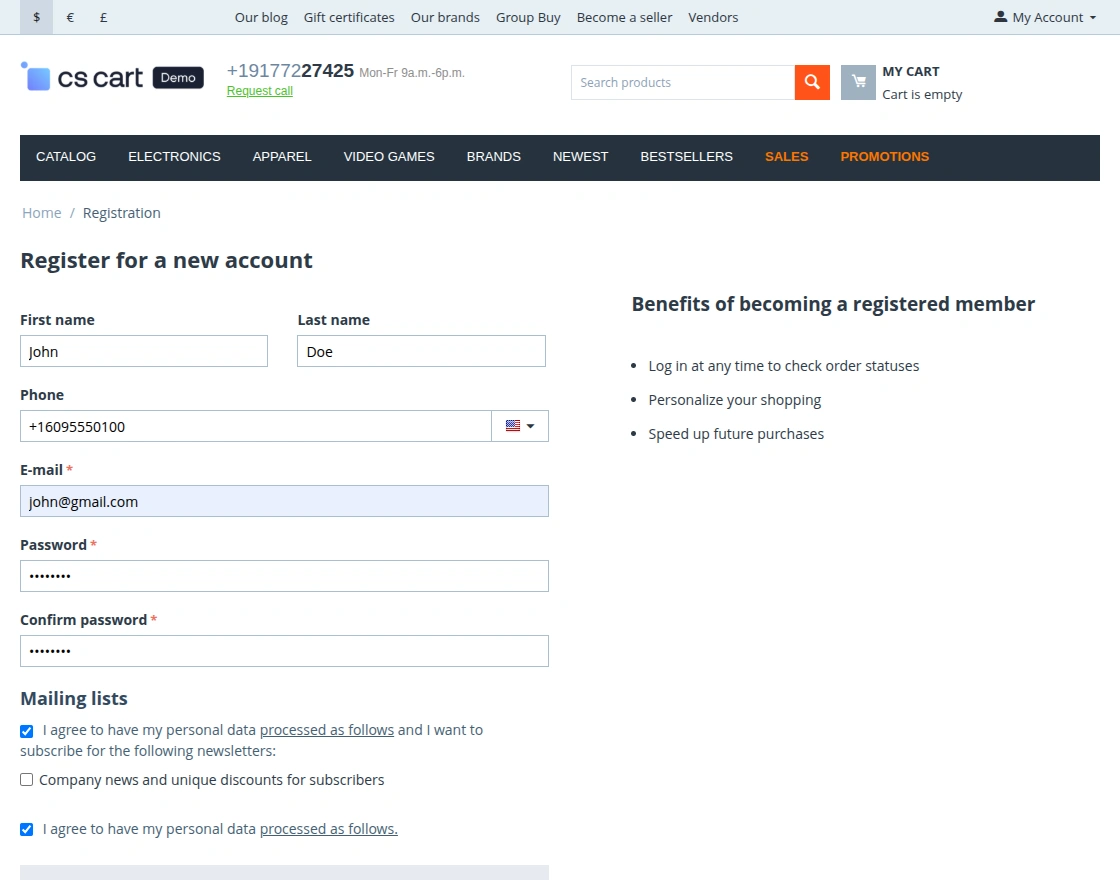
Please enter your phone number along with the country code (e.g., +1); otherwise, SMS messages will not be delivered.
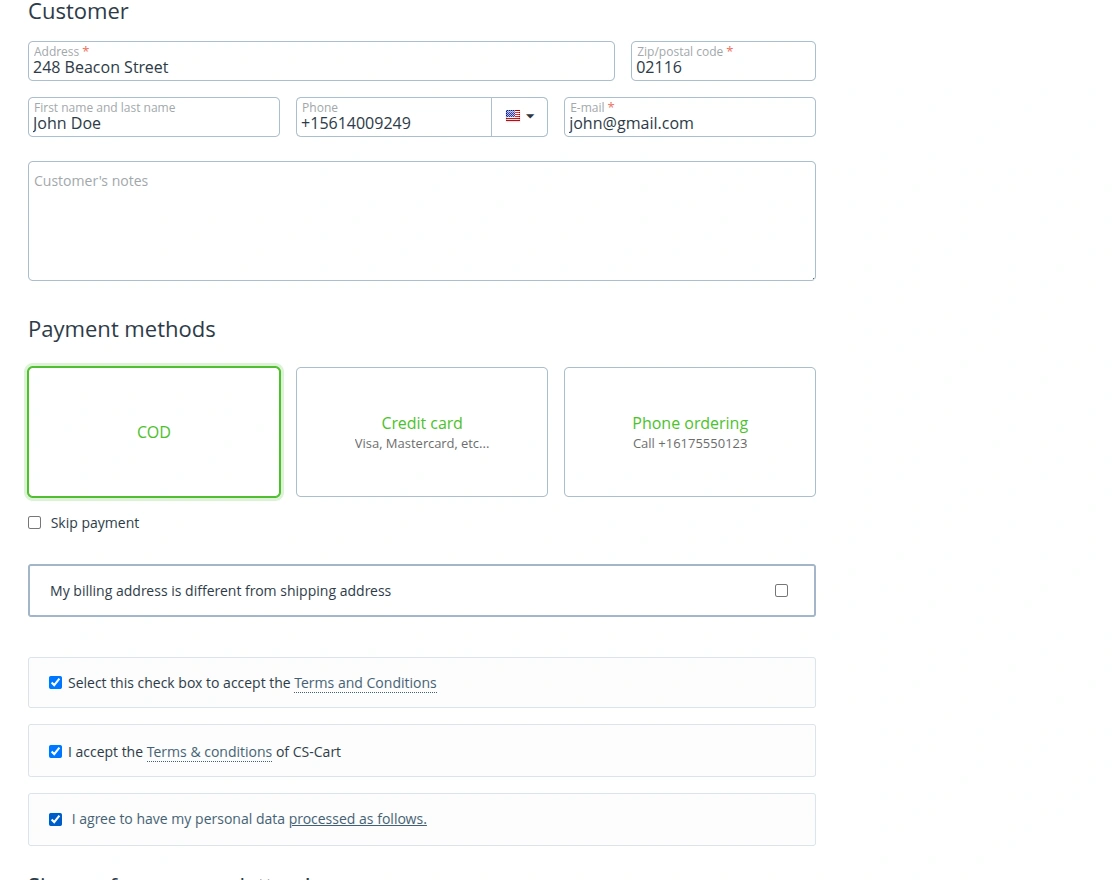
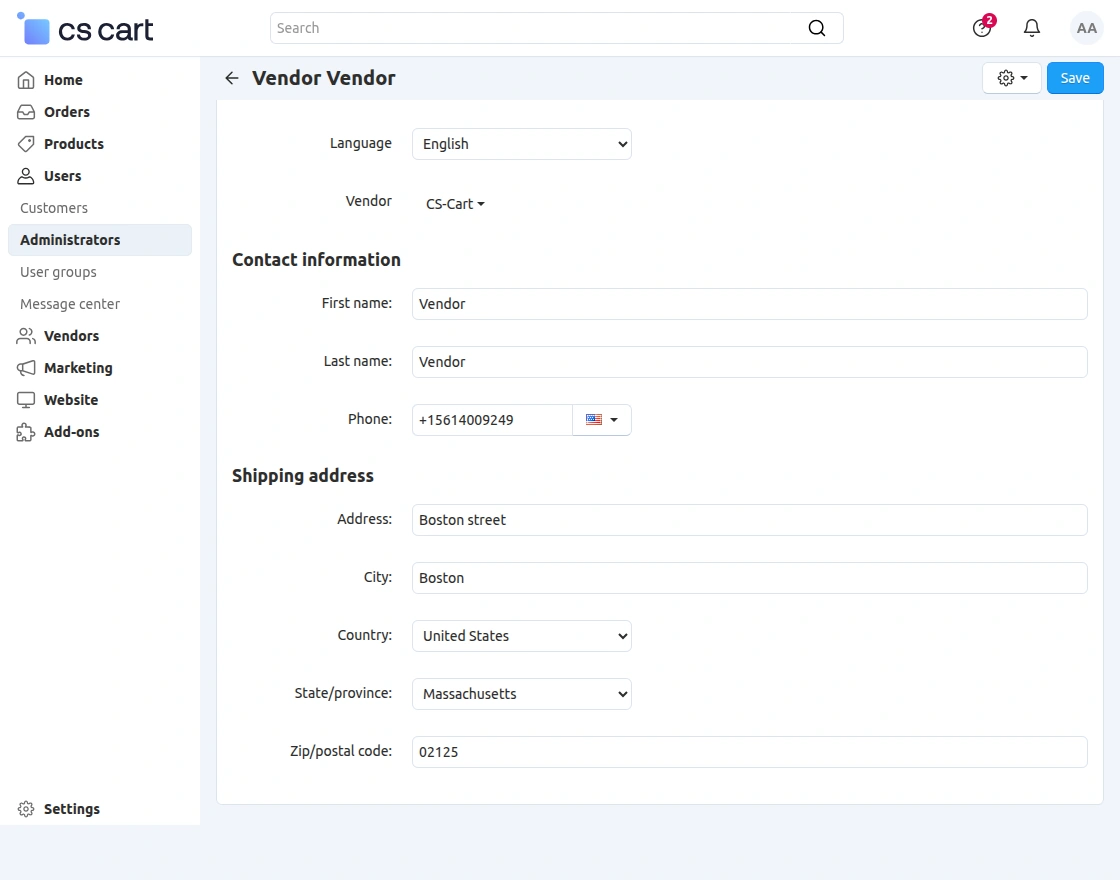
For Low Stock Notification.
Vendors/sellers must enter their phone numbers with the country code (e.g., +1); otherwise, low stock notifications for products will not be sent.
Customer End Message
Customers will receive multiple messages for separate actions which they perform on the CS-Cart store. As per the following images:
Account Created and Order placed


Order Sent and Amount Confirmation


Order Modification


Return Request and Return Approved


Low Inventory and Account Suspension


That’s all about CS-Cart Twilio SmS notifications.
Support:
Still have any issues feel free to add a ticket and let us know your views to make the module better http://webkul.com/ticket/index.php.
Besides this, you can explore our CS-Cart development services and Quality CS-Cart modules.
Current Product Version - 1.5
Supported Framework Version - 4.18


Be the first to comment.