WordPress 5.0 is going to surprise all the bloggers with the experience of writing blog posts because of Gutenberg editor. We will also get a fresh new theme on installation which is Twenty Nineteen Theme.
We have already learned about Gutenberg in our previous blog https://webkul.com/blog/gutenberg-the-magnetic-editor-for-wordpress/
This blog will help all the WordPress users to learn how to write blog posts in WordPress 5.0.
Developers and designers can prefer Gutenberg handbook for summaring what exactly Gutenberg is??
And for more learning we can prefer https://wordpress.org/gutenberg/ and make full use of Gutenberg editor.
Note:– If you prefer to use the classical editor then there is no problem as Support for the Classic Editor plugin will remain in WordPress through 2021.
Below images shows the difference between the old and the new editor in WordPress 5.0.

Writing a blog in WordPress 5.0
First we will write the title of the blog as per the below image:-
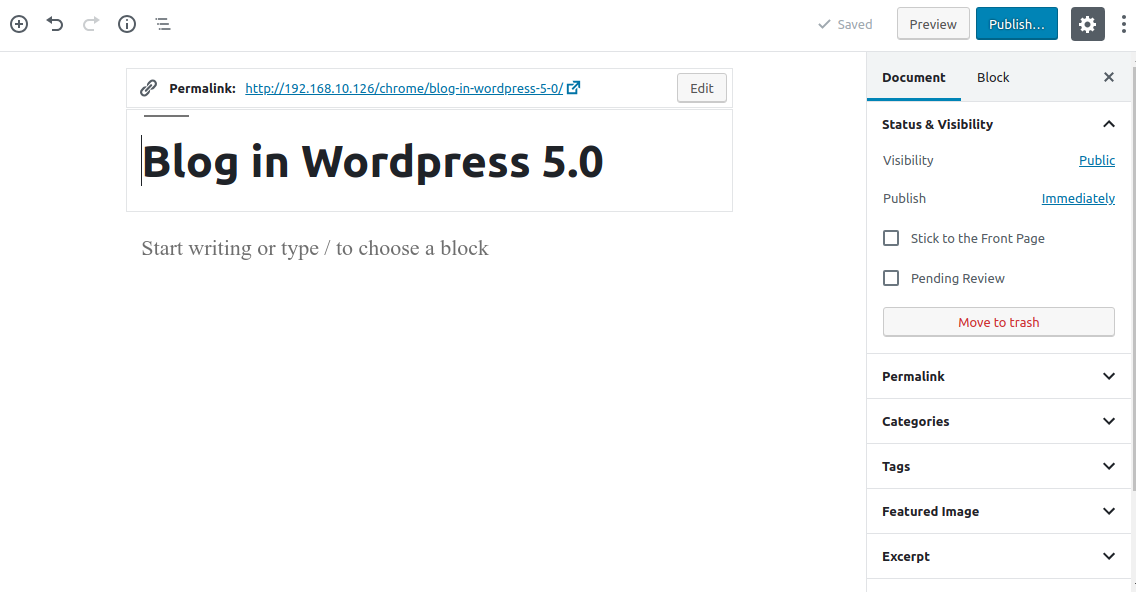
The permalink of the post will be seen on above the title of the blog. Earlier in the classical editor the permalink appears below the title.
After deciding the blog title we choose or add the categories and tags related to the blog. There is no such difference in old and new version for the same.
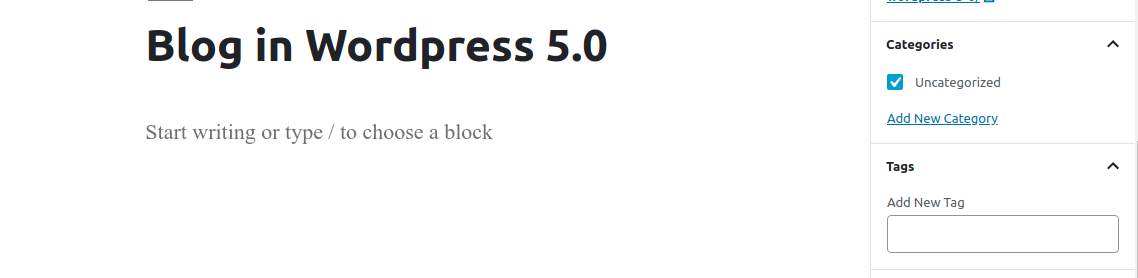
The difference lies in selecting and using different blocks for writing a blog. For writing heading and paragraph we need to add blocks in our blog.
 The heading and paragraph block is look like below snapshots and in wordpress 5.0 there is a floating toolbar, you’ll see the toolbar once you stop typing any heading or paragraph.

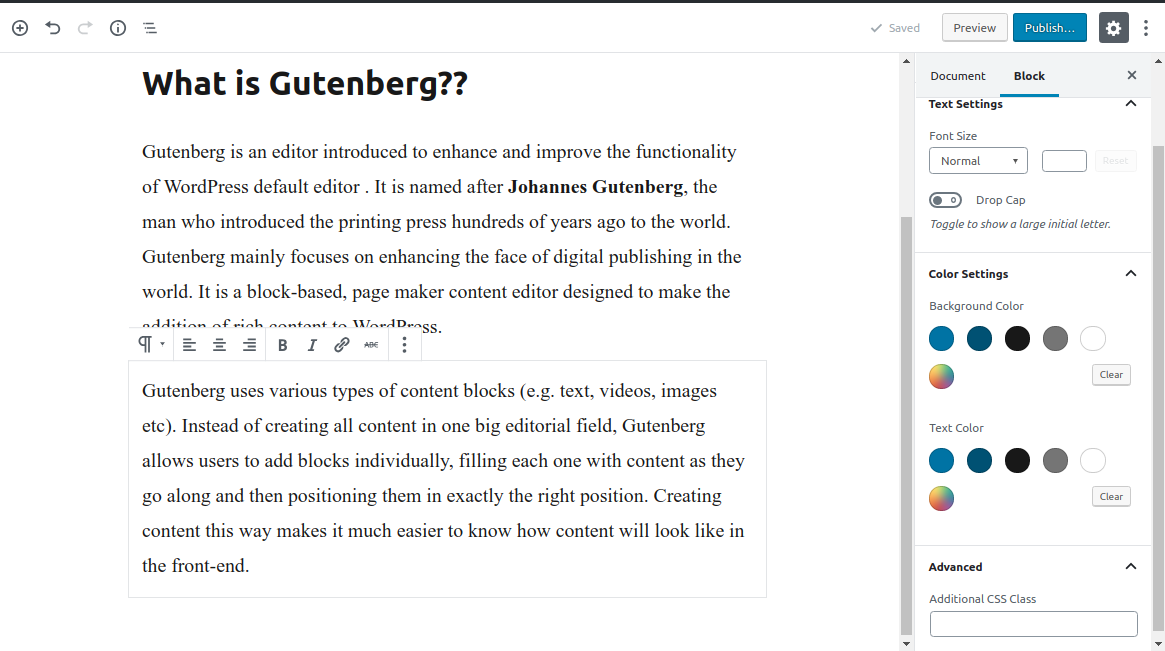
We can also change the font, backgroud color ,text color of the paragraph. If one has good knowledge of CSS, can add additional CSS class in the block.
For adding images in the blog we need to add image block and upload the images there.
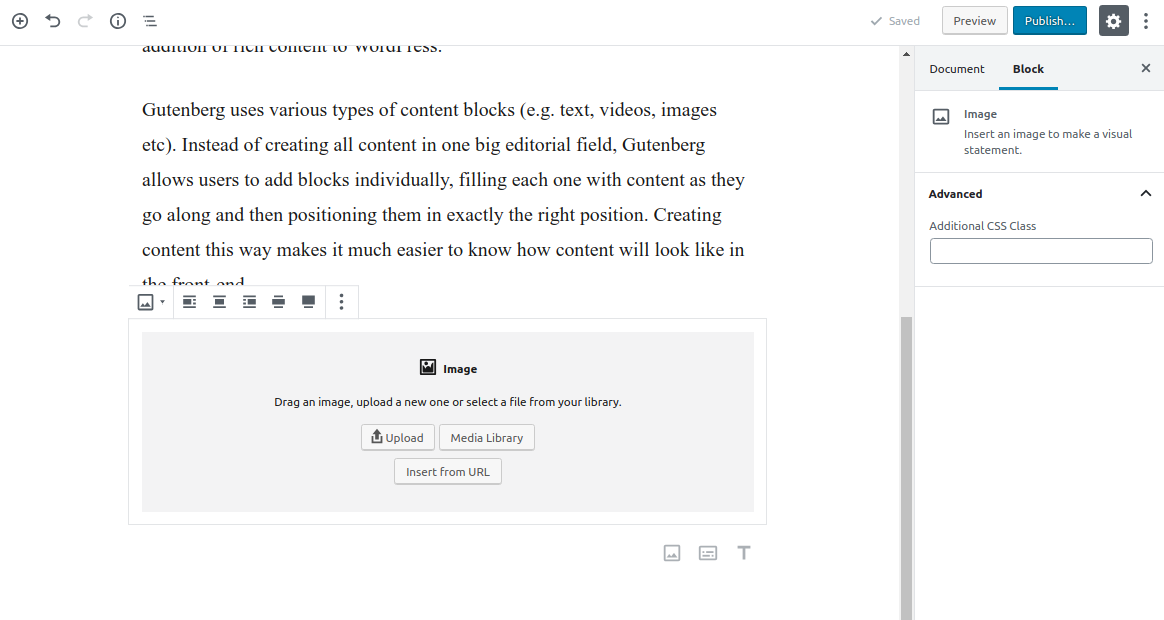
The same way we can add audio block, videos block, image gallery, layout elements i.e buttons ,columns etc.
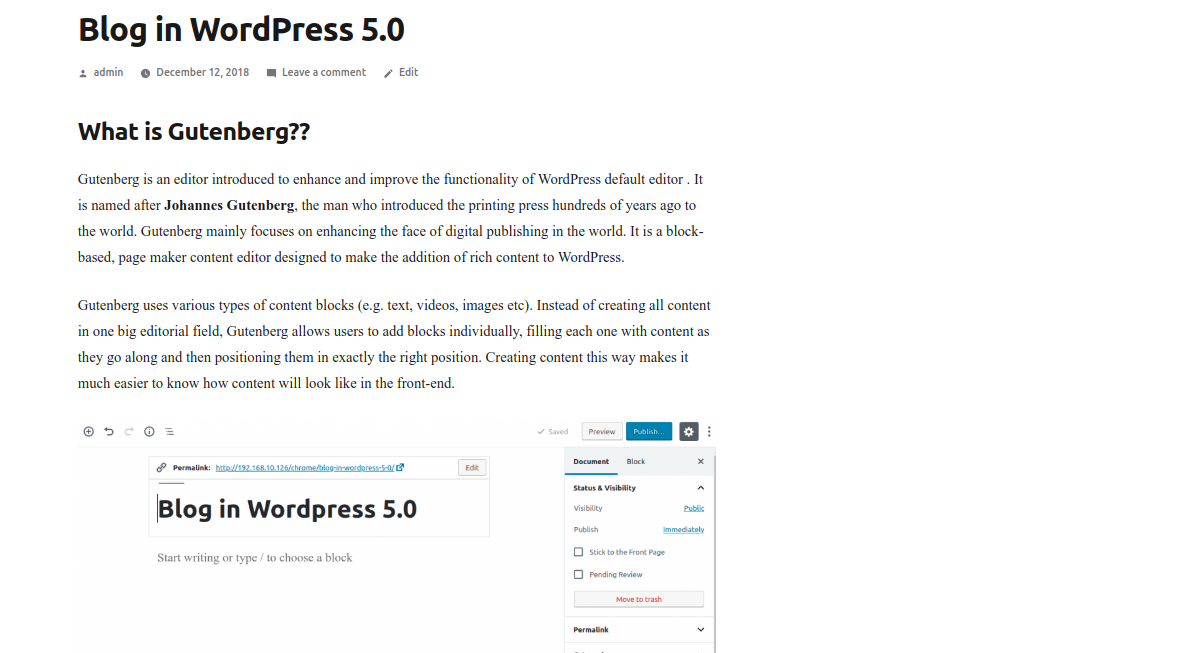
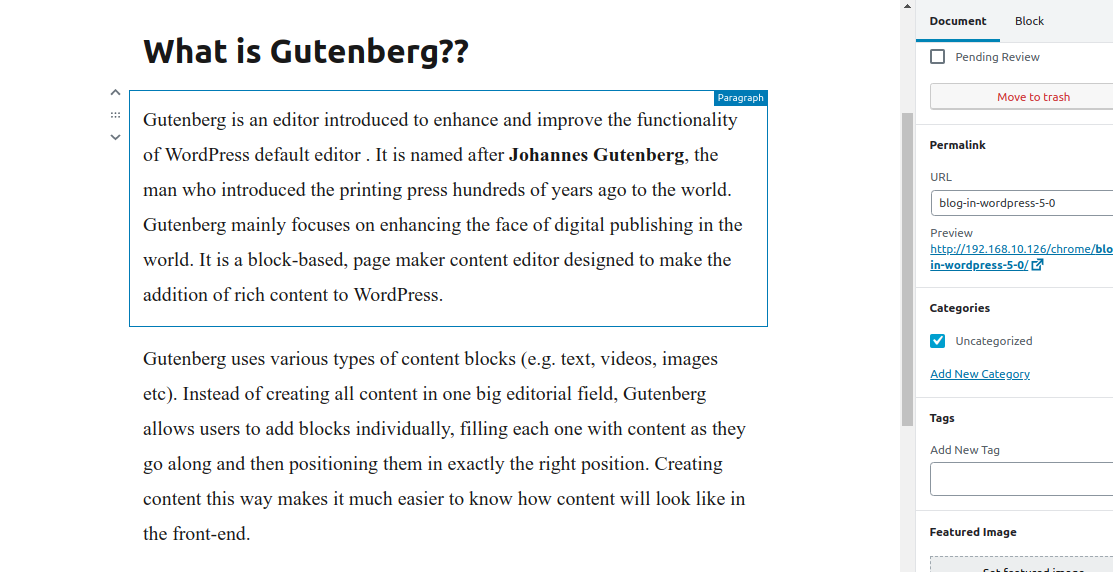
The blog in front-end will look like the below snapshot:-
Rearranging Content in Gutenberg
In the classical editor we need to use cut and paste system to rearrange content but here in WordPress 5.0 we have two ways to rearrange content:-
- Up/down arrows to make blocks one step up or down as we want to arrange blocks.
- We can also drag and drop blocks from one place to other and rearrange content.
What happens to the content written in Classical editor??
Most of the bloggers can wonder that what will happen to the current content written in classical editor. On updating your site to WordPress 5.0, the entire post will be seen as one big TinyMCE editor box. This will secure the content format for all the blog posts. To use Gutenberg in the Posts we just need to Convert it into blocks as per below screenshot.
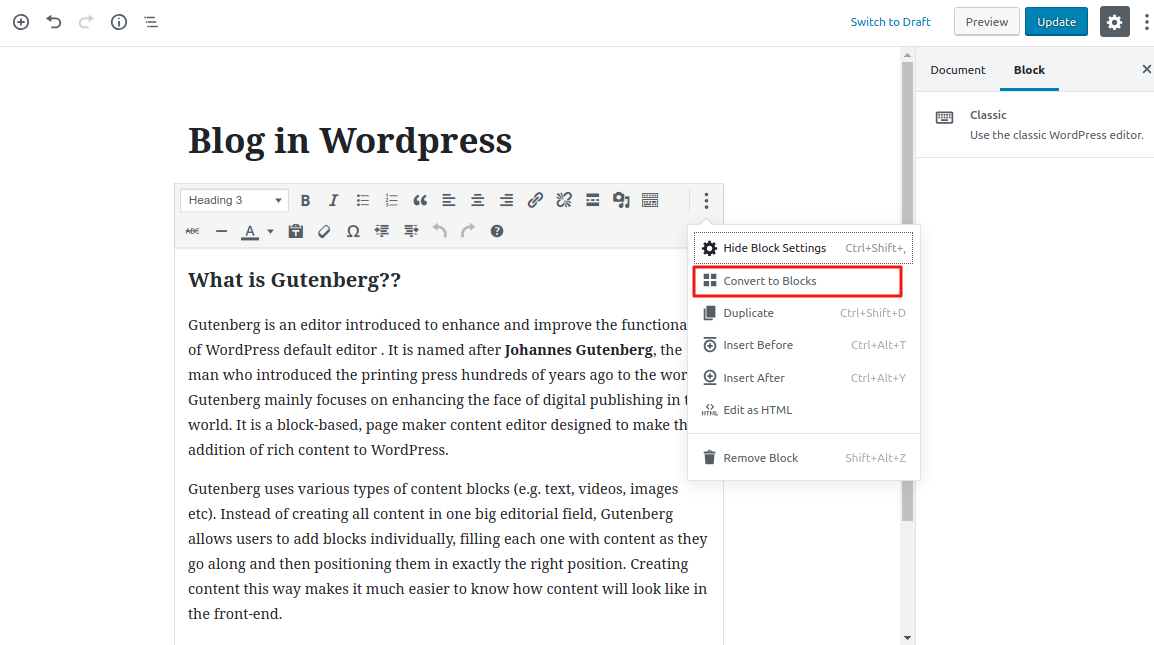
Everything will then convert into blocks and one can work in gutenberg blocks hassle free.
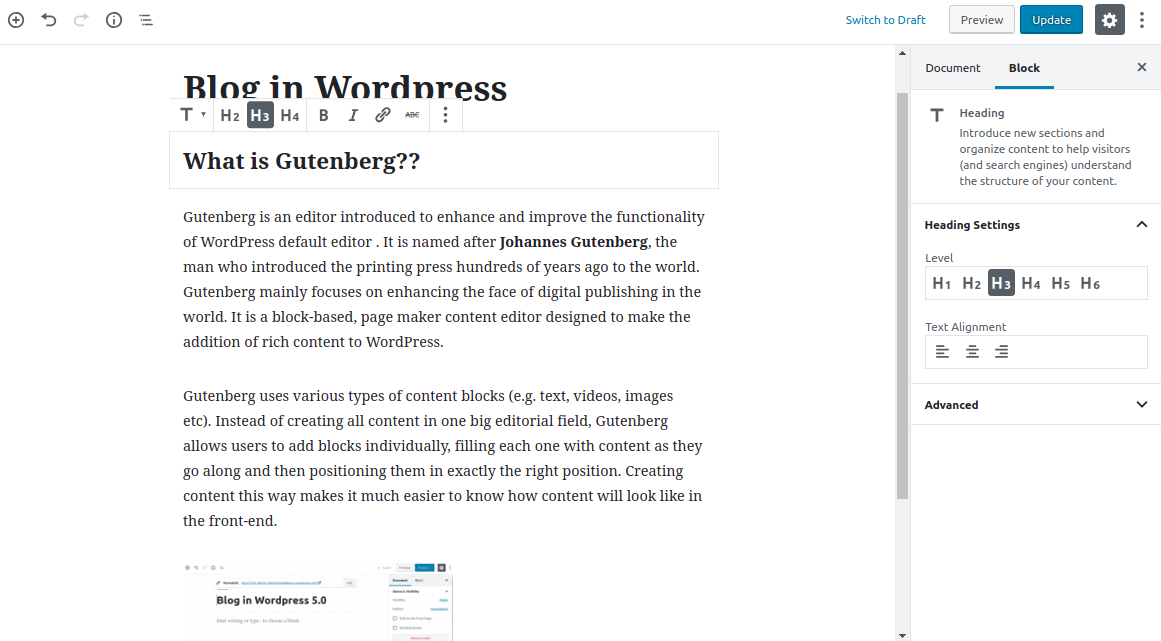
Then your blog will open the same way and there will be no changes in the blog post.
Gutenberg and Shortcodes
Shortcodes are used for various reasons and in Gutenberg editor we are provided with the solution to handle the shortcodes. Shortcodes will live in separate shortcode blocks, and we can keep using them as we use it before.

As we update to WordPress 5.0, WordPress shortcodes will still work as nothing has actually changed in how posts are displayed.
Conclusion
As the release of WordPress 5.0 is a major release with the introduction of Gutenberg. It will not only change the way of writing content for users but also the way of coding plugins and themes for developers, this update is going to impact almost everyone. We strongly advise to test it first on the staging site before implementing it in the developement site. Soon we all will get familier with WordPress 5.0.
Thanks for reading this blog 🙂


Be the first to comment.