WooCommerce eCommerce market is growing quickly, and businesses are now handling bigger product catalogs than they ever did before.
Managing thousands of SKUs, product attributes, and variations in WooCommerce can be confusing.
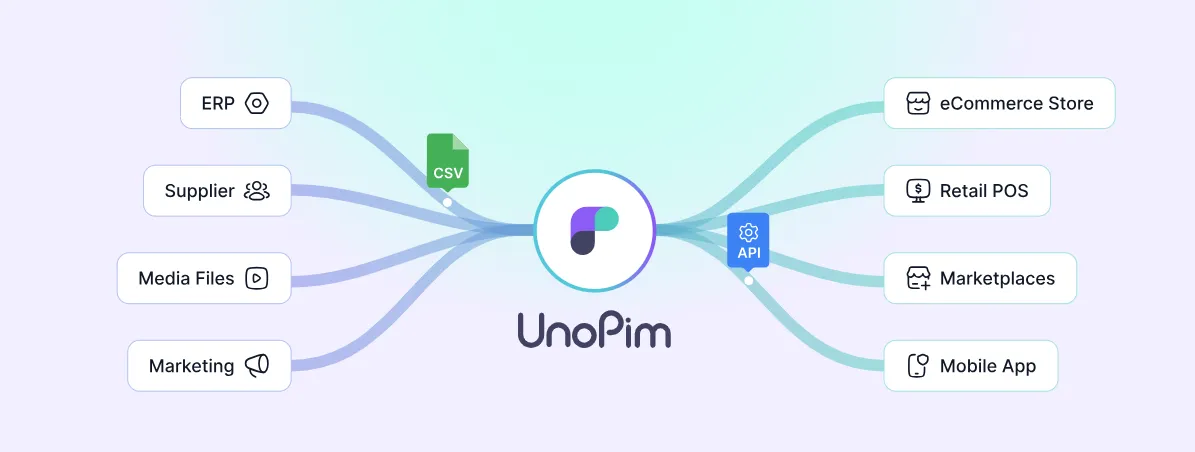
Unopim solves this! It is a strong PIM (Product Information Management) tool that helps merchants organize their product data.
With Unopim, businesses can keep product information accurate, clear, and consistent across WooCommerce and other sales channels.
In this blog, we will see why Unopim is one of the best PIM tools for WooCommerce! It helps businesses build smooth and scalable online stores.
WooCommerce
WooCommerce is a free eCommerce plugin for WordPress that helps you sell both physical and digital products, keep track of your inventory, and handle secure payments.
According to Barn2, in 2025 WooCommerce powers over 5 million websites worldwide and holds a 35% share of all online stores.
It also provides a huge ecosystem with over 3,700 themes and many plugins, which makes it very flexible for various business requirements.
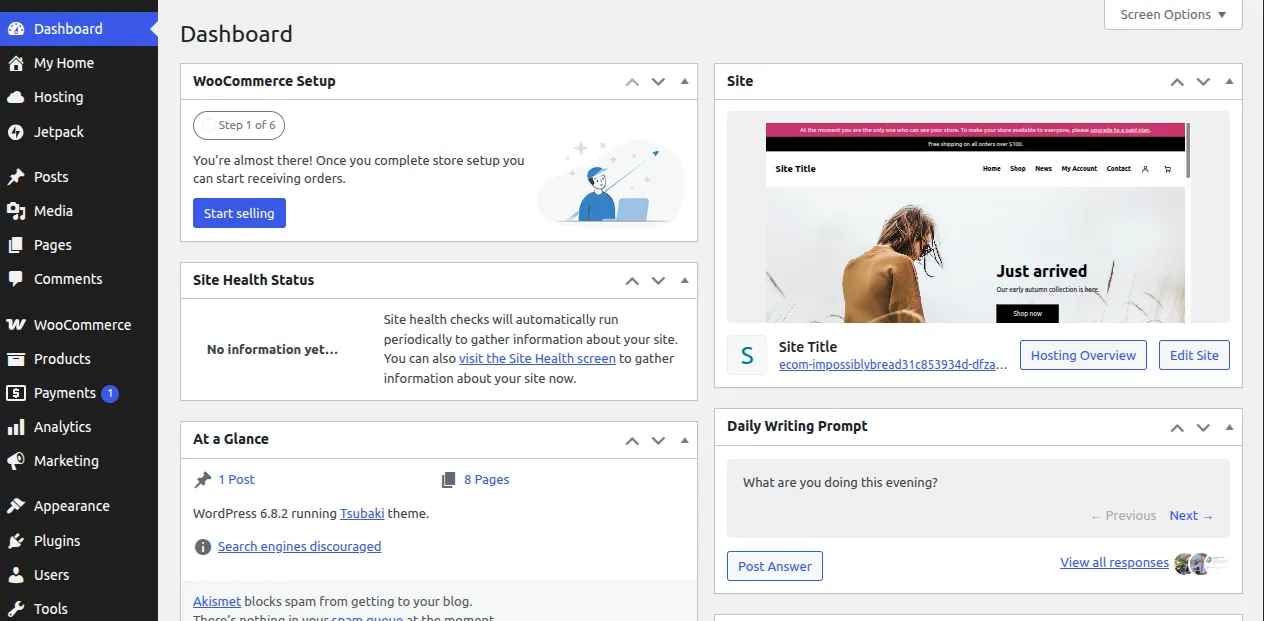
WooCommerce Dashboard
WooCommerce is a plugin for WordPress, which means that store owners need to install WordPress first and then add the WooCommerce plugin.
After it’s installed, the WooCommerce dashboard gives a user-friendly way to set up the store, add products, and handle orders.
WooCommerce Plugins & Extensions
WooCommerce is popular because its core plugin is free and open-source.
It offers over 1,000 official Woocommerce plugins and hundreds of plugins on WordPress.org. Many more are available from third-party marketplaces.
These plugins cover payments, shipping, marketing, analytics, and design. They give merchants the flexibility they need to grow their online stores.
Adding Products in WooCommerce
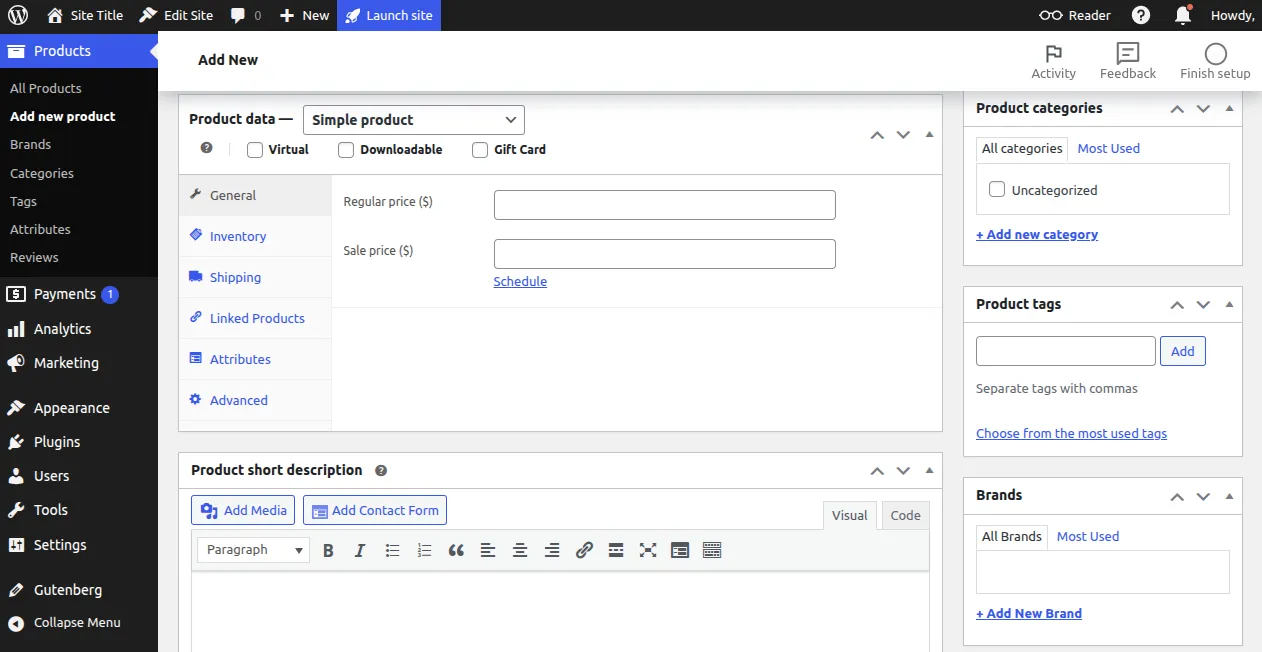
Sellers can quickly add and control their products using the WooCommerce dashboard.
When they make a product, WooCommerce offers organized fields like:
- Product Name
- Images & Media
- General Details (price, description, SKU)
- Inventory Settings
- Shipping Information
- Linked Products
- Attributes (size, color, material, etc.)
- Short Description
This makes it simple for merchants to create and manage products with different details and variations.
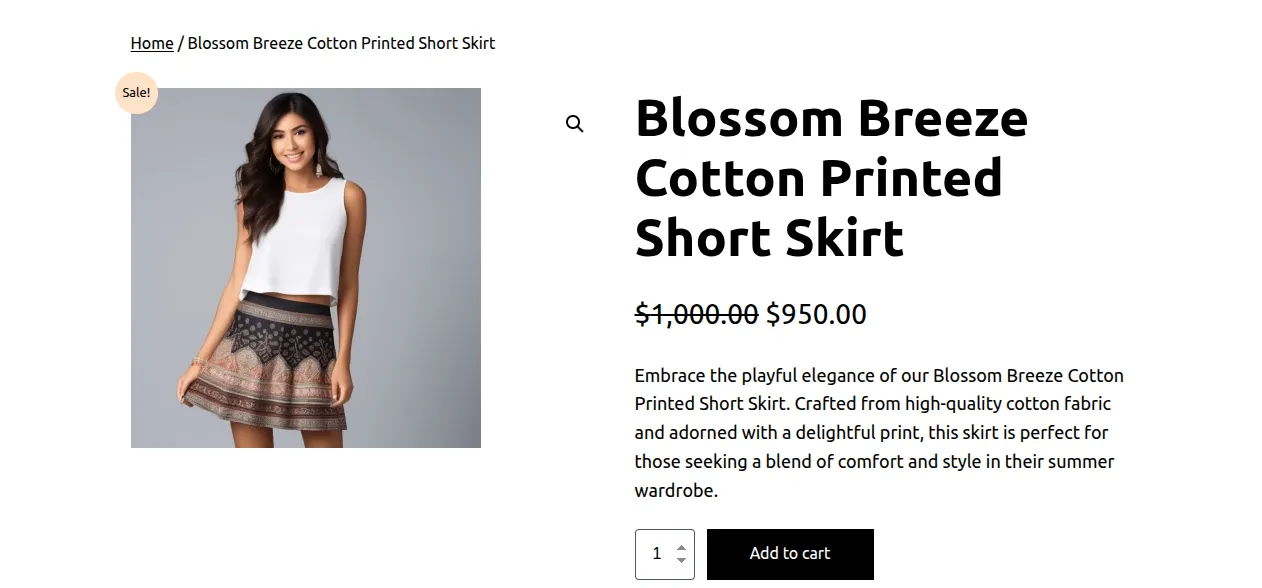
Once a product is updated in WooCommerce, it instantly reflects on the storefront.
PIM Solution for WooCommerce
When picking a PIM solution for WooCommerce, it’s crucial to consider important factors for managing product data.
- Attributes – Attributes describe all the details of a product. For instance, in clothing, attributes can be things like color, material, brand, size, or SKU, which helps in organizing, filtering, and searching for products.

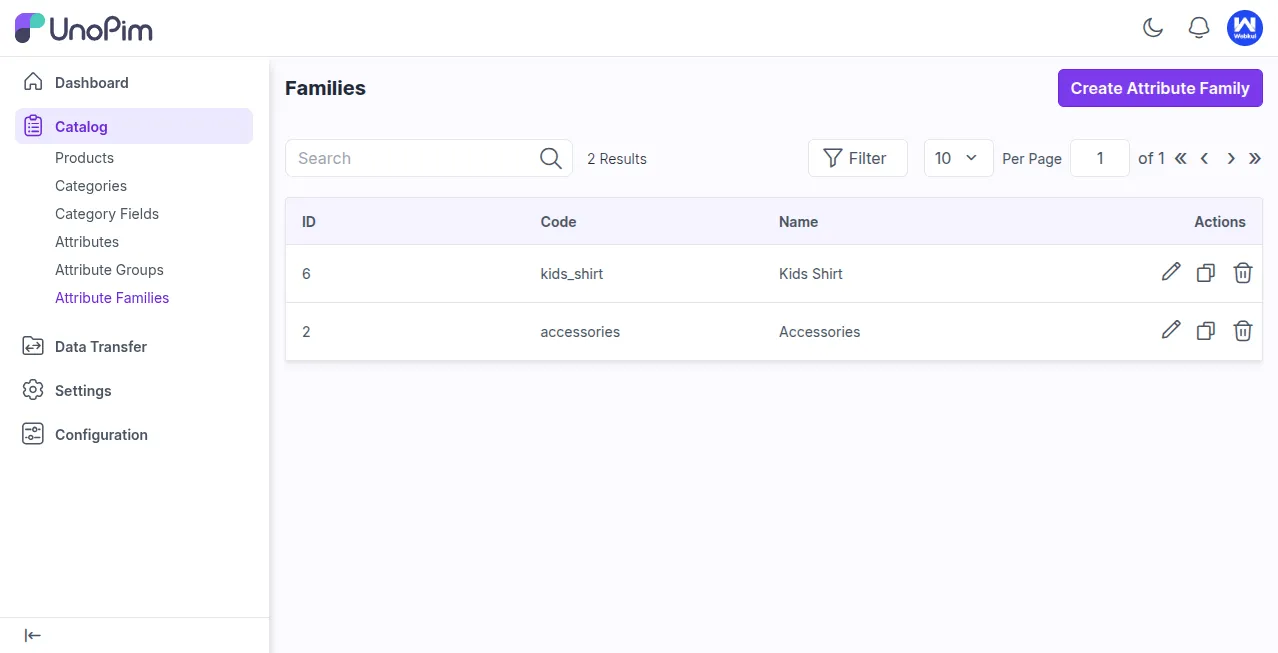
- Family – A family is a set of features that all products in that category have in common.It also allows you to create rules for completeness, ensuring the product information is consistent.
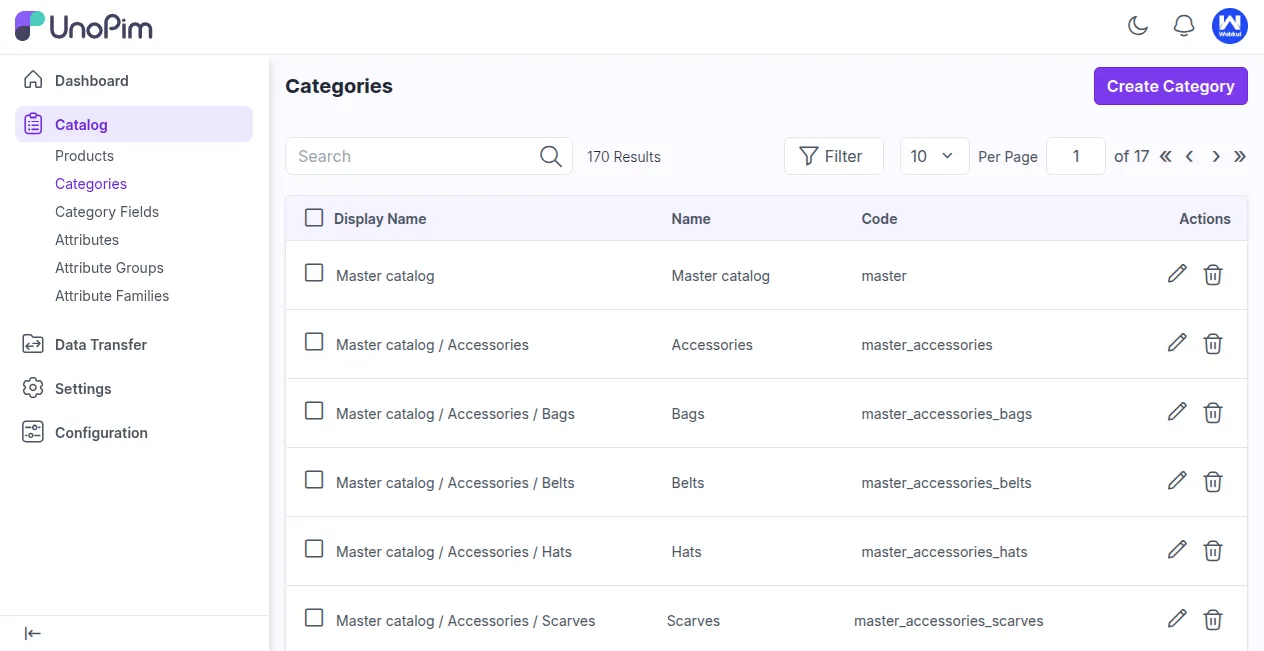
- Category – A category groups products into different types. For example, clothing can have subcategories like Men and Women. This helps with organization and makes it easier for customers to navigate.
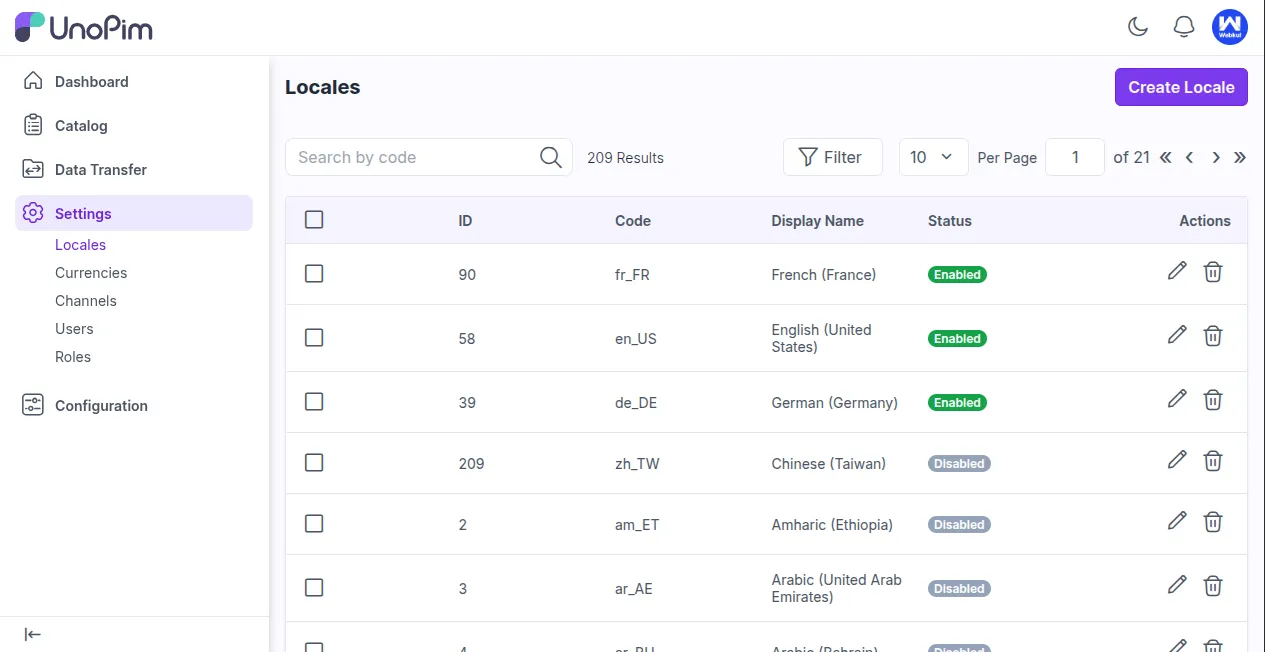
- Locales – Locales allow customers to see product details in their own language, which makes the store easier to access for people all around the world.
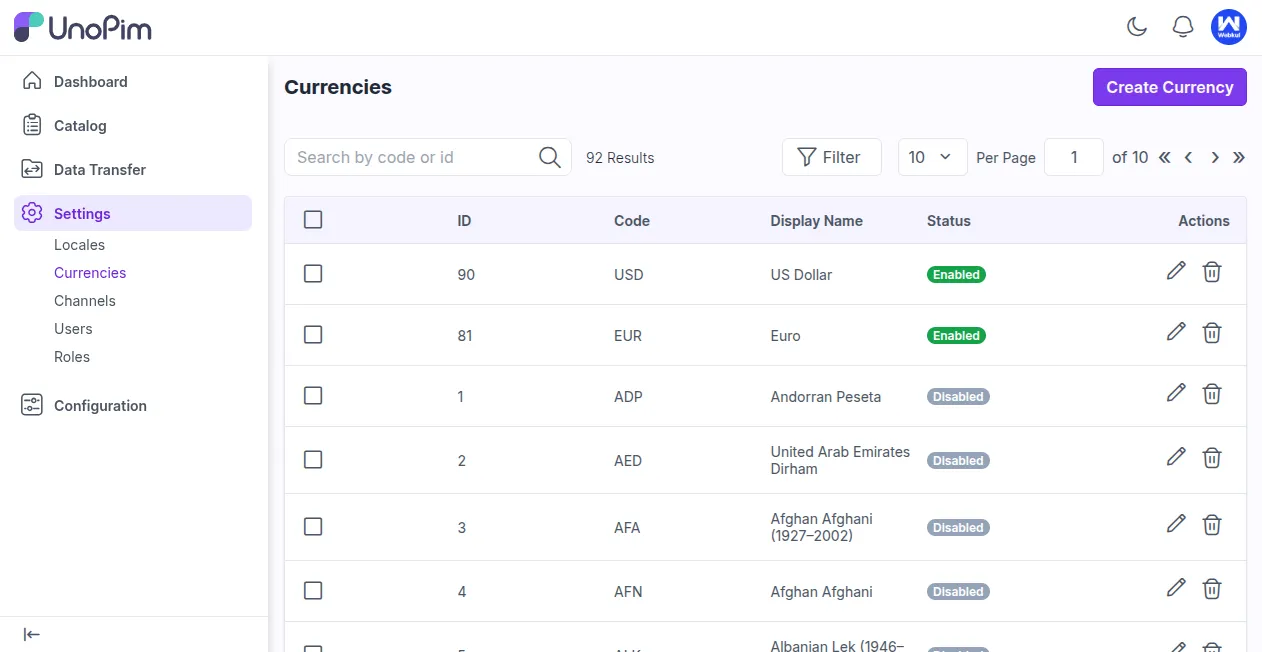
- Currencies – Currencies let customers see prices and pay in their own money, which makes things clearer and better for shopping.
- Channels – Channels are the places where products are sold or exported, like online marketplaces, eCommerce shops, or social media.
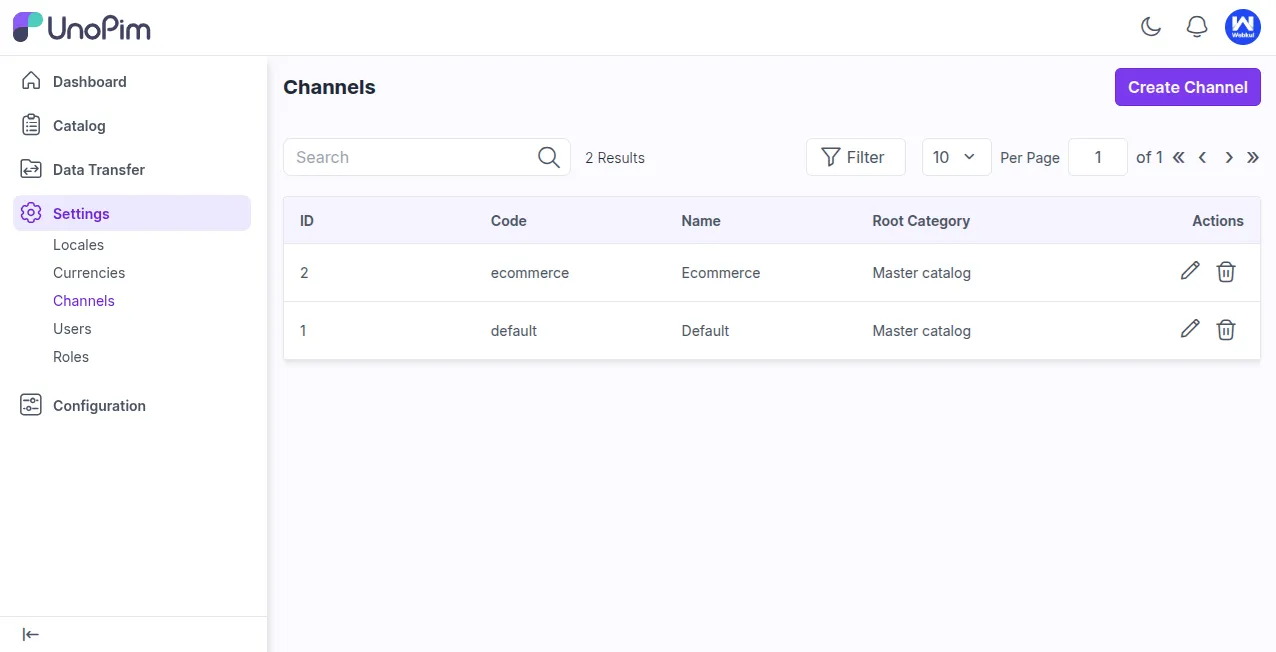
A PIM tool with families and attributes makes managing product data easier.
It helps categorize products quickly and lets you export only the products you need.
Complex Product Information Management
A PIM helps you make detailed product features for different variations.
These features can be things like size, color, numbers, currency, options you can select multiple times, and more.
This makes it easy to understand and manage product information.

A strong PIM tool gives detailed product information.
It works well with WooCommerce’s default attributes and custom fields, making product management easier.
Open Source and Free
Open source PIM solutions are simple to download, set up, and modify.
Because the source code is available, companies can change the software to meet their product management requirements.
You can set up PIM software according to what your product catalog requires, use it on any platform, and link as many APIs as you want for smooth integration.
PIM Solutions for WooCommerce
Nowadays, there are both free and paid PIM solutions that help manage product data effectively.
Some of the most popular choices are:
Open Source:
Unopim – Unopim is a new, open-source Product Information Management (PIM) tool made with PHP. It helps sellers to gather, sort, and handle product data effectively.
With Unopim, you can quickly import and export product details, which makes it easy to keep your WooCommerce store updated on different platforms.
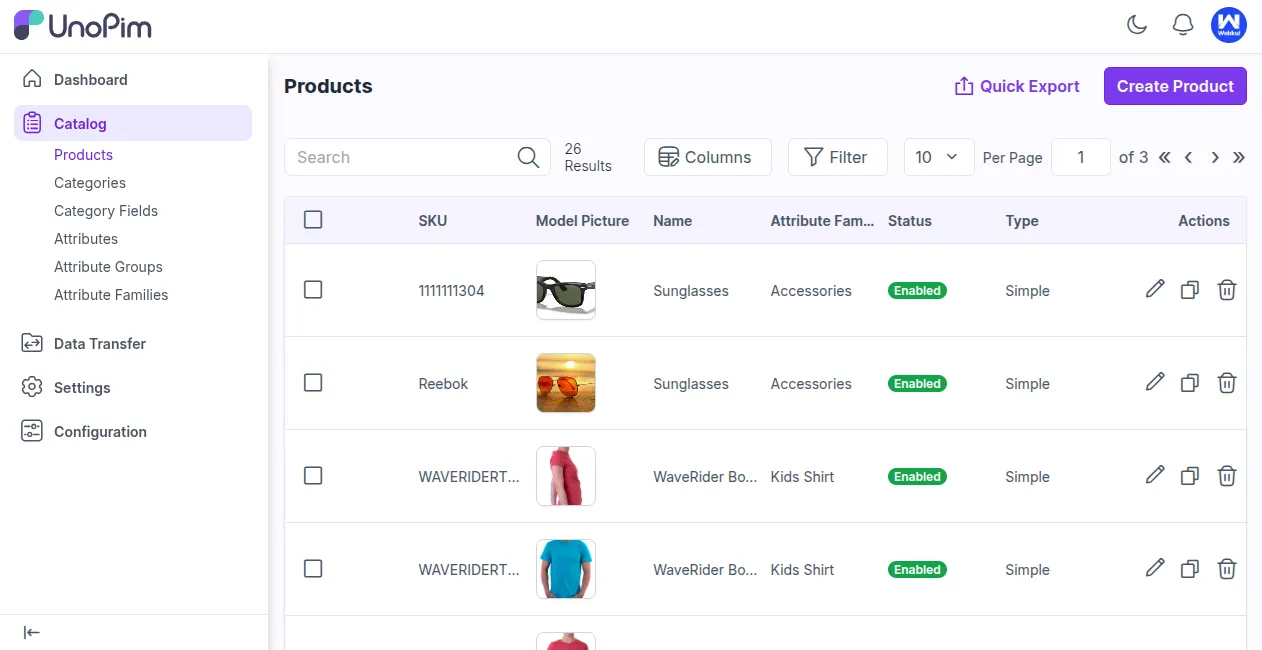
Pimcore PIM – Pimcore is a free platform that helps with Product Information Management (PIM), Digital Asset Management (DAM), and publishing across different channels.
It works with platforms such as WooCommerce, Magento 2, and eBay, making it easier for sellers to handle and share their product information effectively.

Paid WooCommerce PIM Connector
Sales Layer brings together all product details in one spot and lets you share it across different eCommerce platforms.
Store owners can also bring in products, and any changes will show up automatically on all linked channels.
Sales Layer provides a 30-day trial, so businesses can try out its PIM features before making a decision.

Support
If you need help with technical issues, you can either raise a ticket or email us at [email protected].
If you’re looking for expert advice or want to create custom features, think about hiring skilled WooCommerce developers for your project.


4 comments
Thanks for your valuable feedback. Please let me know the if you have any queries or requirements about it. You can send us an email to [email protected]