CS-Cart Ask A Question
CS-Cart Ask A Question: When buyers have concerns about the products, they are likely to either look for vendor details to contact for further description or look for another product.
The trouble with online shopping is that many customers are disconnected from someone who can answer their questions in real-time with precision.
Rather than watching potential buyers click away from e-commerce sites and to limit the risk of losing prospective clients we have created “CS-Cart Ask a Question”.
Using this addon users can easily communicate with vendors by asking questions during run time.
Note:

- Install the add-on.
- Enter the license key.
- Follow the license activation steps.
Features
- Increases customer engagement which improves site traffic.
- Building trust between brand and customers.
- Well integrated with CS-Cart Multivendor Marketplace.
- Functionality to set a customer receiver email.
- Enable users to best highlight the store product’s strengths.
- Also, decrease the cart abandonment rate.
- Speed up inquiry response.
- In addition, functionality to enable “Google reCAPTCHA” for verification is provided.
CS-Cart Ask A Question
After downloading CS-Cart Ask A Question add-on you’ll get the zip file, one install.txt file, and a relevant User Guide manual doc.
Read it carefully for proper configuration.
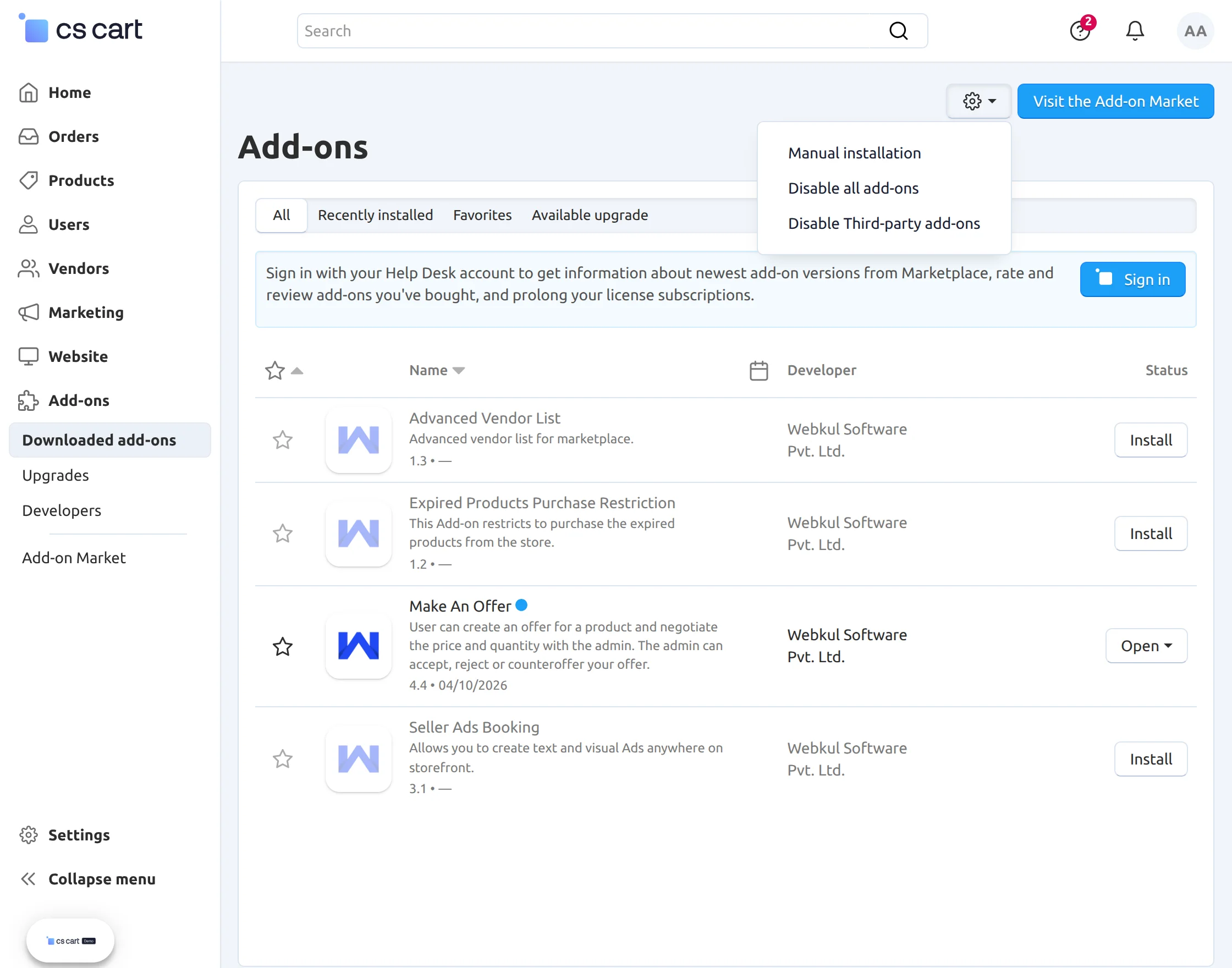
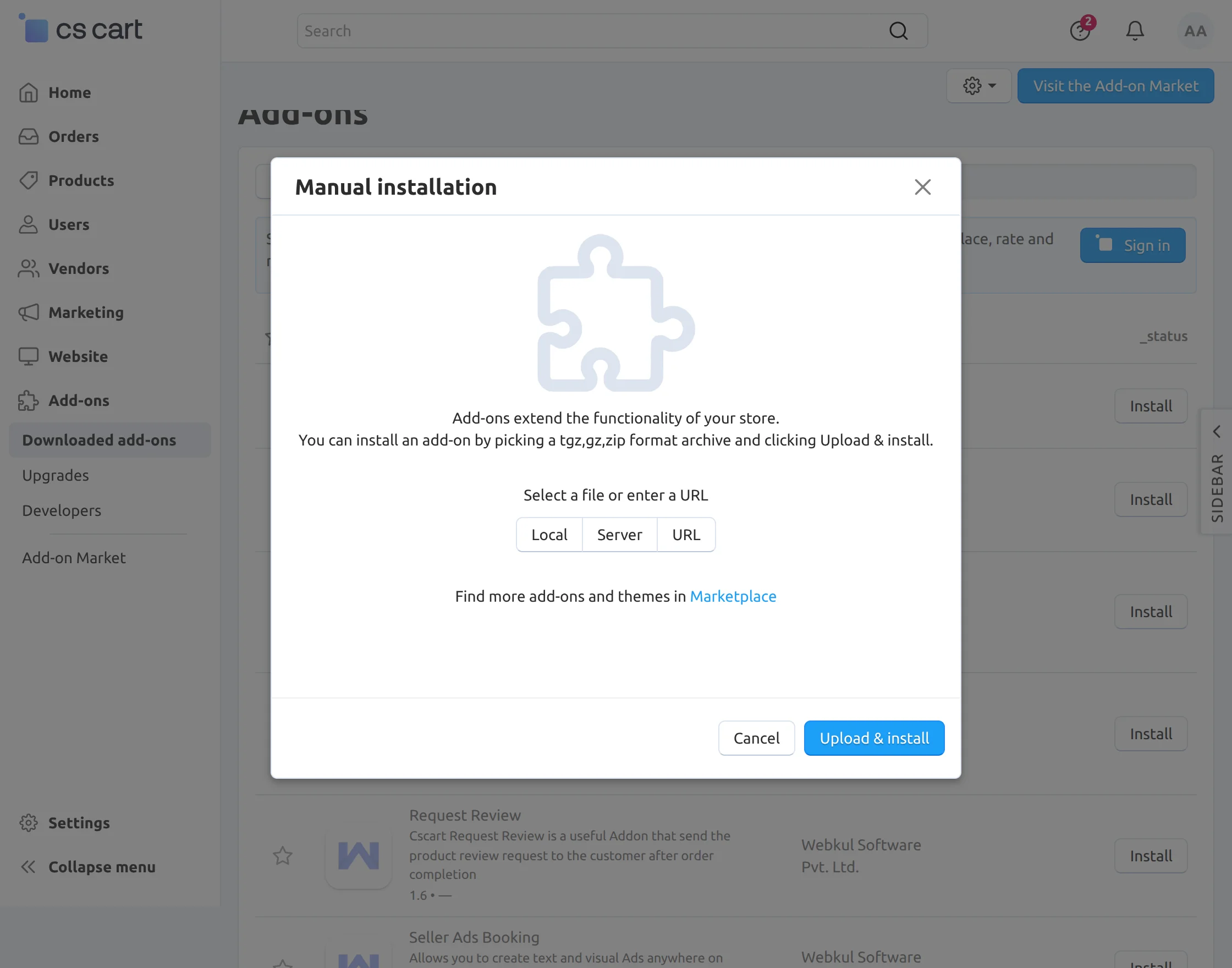
Furthermore, Go to Manage Add-ons, click on “Manual Installation” as shown below in the snapshot.

Thus, the add-on will be installed successfully!
Backend Configuration
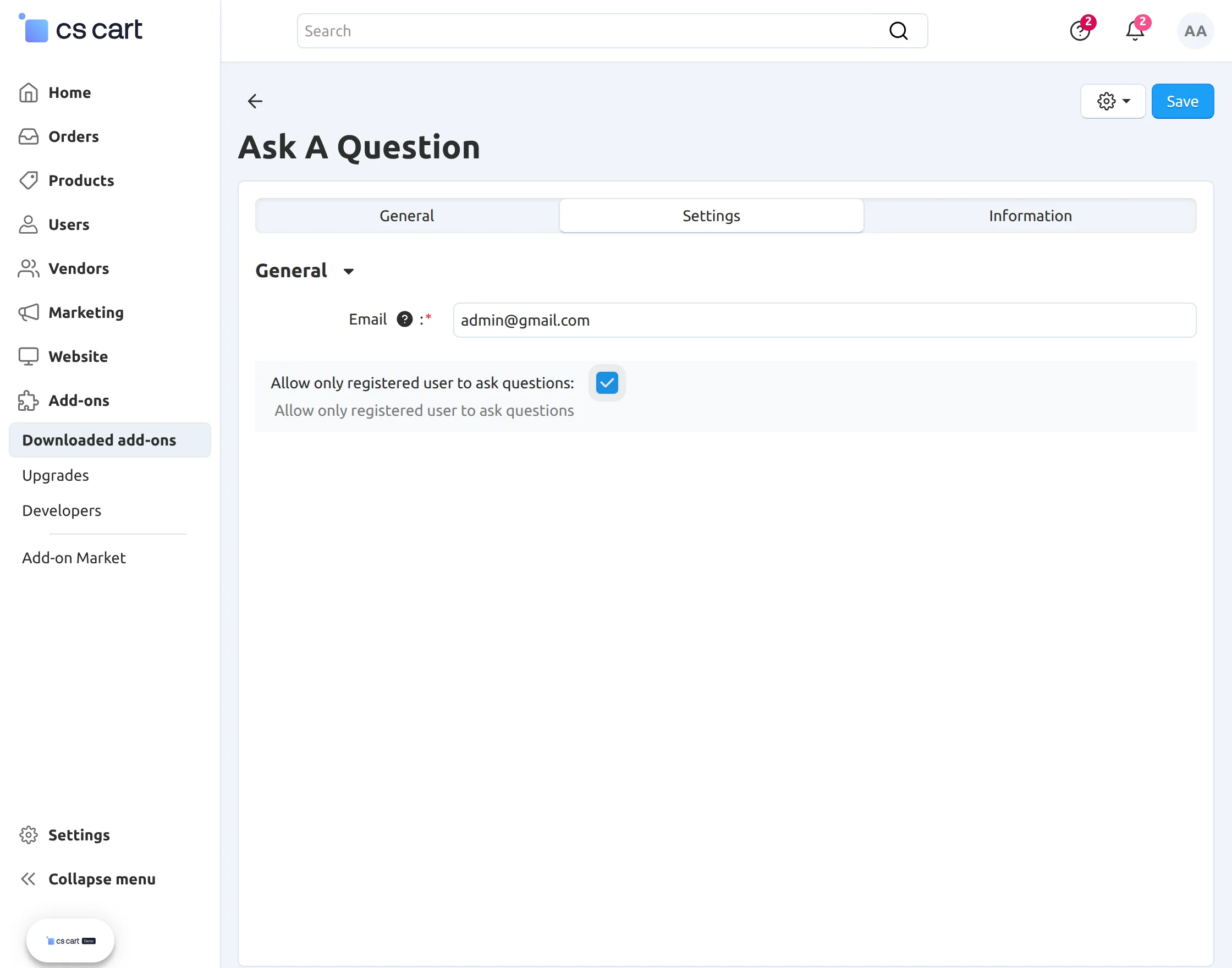
After installation, click on the name of the add-on “Ask A Question” to configure.
If the admin wants to view the query raised by user in a specific mail id he/she can fill in the details in the “Email”.
If left blank then the query generated will be sent to the product’s seller otherwise to admin when no seller is selected for a specific product.
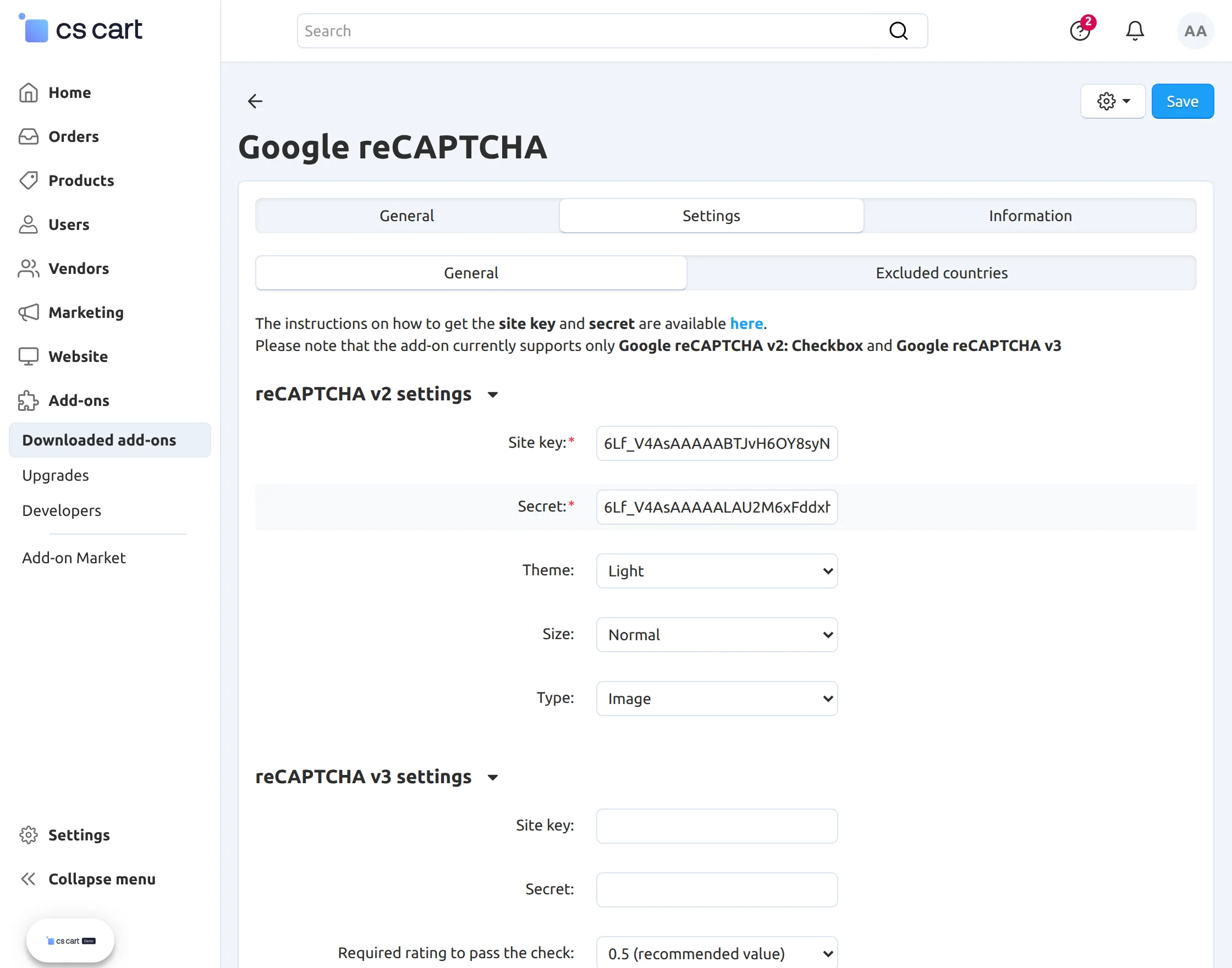
How to configure Google reCAPTCHA at Backend:
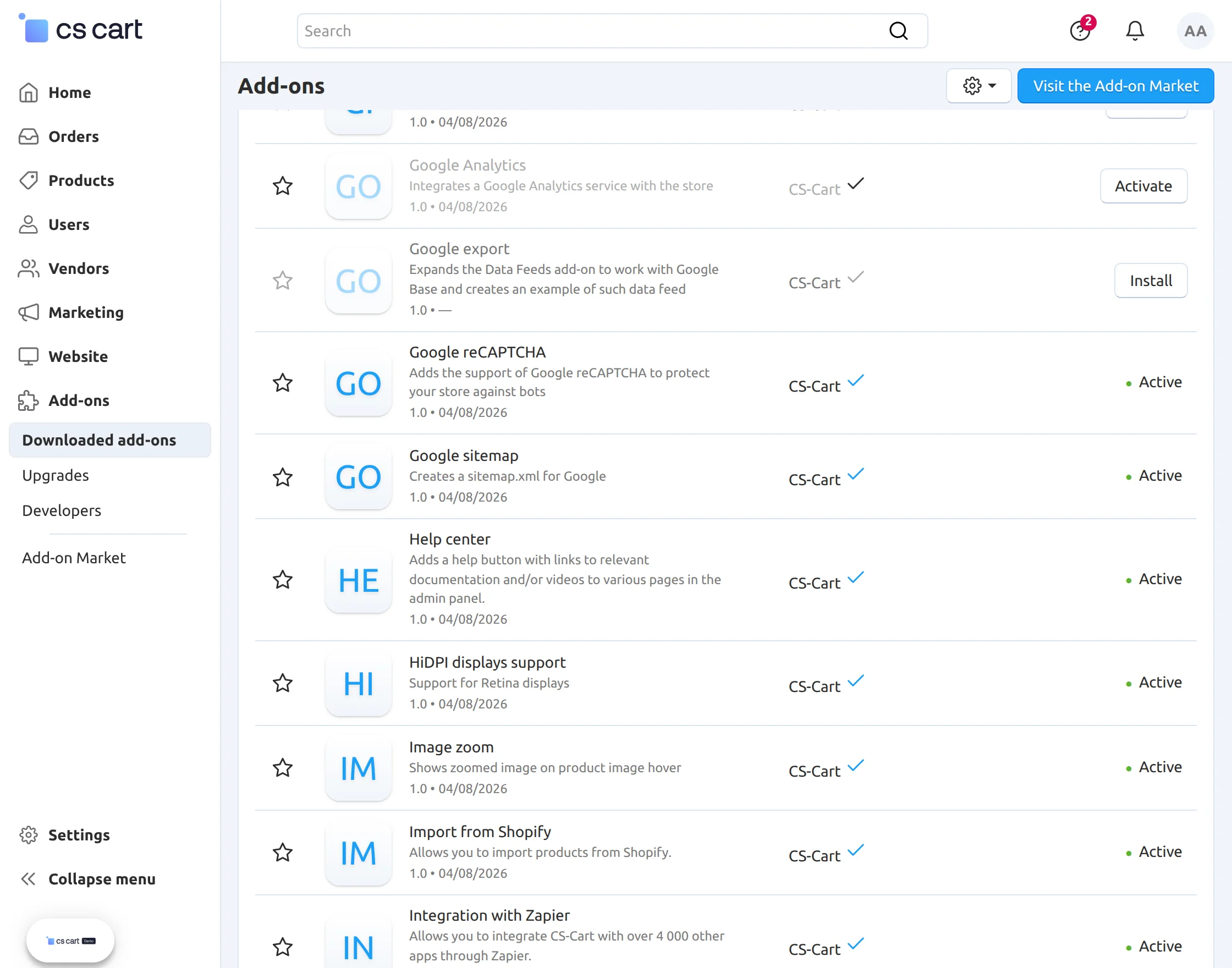
Go to “Manage add-ons” and find the “Google reCAPTCHA” add-on. Click on this add-on to configure its settings.
Enter the Site key and Secret key to activate Google reCAPTCHA to your site. After that select the “Theme”, “Size” and “Type” for Google reCAPTCHA.
Now check the various events for which you want to allow Google reCAPTCHA.
(Note: To get the Google reCAPTCHA secret key, you need to sign up for an API key pair for your site.
Firstly, choose the type of reCAPTCHA and then fill in authorized domains names.
After you accept terms of service, you can click Register button to get new API key pair.)
Frontend View
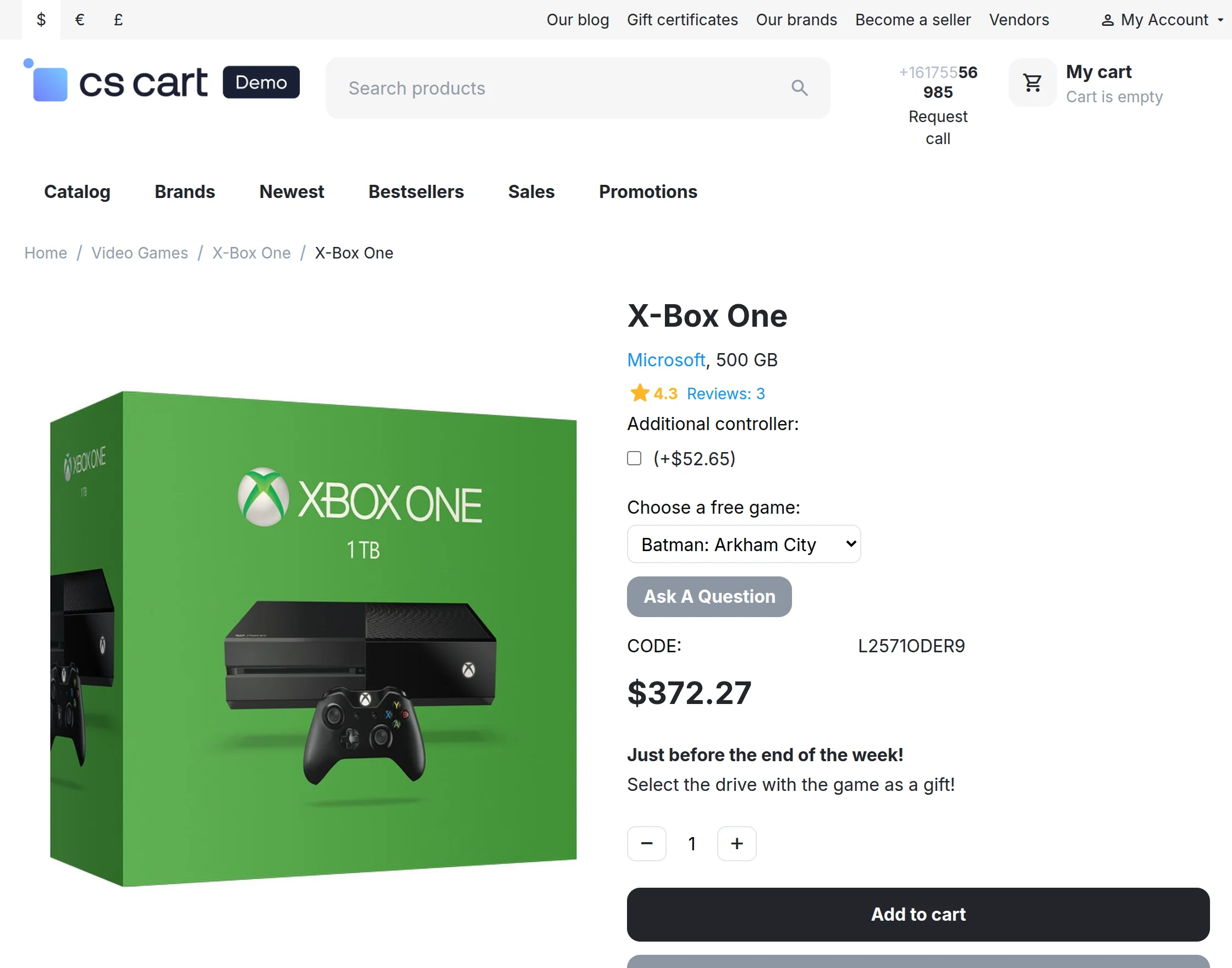
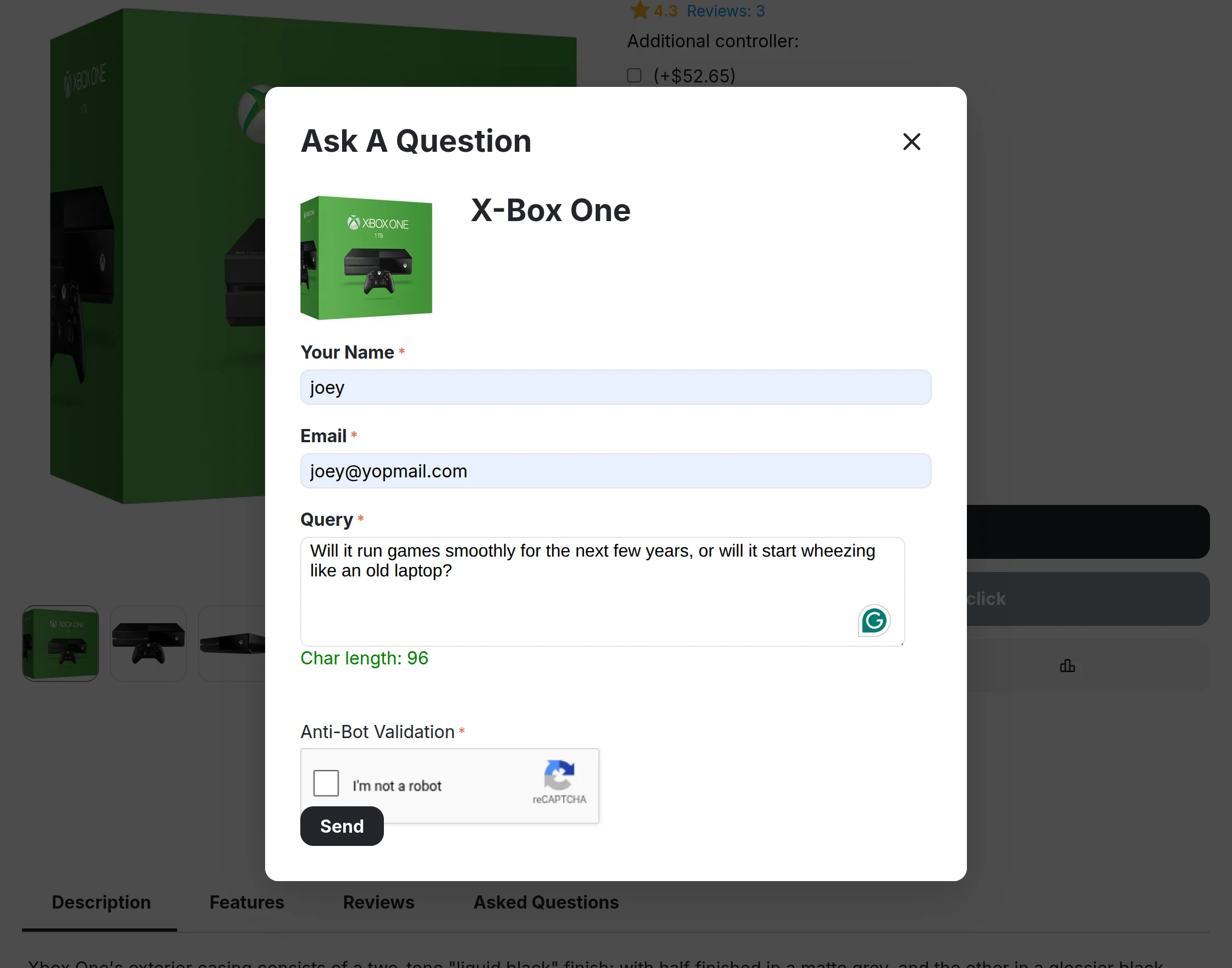
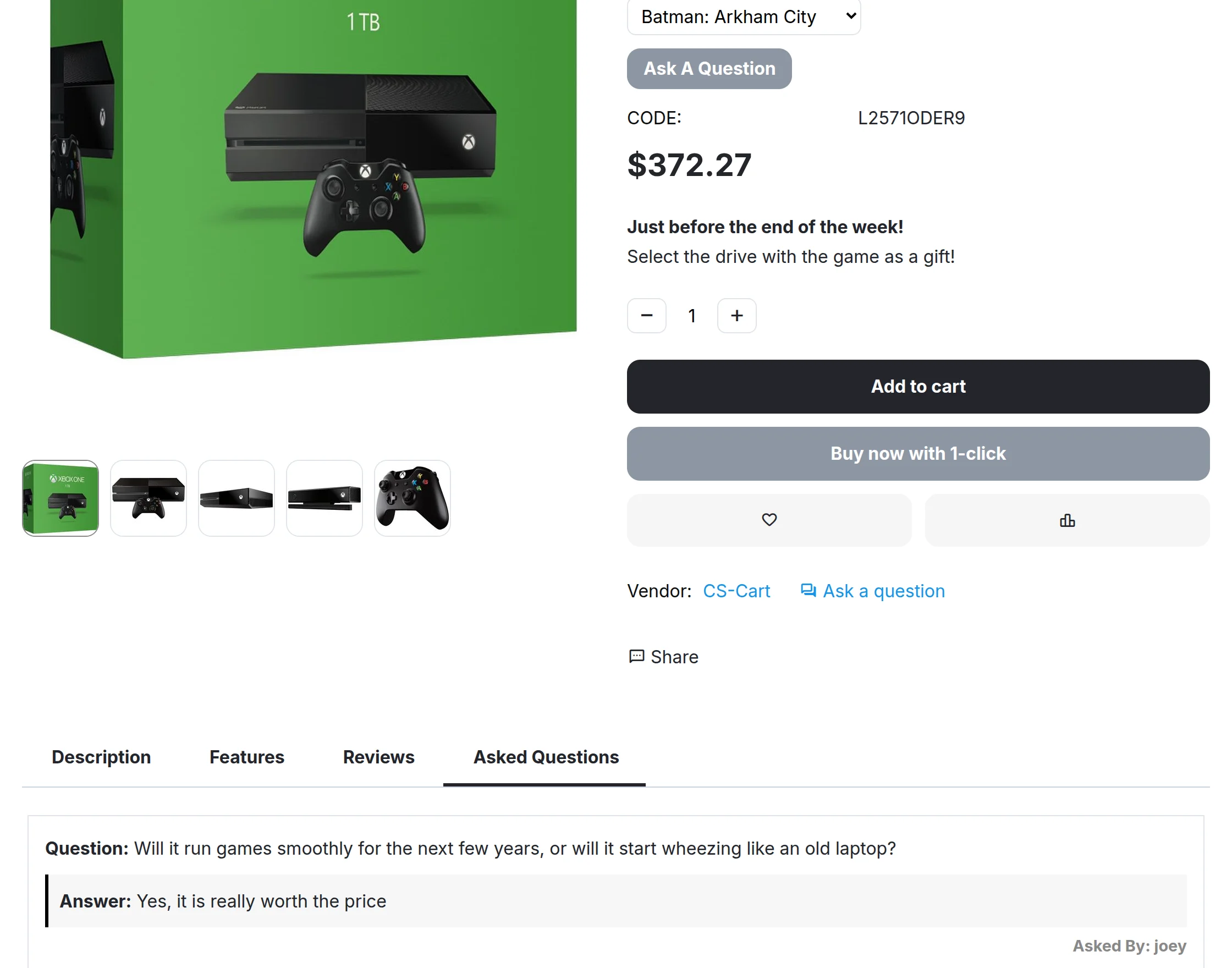
Click on “Ask A Question” to display the pop-up.
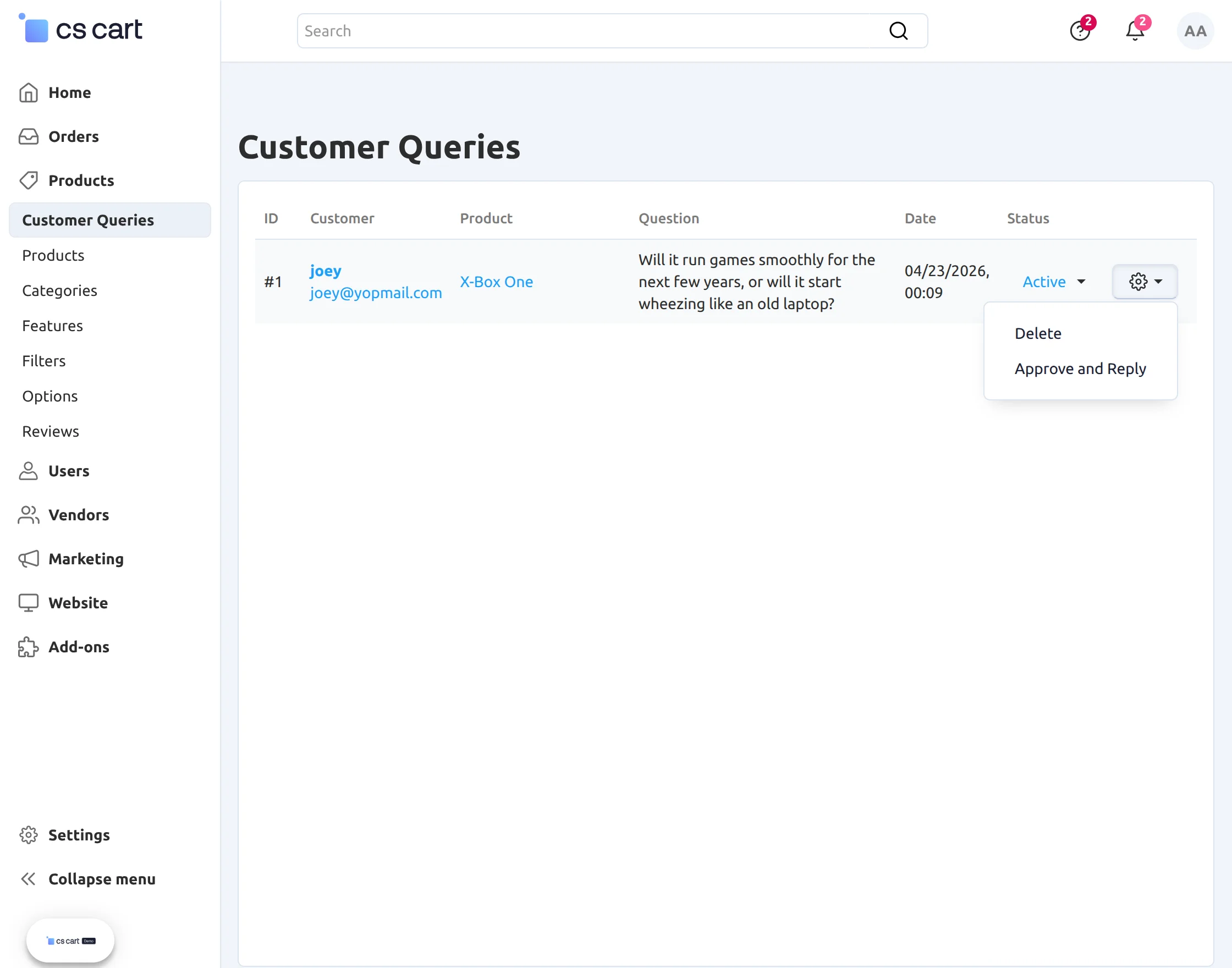
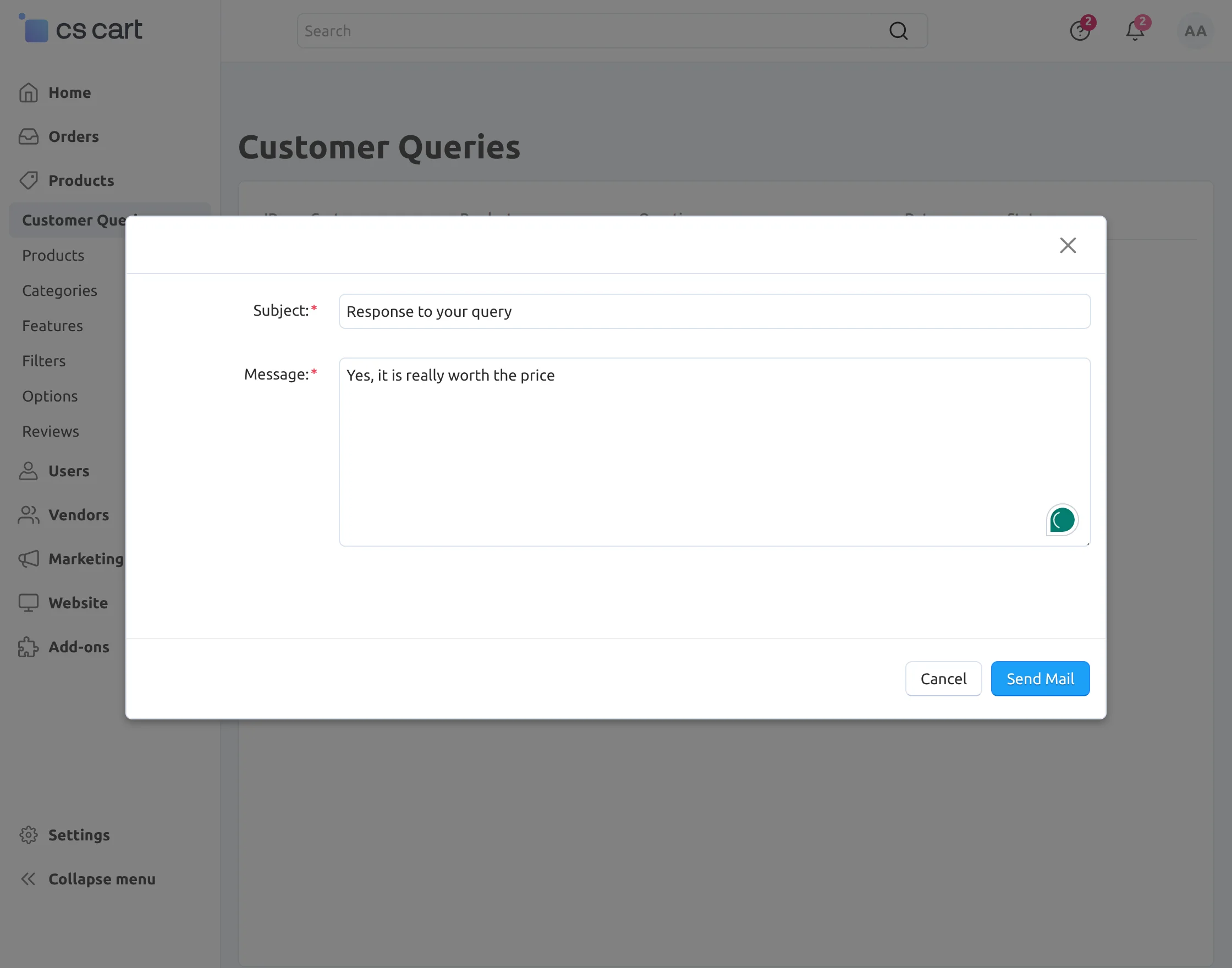
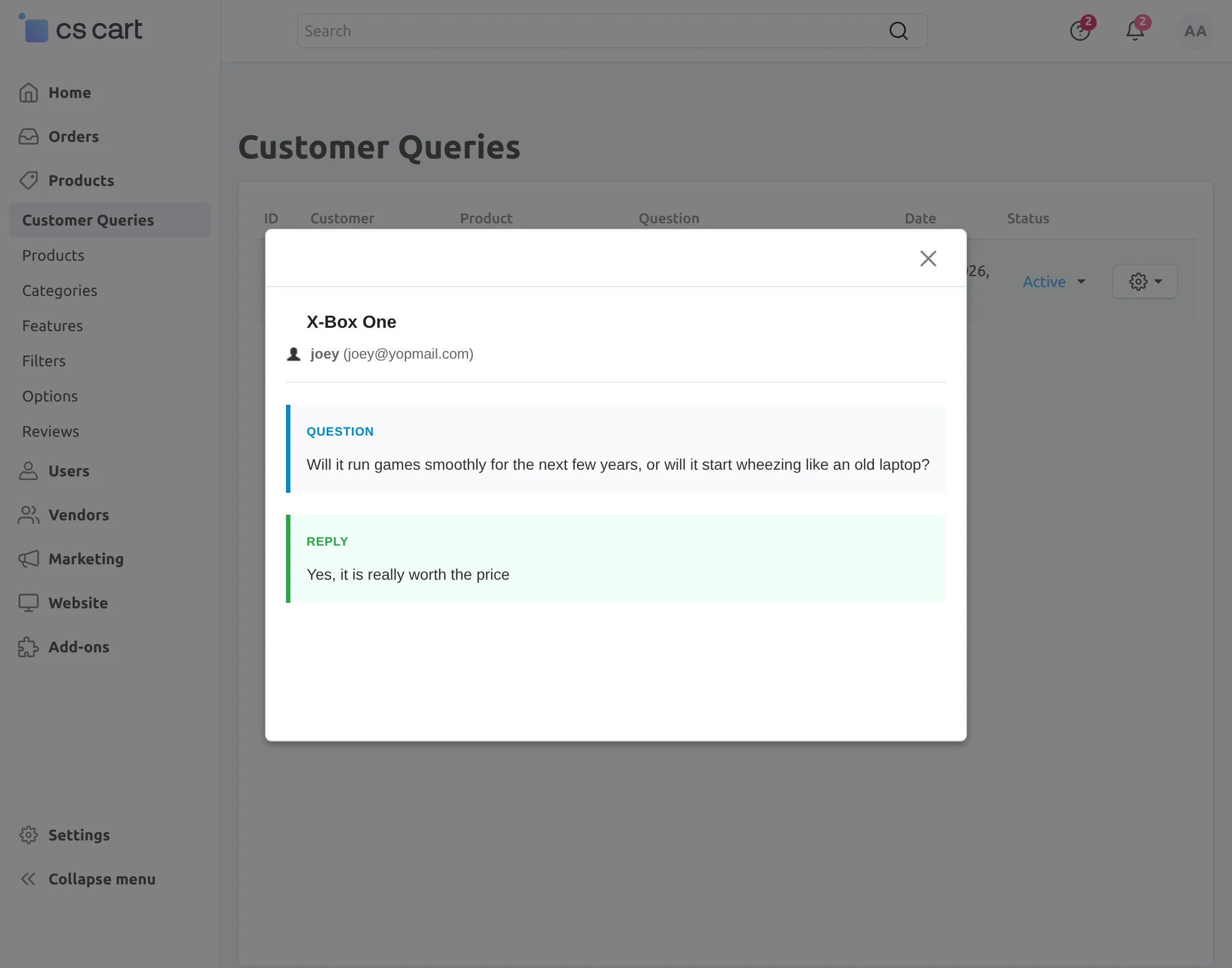
Admin Panel
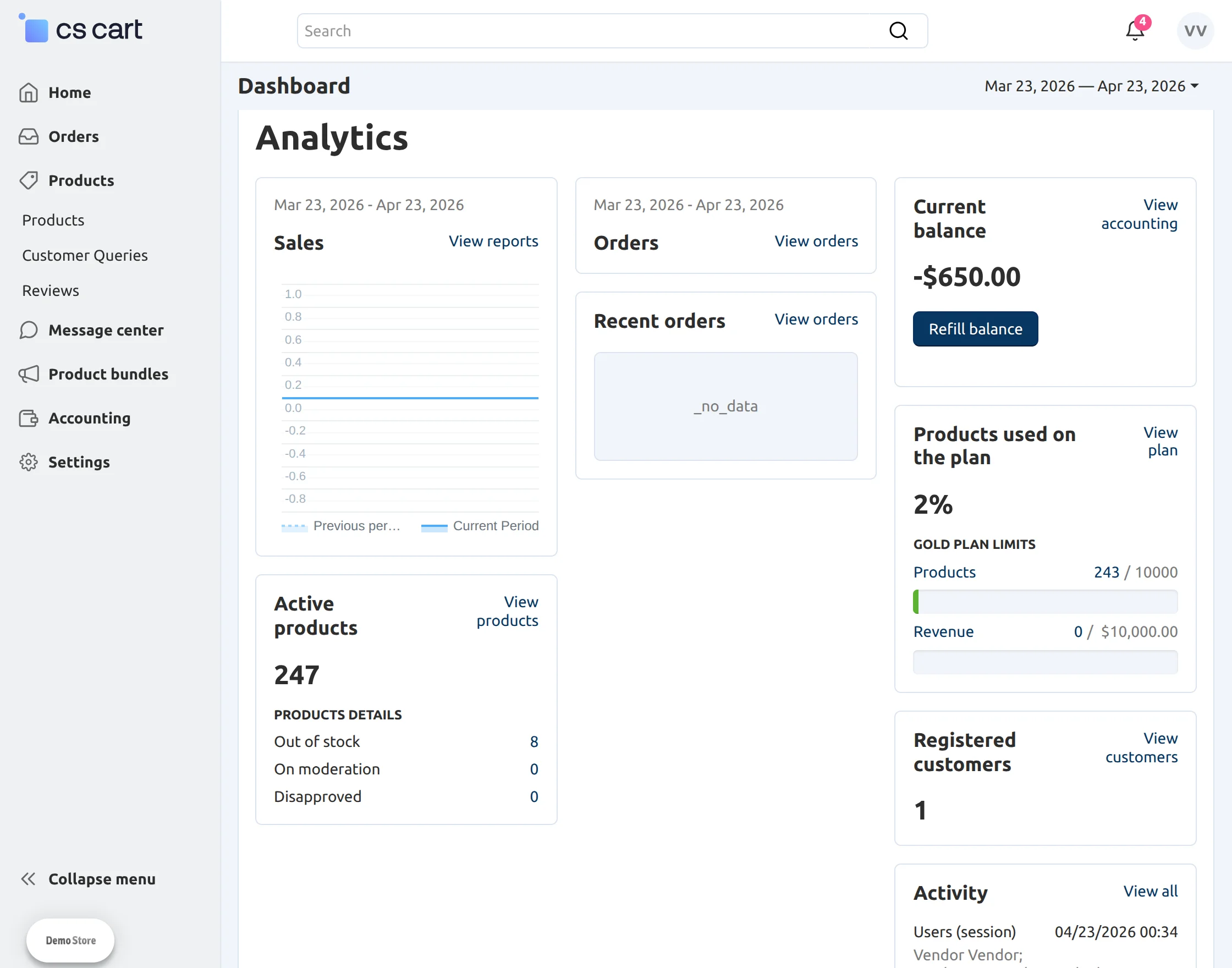
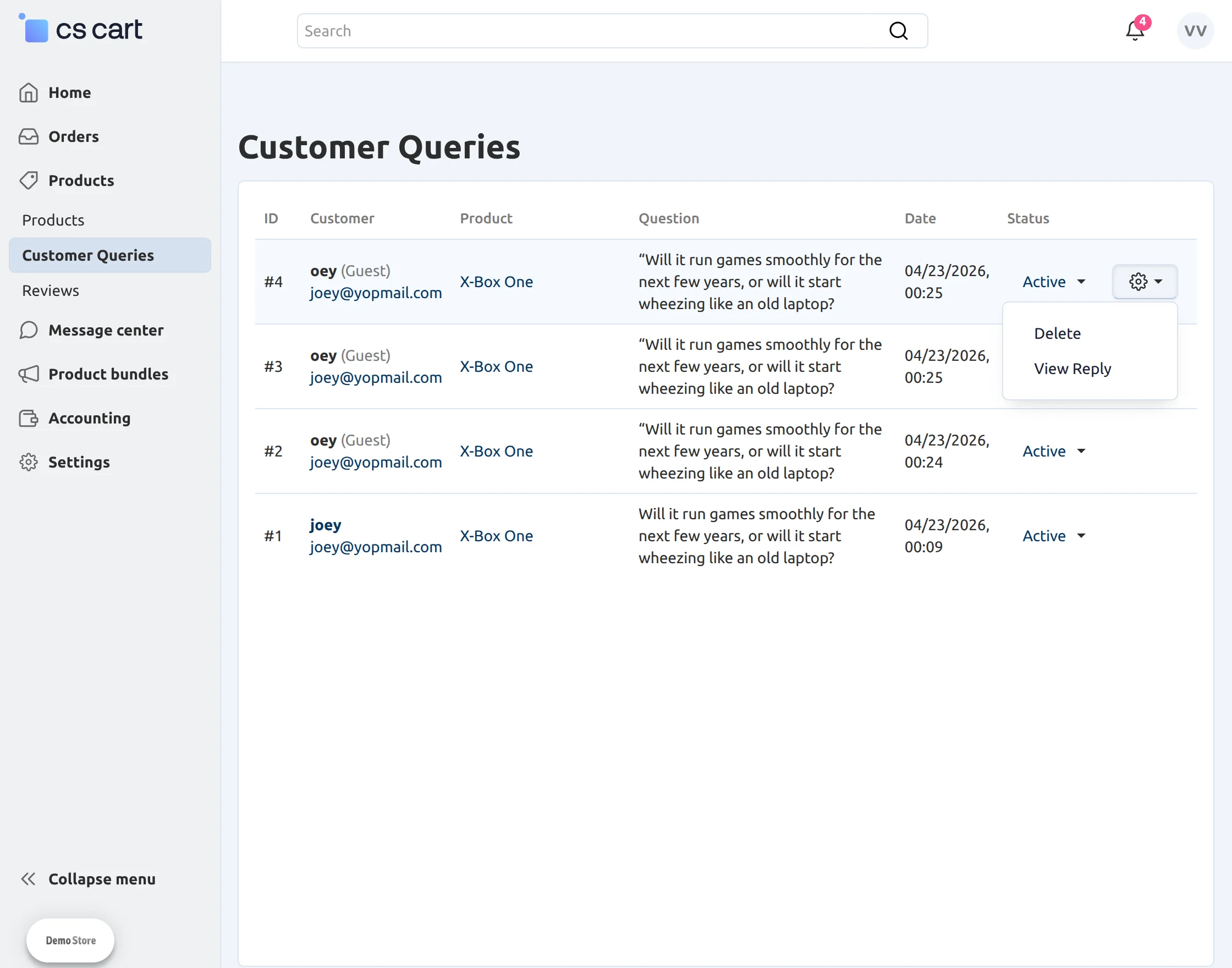
Vendor Panel
Support
That’s all for the CS-Cart Ask A Question, still have any issue feel free to add a ticket and let us know your views to make the product better http://webkul.com/ticket/index.php.
Besides this you can explore our cs-cart Development Services and Quality cs-cart add-ons.
View Comments
Comment or Ask a Question
Quick Links