Cost Effective CRM Software in 2026: 7 Best Tools Compared
Table of Content
A cost effective CRM helps businesses manage leads, sales, and customer data without high ongoing costs. It should offer the right features while keeping pricing predictable as your team grows.
Choosing the right Cloud CRM can be difficult. Many tools look affordable at first, but they follow per-user pricing. This means total cost increases every time you add a new team member.
Some platforms also limit useful features like reporting and automation to higher plans. Teams often need to upgrade just to manage daily operations effectively.
To avoid these issues, it is important to look beyond the starting price. A good CRM should support growth without increasing costs at every stage.
In this guide, we compare 7 CRM tools based on pricing, features, and scalability.
The goal is to help you choose a system that fits your needs without rising costs. A cost effective CRM is one that stays affordable as your team grows, not just at the starting price.

Comparison Table of 7 Best Cost Effective CRM Tools
This comparison shows how each CRM differs in pricing, features, and scalability, including how costs change as your team grows.
It is based on publicly available pricing, product documentation, and real-world usage patterns.
| CRM Tool | Pricing Model | Starting Cost | Per User Cost | Estimated Monthly Cost (10 Users) | Key Strength | Best For |
|---|---|---|---|---|---|---|
| Krayin CRM | Flat-Rate (Cloud) | $35/month | No | $35/month ( Unlimited Users) | Flexible pricing and customization | Growing teams |
| Zoho CRM | Tiered Subscription | Starts around $14/user/month | Yes | ~$140+ | Wide feature set for small teams | Small businesses |
| Freshsales | Subscription | Starts around $9–$15/user/month | Yes | ~$90–$150+ | Built-in sales tools and automation | Sales teams |
| Pipedrive | Subscription | Starts around $14/user/month | Yes | ~$140+ | Simple pipeline management | Sales-focused teams |
| HubSpot CRM | Freemium / Subscription | Free / Starts around $15/user/month | Yes | ~$150+ (higher for advanced features) | Marketing and CRM integration | Marketing teams |
| Salesforce | Subscription | Starts around $25/user/month | Yes | ~$250+ (higher tiers cost more) | Advanced customization and scale | Enterprises |
| Monday CRM | Subscription | Starts around $12/user/month | Yes | ~$120+ (depends on plan) | Easy to use and flexible workflows | Growing teams |
How We Evaluated These CRM Tools
We evaluated each CRM based on how it performs in real business scenarios like managing leads, supporting team growth, and controlling long-term costs.
The focus was not just on starting price, but how costs and features scale over time.
Pricing Model and Long Term Cost
We looked at how each CRM charges for usage. Many tools use per-user pricing, which increases cost as teams grow. We also considered tools that offer fixed or flexible pricing for better cost control.
Features and Practical Use
We focused on features that teams use daily, like lead management, automation, reporting, and integrations. Tools were compared based on how much value they offer at their base pricing.
Scalability for Growing Teams
A CRM should support growth without a sharp rise in cost. We checked how pricing and features change when moving from small teams to larger teams.
Customization and Flexibility
Every business has different workflows. If standard tools don’t fit, many businesses turn to custom CRM development.
For this list, we evaluated how easy it is to customize fields, pipelines, and processes without needing complex setup or extra cost.
Ease of Access and Deployment
We considered how quickly teams can start using the CRM. This includes cloud access, self hosting options, and overall ease of setup and daily use.
Top 7 Cost Effective CRM Software in 2026
Below is a detailed breakdown of each CRM based on pricing, features, and how well it scales for growing teams.
Krayin CRM
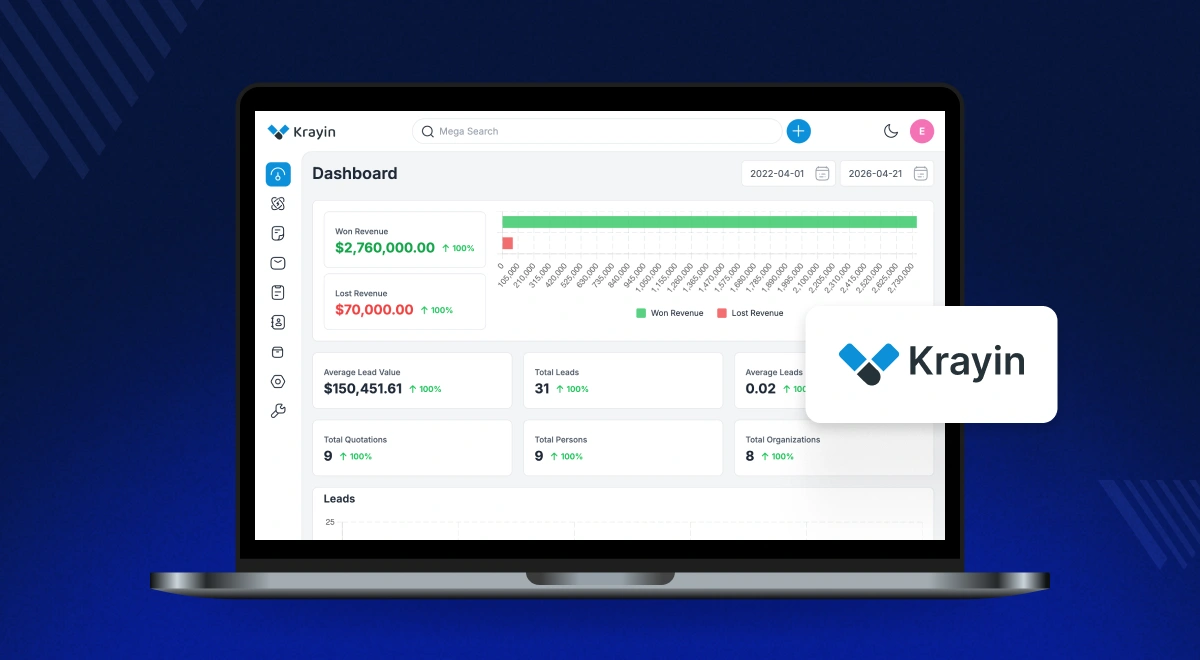
Krayin CRM is a cost effective CRM built for businesses that want control over pricing and features. It suits teams that plan to grow without increasing software costs with every new user.
It focuses on core CRM needs like managing leads, customers, and sales activities, while keeping the setup flexible. This makes it practical for businesses that want long term value.
Key Features
- Lead and customer management in one place.
- Sales pipeline tracking with custom stages.
- Task and activity management for teams.
- Reports and basic analytics for performance tracking.
- Easy customization of fields and workflows.
- Supports cloud and self hosted deployment.
Pricing Model
Krayin CRM offers flexible pricing without strict per user charges. Businesses can manage costs better as team size increases.
Pros
- No direct per user cost for adding team members.
- Predictable pricing as business grows.
- Flexible deployment options based on budget.
- Customizable workflows without complex setup.
- Covers essential CRM features without forced upgrades.
- Easy to customize based on business workflows.
Cons
- Advanced features may need customization.
Best For
Businesses that want a cost effective CRM with flexible pricing and the ability to scale without rising per user costs.
Zoho CRM
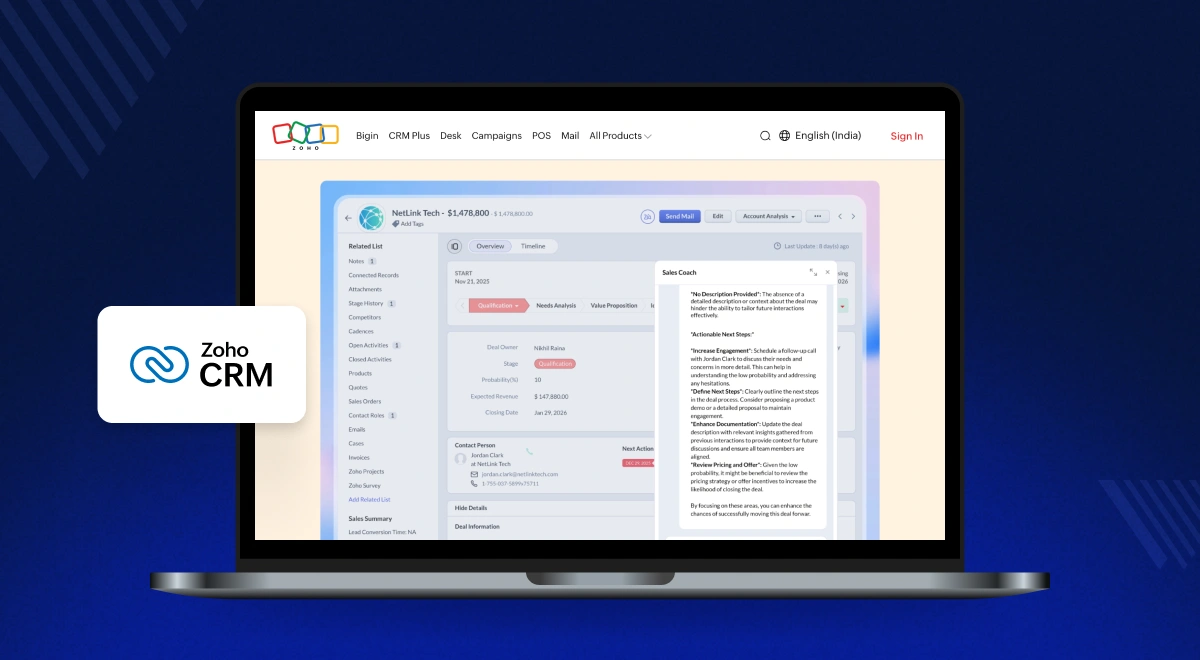
Zoho CRM offers combined sales and marketing tools for small teams at a low starting price.
It is a cost effective CRM for small teams, but pricing increases as usage grows. It follows a per-user model, so total cost rises with each new hire. Advanced AI features are also available only in higher-tier plans.
Key Features
- Lead and contact management.
- Sales automation and workflow rules.
- Email integration and tracking.
- Reporting and dashboards.
- Integration with Zoho ecosystem and third-party apps.
Pricing Model
Zoho follows a tiered per-user pricing structure. The Standard plan starts around $14 per user per month, and total cost increases as your team size and feature needs grow.
Pros
- Strong mix of sales and marketing features in one platform.
- Works well for small teams with a limited initial budget.
- Wide integration support with business tools.
Cons
- Total cost increases as more users and advanced features are added.
Freshsales
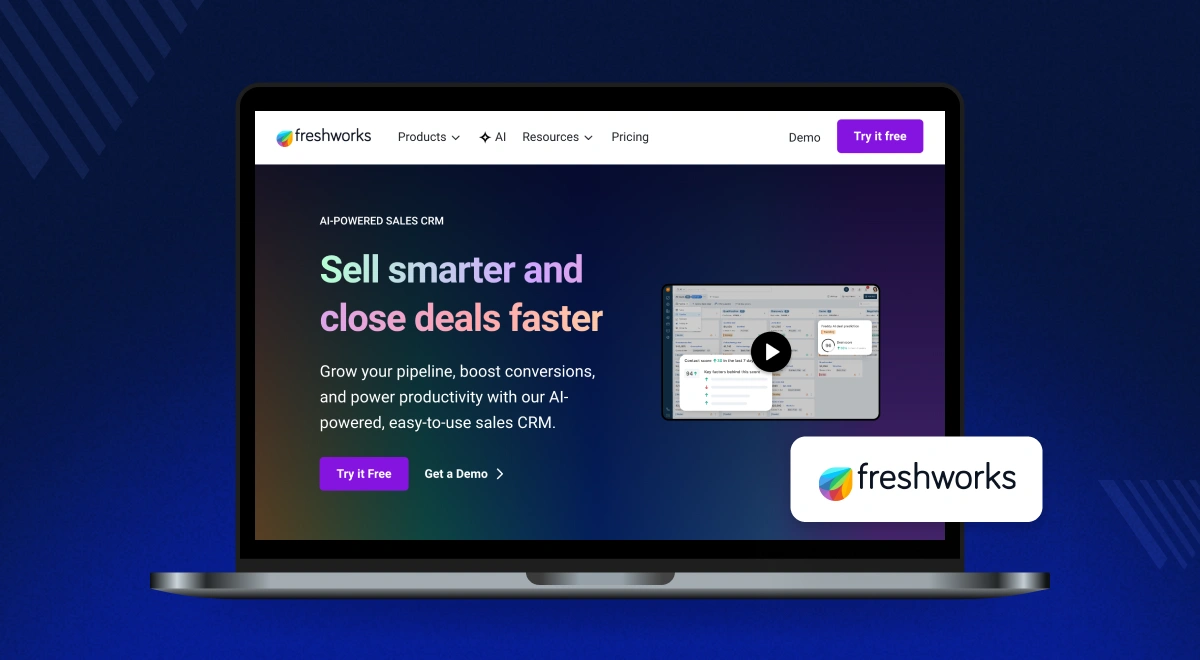
Freshsales provides built-in calling and email tools for quick setup. It focuses on visual deal tracking for sales teams.
Freshsales is priced per user, so your monthly cost rises as usage expands or you move to higher usage limits.
Key Features
- Lead and deal management.
- Built-in email and call tracking.
- Sales automation and workflows.
- Visual sales pipelines.
- Basic reporting and insights.
Pricing Model
Freshsales uses a per-user subscription model, starting around $9 to $15 per user per month. Costs increase as you add more users or move to higher usage limits.
Pros
- Built-in calling and email tools reduce need for extra software
- Simple interface makes it easy for sales teams to start quickly.
- Good fit for managing deals and sales pipelines.
Cons
- Pricing grows steadily with team size and higher usage limits.
Pipedrive
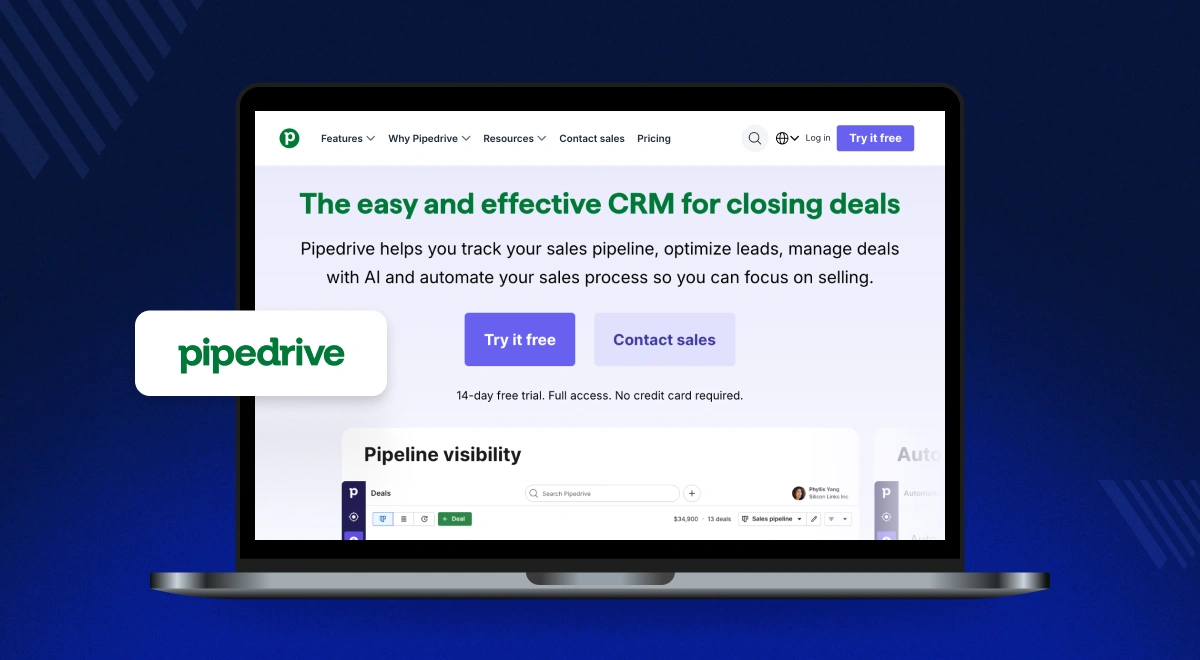
Pipedrive focuses on visual sales pipelines to help teams track daily activities and deals in a simple way.
It uses a seat-based pricing model. Costs grow as your team expands, and add-ons like lead generation tools require extra payment.
Key Features
- Visual sales pipeline management.
- Deal tracking and activity reminders.
- Customizable pipelines.
- Basic reporting and insights.
- Integration with third-party tools.
Pricing Model
Pipedrive follows a per-user pricing model, with plans starting around $14 per user per month. Overall cost increases with team size and additional add-ons.
Pros
- Clean and visual pipeline makes deal tracking simple.
- Easy to set up and use for daily sales activities.
- Flexible pipelines for different sales processes.
Cons
- Extra tools and add-ons increase overall cost over time.
HubSpot CRM
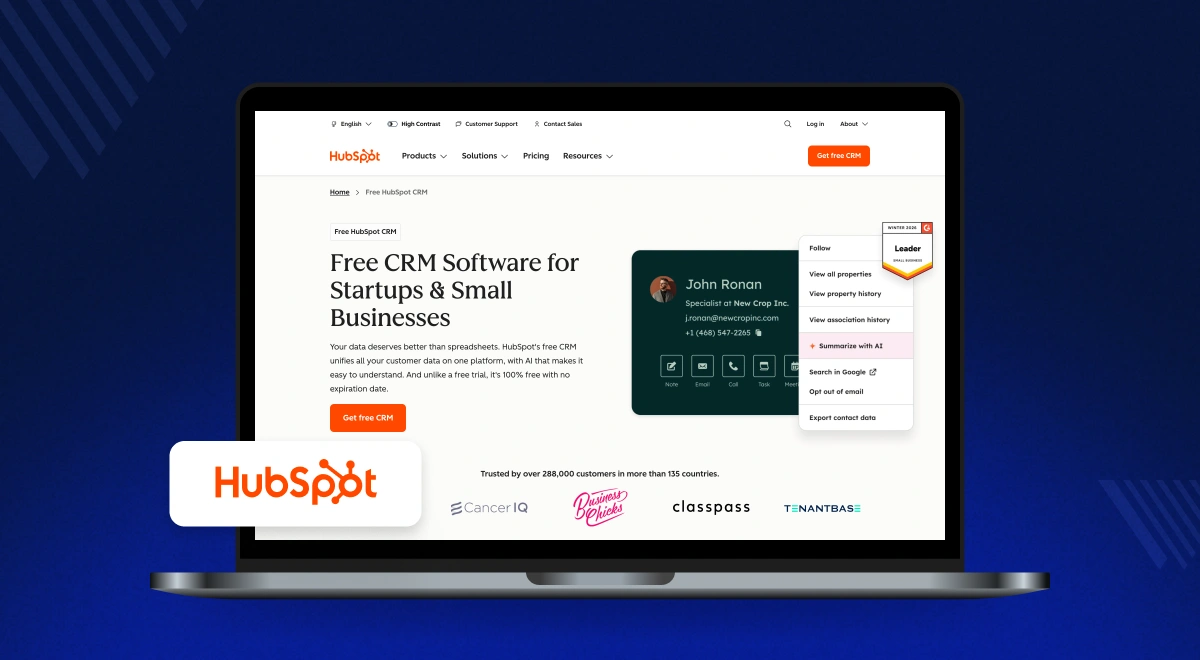
HubSpot offers a free starting tier with basic contact and email tools. It is useful for very small teams getting started.
HubSpot CRM starts free, but advanced features require paid plans. As usage grows, costs increase due to per-user pricing and higher-tier upgrades.
Key Features
- Contact and lead management.
- Email tracking and automation.
- Marketing tools and campaigns.
- Reporting dashboards.
- Integration with HubSpot ecosystem.
Pricing Model
HubSpot uses a freemium model with paid plans starting around $15 per user per month. Costs increase as you upgrade to access automation, reporting, and advanced tools.
Pros
- Free plan available for basic CRM needs.
- Strong integration between marketing and sales tools.
- User-friendly interface for small teams.
Cons
- Advanced features require expensive upgrades as usage grows.
Salesforce
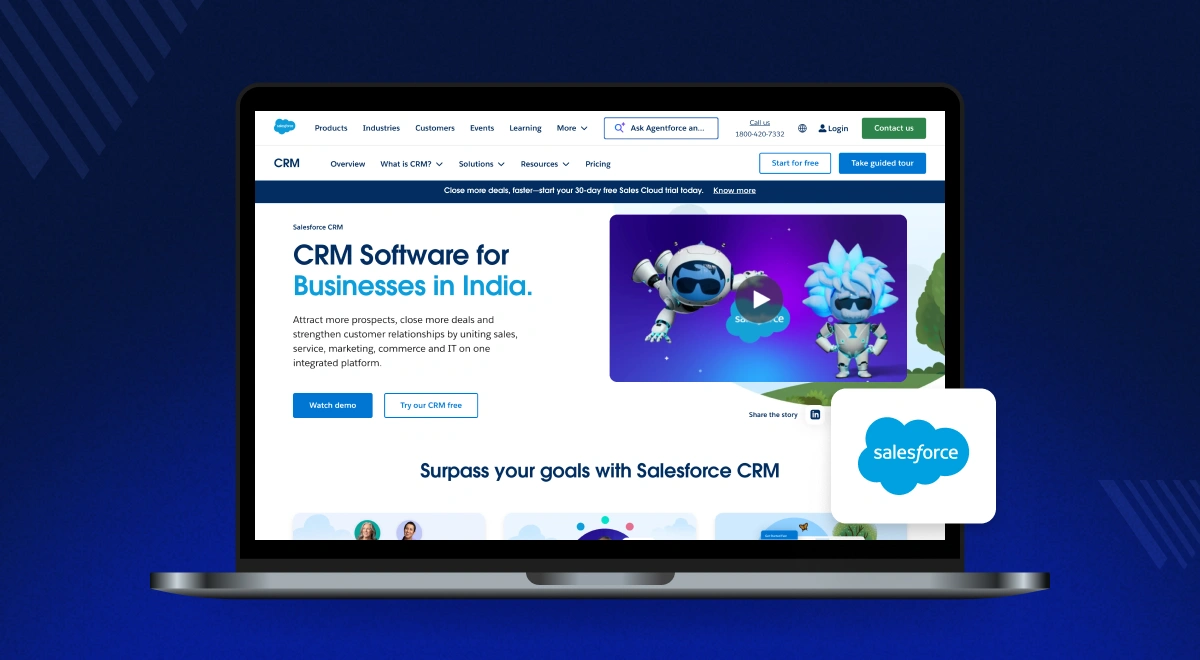
Salesforce provides advanced customization and large-scale integrations for enterprise operations.
It is designed for complex use cases, but it comes with higher costs. Pricing is per user, and businesses often need dedicated setup and management resources.
Key Features
- Advanced sales and customer management.
- Workflow automation and customization.
- Detailed reporting and analytics.
- Large ecosystem of integrations.
- Scalable for enterprise needs.
Pricing Model
Salesforce follows a per-user pricing model starting at around $25 per user per month. Most growing teams require higher plans such as Professional or Enterprise, which significantly increase costs.
Pros
- Highly customizable for complex business processes.
- Large ecosystem of integrations and extensions.
- Scales well for enterprise-level operations.
Cons
- High cost and setup effort compared to other CRM tools.
Monday CRM
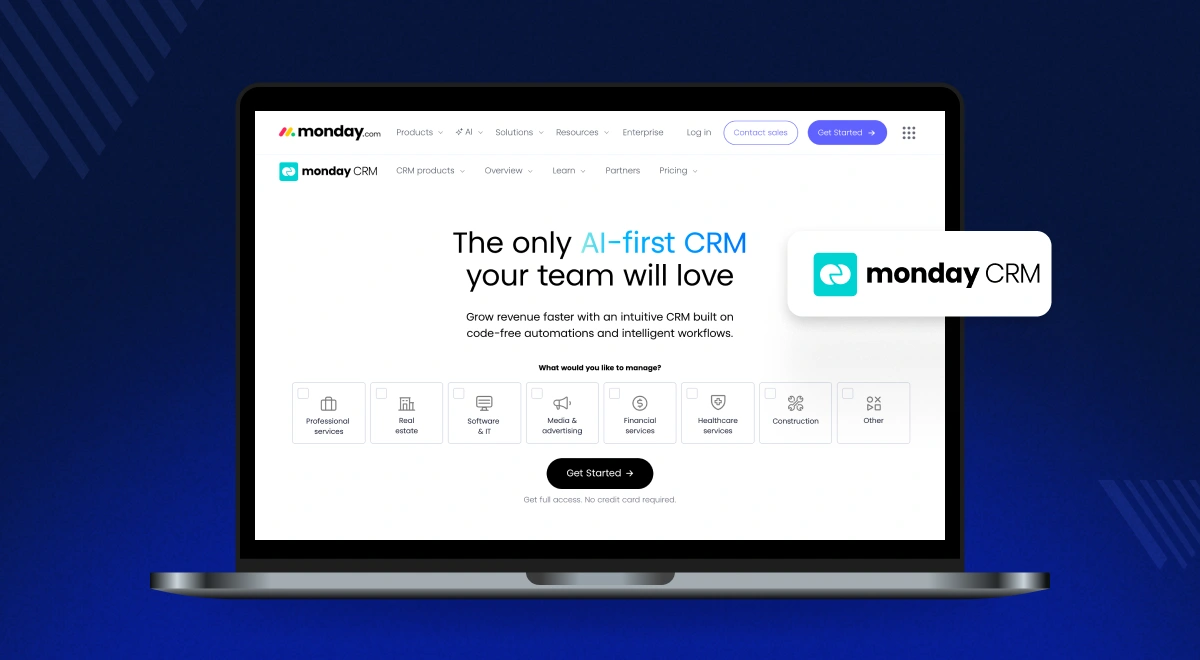
Monday CRM uses flexible, spreadsheet-like boards to help teams manage client data and tasks.
It follows a seat-based pricing model. Costs increase as you add users or upgrade plans to access features like automation and email tracking.
Key Features
- Visual boards for managing leads and tasks.
- Custom workflows and automation.
- Team collaboration tools.
- Basic reporting and dashboards.
- Integration with popular apps.
Pricing Model
Monday CRM uses a seat-based pricing model starting around $12 per user per month. Costs increase as you upgrade to higher plans for automation, integrations, and advanced features.
Pros
- Easy-to-use visual interface for managing workflows.
- Flexible structure for different team use cases.
- Quick setup with minimal technical effort.
Cons
- Costs increase as you add users and need advanced features.
The Hidden Costs of Scaling Your CRM
Most CRM tools look affordable at the start, but total cost often increases over time. These extra costs usually appear as your team grows and needs more features.
Many platforms follow pricing models that increase cost as usage expands. Understanding how these models work helps avoid unexpected expenses later.
Per-User Pricing
Many CRM tools charge per user. This means your cost rises every time you add a new team member or support agent.
A tool that feels affordable for a small team can become expensive as the team grows. Total cost rises with each additional user.
Feature Limits in Higher Plans
Basic plans often limit important features. To use reporting, automation, or integrations, businesses need to upgrade to higher plans.
In many cases, upgrades apply to all users. This increases the overall subscription cost, even if only a few users need those features.
Add-On Costs
Some CRM tools charge extra for features like calling, storage, or lead forms. These are often not included in base plans.
These add-ons may seem small at first, but they can increase your monthly cost over time. Businesses often pay more than expected to use essential features.
How CRM Costs Increase as Your Team Scales
CRM costs often increase as your team grows, even if the starting price looks low. Most tools follow a per-user pricing model, which raises total cost with every new hire.
For example, a team of 5 may pay a low monthly fee, but the same tool can cost 4–5 times more when the team grows to 20 users.
In addition to user costs, businesses often need more features as they scale. This includes automation, reporting, and integrations, which are usually part of higher pricing plans.
As usage grows, teams may also need higher limits for data, emails, or workflows. These upgrades further increase the overall cost.
Because of this, pricing model matters as much as features. A CRM with flexible or non per-user pricing can help manage long-term costs as your team expands.
Use the calculator below to estimate how CRM costs increase as your team grows.
CRM Scaling Cost Calculator
Move the slider to see how costs multiply as your team grows.
Final Thoughts: Which CRM Fits Your Business
Choosing the right CRM depends on how costs grow as your business expands. Tools with a low starting price can become expensive as you add more users and need advanced features.
Platforms like Zoho CRM or Pipedrive work well for small teams. They offer useful features at a low entry cost, but pricing increases as your team grows.
Krayin CRM is better suited for businesses that want to manage long-term costs. It does not rely on strict per-user pricing, which helps keep expenses more predictable as your team expands.
It also offers flexible deployment options, including cloud hosting. Plus, with a custom development service, it gives businesses more control over setup and long-term usage.
For growing teams, choosing a CRM with stable pricing and essential features can help avoid rising software costs over time.