Plum Market Adds an AI Chatbot for Order and Shipping Queries with Webkul
Project Snapshot
- URL: PlumMarket.com
- Country: United States
- Industry Vertical: Food and Beverage
- Platform: Adobe Commerce Cloud 2.4.8
- Solution Provided: Custom AI chatbot add-on that answers order and shipping questions for signed-in and guest shoppers.
Merchant Story: Plum Market
Plum Market is a US grocery chain known for natural, organic and locally made food, along with a large wine selection.
Brothers Matthew and Marc Jonna opened the first store in Bloomfield Township, Michigan, in 2007.
Today the brand runs more than 25 locations across Michigan, Illinois, Indiana, Ohio, Texas and Florida.
Master Sommelier Madeline Triffon picks its wines, and the brand sells much of that range online.

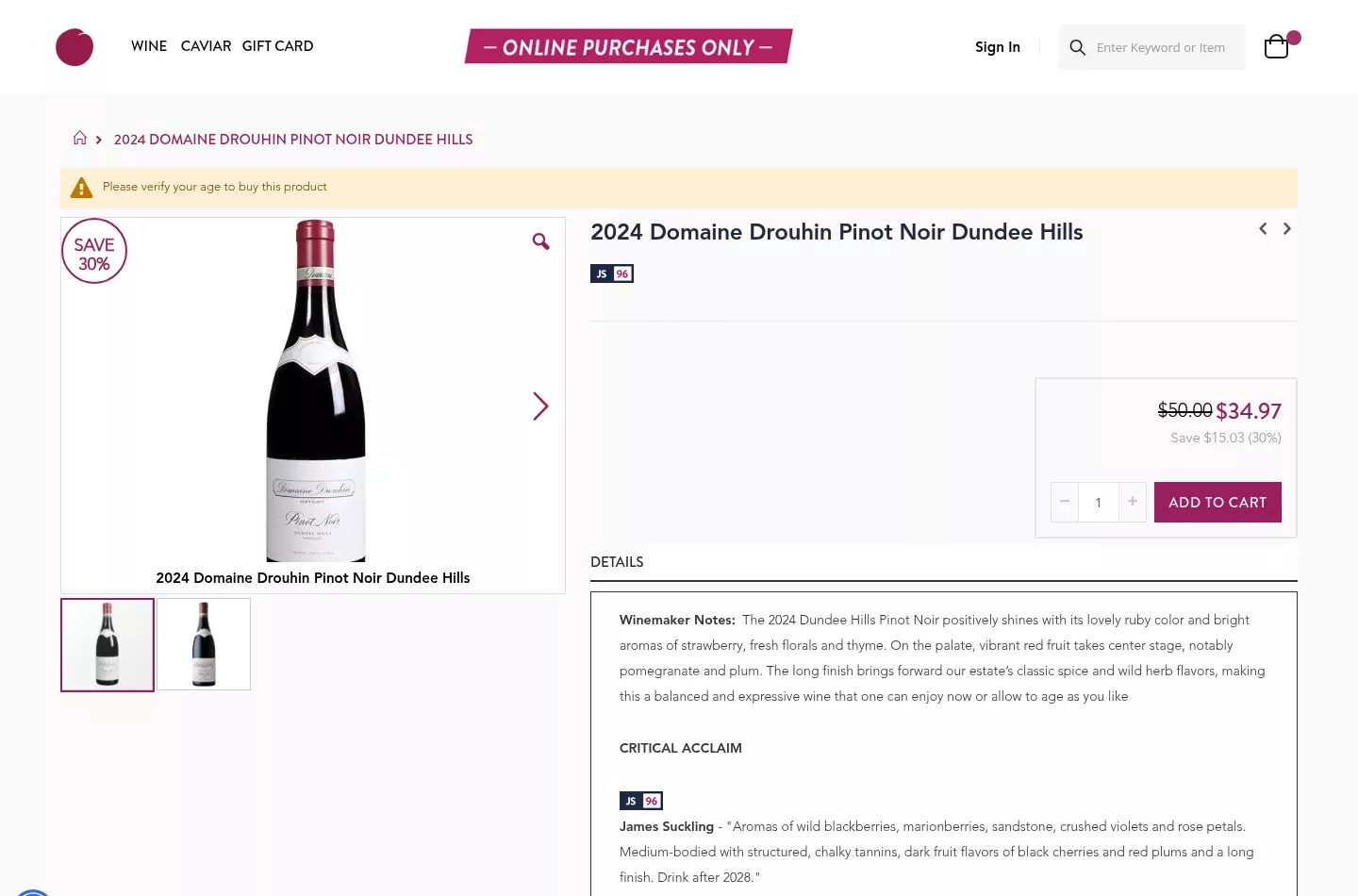
The online store sells wine, caviar and gift cards, and every purchase of alcohol needs an age check.
Plum Market runs this store on Adobe Commerce Cloud 2.4.8, the enterprise edition of Magento.
Why Plum Market Needed an AI Chatbot for Orders and Shipping
Plum Market already used Webkul’s AI chatbot to answer shopper questions about products.
The brand wanted it to handle order questions too, but the standard bot only covers products.
Some shoppers check out as guests, so any order lookup had to work without an account.
Shipping raised a second set of questions, because Plum Market can only ship wine to certain US states.
The team wanted the chatbot to answer these common questions and still hand harder cases to a person.
How Webkul Extended the AI Chatbot for Plum Market
Webkul built an add-on module that extends the Magento 2 ChatGPT Bot with order, shipping and support features.
As an add-on, it leaves the core chatbot untouched on Adobe Commerce Cloud.
Webkul’s custom extension development team for Magento and Adobe Commerce handled the project.
Order Lookup for Signed-In Customers
For signed-in shoppers, the AI chatbot reads the customer session to find their orders.
It then shows the items in each order, the current order status and the shipping details.
Because the session already proves who the shopper is, no extra details are needed.
How Does the AI Chatbot Verify Guest Orders?
The AI chatbot asks guest shoppers for their order ID and the email address used at checkout.
Only when both match a real order does it show the order items, status and shipping details.
This two-part check keeps order data private while still serving shoppers who never made an account.
Shipping Information by State
Webkul added a Shipping Information option to the chatbot menu.
When a shopper picks it, or types a question such as “Where do you ship?”, the bot lists every state Plum Market ships to.
After the list, it tells shoppers to go to checkout, select their state and enter a zip code for full shipping details.
That way, the bot answers the common question fast and leaves exact rates to the checkout.
Email Support as a Fallback
After a product or order question, the chatbot asks whether the shopper still needs help.
If so, it invites them to send their question by email, using the store’s existing email support feature.
As a result, no shopper reaches a dead end, even when the bot cannot solve the problem.
Results of the AI Chatbot at Plum Market
With the add-on, Plum Market’s AI chatbot can answer product, order and shipping questions in one chat window.
Signed-in shoppers can see their order status without searching their email, and guests can do the same with two details.
Shipping questions get a clear answer about which states Plum Market serves, which suits the rules on selling wine online.
Questions the bot cannot solve still reach the team by email, so support stays in human hands where needed.
- Order status and items shown to signed-in shoppers
- Guest order lookup verified by order ID and email
- State-by-state shipping list inside the chat
- Email fallback for questions the bot cannot answer
- Built as an add-on on Adobe Commerce Cloud 2.4.8