NutriFit: Swiss Fitness Supplement Brand Integrates WooCommerce POS
Project Snapshot
Country: Switzerland
Industry Vertical: Health and Sports Nutrition
Platform: WooCommerce
Solution Provided: WooCommerce POS and Inventory Operations Implementation
Merchant Story: NutriFit
NutriFit is a Swiss shop for athletes, gym users, and people keen on health and wellbeing.
Based in Geneva, the shop has sold sports food goods and given personal advice since 2015.
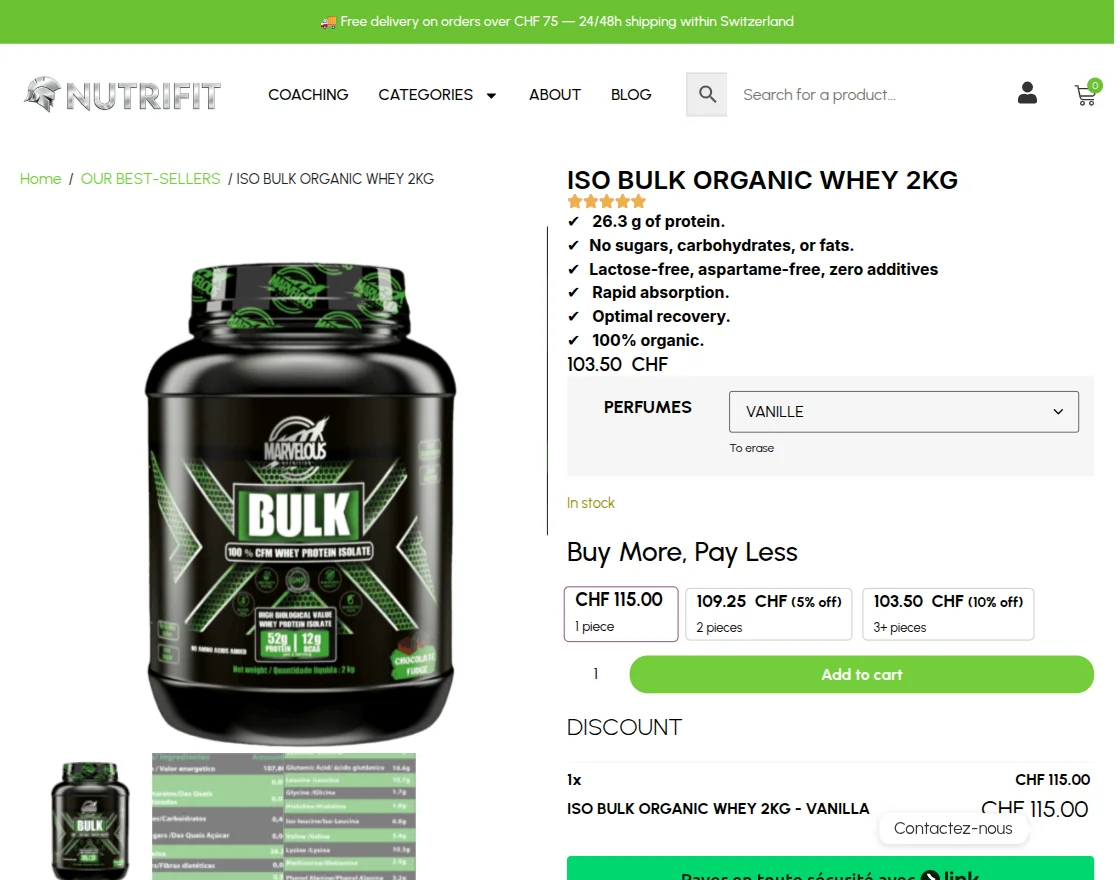
Its range covers protein, supplements, vitamins, snacks, drinks, and other fitness goods for active buyers.

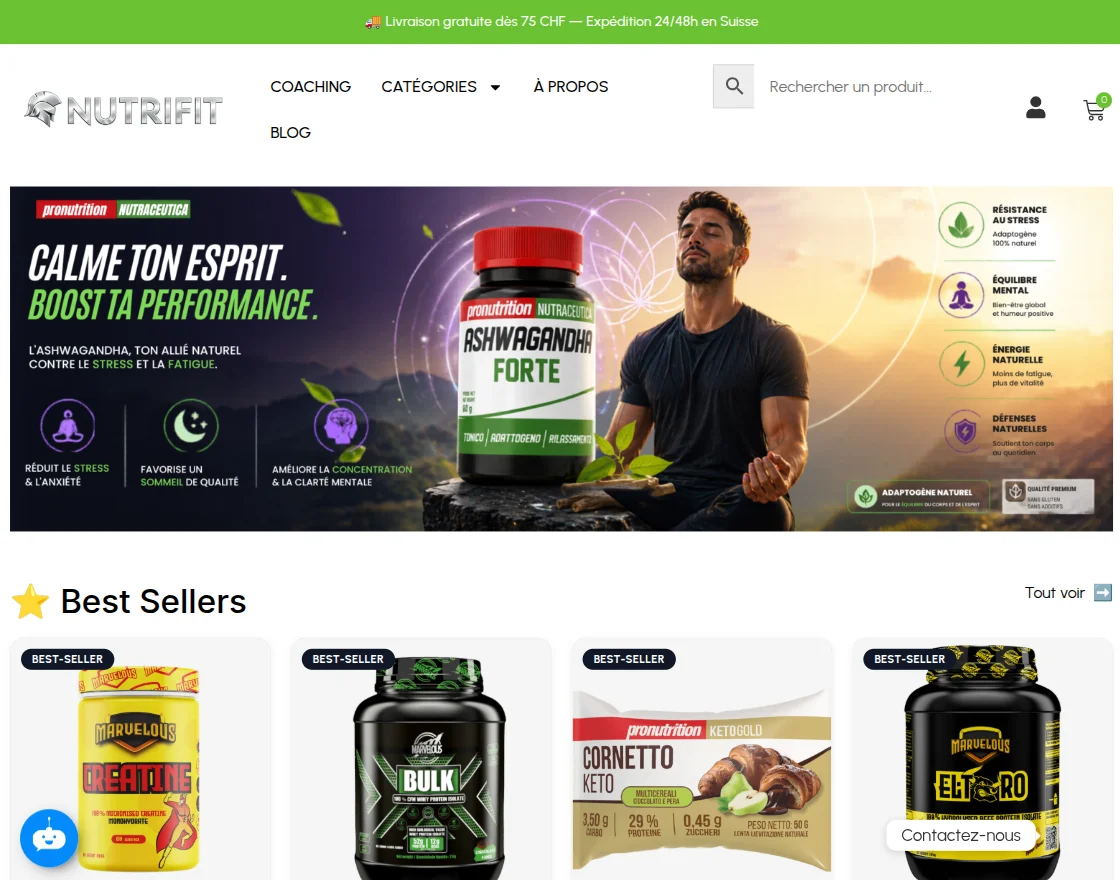
Online orders run through WooCommerce, alongside NutriFit’s face-to-face shop work.
Counter staff need the same item details when they serve buyers and manage goods.
Why Did NutriFit Need a Custom WooCommerce POS?
Daily shop work called for a custom WooCommerce POS with clear tools for store agents.
Agents needed to see item status before adding goods to an order.
For simple goods, the item card had to show their status.
For variable goods, staff needed the correct status while choosing a variation.
The business also needed direct SKU editing from the POS frontend.
Without it, an agent would leave the sales screen to correct an item code elsewhere.
Bulk work created a further need. NutriFit wanted agents to edit many item counts in one view and submit them at once.
How Webkul Implemented the WooCommerce POS Solution
Webkul built a WooCommerce POS and stock flow linked to NutriFit’s current store data.
The project paired Webkul’s core POS with the POS Barcode Inventory Management for WooCommerce add-on.
Agent screens then matched NutriFit’s stock and item care needs.
WooCommerce POS for Counter Sales
For counter sales, the WooCommerce POS gives NutriFit agents one clear screen for customer orders.
Items, customers, orders, and stock stay linked to WooCommerce.
This gives the web shop and retail counter one shared base instead of a separate item system.
Webkul’s point of sale development focused the screens on daily sales and stock tasks.
Product Stock Display at the POS
Webkul changed the POS to show item status before an agent adds goods to the cart.
Each simple item shows its status on the card.
For an item with options, the choice window shows the status for the chosen type.
This places key details beside the agent’s choice. Staff can check the status without leaving the current POS task.
SKU Updates from the POS Frontend
For SKU care, Webkul added a field that agents can edit in the outlet stock area.
An assigned agent can find an item, review its SKU, and edit the code from the same stock screen.
Current item and POS status also remain in view.
SKU care now sits in daily shop work while WooCommerce remains the core store platform.
Barcode Inventory and Bulk Stock Updates
Barcode tools let NutriFit staff find items and manage outlet counts through the POS.
A bulk view also lets agents enter many count changes and submit them at once.
Names, options, SKUs, and prices help staff check the right item rows before they enter new counts.
Single edits use barcode lookup, while grouped edits cover many items at once.
What Did the WooCommerce POS Implementation Deliver?
As a result, the WooCommerce POS linked counter sales, item codes, and outlet inventory for NutriFit.
Agents can view stock during item choice, edit an SKU from the POS, and change several counts in one view.
Barcode tools also support item lookup and outlet quantity work.
These tools match the retail tasks that NutriFit set out for the project.
- Availability appears where agents select simple and variable goods.
- POS agents can update product SKUs from the outlet-stock interface.
- Bulk controls group several item updates into one submission.
- Barcode lookup supports item identification during inventory work.
- WooCommerce remains the connected platform for products, orders, customers, and inventory.
Shops with the same needs can work with Webkul’s WooCommerce team to plan a POS and stock flow around their retail work.