Maxim Office Group: Australian Supplier Uses Show Price After Login By Webkul
Project Snapshot
- URL: MaximOfficeGroup.com.au
- Country: Australia
- Industry Vertical: Education
- Business Insights: Maxim Office Group is an Australian school supplier offering teaching aids and classroom supplies, attracting close to 8,000+ monthly visits.
- Solution Provided: We implemented Magento 2 Show Price After Login to limit price visibility and allow access to registered users only.
- Platform: Magento 2
Merchant Story: Maxim Office Group
Maxim Office Group is an Australia-based education supplier focused on supporting schools with modern teaching aids from well-known brands.
Its product range includes classroom stationery, student packs, display boards, teaching tools, and classroom furniture designed for everyday school needs.

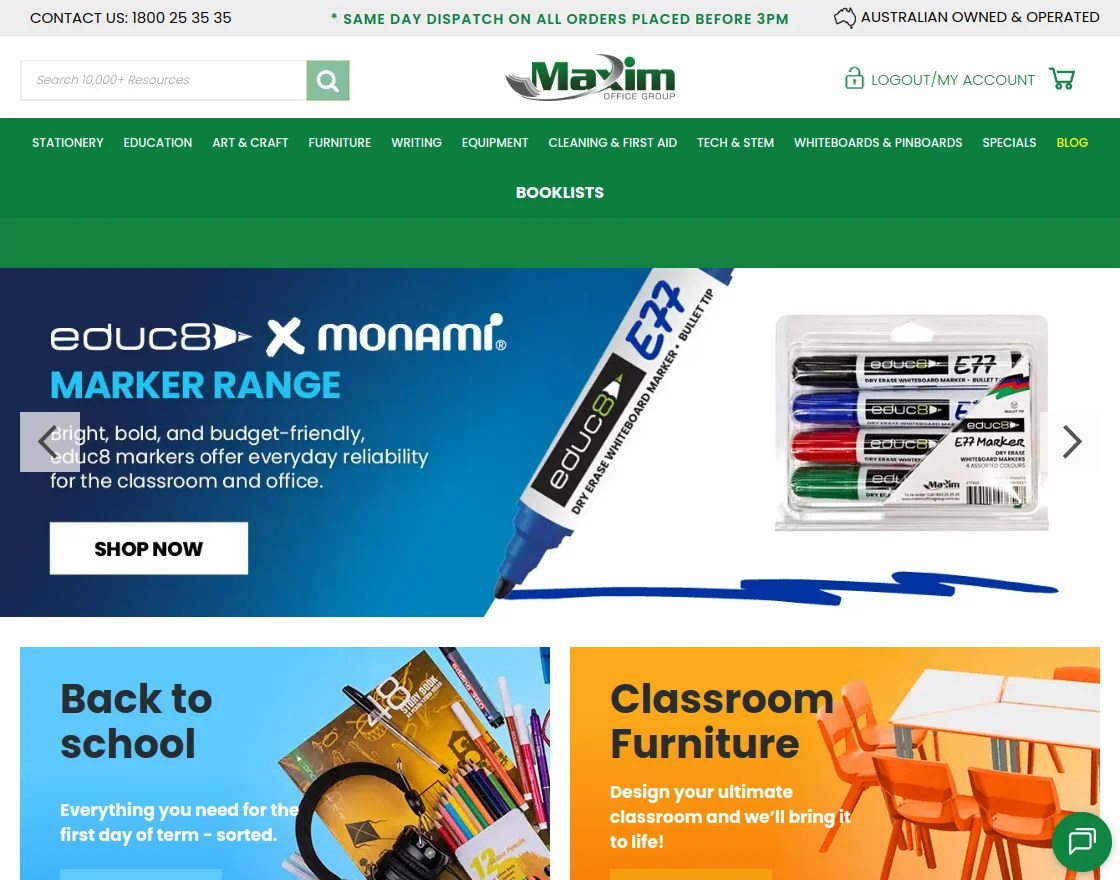
With a strong focus on schools and educators, Maxim helps institutions manage their purchasing without the hassle of comparing prices or handling complex orders.
To support school-specific pricing, Maxim restricts product prices and purchasing options to logged-in users only.
This approach allows educators to explore the full catalog while keeping pricing available only to approved school accounts.
To implement this setup, Maxim partnered with Webkul’s Magento Development team for a suitable solution.
Maxim Office Group Challenge: Needed to Control Price Visibility for Schools
Maxim Office Group faced challenges in managing price visibility for visitors who were not logged in to the store.
Displaying prices publicly made it difficult to maintain school-specific pricing agreements.
It also reduced the motivation for schools to create accounts, which limited access to order history and repeat purchasing benefits.
Unrestricted pricing affected lead quality and made it harder to guide schools toward account-based buying.
This case study highlights how the company overcame its challenges using Webkul’s E-commerce Solutions.
How Webkul Helped Maxim Support Its School Buyers
Show Price After Login for Magento 2 allows Maxim to control price visibility for logged-in users.
The module hides product prices and disables the add to cart option for guest users.
The store prompts visitors to log in or create a school account before they can view prices and place orders.
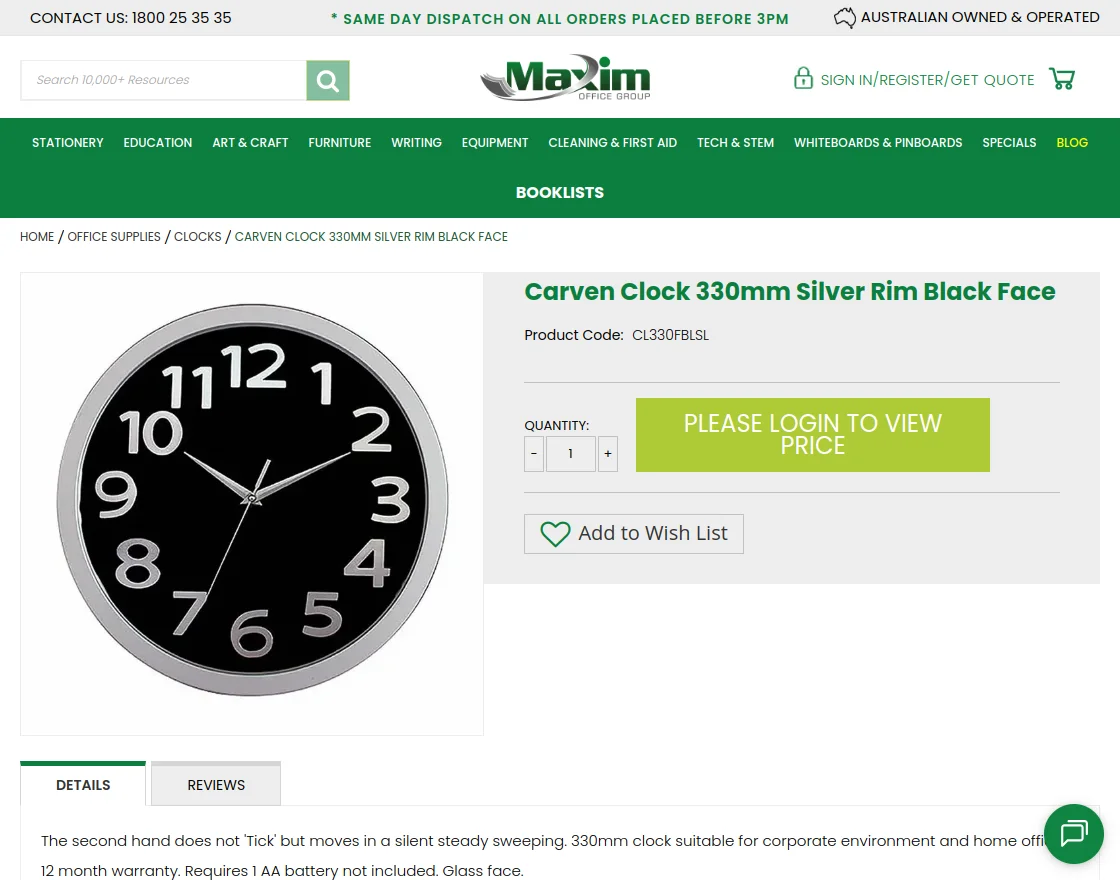
The image above shows how products appear to users before logging in to the store.
With this setup, Maxim maintains better pricing control while encouraging more schools to register and place orders.
Results of Using Magento 2 Show Price After Login at Maxim
After implementing the Magento 2 Show Price After Login extension, Maxim Office Group gained clearer control over pricing across its Magento store.
Prices are now visible only to logged-in school users, helping protect agreed pricing and simplify purchasing.
By encouraging account creation, the store improved school registrations and repeat orders.
The solution reduced pricing-related queries and allowed educators to focus on ordering rather than price checks.
Learn how Webkul’s Magento 2 Extensions can help implement access-based pricing and controlled store visibility.
- Controlled price visibility for school users.
- Increased school account registrations.
- Better ordering experience for educators.
- Consistent pricing across the store.
- Reduced manual pricing inquiries.