High Risk Solutions Completes Odoo 16 to Odoo 19 Migration with Webkul
Project Snapsort
- URL: highrisksolutions.com.au
- Country: Australia
- Industry Vertical: Industrial services, covering scaffolding, insulation and sheet metal fabrication
- Platform: Odoo
- Solution Provided: A complete Odoo 16 to Odoo 19 migration on Odoo.sh, with a custom check that stops duplicate Timesheet entries.
Merchant Story: High Risk Solutions
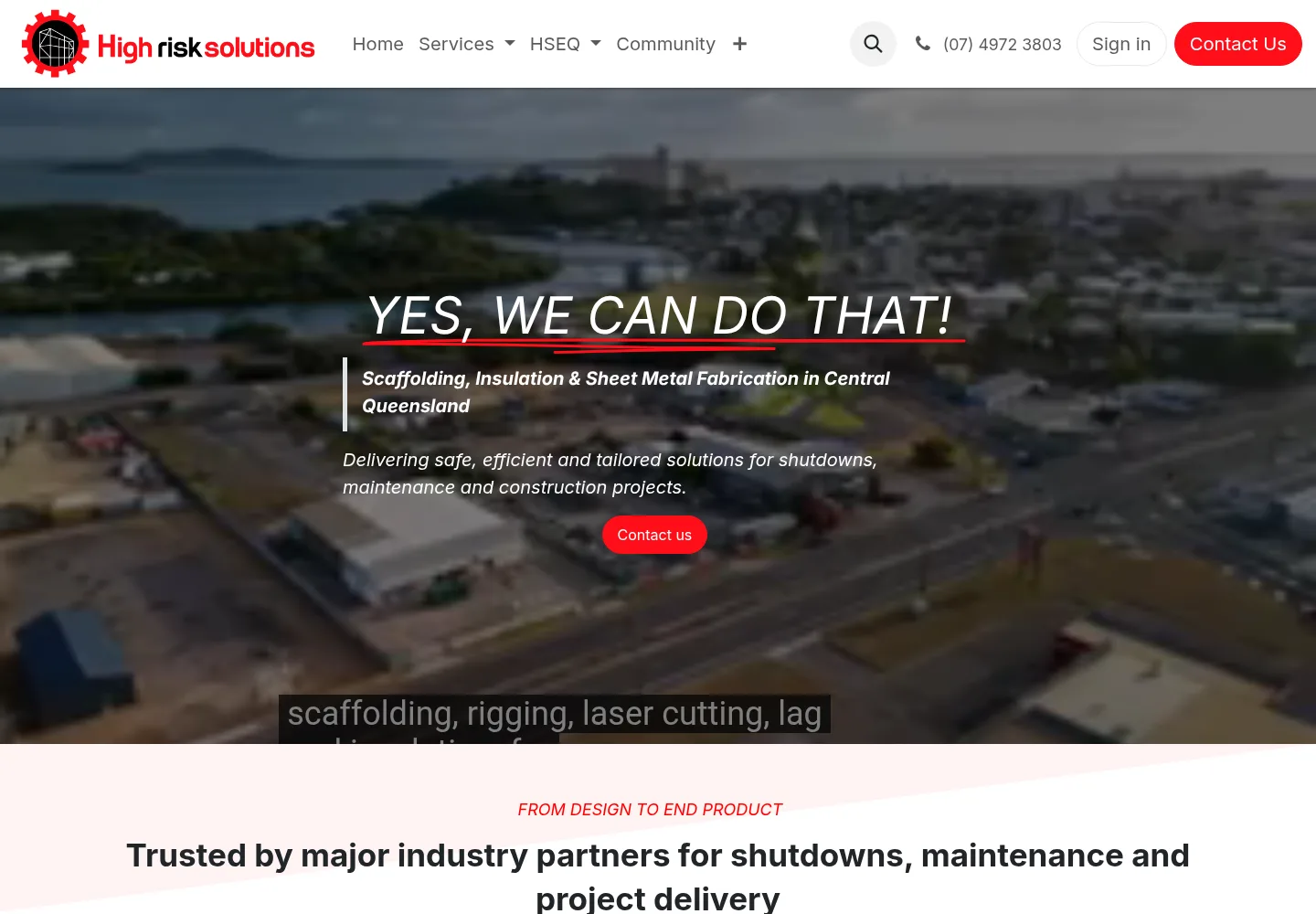
High Risk Solutions is an industrial services company based in Gladstone, Queensland.
It supports shutdown, maintenance and construction projects across Central Queensland, including Rockhampton and Emerald.
Its core work covers scaffolding and access, sheet metal fabrication with laser cutting, and industrial insulation.
It also hires out equipment and supplies skilled labour, so many crews and jobs need scheduling at once.

Why Did High Risk Solutions Need an Odoo 16 to Odoo 19 Migration?
High Risk Solutions ran its business on Odoo 16 through Odoo.sh.
The goal was to reach Odoo 19 without breaking the workflows the team already used.
Planning and Timesheets sat at the centre of that work, since scheduled jobs turn into recorded hours.
After the move, one gap needed closing in how Planning records reach Timesheets.
A user could pick a Planning record that already had a Timesheet and send it again, creating a second one.
How Webkul Ran the Odoo 16 to Odoo 19 Migration for High Risk Solutions
Webkul moved the live system to Odoo 19, then added a custom check to the Planning and Timesheets flow.
Both parts ran as one project, so the team tested the new release and the new check together.
Moving the Odoo 16 Database and Workflows to Odoo 19
Webkul migrated the Odoo 16 setup to Odoo 19 on Odoo.sh.
Before sign-off, the team checked the moved data and the daily workflows that rely on it.
How Does the Planning to Timesheet Check Work?
To close that gap, Webkul added a stage check to the transfer from Planning to Timesheets.
A user selects one or more Planning records and starts the transfer, and the system reads each record’s stage.
If any record sits in the Inspections stage, the transfer stops and no new Timesheet is created.
A warning popup then explains that some records went through earlier.
It asks the user to remove those records and try again.
Because this Odoo customization extends the standard Planning and Timesheets modules, users keep the screens they know.
Staging Review Before Production After the Odoo 16 to Odoo 19 Migration
Webkul first deployed the change to the QA19 staging branch.
There, the client reviewed it and gave approval.
Once the client asked for a go-live, Webkul pushed the update to Production.
Results of the Odoo 16 to Odoo 19 Migration for High Risk Solutions
High Risk Solutions now runs on Odoo 19, and its Planning records can no longer create duplicate Timesheets.
The stage check protects data integrity, since a record in the Inspections stage cannot move across twice.
Users also see a clear warning, so they know which records to remove.
Webkul has handled other Odoo 19 upgrades too, including an auto parts business that moved to the latest release.
- Moved the Odoo.sh system from Odoo 16 to Odoo 19
- Checked moved data and daily workflows
- Stopped duplicate Timesheets from already-processed Planning records
- Added a clear validation warning for users
- Tested on QA19 staging before the Production release