Black Friday 2026: Get Your Shopify Store Live in 30 Days
Launch your professional Shopify store with Webkul! This Black Friday, get an exclusive 10% discount on our Shopify Store Development Service and turn your eCommerce idea into reality.


Have you been planning to take your business online but haven’t found the right development partner to bring your vision to life?
Starting an eCommerce business involves several important decisions.
You need to choose a platform and design your storefront.
You also need to set up payments, organise products, and prepare your store for customers.
Managing all these technical aspects independently can become challenging, particularly when you want to focus on your products, brand, and business strategy.
That’s where Webkul can help!
With its Shopify Store Development Service, Webkul helps businesses build professional online stores with tailored themes, configurations, and payment and shipping setups.
And here’s the exciting part!
This Black Friday, get an exclusive 10% OFF on Webkul’s Shopify Store Development Service and explore a structured 30-day roadmap to take your eCommerce vision closer to reality.
Why Is Black Friday a Good Time to Launch Your Shopify Store?
Black Friday is one of the biggest shopping events of the year, bringing customers exciting deals and special offers.
For businesses, it is also a great opportunity to boost their online presence and prepare for future growth.
Whether you’re an entrepreneur starting a new business or an established retailer expanding into online sales, having a dedicated eCommerce storefront can create new opportunities.
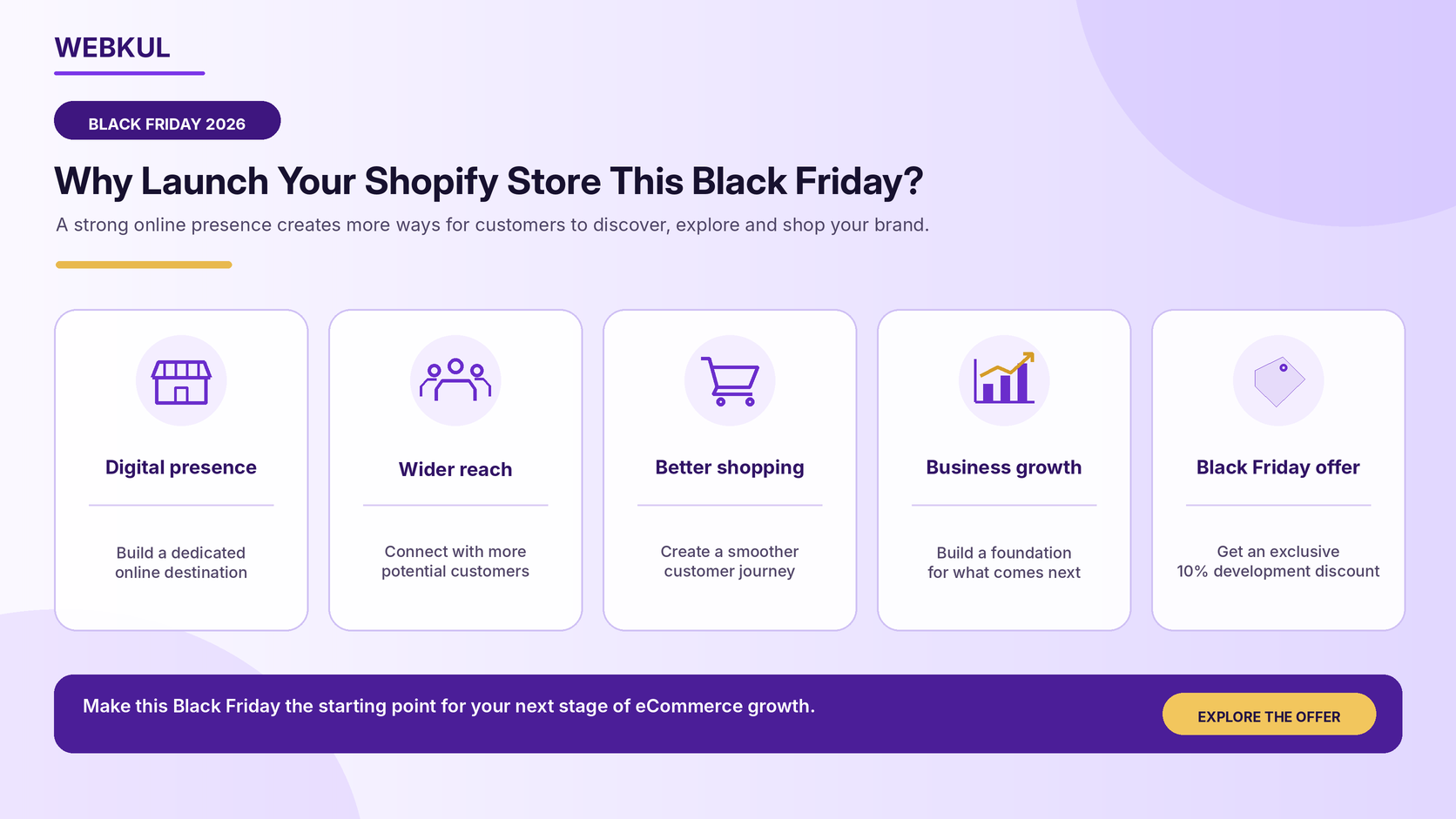
Here are some reasons to consider launching your Shopify store this Black Friday.
1. Establish Your Digital Presence
Give your business a dedicated online destination where customers can explore your brand, discover your products, and make purchases.
A professionally developed storefront helps establish your brand identity and gives customers a consistent shopping experience.
2. Reach Customers Beyond Your Local Market
A physical store usually serves customers in a specific area, while an online store can reach customers across different locations, depending on your shipping and business capabilities.
3. Create a Better Shopping Experience
An organised storefront with clear navigation, well-presented product pages, and convenient checkout functionality helps customers find and purchase products more easily.
4. Prepare Your Business for Long-Term Growth
An online store provides a foundation that can be expanded with additional applications, integrations, and functionalities as your business requirements evolve.
5. Get Started with an Exclusive Black Friday Offer
Webkul is offering a special 10% discount on its Shopify Store Development Service. It’s an opportunity to take your eCommerce plans forward while benefiting from a limited-time promotional offer.
Your 30-Day Shopify Store Launch Roadmap with Webkul
Launching an online store requires a structured development process, starting with a clear understanding of your requirements.
This includes implementing the storefront design, configuring essential functionalities, and reviewing the overall shopping experience.
Webkul’s Shopify Store Development Service covers essential activities involved in establishing your online storefront.
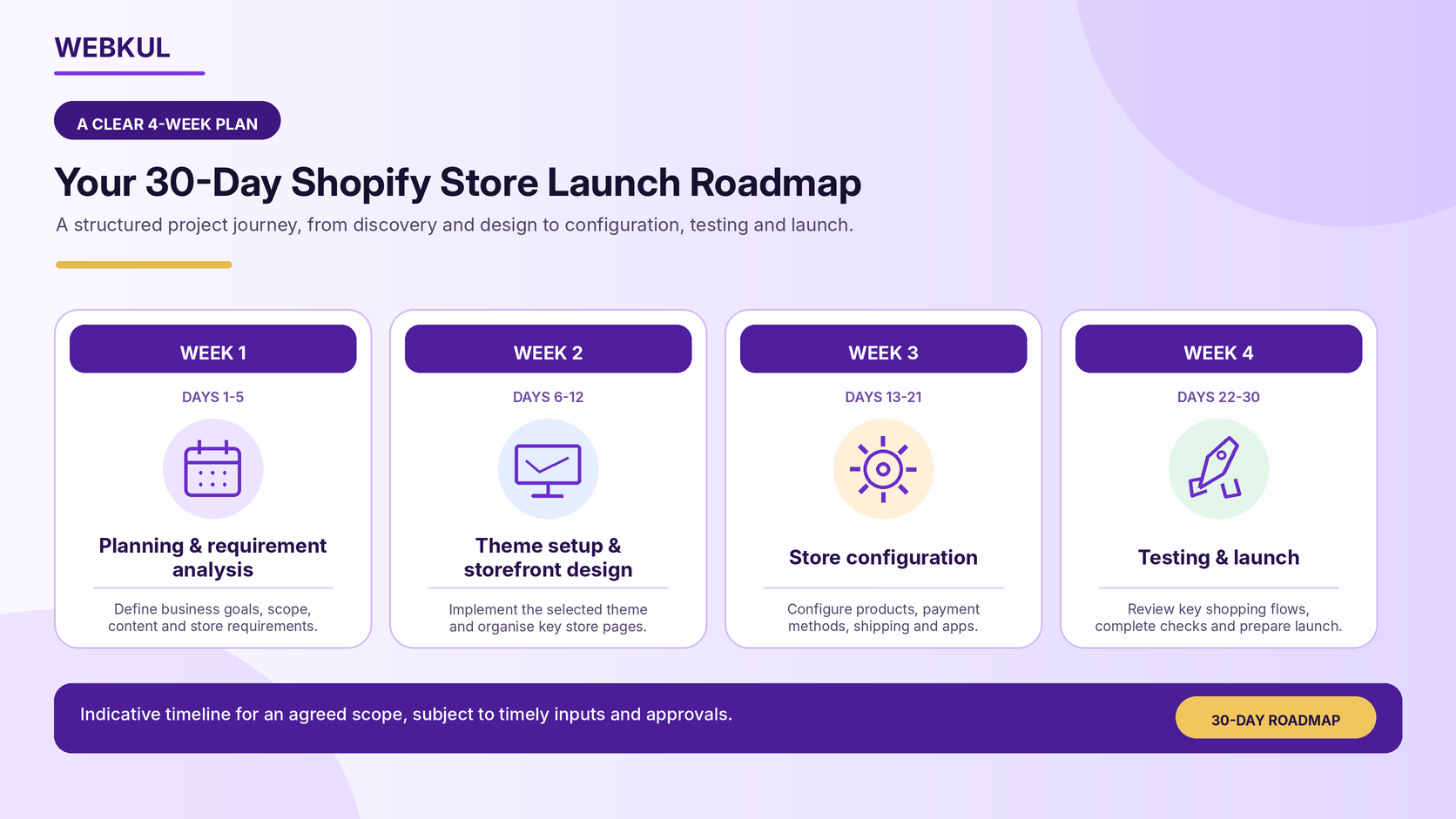
Here’s an indicative four-week roadmap that illustrates how a 30-day launch project can be organised.
Week 1: Planning and Requirement Analysis
Days 1-5
Every successful eCommerce project starts with a clear understanding of the business.
During the initial phase, the focus is on understanding your business model and identifying the requirements for your online store.
This may involve:
- Understanding your business objectives and target audience.
- Identifying your preferred storefront design.
- Discussing theme and customisation requirements.
- Planning product categories and collections.
- Identifying payment and shipping requirements.
- Reviewing the need for relevant third-party applications.
The objective: Establish a clear development scope and prepare a roadmap aligned with your business requirements.
Week 2: Theme Setup and Storefront Design
Days 6-12
Your storefront represents your brand online. It should be visually appealing, easy to navigate, and structured to help customers discover your products.
During this phase, the development team works on implementing the agreed storefront design using available Shopify themes and supported theme capabilities.
Key activities may include:
- Theme selection and implementation.
- Theme customisation using available features.
- Homepage configuration.
- Product and collection page setup.
- Navigation menu configuration.
- Brand colours, images, and other visual elements.
- Responsive storefront configuration.
The objective: Establish a professional storefront that reflects your brand and creates a consistent shopping experience.
Week 3: Store Setup, Products, Payments, and Shipping
Days 13-21
Once the storefront design is established, the next step is to configure the essential components required to operate your online store.
This phase may include:
- Basic Shopify store configuration.
- Setup of supported payment methods.
- Configuration of available default shipping options.
- Product uploads using supported Shopify CSV formats.
- Product collection organisation.
- Installation and configuration of relevant third-party applications, where required and within the agreed scope.
- Review of essential store settings.
Depending on your business requirements, additional functionalities can also be explored through relevant Shopify applications.
The objective: Prepare the store’s essential configurations so that it is ready for final testing.
Week 4: Testing, Final Review, and Launch Preparation
Days 22-30
Before your online store is made available to customers, its key functionalities and shopping workflows should be reviewed.
The final phase focuses on checking the storefront and preparing it for launch.
Activities may include:
- Reviewing storefront functionality.
- Checking desktop and mobile responsiveness.
- Verifying products, images, and collections.
- Reviewing navigation and important store pages.
- Testing cart and checkout workflows.
- Checking payment and shipping configurations.
- Final review of the agreed development requirements.
- Providing guidance on product and collection management.
The objective: Prepare a professionally configured online store and provide the necessary guidance for managing its essential functionalities.
Timeline: The 30-day roadmap is indicative and subject to agreed scope, timely inputs, store access, feedback, and third-party dependencies. Please confirm eligibility with Webkul before starting.
What’s Included in Webkul’s Shopify Store Development Service?
Building an online store requires several essential components to work together.
Webkul’s Shopify Store Development Package helps businesses establish their storefront using available Shopify themes and built-in platform capabilities.
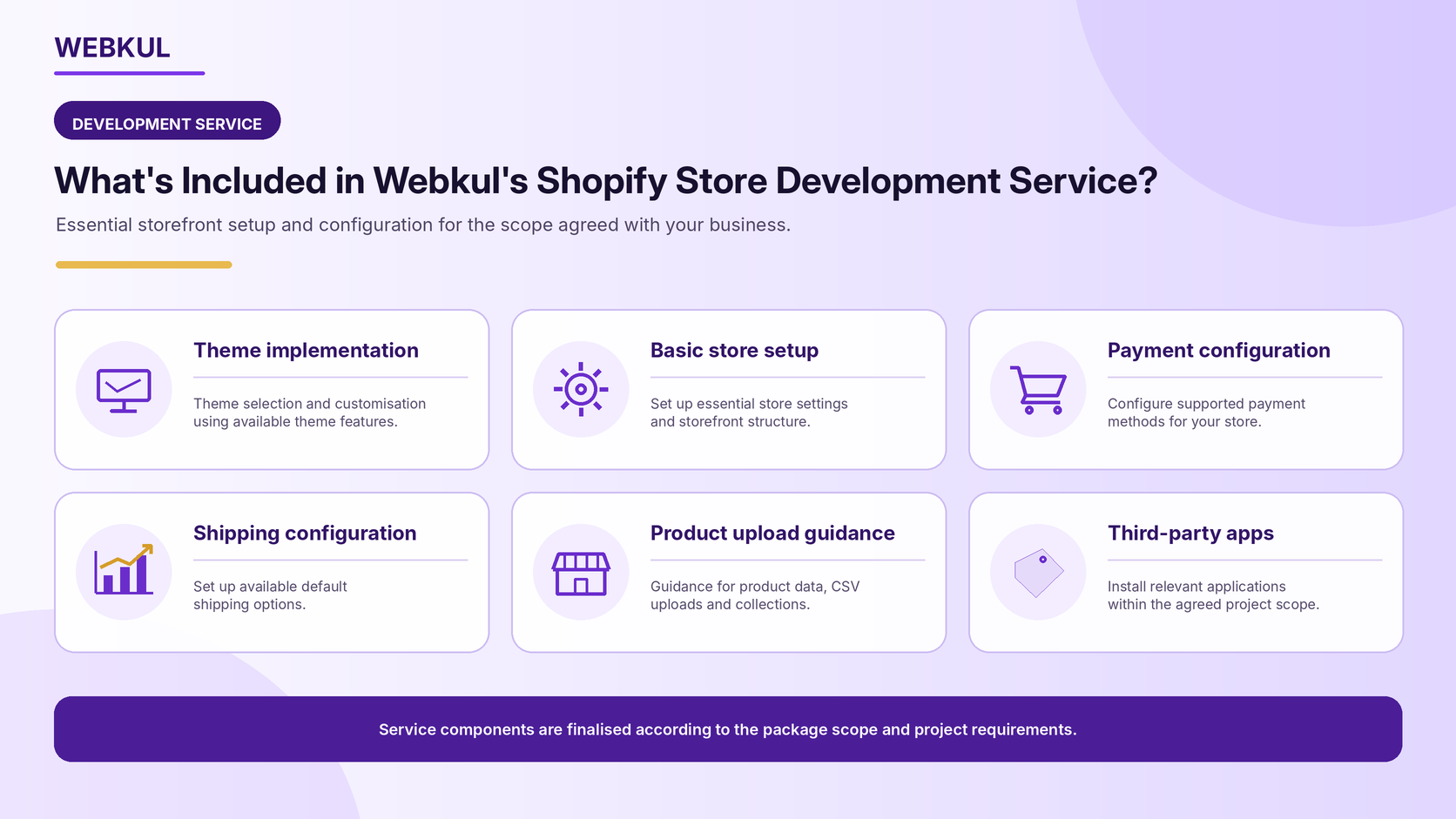
Here’s what the package includes:
1. Shopify Theme Development and Customisation
Get your storefront design implemented using available Shopify theme templates.
The team works with your shared design requirements and Shopify’s built-in theme features to create a storefront that reflects your brand identity.
2. Shopify Store Setup
Get assistance with setting up your Shopify store and configuring its basic settings to establish the foundation for your eCommerce operations.
3. Payment Method Configuration
Configure Shopify-supported payment methods available in your country to facilitate customer transactions.
4. Shipping Configuration
Get assistance with configuring Shopify’s default supported shipping options available for your business location.
5. Product Upload and Management Guidance
Get training on managing products, creating collections, and handling discounts.
When you provide product data in Shopify-supported CSV format, the team can also assist with uploading the products to your store.
6. Third-Party App Installation
Extend your store’s functionality by installing and configuring relevant third-party applications based on your requirements.
The standard package covers app installation and configuration within its defined scope. Advanced app development and custom functionality are not included unless agreed separately.
Explore the Shopify Store Development Package:
https://store.webkul.com/shopify-store-development-package.html
Expand Your eCommerce Capabilities with Webkul Shopify Apps
Launching your online store is just the beginning of your eCommerce journey.
As your business grows, you may want to introduce additional functionalities to improve customer engagement, streamline business operations, or support new selling models.
Webkul offers a range of Shopify applications that can help businesses extend their storefront capabilities.
Some possibilities include:
Build a Multi-Vendor Marketplace
Planning to create a platform where multiple sellers can register, list products, and sell through a single storefront?
Webkul’s MultiVendor Marketplace app helps you turn your Shopify store into a multi-vendor marketplace with seller, product, and commission management.
Introduce Subscription-Based Selling
For businesses offering products or services that customers purchase regularly, subscription functionality can help introduce recurring purchasing models.
Offer Product Bundles
Create product combinations and promotional bundles to encourage customers to explore complementary products.
Improve Customer Engagement
Explore additional applications that support customer loyalty, wallet functionality, cashback, and other engagement opportunities.
Connect Your Business Systems
Integrate your storefront with relevant external business systems to support processes such as product, order, and inventory management.
Explore Webkul’s Shopify applications:
https://apps.shopify.com/partners/webkul
Why Choose Webkul for Shopify Store Development?
Selecting a development partner is an important decision when establishing your online business.
You need a team that understands eCommerce requirements, storefront functionality, and the technical considerations involved in launching an online store.
Here’s what Webkul brings to your Shopify development journey.
1. eCommerce Development Experience
Get assistance with essential Shopify store development requirements, including theme implementation, configuration, and storefront setup.
2. Business-Oriented Approach
Your development journey begins with understanding your business model, design preferences, and operational requirements.
3. Flexible Store Functionality
Build your initial storefront around essential business needs and explore additional applications and integrations as your requirements evolve.
4. Broader Shopify Application Ecosystem
Access additional Shopify solutions from Webkul to support different business models and operational requirements.
5. Development and Implementation Assistance
Get guidance throughout the agreed development scope, from initial store setup to final review and handover.
Black Friday Exclusive: Get 10% OFF on Shopify Store Development!
Your eCommerce idea deserves the right opportunity to become a reality.
Whether you’re launching your first online business or expanding an existing retail operation, Webkul can help you grow.
Explore our Shopify Store Development Service to build a stronger digital presence.
This Black Friday, enjoy an exclusive:
10% OFF
On Webkul’s Shopify Store Development Service
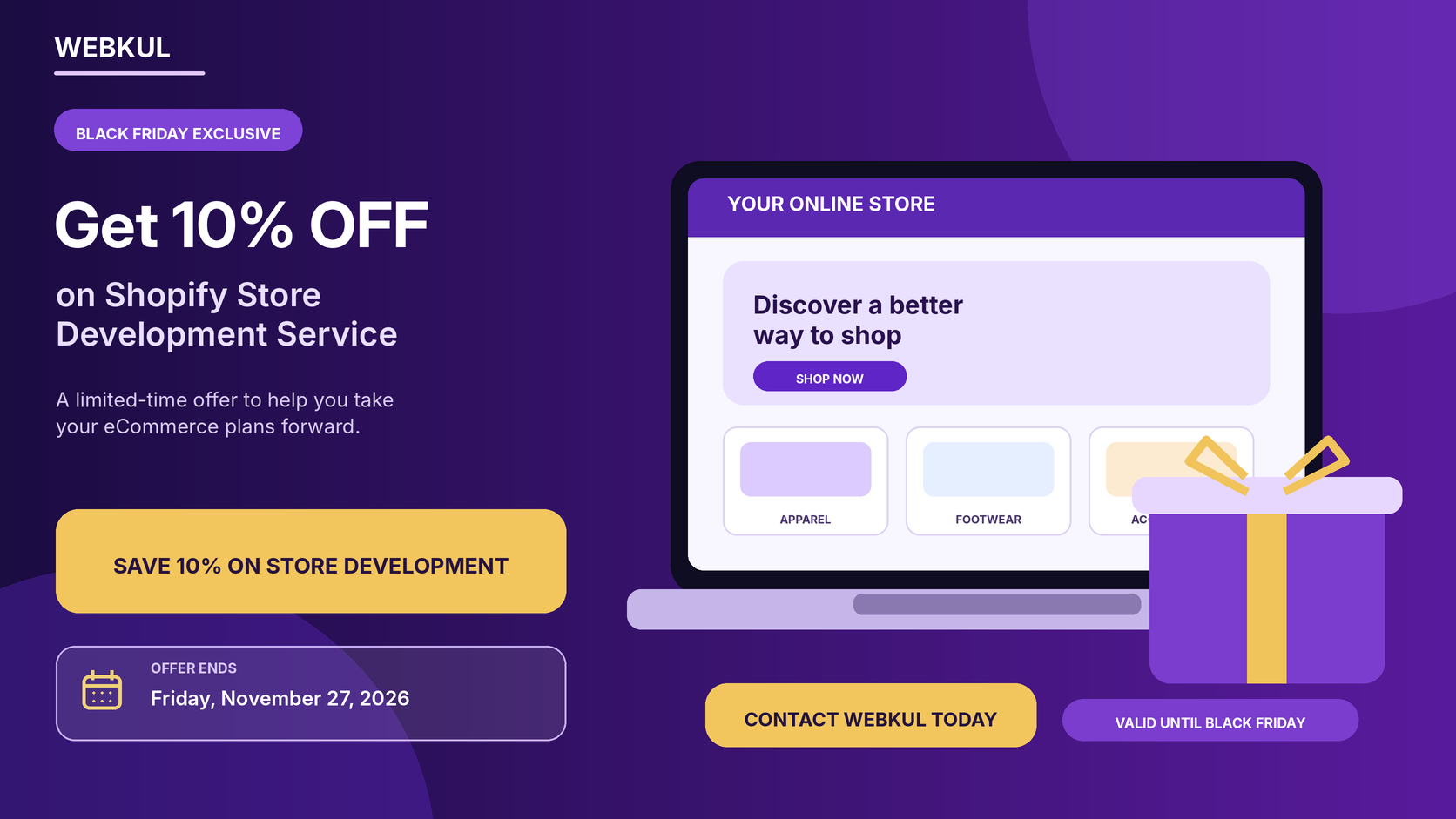
Here’s your opportunity to get started with professional Shopify store development at a special promotional price.
Offer valid until Friday, November 27, 2026, Black Friday only.
Don’t miss this limited-time opportunity!
Discuss your store requirements with the Webkul team, explore the development package, and take the first step towards building your online business.
Explore the Shopify Store Development Package:
https://store.webkul.com/shopify-store-development-package.html
Explore Webkul Shopify Apps:
https://apps.shopify.com/partners/webkul
Have questions or need assistance with your Shopify store development? Feel free to reach out to our team at support@webkul.com. We’d be happy to help you get started!
Or, you can raise a support ticket to share your requirements, discuss your project needs, or get assistance from our team.