7 Best WooCommerce Wallet Plugins for 2026
Table of Content
A WooCommerce wallet plugin helps customers add funds, keep store balance, and pay faster at checkout.
It can also support cashback, quicker refunds, and repeat purchases.
Managing payments through wallet balance can improve buying convenience and help bring customers back to your store.
The right plugin depends on features, pricing, admin controls, and how simple it is for customers to use.

In this guide, we compare the 7 best WooCommerce wallet plugins for 2026, key things to check before choosing, and which option fits different store needs.
Comparison of WooCommerce Wallet Extensions
Compare the top WooCommerce wallet addon features, pricing, and best use case to find the right fit faster.
| Plugin | Best For | Top Feature | Free/Paid |
|---|---|---|---|
| Webkul Wallet Plugin | Growing stores | Refunds, cashback, transfers | Paid |
| TeraWallet | Best free option | Partial payments | Free + Paid |
| WP Swings Wallet | Loyalty campaigns | Rewards and referrals | Free + Paid |
| Kestrel Account Funds | Store credit use | Simple balance management | Paid |
| Flintop Wallet | Small stores | Easy wallet checkout | Paid |
| Netwale Wallet | Budget focused stores | Many wallet actions | Paid |
| WPC Wallet | Lightweight setup | Quick basic tools | Free + Paid |
Selection Criteria: What to Look for in a Wallet Plugin
Choose a WooCommerce wallet plugin based on payment flow, refund tools, rewards, controls, and how well it can support future growth.
Wallet Top Up Options
Customers should be able to add money using trusted payment gateways already active in your store.
Refund to Wallet Support
A good WooCommerce wallet system should let admins send refunds back to customer wallet balance easily.
Cashback and Rewards
Cashback tools help increase repeat orders and support customer retention.
Partial Payment Support
Some stores need customers to pay partly with wallet balance and partly with another payment method.
Admin Controls and Reports
Look for wallet transactions, balance edits, limits, history logs, and clear reporting tools.
Scalability
Choose a wallet extension that works for your current needs and future store growth.
7 Best wallet plugin for WooCommerce
These WooCommerce wallet add-ons were chosen based on features, ease of use, flexibility, pricing, and practical store needs.
1. Webkul Wallet Plugin for WooCommerce
Webkul Wallet Plugin for WooCommerce is a good fit for stores that need advanced wallet features, refunds, cashback rewards, transfers, and strong admin controls.

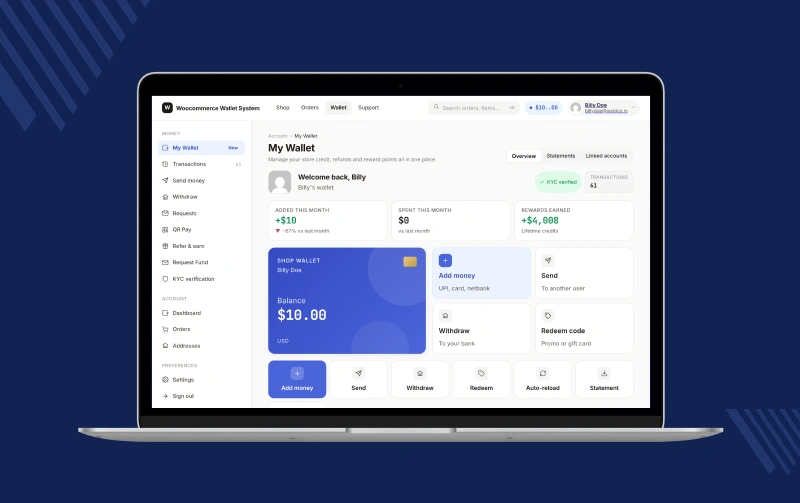
It works well for businesses planning long term growth.
Check a brief overview of the Webkul Wallet plugin –
Key Features
- Pay with wallet balance at checkout
- Add funds to account balance
- Cashback on orders
- Refund money to wallet
- Wallet balance transfer
- Admin wallet rules and limits
- Full wallet transaction records
Pros
- Strong all round feature set
- Helpful for growing stores
- Good admin visibility
- Supports repeat sales strategies
Cons
- Paid plugin
- Setup may need time
2. TeraWallet Wallet for WooCommerce
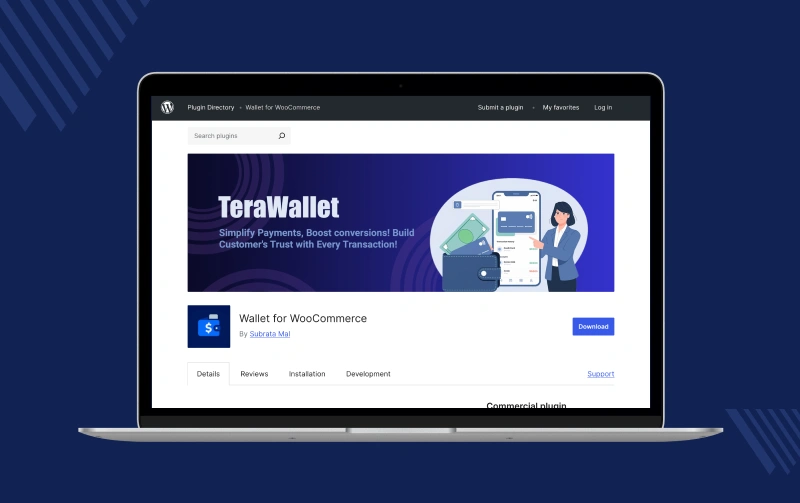
TeraWallet Wallet for WooCommerce is a strong free option for stores that want wallet funding, partial payments, refunds, and customer balance history in one setup.
Key Features
- Add money to wallet
- Pay using wallet balance
- Split payments
- Cashback support
- Refund to wallet
- User transfers
- Wallet history
Pros
- Popular option
- Free version available
- Supports partial payments
- Many built in tools
Cons
- Many settings for beginners
- Styling updates may be needed
3. Wallet System for WooCommerce by WP Swings
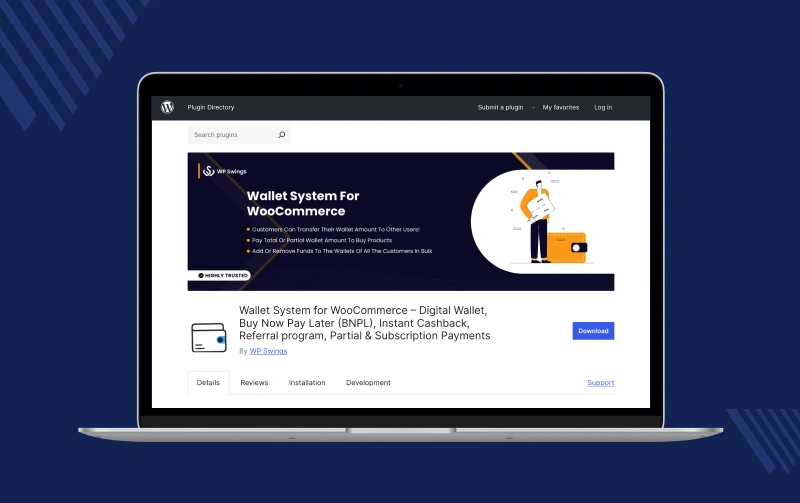
Wallet System for WooCommerce by WP Swings works well for stores running loyalty rewards, referral campaigns, cashback offers, and promotional sales activity.
Key Features
- Wallet top up
- Wallet checkout
- Cashback rewards
- Referral rewards
- Buy now pay later
- Balance tracking
Pros
- Strong promotion tools
- Good for repeat orders
- Free version available
- Useful for campaigns
Cons
- Can feel complex first time
- Setup required for some tools
4. Account Funds for WooCommerce by Kestrel
Account Funds for WooCommerce Kestrel is a simple option for stores that mainly need account balance use for future orders, refunds, or store credit management.
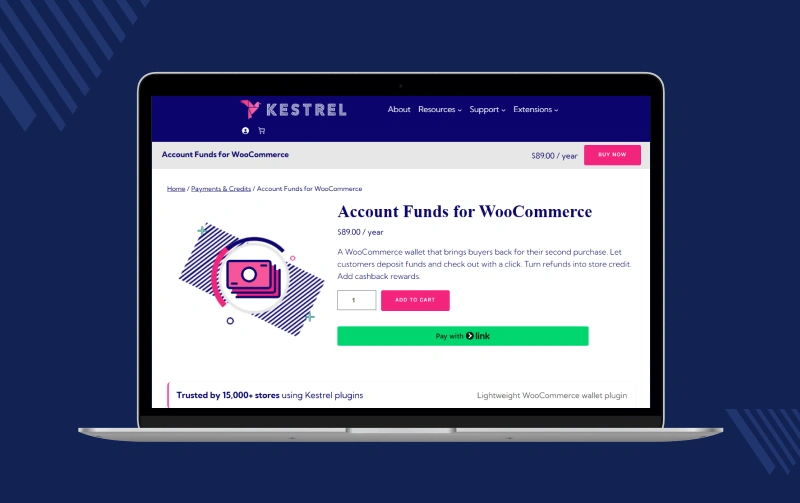
Key Features
- Add funds
- Use balance on orders
- Refund as credit
- Cashback support
- Balance history
Pros
- Easy to manage
- Clear purpose
- Good for repeat buyers
- Helpful refund flow
Cons
- Fewer advanced tools
- Smaller market presence
5. Wallet for WooCommerce by Flintop
Wallet for WooCommerce by Flintop is suited to smaller stores that want simple wallet checkout, bonus balance offers, and an easy setup.
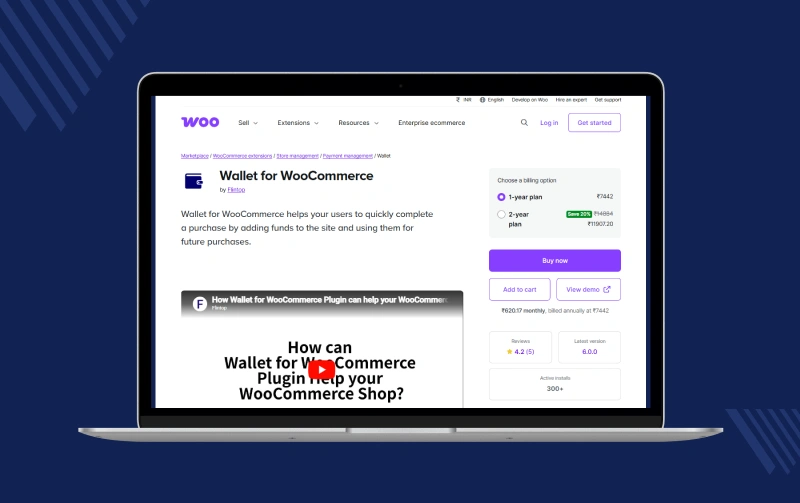
Key Features
- Wallet top up
- Wallet checkout
- Partial payment
- Bonus balance offers
- Quick balance use
Pros
- Easy basic setup
- Good for smaller stores
- Available on WooCommerce marketplace
Cons
- Paid plugin
- Less feature depth
6. WooCommerce Wallet Management Plugin – All in One
WooCommerce Wallet Management Plugin- All in One is budget friendly choice offering transfers requests withdrawals cashback refunds for stores many actions.
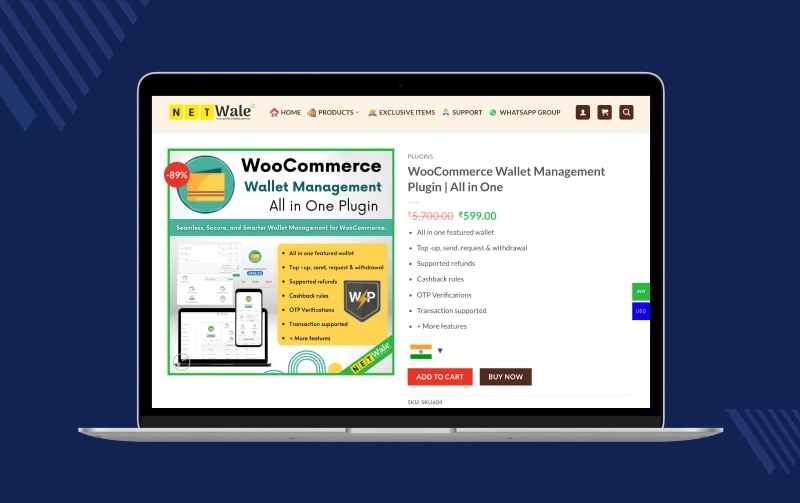
Key Features
- Add funds
- Send money
- Request money
- Withdraw balance
- Cashback tools
- Refund to wallet
Pros
- Many features included
- Flexible usage
- Good lower cost option
Cons
- Smaller provider
- Support quality may vary
7. WPC Wallet for WooCommerce
WPC Wallet for WooCommerce is a lightweight choice for stores that need quick setup and basic customer wallet balance tools without extra complexity.
Key Features
- Add wallet funds
- Use balance at checkout
- Balance history
- Basic controls
Pros
- Easy to use
- Lightweight setup
- Good for small stores
Cons
- Limited advanced features
- Best for simple use cases
Which WooCommerce Wallet Plugin Should You Choose?
Choosing the right WooCommerce wallet Extension depends on how your store handles payments, refunds, and customer retention daily.
There is no single perfect wallet plugin for every store. The best choice depends on your store size, goals, and the type of balance system you want to offer customers.
If you run a small store
You may prefer a simple plugin that is easy to install and quick to manage. Basic wallet features like add funds and wallet checkout can work well.
These options are easier to start with and need less setup time. Some basic tools may feel limited later as your store grows.
If you manage a growing store
You may need more control over cashback rules, customer balances, wallet transactions, and refund handling.
A plugin with reports, flexible credits, and clear account management becomes more useful when order volume increases.
If you want a balance of features and ease of use
Many stores need a wallet system that is powerful but still simple for customers and admins to use daily.
A good wallet plugin should:
- Add funds quickly
- Let customers pay from wallet balance
- Support refunds to wallet
- Show transaction history
- Work smoothly with checkout
The right option should give useful features without making daily tasks harder.
If pricing is your main concern
Some wallet plugins offer free versions with basic tools. Others use paid plans with extra features and support.
If you want to start with lower cost options, free versions may be enough. If you need rewards, cashback, or more controls, a paid option may give better long term value.
Conclusion
A WooCommerce wallet extension can make payments faster, simplify refunds, and encourage repeat purchases through wallet balance, cashback, and rewards.
The right choice depends on your store size, budget, and the level of control you need.
Some plugins are best for basic wallet payments, while others offer advanced tools like transfers, reports, loyalty rewards, and flexible refund options.
Before choosing, focus on features that support your daily workflow and customer experience.
A good wallet plugin should be easy for customers to use, simple for admins to manage, and able to grow with your store over time.
If you want a reliable and feature rich option, Webkul Wallet Plugin for WooCommerce is a strong choice for many growing stores.