5 Best AI Agent Checkers for eCommerce in 2026–2027
Start with Webkul AI Agent Checker if you want a free first check of your store. Paste in a public URL and you can see the product data your store sends to an agent. If you already know your catalog is readable and want to watch an agent try to shop, go straight to Agent Checker’s paid browser audit.
Say a shopper asks for a medium navy shirt under $50. Your store sells it for $48, but only the large is in stock. Which checker will help you catch a wrong recommendation? That depends on where the stock information goes wrong.


Which AI agent checker should you use?
| Tool | Where it works | Best reason to use it | Cost to start |
|---|---|---|---|
| Webkul AI Agent Checker AgentScan | Public store pages | See the page data behind a readiness finding | Free, no account, Public Scan |
| Cloudflare Is It Agent Ready? | Public websites | Check crawler rules, sitemaps, and support for agent standards | Free public scan |
| Tacey Shopify Agentic Readiness Audit | Shopify stores | Find gaps in product options, images, prices, and availability | Free |
| AgenticCart | Public product pages and supported catalog feeds | Check the data you send to shopping assistants | Free checkers, no account |
| Agent Checker | Public websites, including stores | Watch a browser agent attempt a shopping task | Free quick scan. Browser audit from £19 |
How we compared the five tools
We reviewed each provider’s published checks, sample output where available, and pricing. We chose each tool for a different store problem. The shirt example below is a worked example you can repeat on your own store. It illustrates what to look for across the five reports.
To try it, pick one product with two sizes and mark down the price and stock shown in your store admin. Keep the product URL and both variant IDs handy. You now have a reference for three questions. Can an agent read the price? Can it tell which size is available? Can it add that exact size to the cart?
1. Webkul AgentScan for your first store scan
AgentScan is Webkul’s own free AI agent readiness checker. It reads public pages and shows the HTML, headers, or discovery files behind its findings. Its sample report makes a useful distinction: the agent can read the catalog, while the store still has gaps in how it exposes checkout. See the AgentScan sample report

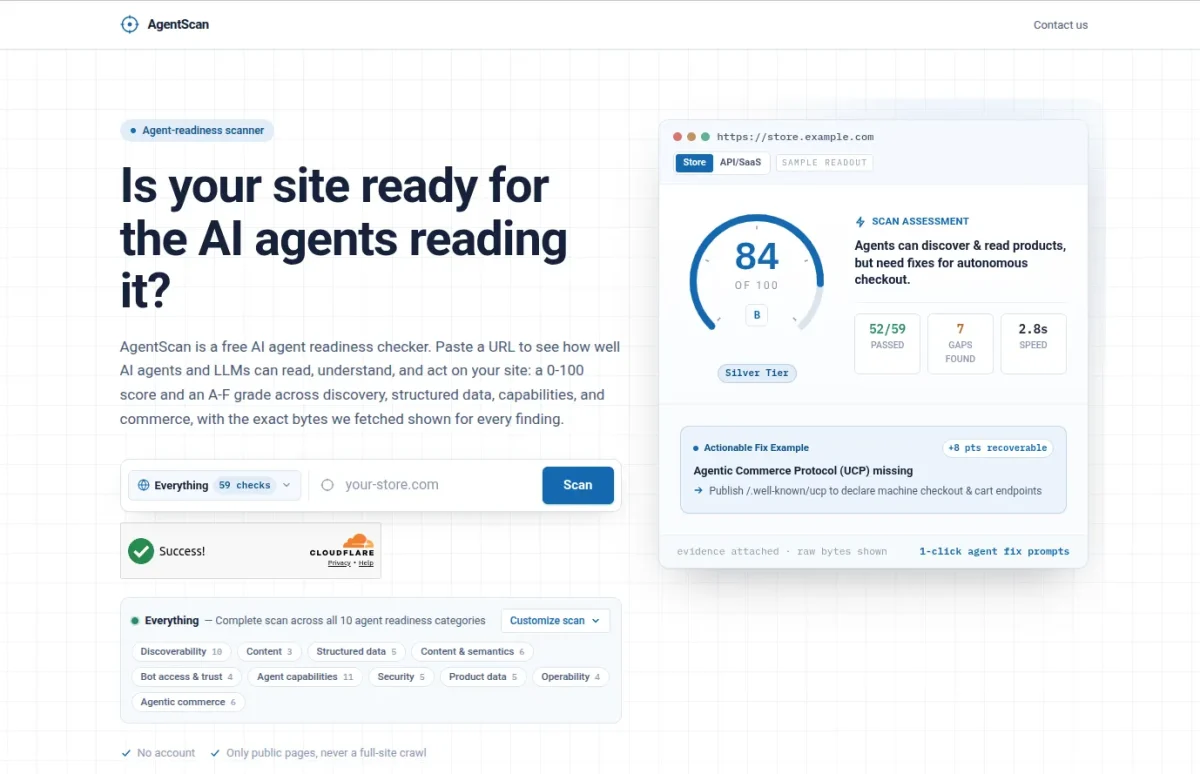
Start with the shirt’s product URL. If a scan flags missing price data, open the evidence and look for the $48 offer and its currency. If the price appears only after your theme runs JavaScript, ask your developer to include it in the HTML or machine-readable product data the server returns. Scan the same URL after the change.
AgentScan checks selected public pages. To see whether a theme issue affects a whole product family, repeat the check on a second item that uses the same template. For platform-specific steps, see the Webkul Odoo store readiness guide.
2. Cloudflare Is It Agent Ready? for site access
Use Cloudflare when several product pages have the same access problem. Its scanner checks the rules in robots.txt, the sitemap, and the standards your site advertises for agents. Your developer can select the checks that apply to your store. Run Cloudflare’s agent readiness scan

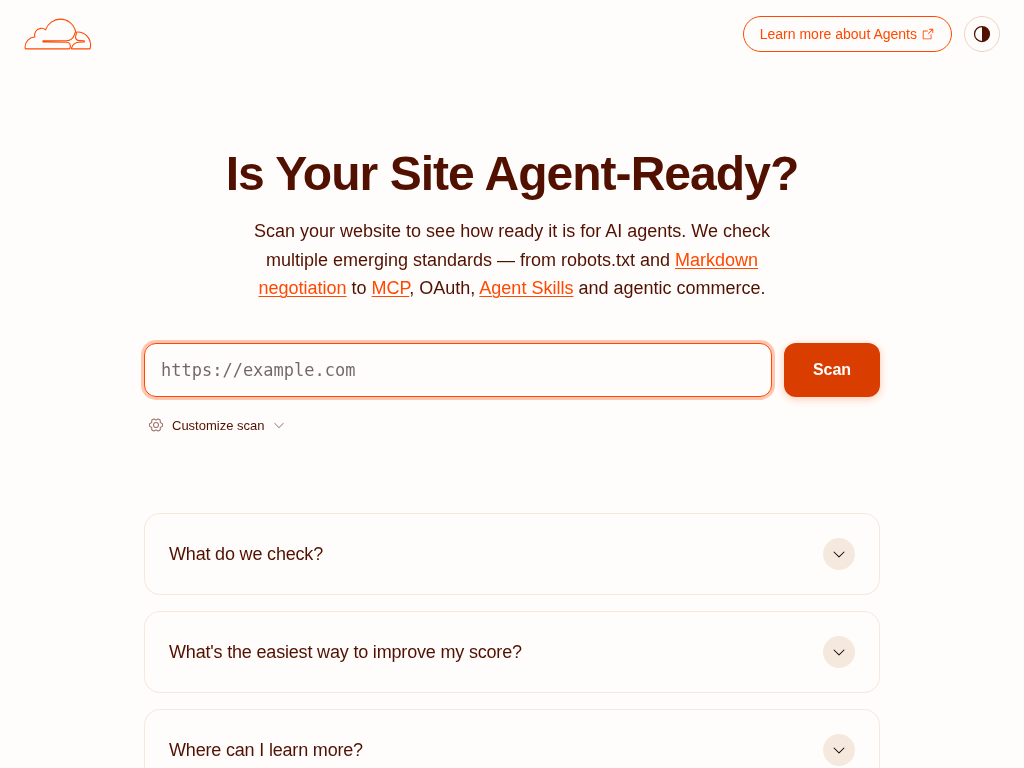
For example, suppose your team moved the shirt into a new catalog directory. Check whether your crawler rules allow the agents you want to reach that directory.
An old rule carried over from staging could affect every product under that path. Once access is working, use a product checker to inspect the shirt’s price and sizes.
3. Tacey for Shopify product and variant data
Tacey’s free AI shopping readiness checker samples up to 20 products from a public Shopify catalog. Its checks cover product names, variant options, images, pricing, and availability. That makes it a useful first stop after a bulk product import. Run Tacey’s Shopify audit
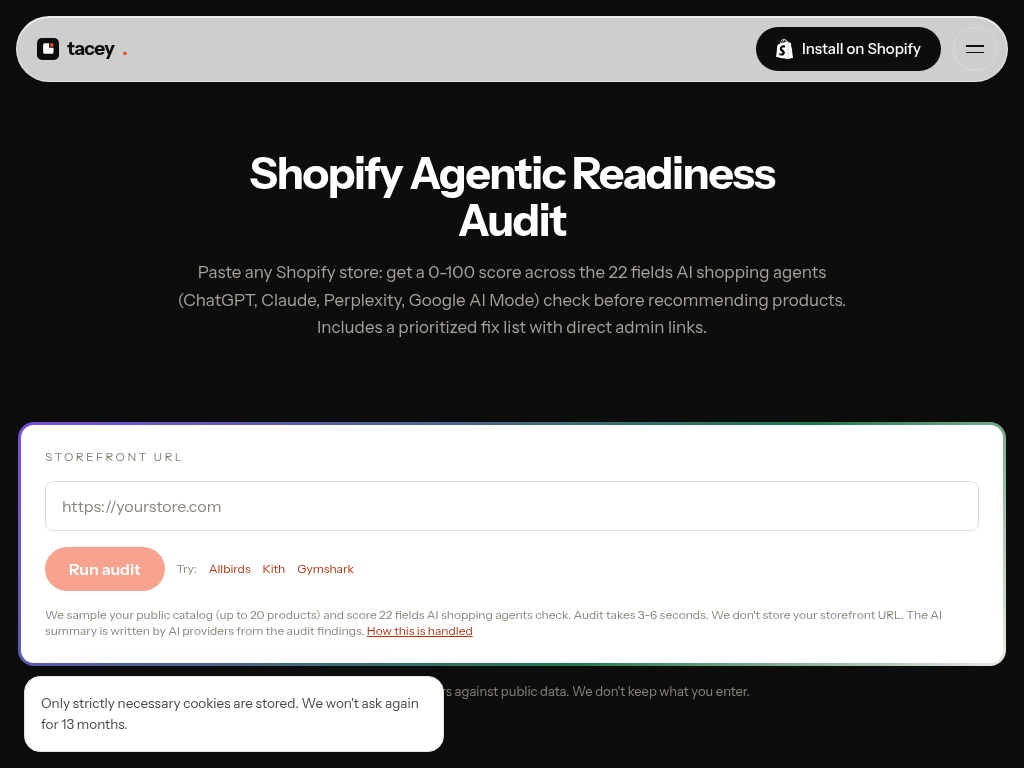
Suppose the import put “navy, medium” in the shirt description but left the actual size option labeled “Default Title.” A shopper can make sense of the description. An assistant reading the catalog has a much harder time matching the request to the correct variant. Review the sampled products, fix the option in Shopify, and check the public listing again. If your shirt falls outside the sample, check its URL individually with a product-page tool.
4. AgenticCart for product pages and shopping feeds
A product feed is the catalog file your store exports for another service to read. AgenticCart offers separate free checks for a product page and for a feed. Its ACP Feed Checker accepts a public XML or JSON feed and checks fields such as price, availability, and product identifiers against OpenAI’s product feed specification. AgenticCart’s free tools ·
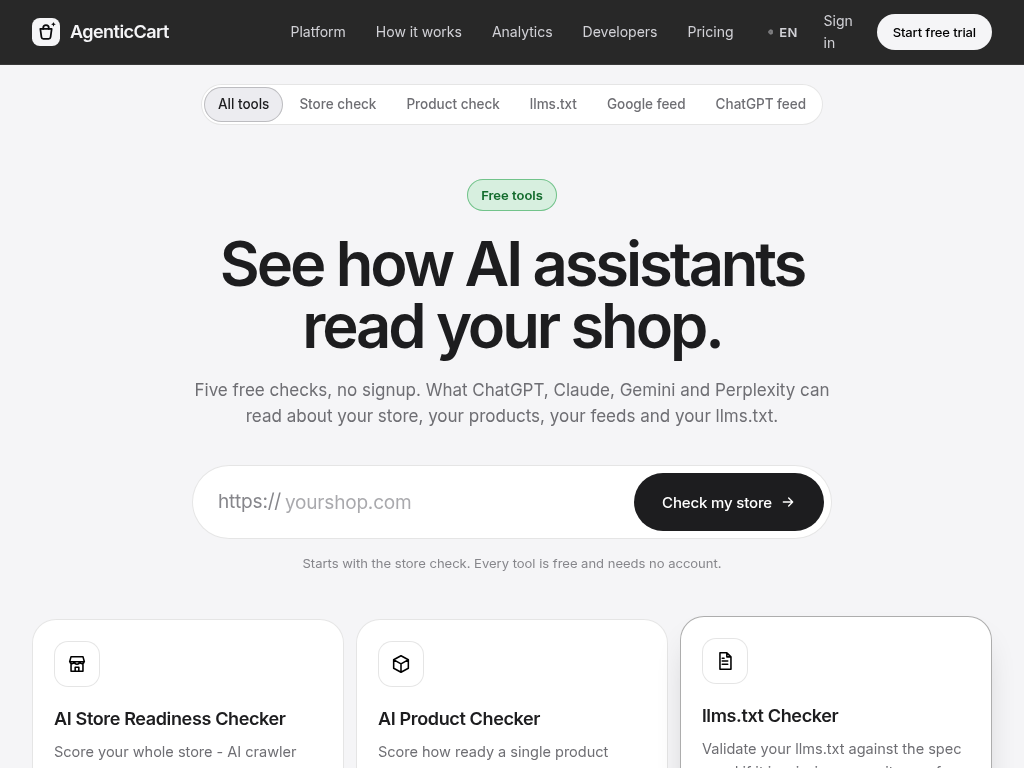
Take the sold-out medium shirt. Your page might show the correct stock while yesterday’s export still lists the medium as available. Look up the same variant ID in both places and compare it with your admin. A feed entry can use a valid availability value and still be out of date. If the values disagree, check when the export last ran before changing the product page.
5. Agent Checker for a browser shopping test
Agent Checker’s free quick check looks for technical signals. Its full audit, advertised from £19, sends an agent through browser tasks and provides a replay. This is the option to consider when the product data looks right but you still need to see where a shopping task breaks. See Agent Checker’s audit options
For a cart task, watch which size the agent selects and which size appears in the cart. If it selects the available large but the cart contains the default medium, give your developer the replay and the two variant IDs. That points them to the handoff between the size selector and the cart.
What does a website agent readiness score tell you?
A score summarizes the checks that one tool ran. A catalog report can give the shirt full credit for publishing a price and stock value. A browser replay can still show the size selector adding the wrong item. Both findings can be accurate because they describe different steps in the same shopping trip.
Use the finding itself to decide whether a fix worked. For the shirt, success means the public product data shows $48, the medium is marked sold out, and selecting the large puts the large in the cart. Recheck the part you changed with the same tool and URL so you can compare the result.
Which checker should you run first?
- For a free first scan, use AgentScan on one important product page. If the report points to a site-wide access issue, follow up with Cloudflare.
- For a catalog audit, use Tacey on Shopify or AgenticCart when the question concerns a specific product page or feed.
- For a shopping-task test, use Agent Checker’s browser audit when you need a replay of what happened between product selection and checkout.
Pick a product you know well. When a checker flags a problem, you’ll have the price, stock, and expected cart item in front of you. That makes it much easier to decide what to fix first.